





.avif)


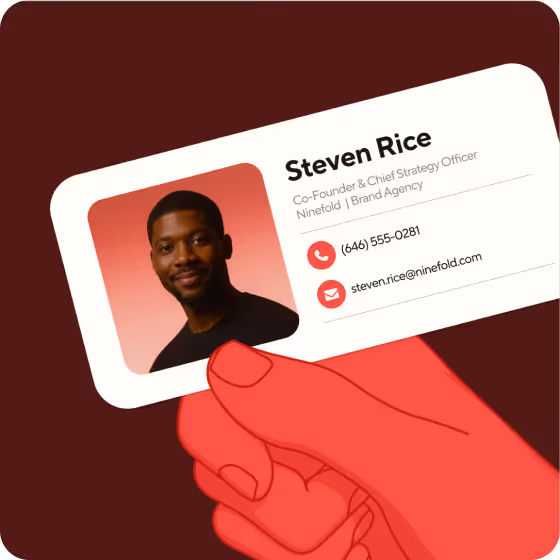
A good email signature needs your name, title, phone number, your active links, and a way for recipients to save your contact details. If you work for a company, add it. The right combination beyond those basics depends on your role and how your emails get read.
Most guides on what to put in an email signature stop at the element list. This one covers the contested calls too: whether to include your email address, how your signature holds up on phones and in dark mode, what changes for teams, and what to leave out entirely.
Key Takeaways (TL;DR)
- A great email signature usually has six items. Name, title, company, phone number, your active links, and a way for the reader to save your contact details. Beyond that, whether you include more will depend on your role.
- Include your email address. It looks redundant, but forwarded emails lose the ‘From’ field, and copying an address on a phone can be slow.
- What you leave out matters as much as what you include. Inspirational quotes, oversized images, and icon rows crowd the details people actually need.
- Phones are the real test. Apple and Gmail clients account for roughly nine in ten of email client opens tracked by Litmus. Design for a small screen first.
- Add a link that lets people save your details. Blinq's free email signature generator includes a one-tap save link so recipients can store your contact info on their phone.
What should you put in an email signature?
An email signature should include your name, title, company, phone number, your active links, and a link that lets recipients save your contact details. Those six cover most professionals. The decisions that split opinion are which contact details to include, whether to add a photo, and what belongs only when your job requires it. A few elements that nearly every guide lists belong nowhere near your signature, and those get their own section.
Your name, job title, and contact details
Your name, title, and company should go in every signature.
The first contested call is your email address. Some guides say drop it because it is redundant: the recipient already has it in the From field. Include it anyway. When your email gets forwarded, the new reader has no From header to copy from. On a phone, selecting an address buried in a forwarded chain is slow enough that most people give up and type it fresh. The redundancy argument holds only when every reply goes straight back to you, which rarely happens in client-facing roles.
The second call is the phone number. Include one: the number you actually answer. Two office lines may suggest you pick up neither.
Website and social links
Link your company website, and add only the profiles you keep active. For most professionals, that means LinkedIn and nothing else.
If you use icons next to your links, pair them with text labels. Some email clients strip images when they are turned off, and an icon with no text beside it tells the reader nothing. A link reading "LinkedIn" still works when the image fails to load. Keep the total to three links at most. Beyond that, a signature starts reading as a navigation bar rather than a contact block.
Photo, logo, and brand color
Signatures can include a photo, a logo, and brand colors. Outlook supports text, links, pictures, and images such as a logo; Gmail and Apple Mail do too. The question is whether those visuals hold up when dark mode is on.
Email clients handle dark mode in three ways, as Litmus documents: no change, partial color inversion, and full color inversion. A transparent PNG logo with dark text loses legibility in a full invert. Add a translucent outline to the PNG, or use a version with light text on a colored background.
Photo: optional and small. Use one brand color at most, and make sure you test both in dark mode.
A link that lets recipients save your details
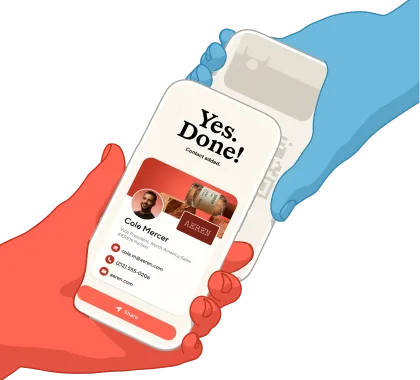
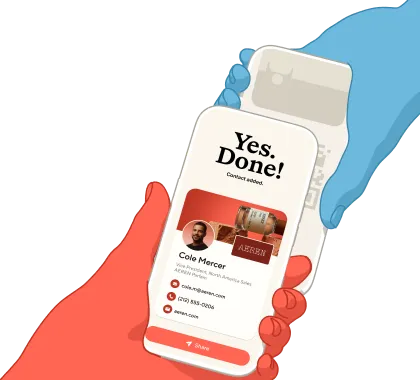
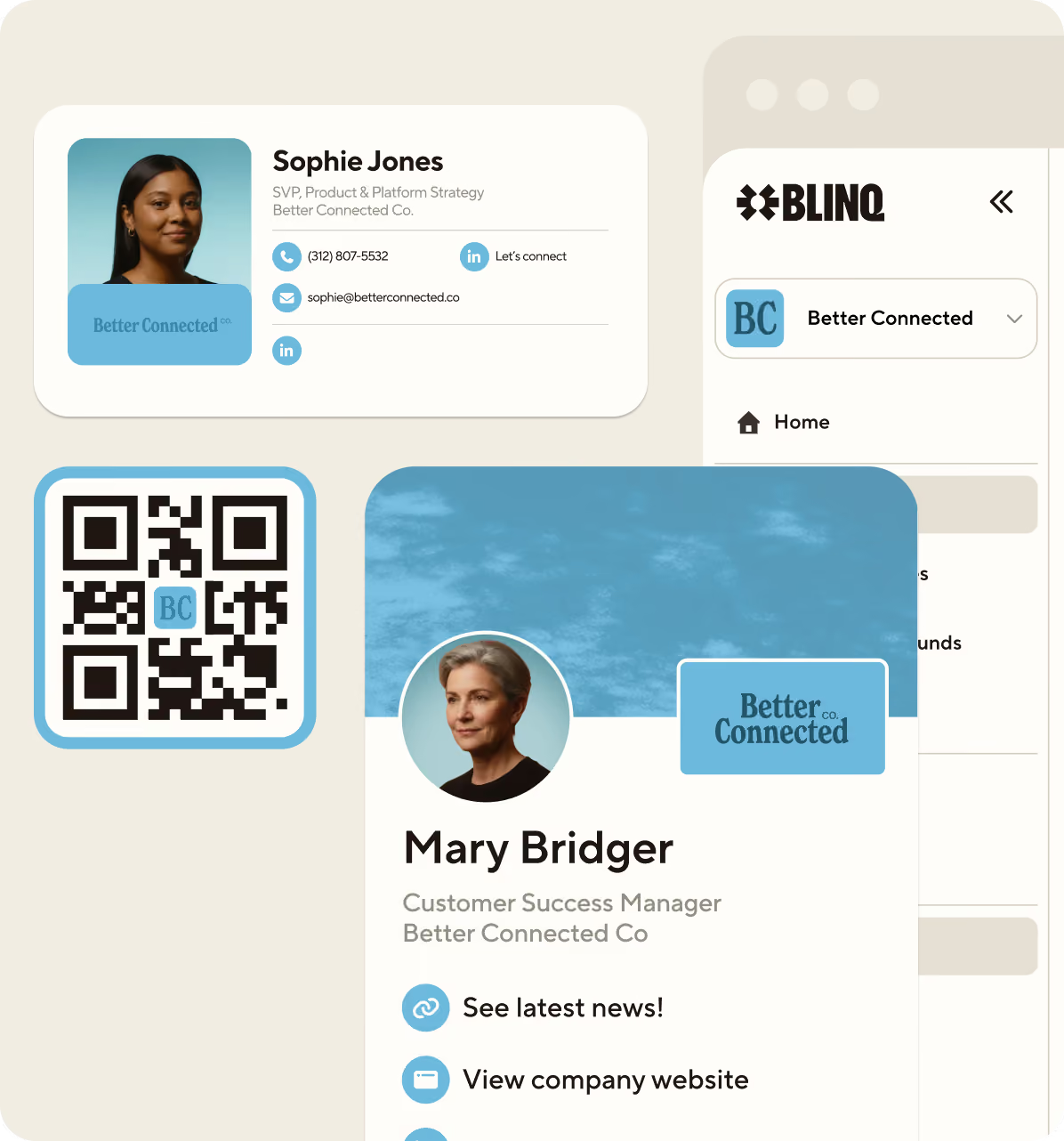
The most useful addition to a signature is a link that lets the reader save your contact details in one tap. Instead of copying your name and number by hand, they tap the link and your information goes straight into their phone contacts.
Blinq's free email signature generator builds this in. Recipients can save your contact details directly to their phone from any email you send. When you update your details in Blinq, every signature you send from then on carries the latest version.
Elements that depend on your job: pronouns, credentials, booking links, and disclaimers
Four elements are typically worth including only when your role calls for them.
Pronouns. Include pronouns if you want recipients to address you correctly. They are increasingly standard in professional email, still entirely optional, and placing them in the signature normalizes the practice without turning it into a conversation topic.
Credentials. MBA, CPA, RN, PE: include the credential when it does the selling in your field. A nurse's RN builds trust on sight; a marketer's MBA reads as padding.
Booking link. If your job runs on meetings (sales, recruiting, consulting), a scheduling link saves the back-and-forth. Include one link, not two.
Legal disclaimer. Include this when your industry or jurisdiction requires one. The legal FAQ below covers what is mandated and where.
The finer points of placement and tone are a question of professional email signature etiquette.
What should you leave out of an email signature?
The most common email signature mistakes are not missing elements but extra ones. Inspirational quotes, oversized images, icon rows, outdated contact details, vCard file attachments, and marketing banners all belong off the list.
Inspirational quotes are the item the guides agree on: they take space and contribute nothing a recipient uses. Stale details are worse. An old phone number or a title from two roles ago actively misleads.
Icon rows date quickly and fail when email clients strip images. A row of empty boxes with no fallback text says nothing about where to find you.
Dartmouth's communications office lists vCards, quotations, and logos among what not to include in a signature. The vCard file attachment is worth understanding: it arrives looking like an attachment in some clients, and the data inside is static the moment you send it (use a hosted contact link instead).
Marketing banners belong in campaigns, not personal signatures. A promotional graphic under every email trains your recipients to ignore everything below your name.
What should a team email signature include?
A company-wide email signature is the same element list with two additions and one subtraction: add a consistent logo treatment and identical ordering for everyone, and drop personal flourishes.
The problem is drift. Ten people editing signatures by hand produce ten versions within a month. Job titles go stale, logos appear in three sizes, and phone numbers point to lines nobody answers.
The fix is a shared template or a dedicated email signature manager. Blinq lets you manage all email signatures in one place, update them instantly, and set your team up in minutes. One change rolls out to every mailbox without asking each person to paste new HTML.
What makes a good email signature?
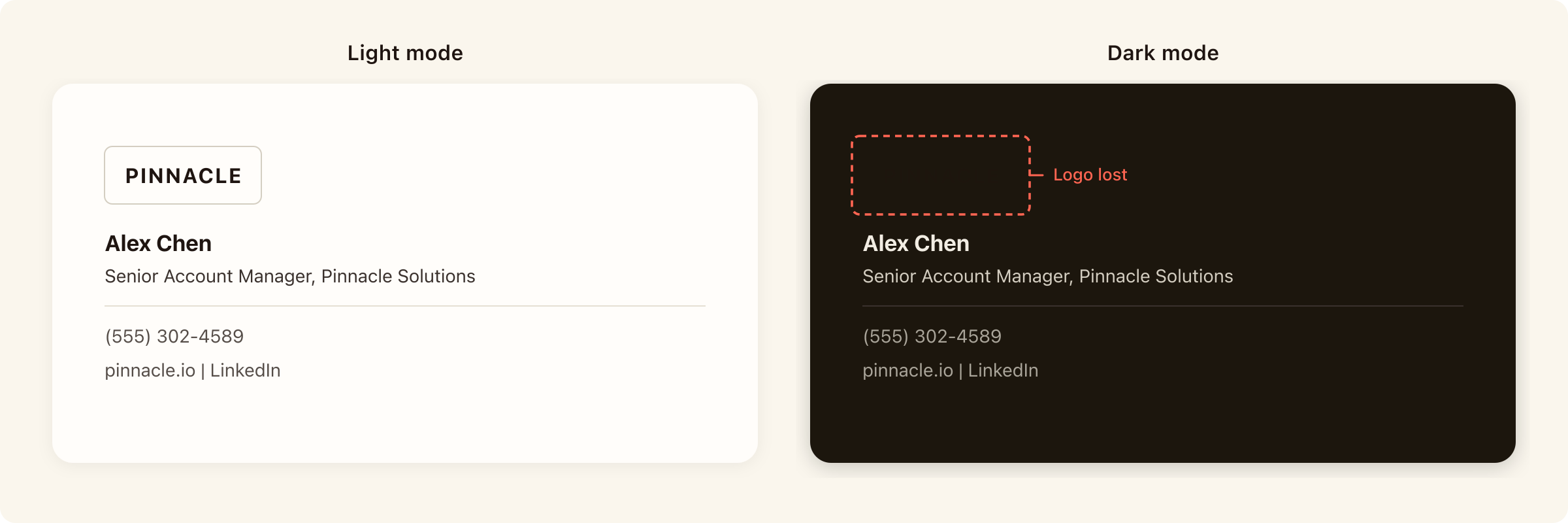
To make a good email signature, keep it short enough to scan, current enough to trust, and readable on a phone in dark mode.
- Four lines of text or fewer. Name and title, company, phone, links. If it runs longer, cut or combine.
- Renders on a phone. Apple and Gmail clients account for roughly nine in ten of email client opens tracked by Litmus, over 1 billion opens, July 2026. If yours breaks on a phone, most readers see it broken.
- Works in dark mode. Test a transparent logo in full inversion before you commit.
- Fits the limits. Gmail caps signatures at 10,000 characters, and images count toward that limit. Personal signatures rarely hit it, but team templates can.
The most common failure is none of those four, just a stale job title. Review it when your role or details change.
What order should an email signature go in?
An email signature should stack name and job title first, then company, phone number, one or two links, and a save-my-contact link. That order puts identity at the top and action at the bottom, which is how most people scan a signature on a phone.
Credentials, pronouns, or a booking link slot in under your name and title if they apply.
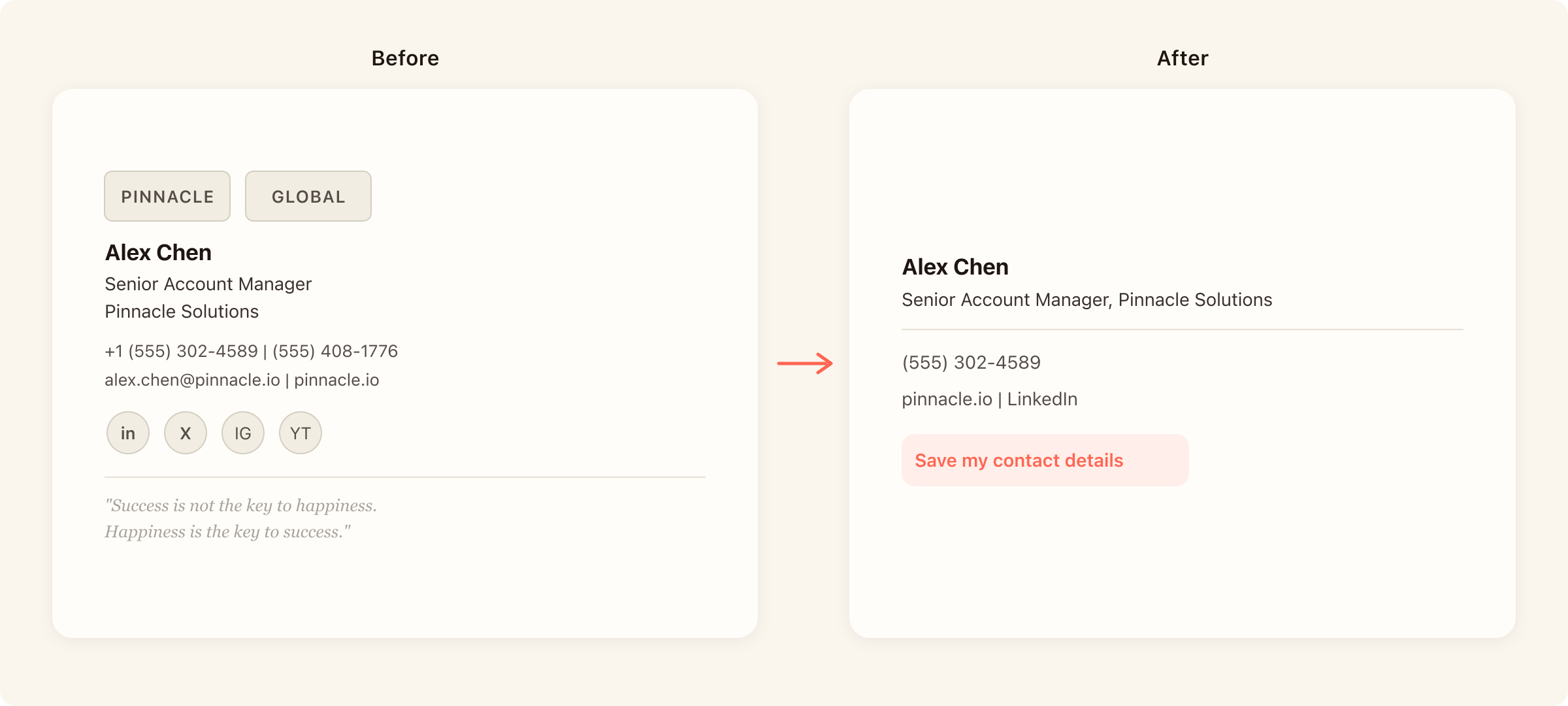
The before version carries two logos, an inspirational quote, a row of social icons, two phone numbers, and six lines of text. The rebuild drops the quote and the icon row, picks one phone number, replaces the social icons with a single text link, and lands on four lines.
What changed: everything that failed the tests in the previous section got cut, and the surviving elements follow a visual hierarchy from identity (name) to action (save link).
More worked examples, including team and sales variants, are in the email signature examples post.
Build your signature in minutes
You have the checklist and the order. Build it once in Blinq's free email signature generator, and then add it to Gmail, Outlook, or whatever email platform you use.
FAQs
What should a student put in an email signature?
Name, degree program and expected graduation year, university, one contact method (your .edu email or a personal address you will keep after graduating), and LinkedIn if you keep it current. Skip job titles you do not hold yet. A student signature can be two lines; it does not need to look like a sales rep's.
What should a personal email signature include?
Name, one contact route, one link if you have a personal site or portfolio, and a way to save your details. A personal email signature can be a single line. You are not representing a company, so drop the title and the logo.
What legally needs to be in an email signature?
Requirements vary by country and industry. In the UK, registered companies must display the registered company name on business correspondence, and include registration particulars (place of registration, registered number, registered office) on business letters, order forms, and websites. The regulations apply to documents in electronic form, which is generally understood to include business email (SI 2015/17, regs 24, 25, 29(c)).
Check what applies to your company and industry. Regulated industries often layer their own disclosure rules on top.
Do replies need a full email signature?
Not necessarily. You can either use your full signature, or use a short reply signature (name, title, phone) after the first message in a thread. Gmail and Outlook both support a separate reply signature in their settings. Save the full version for first contact and external emails.
What does v/r mean in an email signature?
V/r stands for very respectfully, a closing used in US military and formal correspondence. It is placed above the signature block, not inside it.