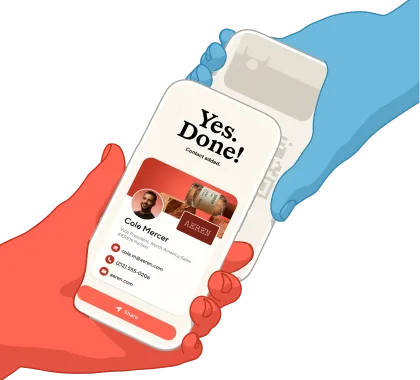
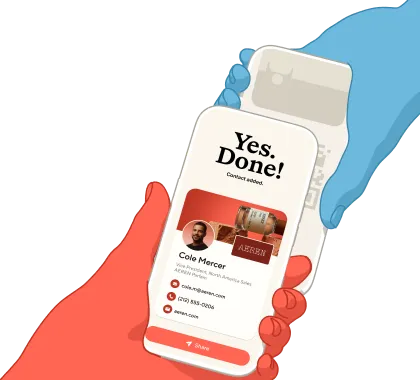
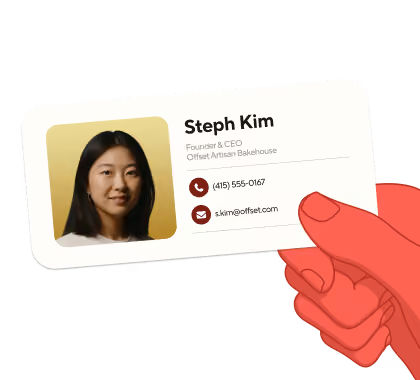
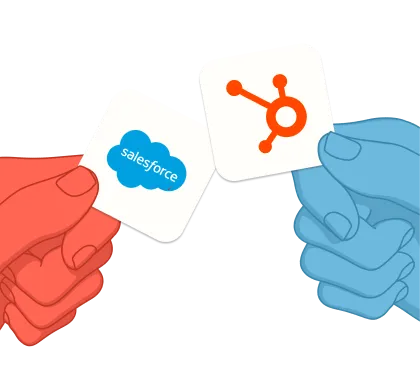
Blinq connects to your CRM, identity provider, AI tools, and thousands of apps so every new contact with context is exactly where it needs to be.










Blinq natively syncs with whatever CRM you use, in exactly the way you need it. Every contact syncs in real time, with no more post-event data cleanup or lost leads.
The context behind every contact makes it into your CRM, not just their name and email. Notes, tags, qualifiers, and meeting details all sync automatically, the moment you meet.
No two CRMs are set up the same. Just map Blinq fields to the custom objects, picklists and required fields in your CRM and see it all flow in perfectly, every time.
.avif)
Need help? We'll pair you with a specialist to get you set up.
Use Zapier to create custom workflows with 6,000+ apps. Slack notifications for new leads. Calendar reminders for follow-ups. And tasks in your project management tool. 6,000+ more possibilities.
Explore integrations on Zapier →Blinq helps you automate enterprise-ready admin, for less IT work and more control.


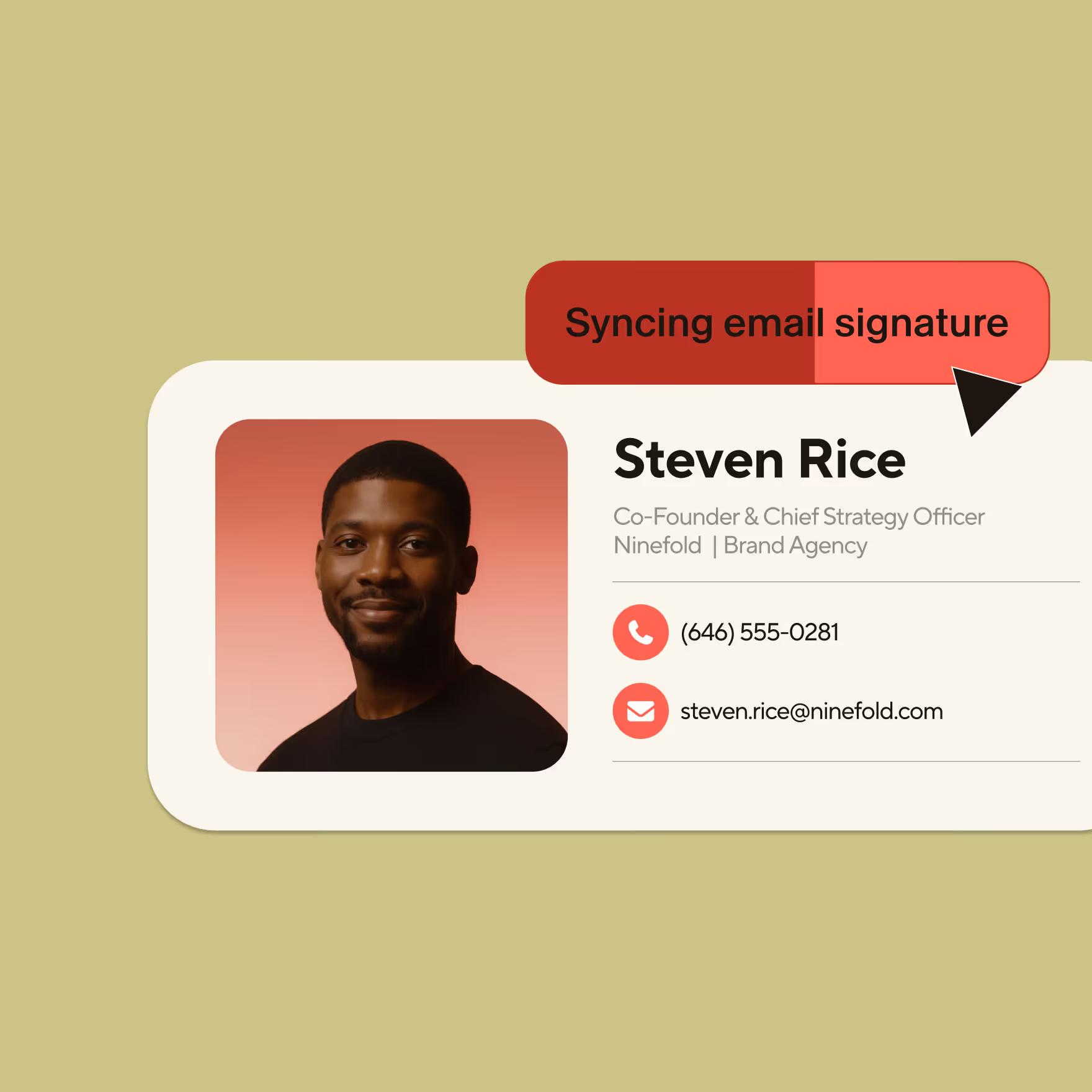


Search your contacts, conversations, and notes straight from Claude, ChatGPT, Grok, Microsoft Copilot, or any AI tool you already use. No more exporting, copy-pasting, or switching tabs.




Blinq meets your security standards without compromise.
Sync contacts, leads, campaigns, and meeting context directly into Salesforce. Full visibility from capture to close.
Pull your Blinq network into Grok and get responses grounded in your contacts and their context.
Bring your Blinq contacts into ChatGPT to surface the right person and context on demand.
Flow contacts, campaigns, and context into HubSpot automatically. Track event performance without manual entry.
Connect Blinq contacts and notes to Claude and ask, enrich, and act without leaving the chat.
Push contacts, leads, and campaign data into Dynamics 365 Sales with native sync.
Access Blinq contacts and meeting context inside Copilot, without ever having to leave your Microsoft 365.
Sync contacts and deal context into Pipedrive. Keep your pipeline current without the admin.
Flow contacts, campaigns, and context into Zoho CRM. Capture once, use everywhere.
Send contacts and event context natively into GoHighLevel. New leads land directly in your pipeline.
Automate user provisioning directly from your identity source of truth. Enable secure SSO for streamlined access.
Enable secure SSO through your existing identity provider. Simplify access management with centralized authentication.
Auto-provision users from your directory and manage branded email signatures across Gmail from one central place.
Sync Blinq contacts directly into Outlook to keep your address book current across your organization.
Connect Blinq to 6,000+ apps. Build custom workflows beyond CRM.
Sync contacts, leads, campaigns, and meeting context directly into Salesforce. Full visibility from capture to close.
Flow contacts, campaigns, and context into HubSpot automatically. Track event performance without manual entry.
Push contacts, leads, and campaign data into Dynamics 365 Sales with native sync.
Sync contacts and deal context into Pipedrive. Keep your pipeline current without the admin.
Flow contacts, campaigns, and context into Zoho CRM. Capture once, use everywhere.
Send contacts and event context natively into GoHighLevel. New leads land directly in your pipeline.
Connect Blinq to 5,000+ apps. Build custom workflows beyond CRM.
Automate user provisioning directly from your identity source of truth. Enable secure SSO for streamlined access.
Enable secure SSO through your existing identity provider. Simplify access management with centralized authentication.
Auto-provision users from your directory and manage branded email signatures across Gmail from one central place.
Sync Blinq contacts directly into Outlook to keep your address book current across your organization.
Connect Blinq to 6,000+ apps. Build custom workflows beyond CRM.
Connect Blinq contacts and notes to Claude and ask, enrich, and act without leaving the chat.
Bring your Blinq contacts into ChatGPT to surface the right person and context on demand.
Access Blinq contacts and meeting context inside Copilot, without ever having to leave your Microsoft 365.
Pull your Blinq network into Grok and get responses grounded in your contacts and their context.
Blinq integrations connect your in-person conversations with the rest of your tech stack, automatically. From CRMs like Salesforce and HubSpot to identity providers like Okta and Active Directory, our integrations ensure every contact and conversation flows into your system. No manual uploads. No lost context.
Most integrations take just a few clicks. Navigate to Dashboard > Settings > Integrations, connect your CRM, map your fields, and start syncing. Your team can capture leads at events and see them in Salesforce before they leave the venue.
Blinq natively integrates with Salesforce, HubSpot, Dynamics 365 Sales, Pipedrive, Zoho, and GoHighLevel. For all other tools or to create more bespoke workflows, connect through our Zapier integration to access 6,000+ apps.
Yes. Blinq is SOC 2 Type II certified and GDPR compliant. All data is encrypted end-to-end. Whether you're syncing leads to a CRM or connecting via SSO, security is built into every connection.
Use Blinq’s Zapier integration to connect to 6,000+ apps. If you need a native integration we don't have yet, contact us. We're actively building new integrations based on customer needs.
Absolutely. Contact us at support@blinq.me and we'll set you up with an Onboarding Specialist.
Blinq MCP works with Claude, Grok, ChatGPT, Microsoft Copilot, and any other AI tool that supports MCP. Connect once and ask about your contacts, conversations, and notes from wherever you already work.
Every introduction your team makes is a chance to grow. Blinq makes sure those chances go somewhere.

.avif)