
The AI Notetaker that turns handshakes into relationships

Blinq captures your conversations, transcribes them, and creates an AI summary linked to who you met. So your follow-up picks up right where you left off, and every conversation adds to the last.

Try it free
4.9/5
on 200k reviews

Loved by 4M professionals and users at 93% of the Fortune 500

MLB logoHubspot logoGoogle logoNike logoCanva logoDeloitte logoGong logoCartier logoAnthropic logoGoldman Sachs logoSalesforce logoTesla logoStripe logoPhilips logoStanford University logoPepsiCo logo
MLB logoHubspot logoGoogle logoNike logoCanva logoDeloitte logoGong logoCartier logoOpenAI logoGoldman Sachs logoSalesforce logoTesla logoStripe logoPhilips logoStanford University logoPepsiCo logo

The biggest opportunities don't happen at your desk.

They happen over coffee, at site visits, in the hallway at the conference, and they're usually half-forgotten by the time you're back at your laptop.

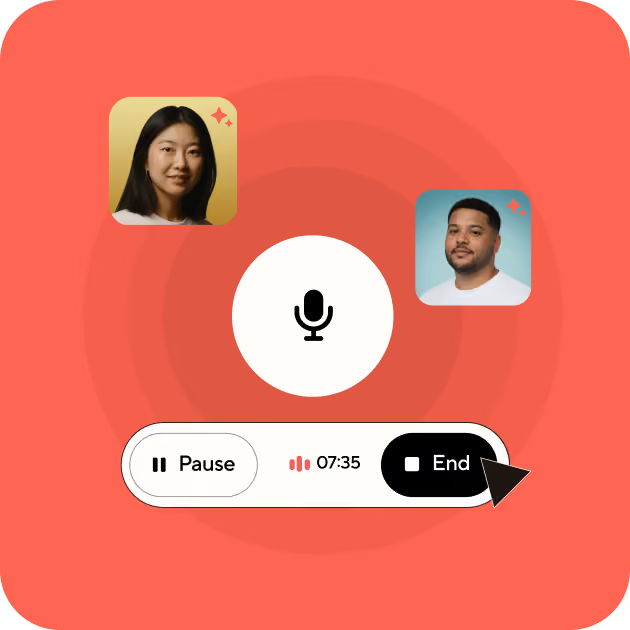
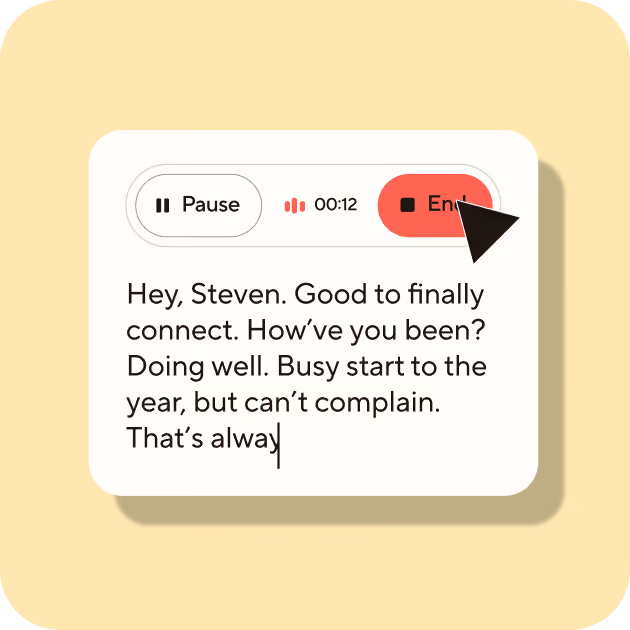
Record a live conversation with Blinq's AI Notetaker, so you can stay present, knowing every detail is captured. Or take a voice note of what you discussed, the moment you say goodbye.

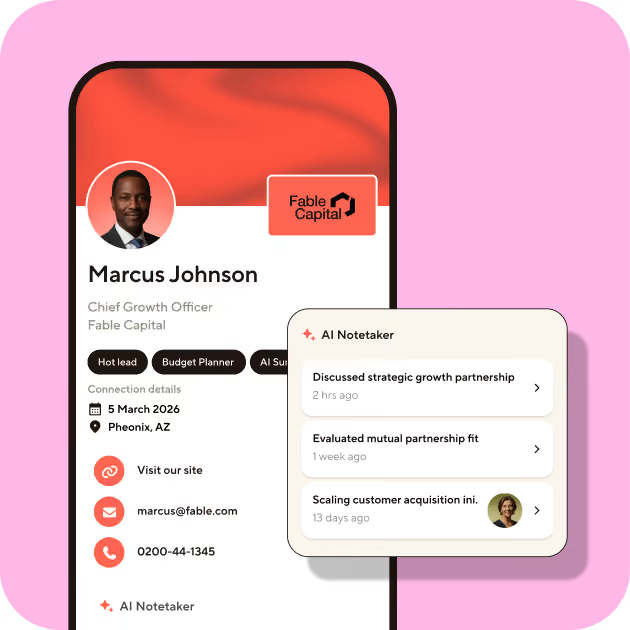
Your notes link to who you met, building a relationship history that grows over time.

Professionals having an informal conversation over drinks - the kind of relationship-building moment Blinq's AI Notetaker is designed to capture

How it works

Hand holding a smartphone scanning an event badge using Blinq's Smart Capture feature for instant lead capture.

Start in a tap

Record a conversation using the Blinq app on your phone or smartwatch. Or, capture a voice note afterward, while the details are fresh.
Blinq event lead capture app New Contact screen with AI-enriched fields automatically filling in email and LinkedIn URL.

Never miss a detail

Blinq's AI Notetaker transcribes your conversations and generates a summary using the latest AI models. So you stay focused on the conversation, instead of scribbling down notes.

Blinq lead retrieval screen showing AI-generated meeting notes and lead qualification tags: Sales, Founder, and Warm lead.

Contacts with context

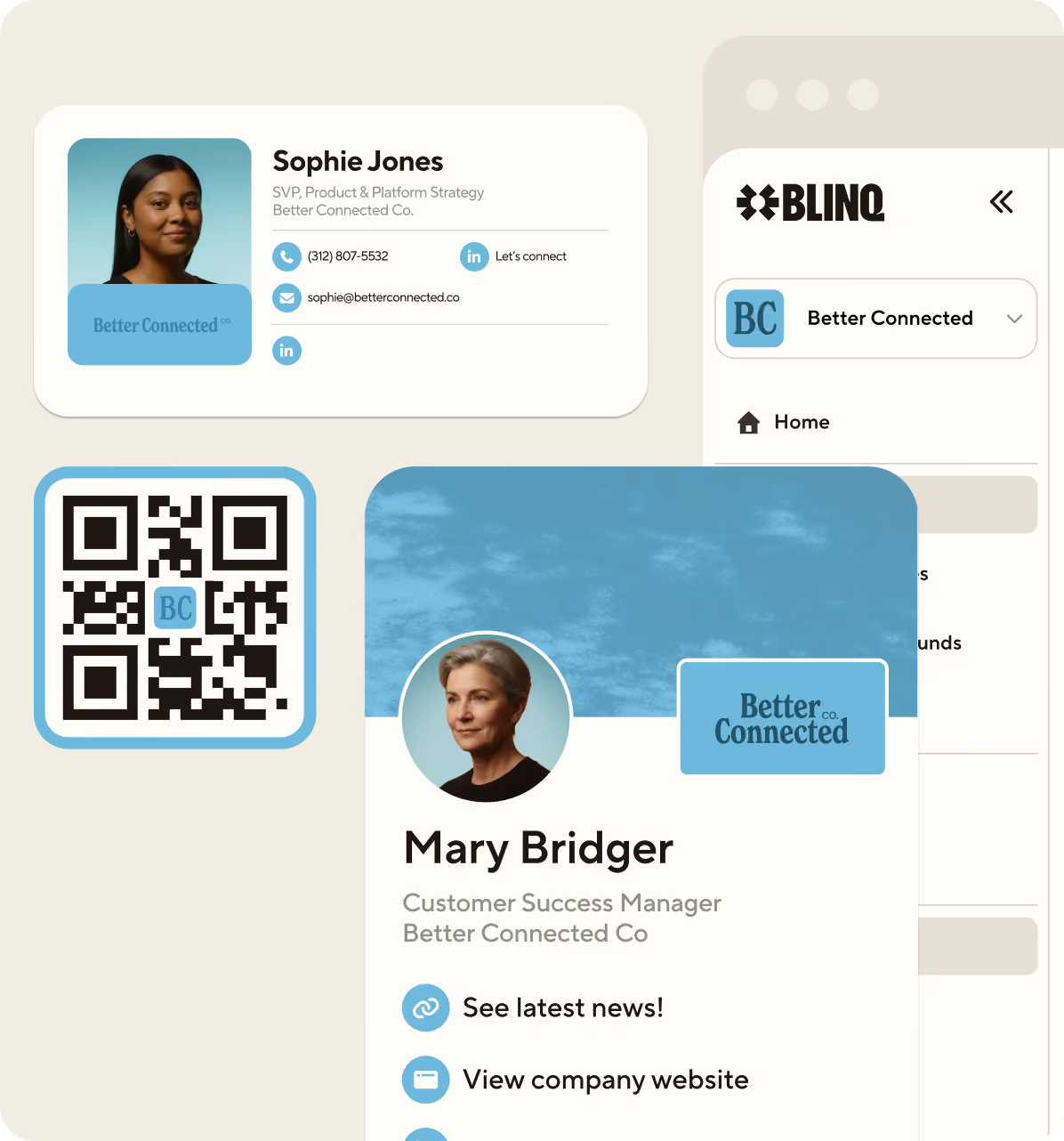
Swap Blinq cards while recording, and your new contact will automatically link to that note. Or, link a contact manually. Every linked note builds a relationship history on your contact.

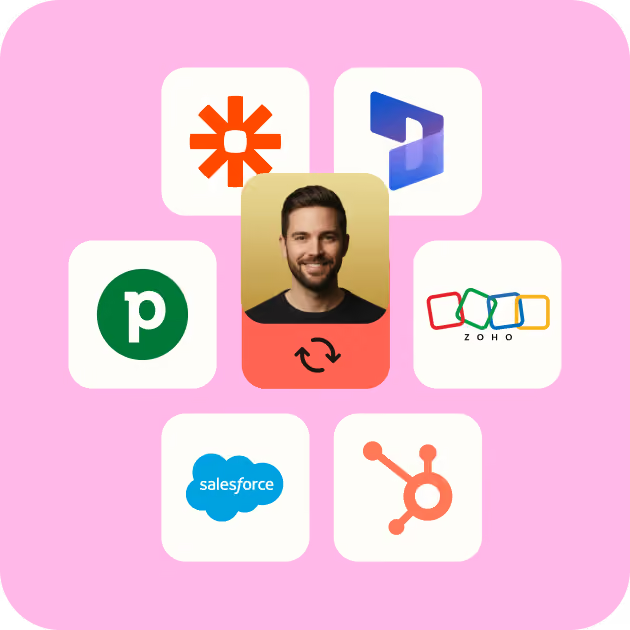
Blinq syncing a captured event lead directly to CRM platforms including HubSpot, Salesforce, Zoho, and Pipedrive.

Share with a link

Easily share your AI notes with who you met, or your team. They can view them in any web browser: no app needed.

Capture notes,

however you meet

Using the Blinq app

Record from your phone, even if you’re offline or have spotty Wi-Fi. On-device mics with noise isolation keep every voice clear.

iPhone showing Blinq AI Notetaker recording screen with microphone and on-device noise isolation controls
Apple Watch Ultra displaying Blinq AI Notetaker recording in progress for hands-free note-taking

Hands-free, with smartwatch

Take notes from your wrist with Apple Watch or Wear OS.

Pair with Bluetooth mic

Notetaker works with any Bluetooth mic, for improved recording in noisy environments.
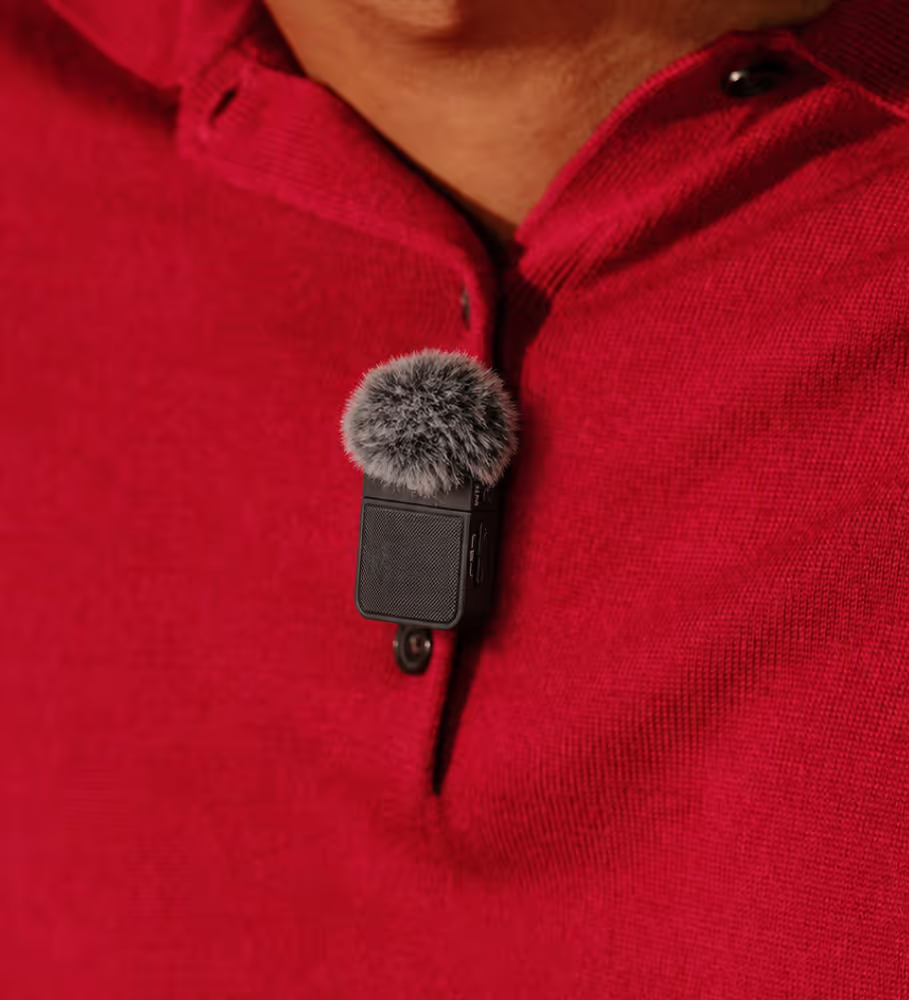
Bluetooth lapel microphone clipped to clothing for clearer AI Notetaker recordings in noisy environments
Hand holding smartphone with Blinq AI Notetaker active during a phone call, generating a summary in real time

Phone calls

Call anyone using AI Notetaker, and the summary lands as soon as you hang up.

Built for people who
make their own luck

For event marketers

Every booth conversation, expo demo, and post-event call links to the lead, syncing to your CRM in seconds.

For sales
teams

Every prospect meeting, booth chatclient call links to the contact, syncing to your CRM in seconds.

For
networkers

Every coffee, industry meetup, and conference chat links to the contact, ready to make sure there's a meeting two.

For real estate agents

Walk-throughs, open houses, and showings. Notes by the time you're back in the car.

For founders

Every coffee chat, investor pitch, and partnership call links to the contact, ready for the next intro or ask.

For small business owners

Every on-site visit, customer call, or supplier chat links to the contact, ready to send the quote or schedule the job.
Pairs with Event Lead Capture

Every conversation, on the right contact in your CRM

At a busy event, reps can have dozens of conversations. Notes scribbled on the back of a business card or typed in a spreadsheet can take weeks to enter your CRM (if they make it at all).

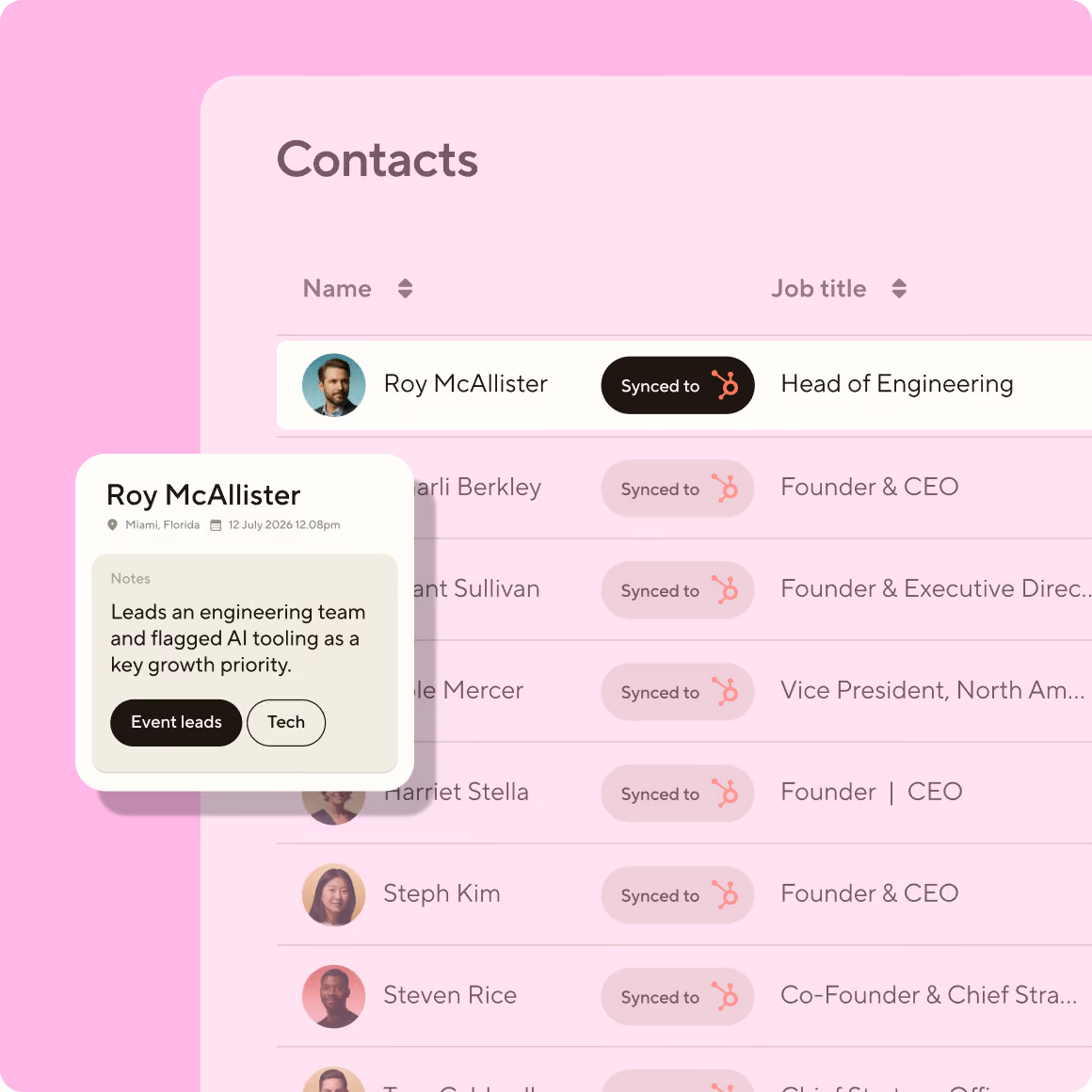
Using Blinq’s AI Notetaker, your team can record live conversations with leads, or take voice notes after a conversation ends. All the important details, key points and next steps are captured: instantly syncing to the right contact in your CRM, ready for follow-up. So reps stay focused on selling, not admin.
Blinq AI Notetaker syncing event conversation notes to a CRM contacts list with AI-generated qualification tags
AI Notetaker currently integrates with

Trust built into every note

AI notetaking requires trust. Here's how Blinq earns it.

Blinq will never train on your conversations

Your audio, transcripts, and summaries are never used to train AI models: not by us, and not by any AI provider we work with. We will never sell your data.

You're in control of your notes

Your recordings and transcripts belong to you, not us. You can delete individual notes, or request deletion of all your data at any time

Built to Enterprise standards

Your notes are encrypted, both while they process and while they're stored (TLS 1.2+ and AES-256), and kept secure on Google Cloud. Blinq is SOC 2 Type II certified and meets GDPR and Australian Privacy Act requirements. Teams can turn on single sign-on (SSO), set up additional access controls, and enter into Data Processing Agreements (DPAs) on request.

Frequently asked questions

Is AI Notetaker a bot that joins my video meetings?

No, AI Notetaker doesn't use meeting bots. It captures conversations through your phone's mic, which works for any chat. For a video call, play the audio out loud on a nearby device and start a note as you would for any conversation.

Can I capture a note without an internet connection?

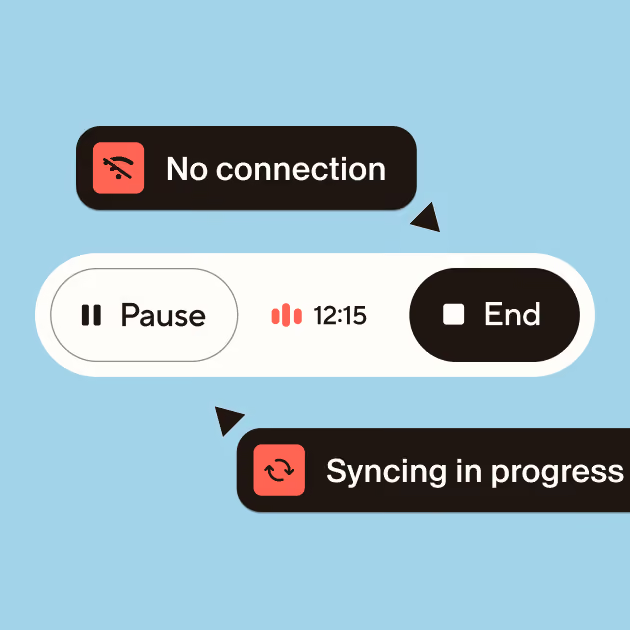
Yes. You can capture the audio offline, and the transcript and summary will be generated once you're back online.

Is there a limit on how long a note can be?

A single note can be up to 8 hours, with no limit on how many you can take.

Which devices does AI Notetaker work on?

You can use AI Notetaker on iPhone, Android, Apple Watch, Wear OS, and with a paired Bluetooth mic.

What languages does AI Notetaker support?

AI Notetaker supports 99 languages, including English, Spanish, French, German, Italian, Portuguese and more, with auto-detection.

Can AI Notetaker tell who's speaking?

If a speaker is identified by name during the meeting, AI Notetaker will use this name throughout the transcript and AI summary. Otherwise, speakers are labeled “Speaker A”, “Speaker B”, etc.

Do I have to tell people they're being recorded?

Yes. You are responsible for getting consent from anyone you speak with while capturing a Notetaker Note. A clear, friendly heads-up sets the tone for everything that follows, and in many places, it's also the law. You can simply say something like, "I want to make sure I remember the details of this. Mind if I record our chat using Blinq AI Notetaker?”

**If I link a contact to a note, can the other person see it?**

No. Linking a contact to a note doesn't share the note with them.

Your note stays private and only visible to you, unless you share a link to the note to the other person.

No one else can view your note just because you linked their contact—sharing only happens if you send them a note link.

Do you train AI models on my data?

No. Your audio and transcripts aren't used to train AI models, and no AI provider we work with can use them to train theirs.

Full security details and our live Trust Report → blinq.me/security

Is AI Notetaker free, or do I need a paid plan?

Right now, AI Notetaker is free on any Blinq plan. CRM sync, team admin, and workspace controls for IT come with Blinq Business. See our Pricing page for the full breakdown.

Can I turn off AI Notetaker for my team or business?

Yes, admins can enable or disable Blinq's AI Notetaker across the workspace from their admin dashboard.

Your memory for every person you meet.

Capture your conversations and link them to who you met. Blinq's AI Notetaker is the best way to turn conversations into relationships.