Blinq vs HiHello

HiHello and Blinq both make a clean digital business card. The difference is whether your team actually uses it, and whether it stays on-brand when they do.

Blinq's one-tap sharing, no-app contact saves, richer CRM syncs, and locked templates remove every reason not to. It's why we're rated #1 Easiest to Use on G2 and #1 for Digital Business Cards and Lead Retrieval overall.

Book a demo

Quick comparison

A line-by-line breakdown of where each one wins and where they fall short.
Blinq
HiHello
Digital Business Cards
Blinq
HiHello
Share & save experience
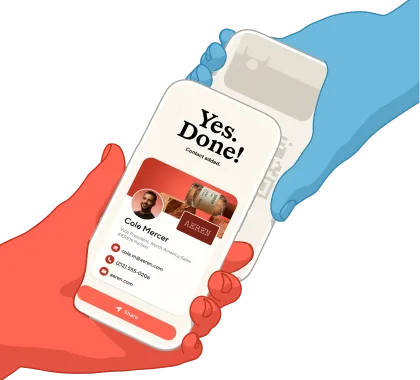
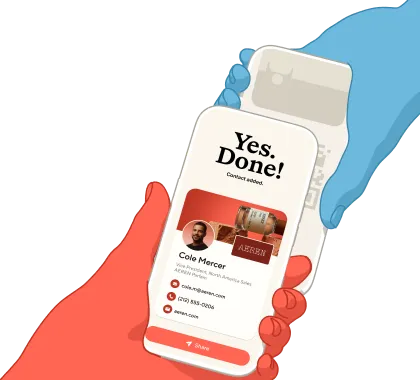
One tap from locked phone; recipient saves with no setup needed
Standard web-link flow, no in-moment save button
Brand-locked card templates (logo, colors, fonts)
Yes
Yes
Automated card provisioning
Yes
Yes
Virtual backgrounds
Yes (branded backdrop with an embedded QR code linking back to the rep's card)
Yes
Purpose-built native for iOS & Android
Yes
Single cross-platform build
Automatic offline scanning
Yes
No
Ease of use
Rated #1 on G2
No
First-party NFC cards
Yes (PVC, metal, wood)
No
Custom-branded NFC cards
Yes
No
Full design control of email signatures
Yes (colors, banner, save-contact button)
Pre-set templates only
G2 reviews
4.8/5 (8,800+ reviews) Rated #1 in Digital Business Card
4.6/5 (863 reviews)
Event Lead Capture
Blinq
HiHello
Universal badge + card + QR scanner
Yes
Yes
AI lead enrichment
Yes (verified email, phone, 95%+ accuracy)
Basic contact enrichment
Custom fields & lead forms
Yes
Yes
Contacts save rate when you share
~98%
Standard web-link flow
Offline capture
Automatic (detects bad signal and switches itself)
Manual and partial
Add & update contacts offline
Yes
No
G2 reviews
4.8/5 (8,800+ reviews), #1 Easiest to Use
4.6/5 (863 reviews)
AI Notetaker
Blinq
HiHello
In-person conversation recording
Yes (only tool in the category)
No
AI transcript, summary, & next steps
Yes
No
Conversation notes synced to CRM
Yes
No
CRM Integrations
Blinq
HiHello
Native CRM integrations
Salesforce, HubSpot, Microsoft Dynamics, Marketo
Salesforce, HubSpot, Microsoft Dynamics
Backed by HubSpot Ventures
Yes (deepest HubSpot sync in the category)
No
Meeting auto-logged on the contact
Yes
No
Admin & Security
Blinq
HiHello
SSO + SCIM
Yes
Yes
SOC 2 Type 2 + GDPR
Yes
Yes
Pricing
Blinq
HiHello
Free trial
30 days (Business), 7 days (Premium)
None
Team price
$4.99/user/month
$5/user/month, billed annually
Book a demo with Blinq

Loved by 4M professionals and users at 93% of the Fortune 500
MLB logoHubspot logoGoogle logoNike logoCanva logoDeloitte logoGong logoCartier logoAnthropic logoGoldman Sachs logoSalesforce logoTesla logoStripe logoPhilips logoStanford University logoPepsiCo logo

Where Blinq comes
out on top
Brand control that holds at scale

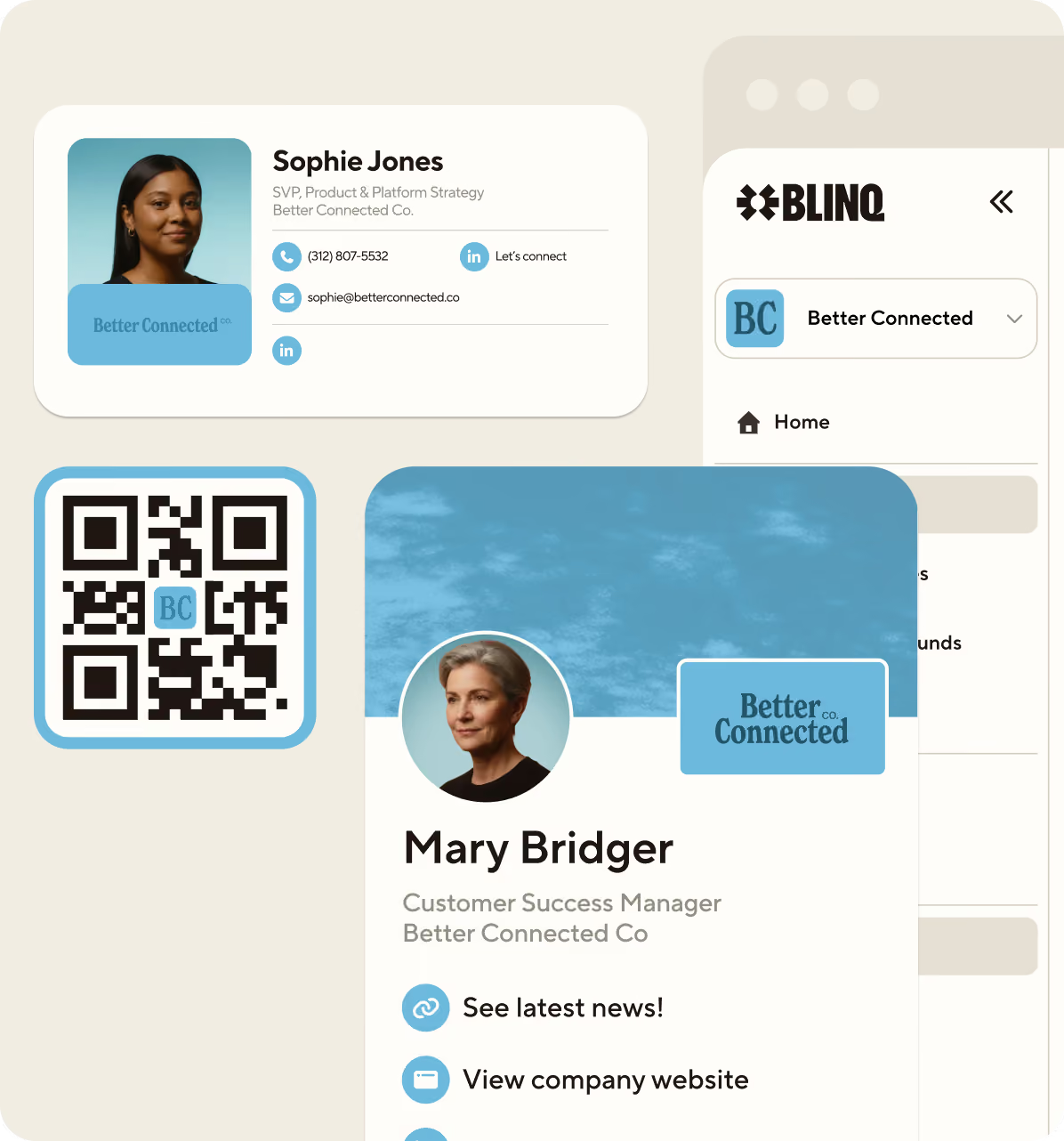
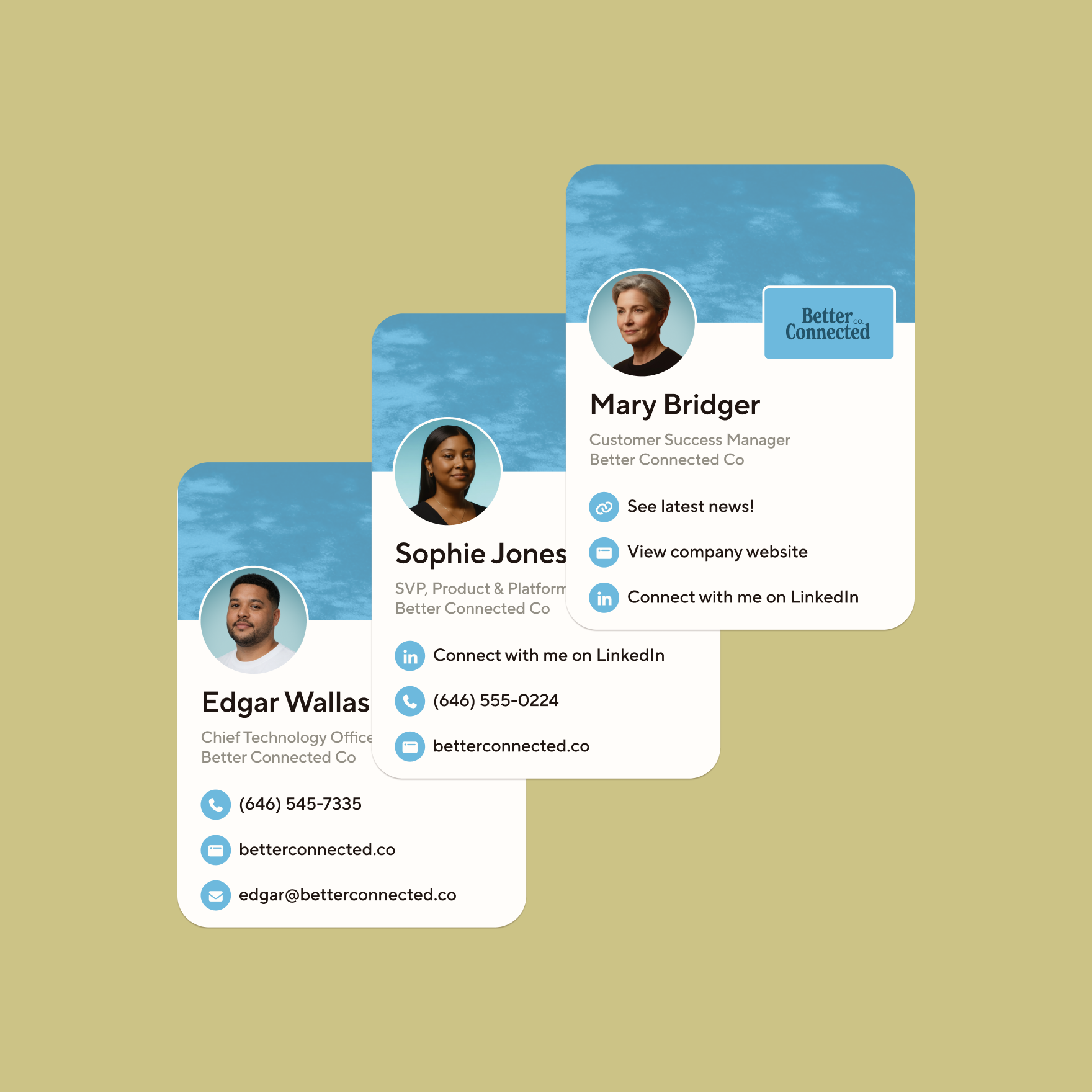
Every card a rep shares is your brand in someone else's hands. Blinq's design templates keep your team polished and on-brand.

Lock logos, colors, fonts, layout, and any fields you don't want reps to touch. Update the template once and every card syncs instantly. Same with email signatures: change it in Blinq and it updates in the rep's inbox, nothing to re-paste.

Rollout doesn't fall on marketing either. Blinq connects to your identity provider via SSO and SCIM, so new hires start with a pre-set card and departing reps are off-boarded in a click.

"It's clean, intuitive, and helps our team present a polished, professional presence wherever we go, whether at expos, government meetings, or investor summits."
Glomani B., Founder & CEO

A tool your team will love (rated #1 for ease of use on G2)

Nobody likes adding a new tool to their workflow, which is why Blinq's card sharing experience is built to disappear into the moment.

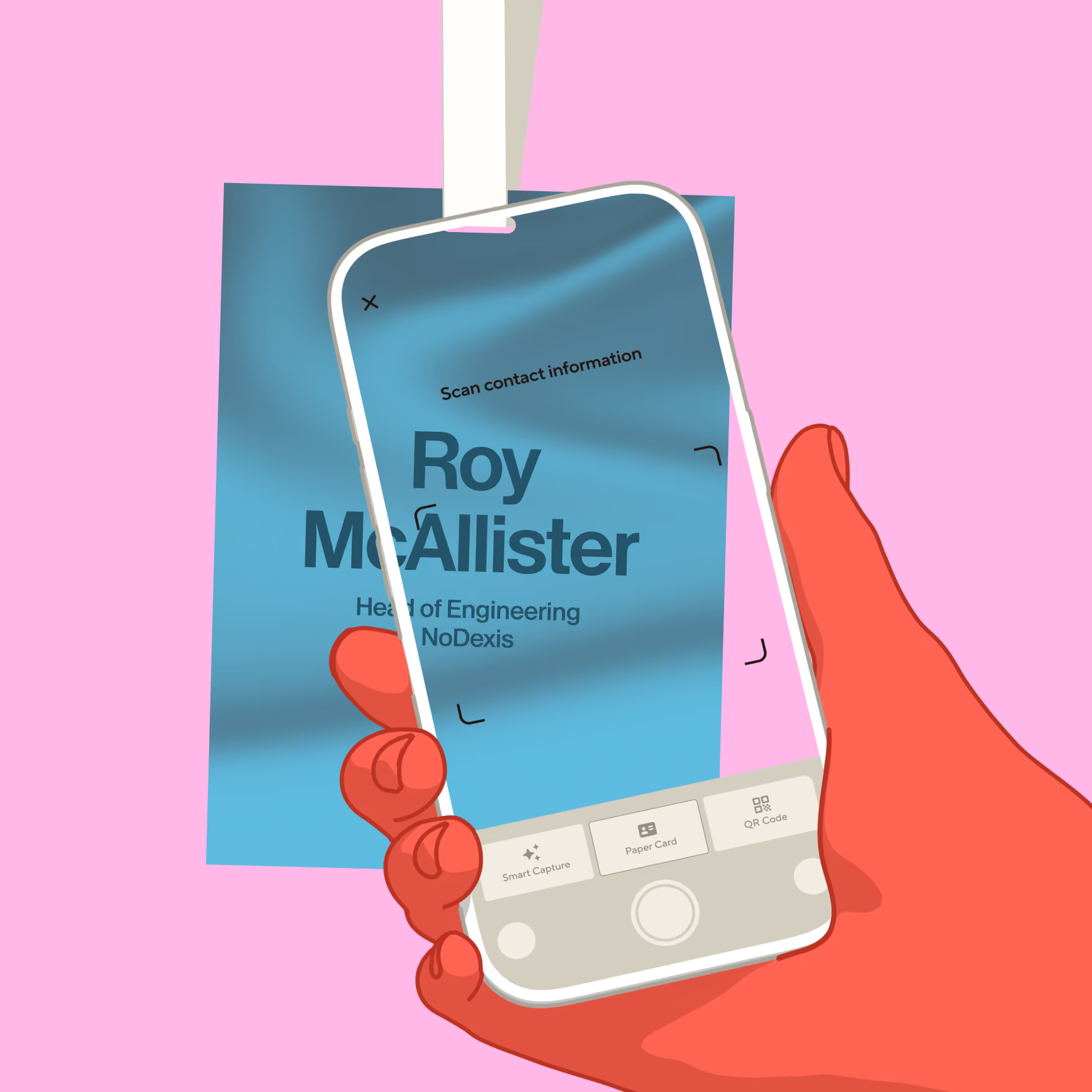
Your QR code sits on the home screen, one tap from a locked phone, and an App Clip lets people save your details without setting anything up. Capturing contacts is just as fast. Point Blinq's scanner at a badge or paper card and the contact lands in your app instantly. HiHello makes you frame the card, take a photo, review it, and submit. If the shot's blurry you won't know until processing fails, and the lead's long gone.

That's why Blinq is ranked #1 Easiest to Use for both Digital Business Cards and Event Lead Capture on G2.
“We have a team member who often needs additional training and support when we implement new technology. After 15 minutes of training and his first event he said Blinq is the easiest lead capture tool he's used yet.”
Hunter Van Dyke, Demand Generation Manager at Timescapes

Native CRM integrations that go deep

Blinq has native, two-way integrations with Salesforce, HubSpot, Microsoft Dynamics, and Marketo. On HubSpot especially, we’re backed by HubSpot Ventures and have the deepest connection in the category. Blinq logs each interaction, assigns the right owner, and builds your event campaign list, so the contact lands in your CRM enriched and ready to work.

"The CRM/contact sync is seamless, which makes networking efficient and eliminates manual follow-ups."
Nabin P.

Capture more than the contact details

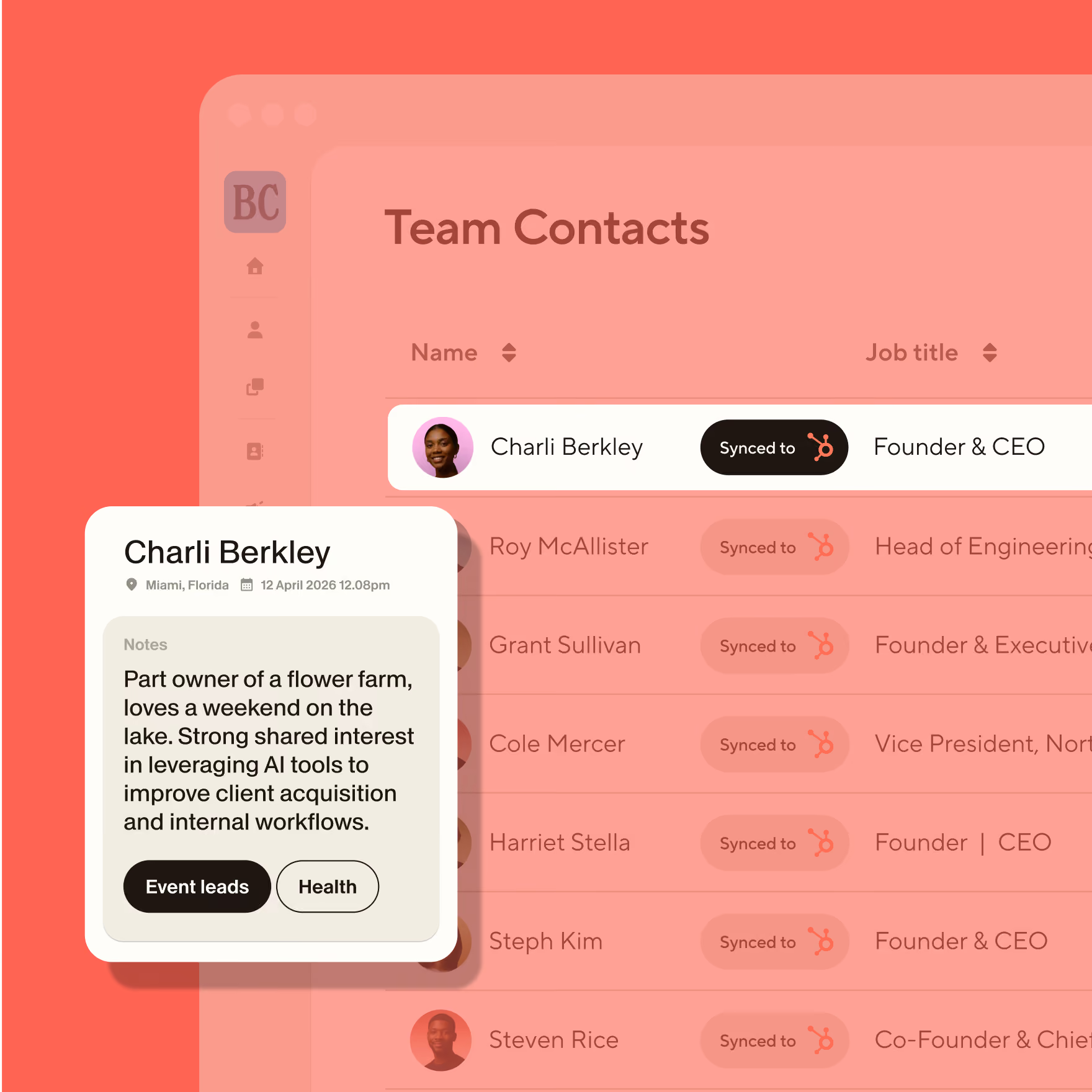
Blinq enriches the moment a contact is created. Our AI Enrichment fills in their verified email, phone, company, and LinkedIn at 95%+ accuracy through a data waterfall. HiHello enrichment is manual: open a contact, tap Enrich, and it only works when the scan captures a company name or work email.

Blinq keeps going where HiHello stops. AI Notetaker turns booth conversations into a summary and next steps, everything landing in your CRM. Your team follows up like they just stepped off the floor. Every AI layer can also be turned off, however you work best.
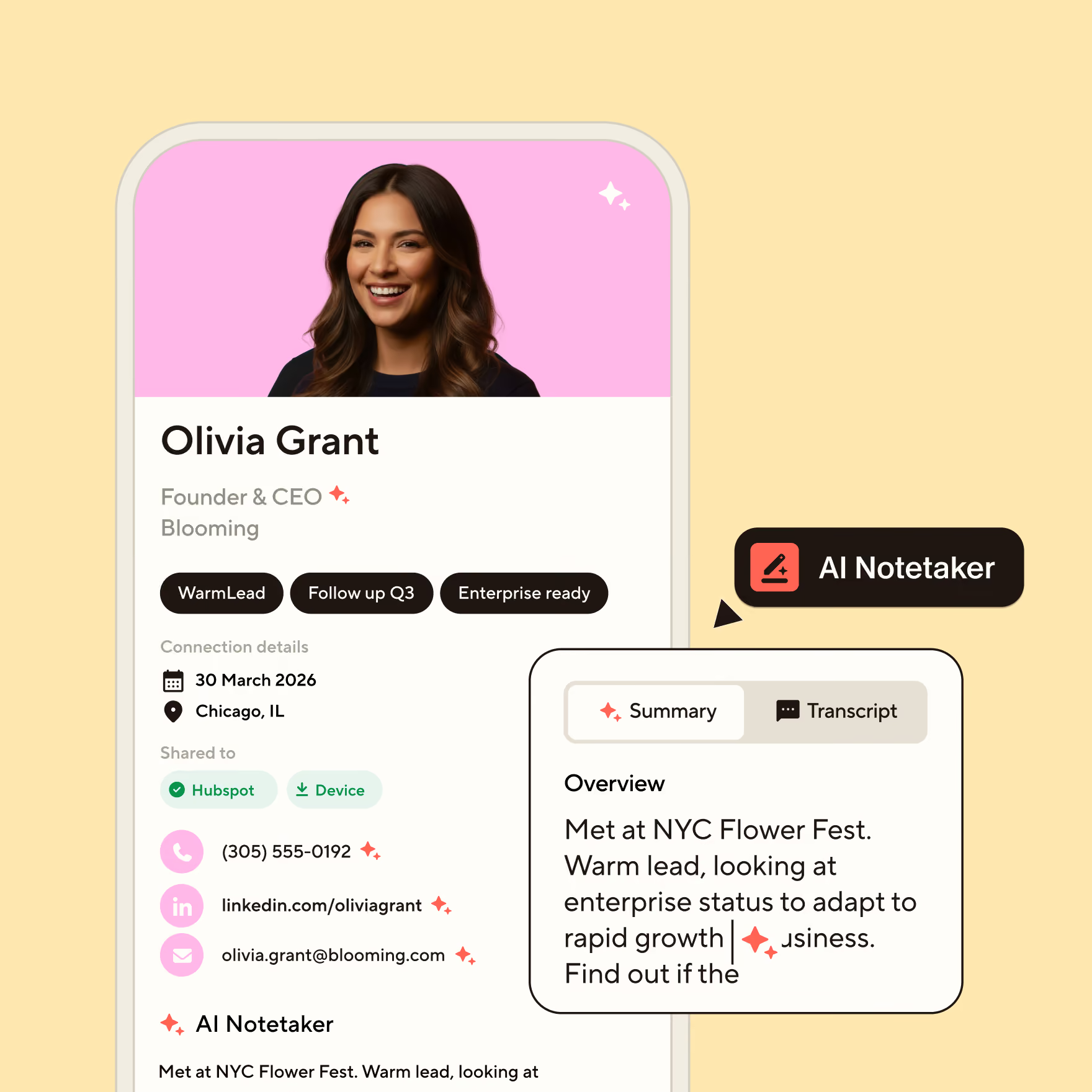
"Knowing Blinq has my notes covered means I can focus on the conversation, not writing things down."
Blinq User

Ranked #1 in event lead capture and digital business cards on G2
We'd rather point to G2 than make the claim ourselves: rankings built from verified user reviews, updated quarterly.
Book a demo
Google Play store logoApple App Store logoG2 logo
4.9
on 200k reviews

Frequently asked questions

Is Blinq or HiHello more customizable?

Credit where it's due: HiHello gives you more room to tweak fonts and designs to make a card stand out. But what you actually need is the right design guardrails, so every team member shows up on-brand and polished at every event. Blinq's card templates let you lock your branding in place, with admin controls that decide what reps can and can't edit.

Is Blinq built for business?

Yes. Blinq runs enforced SSO, SCIM provisioning, audit logs, and three-tier roles, so rolling out (and reclaiming) hundreds of seats happens through your identity provider, not a spreadsheet. Blinq is also SOC 2 Type 2, GDPR compliant, and rated #1 on G2 - the world’s largest B2B software review platform.

Does Blinq have a business card scanner?

Yes. Blinq has a universal scanner for paper cards, event badges, and QR codes. Badge scanning is what matters most at tradeshows, and a card scanner alone can't cover it. And when a prospect shares half their details, Blinq fills in the rest so your reps are never hunting down details from an unfinished contact.

HiHello connects to my CRM too. What's different about Blinq's?

Depth. This one comes straight from the teams who switch to us, especially those on HubSpot. Blinq's HubSpot connection is the deepest in the category, and the same native, two-way sync runs through Salesforce, Microsoft Dynamics, Pipedrive, and Zoho. Beyond that, Zapier opens up 5,000+ more integrations.

Does HiHello offer physical cards too?

No. Blinq's NFC tap cards are native: our teams spent the past year testing vendors so a tap connects on the first try, even on a packed show floor. They’re also fully customizable across PVC, metal, and wood. Brand them to match your paper cards, and reorder on Amazon with Prime delivery when you run low.

Don’t take our word for it

See why the world’s most successful teams and individuals rely on Blinq every day:

"Blinq connects seamlessly with my CRM and updates contacts automatically. That's been a huge time-saver."

Keshia W.
G2 logo

"I just share one QR code or link and everything is there... my phone number, email and other details in one place. It makes things easier and saves time, especially when meeting new patients."

Ishan S.
G2 logo

"I've used it for two years! Everyone I introduce Blinq to - at any live event - is thoroughly impressed and immediately downloads the app."

Martha C.
Capterra logo

The CRM/contact sync is seamless, which makes networking efficient and eliminates manual follow-ups."

Nabin P.
G2 logo

"I love this app so much. Every time I meet someone at an event, and I give them my Blinq card, they end up downloading it immediately too."

Bat-Sheva
Google Play store logo

"Seamless integration and reliable performance. It has never failed me when it counts, and the offline mode is a total lifesaver for sharing your card when service is spotty."

John J.
G2 logo

The #1 digital business card for enterprise teams

See why teams trust Blinq to make every first impression their best one.
Book a demo