









.avif)
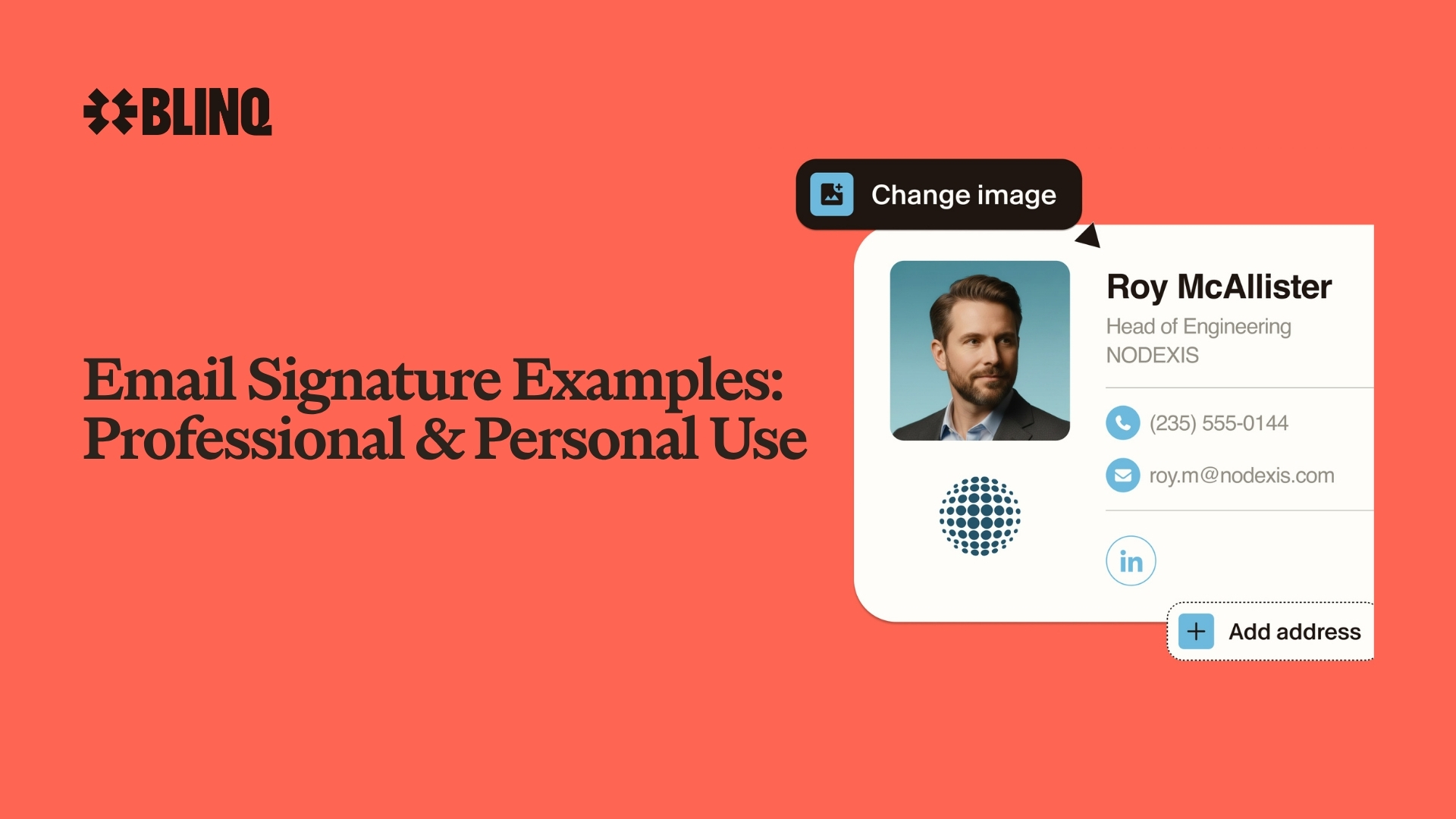


In today’s age of digital communication, email signatures are so much more than just a simple signoff. They give you a great opportunity to sell yourself and your company. This isn’t the time to underwhelm. It’s the time to impress and leave a lasting impression. Whether you’re emailing a potential client, colleagues, external stakeholders, senior leadership, or even friends, your email signature should stand out.
There are ways to create a compelling email signature with Blinq and other online platforms. But before you start designing your email signature, it’s best to look at some professional and personal email signature examples. This gives you a better idea of how you want your signature to look, including which elements will make it memorable.
Key Takeaways (TL;DR)
- There are almost 20 professional and personal email signature examples to help guide your own
- Blinq provides email signature software that lets you design and tailor your ideal signature using bits from all these examples
- You should identify the purpose of your email signature before deciding which elements to include
- A professional email signature should reflect your professional persona and your company
- A personal email signature should reflect who you are outside of work
- You can combine elements from both to create a hybrid email signature that’s suitable for both professional and personal communication
- You shouldn’t include anything in your email signature that feels unnecessary, too personal or could offend recipients
Professional Email Signature Examples
A professional email signature is a great way to connect and build relationships within your professional network. Clean layouts, concise details, rich media, marketing elements, and important links can all help your signature become more valuable for your personal brand or organization. When managed across wider teams, email signatures can also present a cohesive and innovative company no matter who is communicating.
Here are 11 examples of professional email signatures, from the short and simple to more elaborate designs incorporating images and links. Hopefully these can help you define your own signature for yourself or for teams across your company. Remember, you don’t have to stick to one example. You can take the bits you like from each one to create your ideal signature.
1. Short and simple email signature
One of the simplest email signature examples is a really minimalist approach with only the bare necessities included. In this situation, you’ll only include your full name, title, company name and phone number.
Biggest pro: Shares your information without overwhelming recipients.
Biggest con: Doesn’t stand out from the crowd.
What it might look like:

2. A simple branded email signature
If the first email signature example feels a little too indistinct, you could give it more branding. This is a good option if you want to keep branding consistent across your team (Blinq can help manage this via a central admin) while ensuring your email signatures are short, sweet and simple.
Biggest pro: Ensures clear and consistent branding across your email comms.
Biggest con: Doesn’t allow any personality to come through
What it might look like:
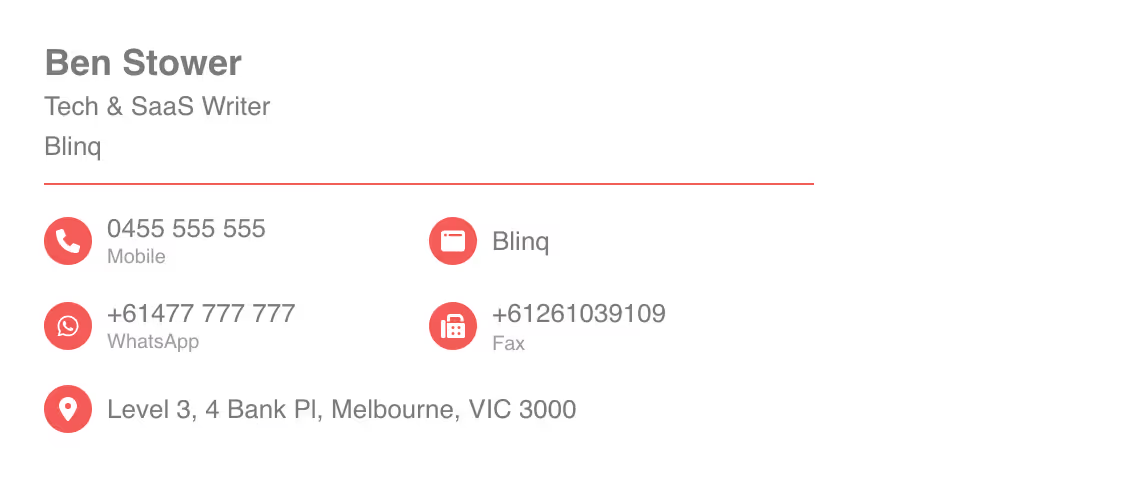
3. Text-only signature with contact details
You don’t have to limit yourself to only your phone number. People like having multiple ways to reach you and relying on phone calls, especially if you’re busy, can be hazardous. A few missed phone calls and a prospective client might end up looking elsewhere. If you want to ensure your recipients can reach you, you can include additional contact details. Consider adding your website, physical address, WhatsApp, and fax.
Biggest pro: Gives professional contacts multiple ways to reach you.
Biggest con: Too many contact options can make the signature messy and overwhelming.
What it might look like:
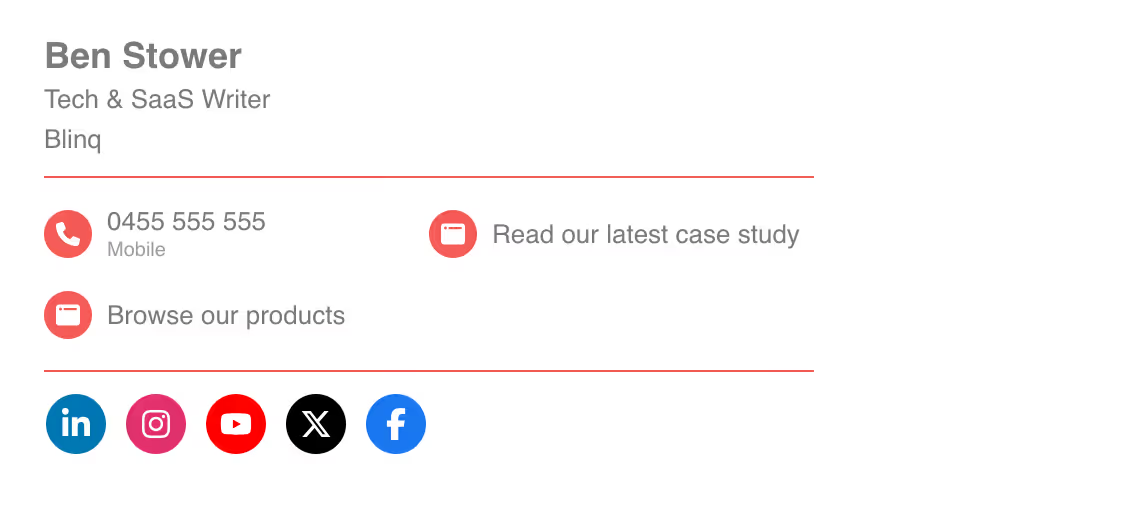
4. Email signature with links
Another great way to boost the connectivity and impact of an email signature is to include links. Links to social media pages can give recipients more ways to learn about your brand and your USPs. You may also want to include a link to a recent case study showcasing your company or any other resources you think could boost your brand image.
Remember to not overdo it on the links though, as this can make your signature overwhelming and result in people not clicking on any. You can avoid an overcrowded signature by using email signature software like Blinq, which uses easily digestible link logos that don’t consume all the white space.
Biggest pro: You get to share what you’re proudest about with your email contacts.
Biggest con: You can overwhelm people with too many links.
What it might look like:
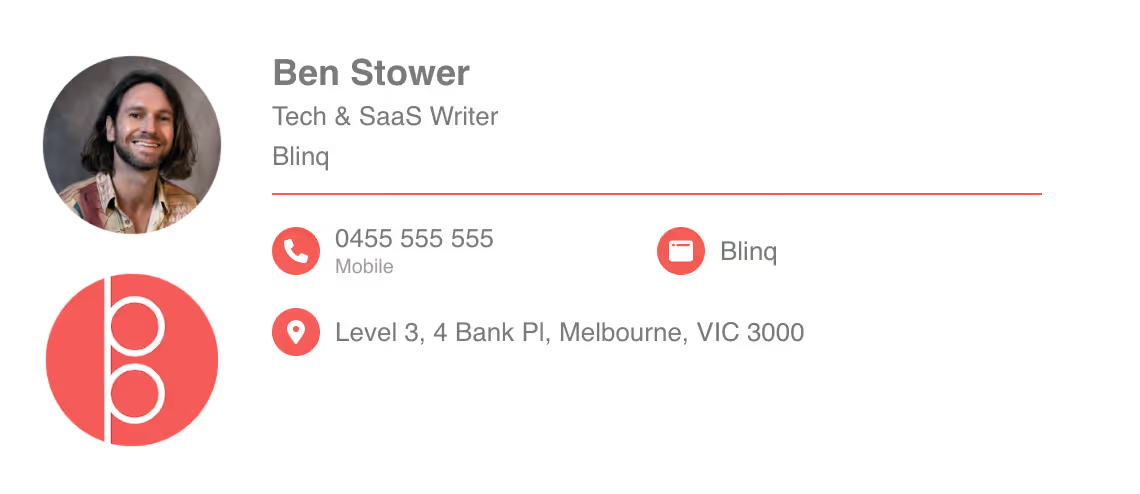
5. Branded email signature with a profile photo
Company branding is important for a professional email signature, but so are your employees’ faces. Including a profile photo or headshot on your signatures can help recipients better connect with the people emailing them. It helps build trust and rapport in a form of communication that can feel quite detached at times.
Biggest pro: Creating a form of face-to-face connection with your recipients.
Biggest con: Ensuring your employees choose professional photographs.
What it might look like:
6. Color-coordinated branded signature
One of the ways you can boost the professionality of your email signature is to ensure your color scheme matches that of your company. Color coordination is a small touch, but it goes a long way. Blinq Premium or Blinq Business account holders can select exact hex color codes, while anyone creating a free email signature can choose from 12 different colors.
Biggest pro: Creates professional symmetry between your email comms and your brand.
Biggest con: Finding an email signature tool that gives you the right color (Blinq can help).
What it might look like:
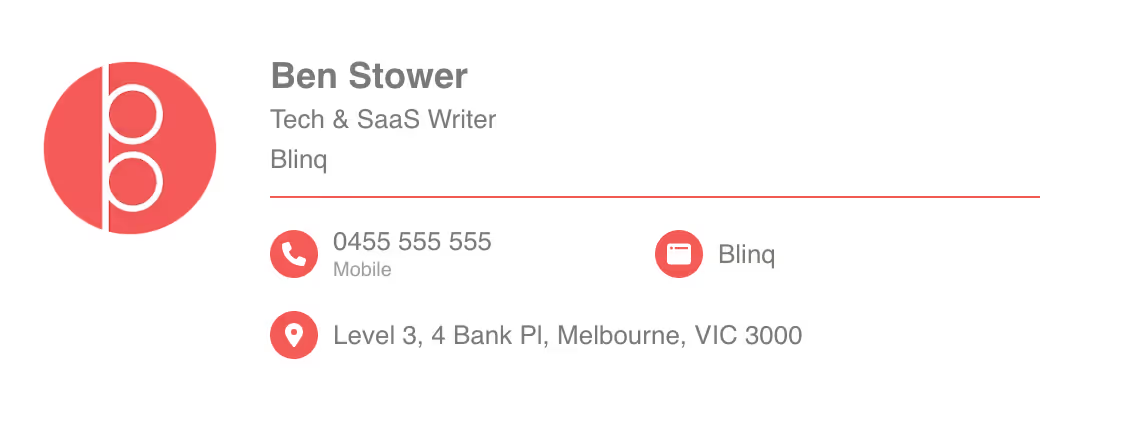
7. Email signature with a legal disclaimer
Depending on your industry, role, region or company, a legal disclaimer may be a necessary part of your email signature. Even if it isn’t an obvious need, you may also want to include one just to protect your organization’s liability if anyone sends an inappropriate or negligent email. You should have your legal team or a lawyer check your disclaimer before adding it to ensure it covers you and your organization. Blinq’s email signature software offers multiple pre-written legal disclaimers but also lets you write your own.
Biggest pro: Helps protect you and your organization from legal action if something were to happen.
Biggest con: It can be overkill on your signature if it’s not necessary.
What it might look like:
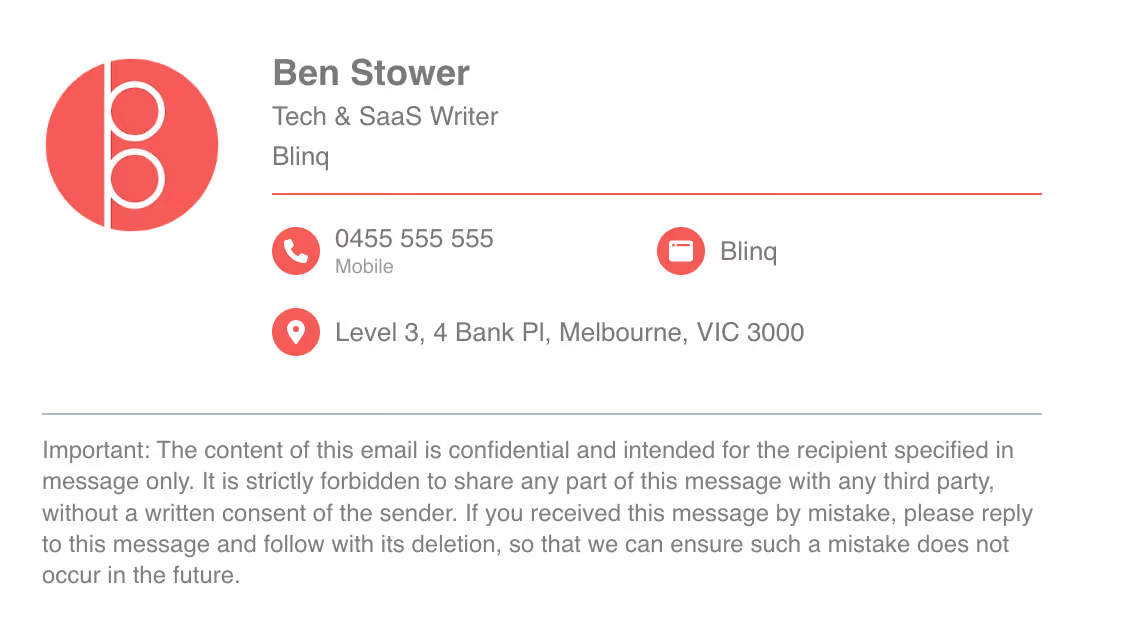
8. Email signature with an environmental statement
Including an environmental statement footer at the bottom of your email is one way to share your values with email recipients. You could use this section to promote your latest environmental initiative as a business. You could also use it to simply ask people not to print any emails you send. The key is to position it beneath all other information, as it has a lower priority of being seen.
Biggest pro: Showcases your values as an individual or company.
Biggest con: Won’t be read by many people.
What it might look like:
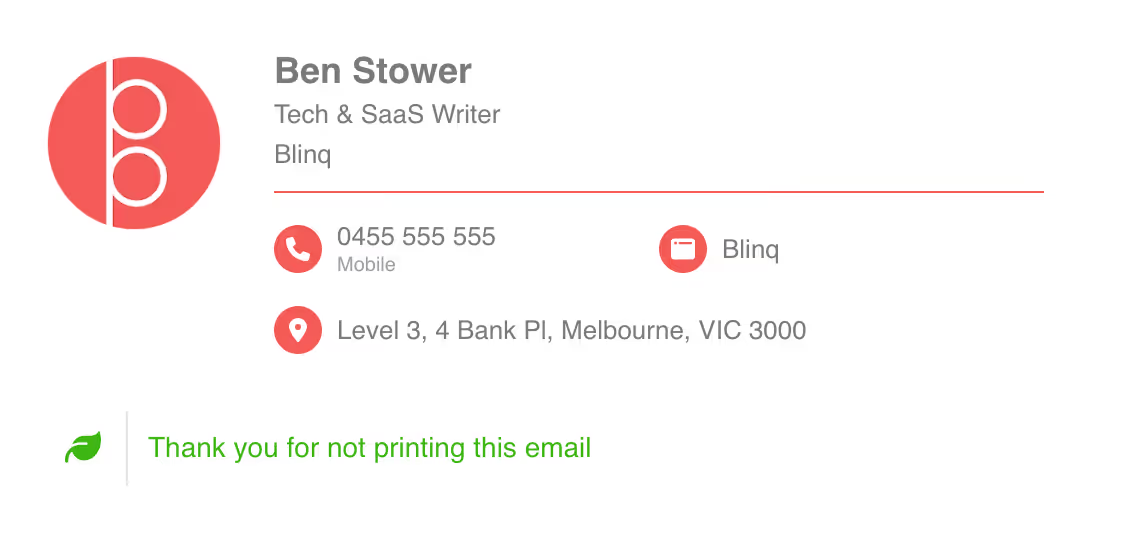
9. Marketing-focused email signature with a banner
This professional email signature example has a firm focus on marketing by featuring a promotional banner. Adding a banner to the bottom of your signature can help make this communication channel a marketing channel. You can promote company events or initiatives internally, advertise products or seasonal deals externally, or boost your brand with a glowing statistic or review that helps you stand out. Those are some ways to use banners, but there are many more.
Biggest pro: Gives every email a marketing edge and opportunity to turn each recipient into a new customer or client.
Biggest con: Can take up precious space if not done well.
What it might look like:
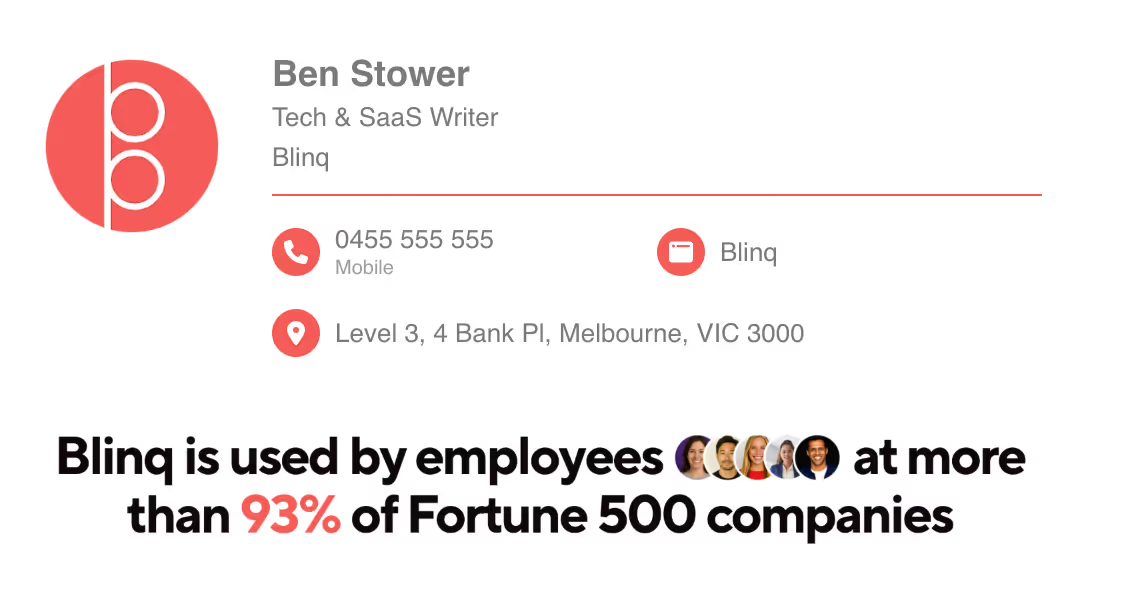
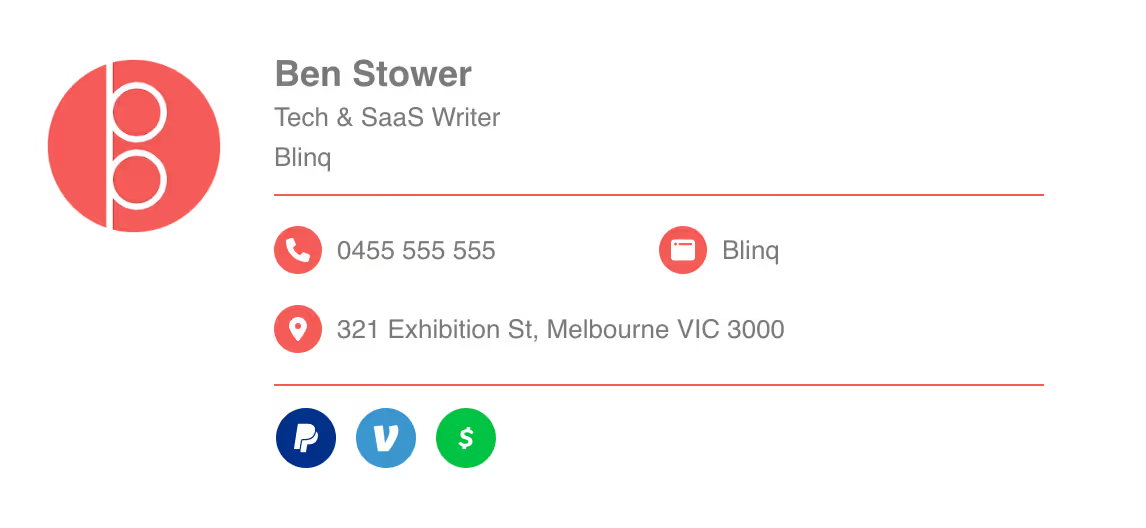
10. Ecommerce signature with links to payment
If you run an ecommerce business or any organization that benefits from online transactions, including links to payment platforms in your email signature can help streamline the buyer journey. You can embed your own links into your signature or use a platform like Blinq to include links to payment options at the bottom. We have link buttons to PayPal, Venmo and CashApp, but you can also add custom website links to other forms of payment.
Biggest pro: Gives email recipients a clear and easy way to pay for services or goods, streamlining the process.
Biggest con: May not be effective if you’re doing a lot of cold emailing or contacting people at the start of their buyer journey.
What it might look like:
11. Professional email signature with link to book appointments
Maybe you’re a private practitioner or someone who enjoys arranging one-on-one meetings to better connect. Whatever the reason, it can help to have a quick and easy way for your email recipients to book their next appointment or meeting with you.
Certain email signature managers, such as Blinq, have branded buttons for appointment scheduling software like Calendly. You can also make a custom link with a clear and concise CTA to help direct your patients or colleagues.
Biggest pro: The ease of booking can help you get more follow-up appointments with clients.
Biggest con: None. So long as it’s not done in a pushy way.
What it might look like:

Personal Email Signature Examples
There are numerous ways to make your email signature more personal. We’ve chosen to separate these examples from the professional ones, but you can also take elements from the below examples and use them in your professional email signature. The idea here is to identify elements that can make your signature more of a reflection of you as a person, creative, professional or all the above and more.
Here are seven personal email signature examples to help you design a signature that feels more like you.
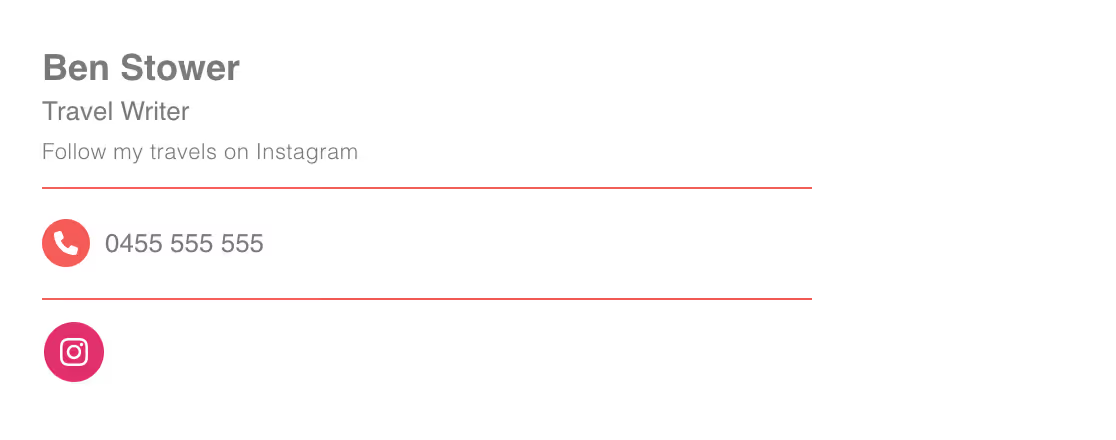
1. Instagram-focused email signature
If you use Instagram to express your passions, hobbies or sense of self, you might want to include a link in your email signature. Sharing this side of yourself with your email recipients can open the door for more personal connections. It can also progress your relationship with them from email contacts to social media followers.
Biggest pro: Gives you a quick and easy way to share more about yourself with your friends, family and colleagues.
Biggest con: People may not click on the link in your signature without prompting. (Tip: consider adding a CTA to prompt more visits to your Instagram page.)
What it might look like:
2. Simple email signature with your headshot
Adding a headshot is great if you want to keep your email signature short and sweet, but still want to make it more personal for your recipients. Humans connect best with faces, so including yours can help your emails better connect with people. If you send a lot of work emails, you may want to make your headshot more professional. But if you’re sending more personal emails, you could be more fun and creative with it.
Biggest pro: Can help you better connect with email recipients.
Biggest con: Unprofessional headshots may hinder work-related communication.
What it might look like:

3. Email signature with a creative CTA
One of the best ways to turn a personal email signature into a marketing opportunity is through a fun and creative CTA. This can be a great way to express yourself and also drive marketing opportunities for your personal brand or company.
Biggest pro: Showcases your personality while also driving engagement with your brand.
Biggest con: Can be jarring if it’s not clear enough for people to take the desired action. (Tip: combine a CTA with a link for better engagement.)
What it might look like:

4. Email signature with a banner showcasing your passion or style
Another good personal email signature example is the use of a banner to reinforce your passion, hobby, style or who you are. This could be an image of your favorite travel destination, your family gathered together or your beloved pet. Positioning your banner at the bottom of your email gives you a chance to further connect with recipients who may share your interests.
Biggest pro: A simple and unobtrusive expression of self at the bottom of your email signature.
Biggest con: Takes up a lot of white space.
What it might look like:

5. Email signature with a link to schedule a meeting
One of the best examples of making your email signature more personal is including a link to schedule a meeting. Nothing says personal more than wanting to meet someone face to face or even virtually. If your email signature lets your recipients know you’re open to a call or in-person meeting, they might be more inclined to sit down with you. You can boost this approach more by adding a line above your contact details encouraging people to meet with you.
Biggest pro: Lets people set up a meeting with you when they’re available.
Biggest con: You may get a lot of meeting requests, including some you need to turn down.
What it might look like:
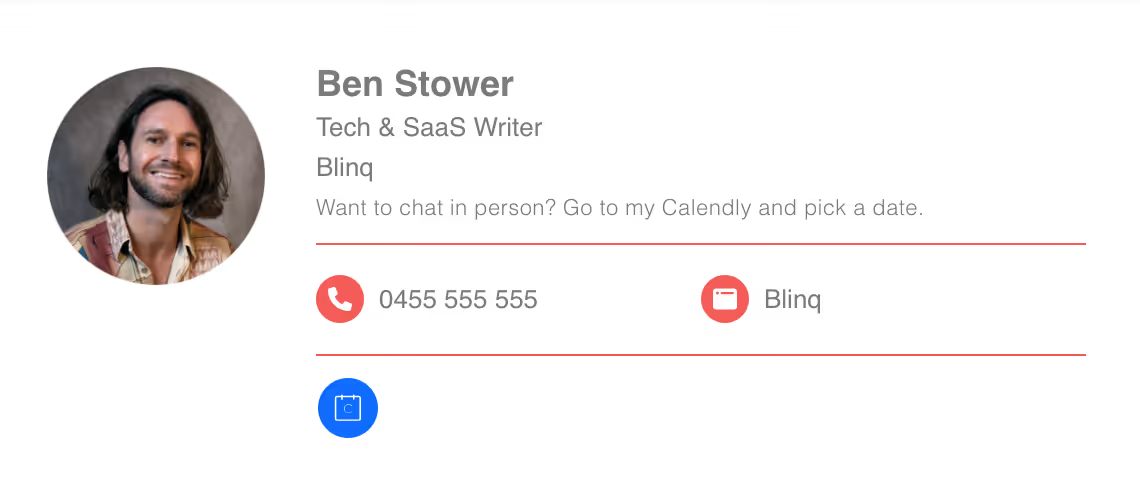
6. Email signature with your favorite colors
Another way to express your personality through your email signature is through your color scheme. Email signature managers, like Blinq, let you choose different colors to make your signature better reflect your style.
Biggest pro: Makes your signature more you.
Biggest con: Certain colors may not be ideal for email comms.
What it might look like:

7. Text-only signature with a tagline
Want to keep your email signature simple but still make it personal? You can personalize a text-only signature by adding a tagline. This can be a word or a phrase that perfectly sums up your personality or approach to life or work.
Biggest pro: A simple yet effective way to get your personality across.
Biggest con: May not have the same impact as a headshot or other rich media.
What it might look like:

Frequently Asked Questions
What’s a good signature for a personal email?
A personal email signature will usually include more links or information that relates to you personally, not necessarily your company. This could be links to your personal social accounts (e.g. Instagram or Facebook), website or portfolio. You might also want to include your personal mobile number and a photo. You probably won’t include a business logo. If you use an email signature manager like Blinq, this data will be protected by enterprise-level security.
What is an effective yet simple email signature?
One of the most effective simple email signature examples only includes your full name, position/title, company name, and phone number. This gets all the crucial information across so that someone can reach you, either online, via email or phone. It doesn’t inundate people with photos or links, keeping the signature clear, concise and simple.
What should I not include in an email signature?
There are numerous email signature dos and don’ts, which you should know before creating your signature. Some of the things you shouldn’t include are:
- Excessive personal information (e.g. your home address)
- Outdated information (e.g. old phone number)
- Excessive or large images that may not load properly
- Political or religious statements
- Any statements or quotes that might offend people
- Unnecessary or irrelevant links
- Inconsistent colors or fonts
What should I include in an email signature?
As you can see from the various email signature examples in this article, there are numerous elements you can include in a signature. However, what you should include depends on what you want to get out of your signature.
At the bare minimum, you should include your full name, title/role, company name, and contact details in your email signature. If you want to make it more professional, you could include a brand logo, profile photo, LinkedIn link, or link to your company’s website. If you want to make it more personal, you could include links to your social media accounts, a fun photo, a tagline, or a banner image. If you want your email to have a marketing element, you could include a CTA, link to payment platforms, or a promotional banner.
How do I spice up my email signature?
You can spice up your email signature by including more personal elements, such as a headshot, colorful or inspirational banner image, or a tagline. You could also change the color or font scheme to give it more character and pop. Embedding a video or GIF can make your signature a richer content experience.
What is a respectful and professional email signature?
A good example of a respectful and professional email signature is one that seamlessly combines professional and personal elements. The tone of your signature should be polite and formal, but it can also have a touch of your own personality through it. Choosing your elements wisely (e.g. links, images, contact details) also helps keep your signature succinct while having the most impact.
What is the most popular email signature style?
The most popular email signature typically includes the person’s full name, job title, company name, contact details, and one or two links to a specific site or social page. There are numerous ways to build upon this, but this approach tends to work well for most people.


