







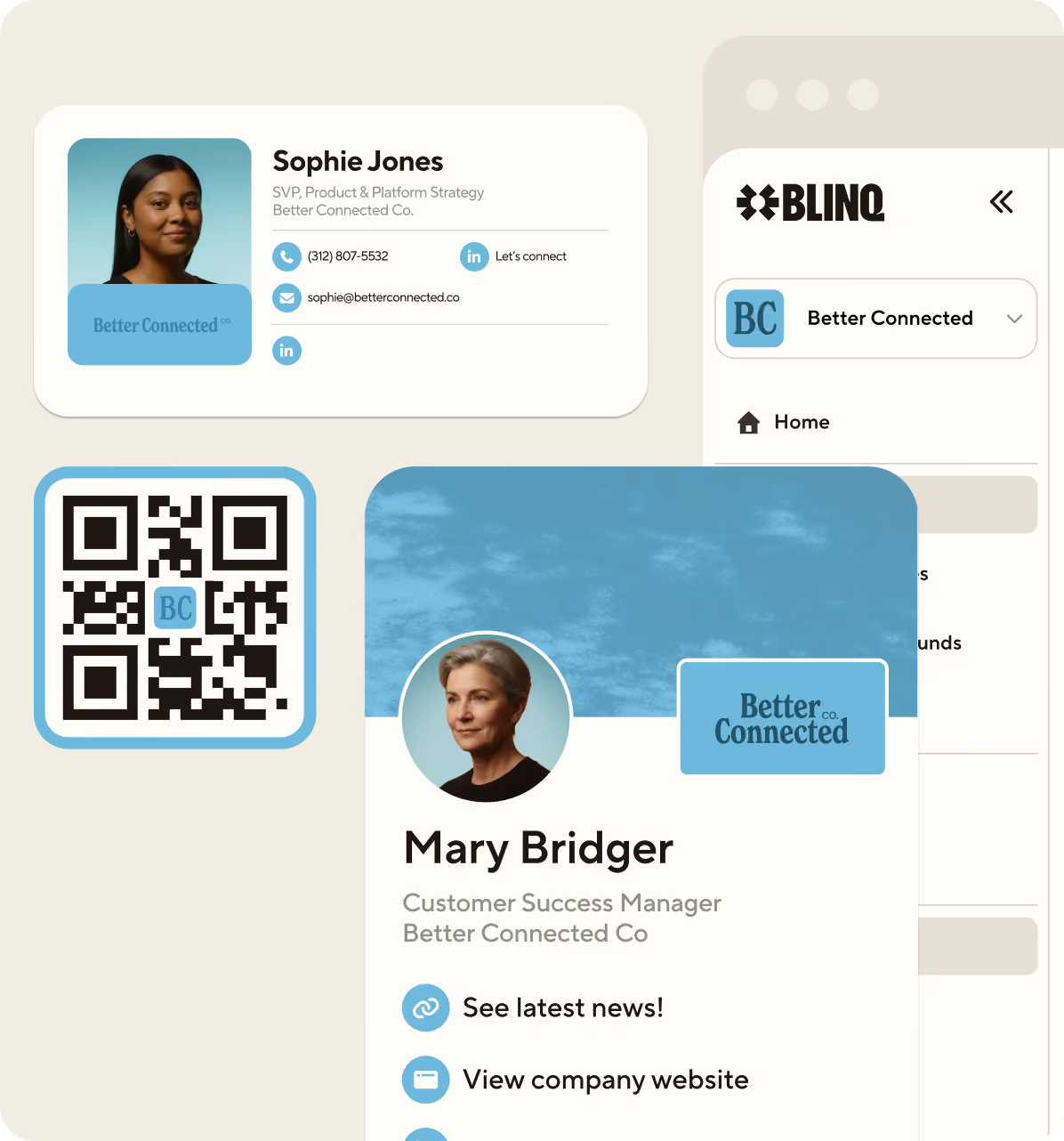
.avif)
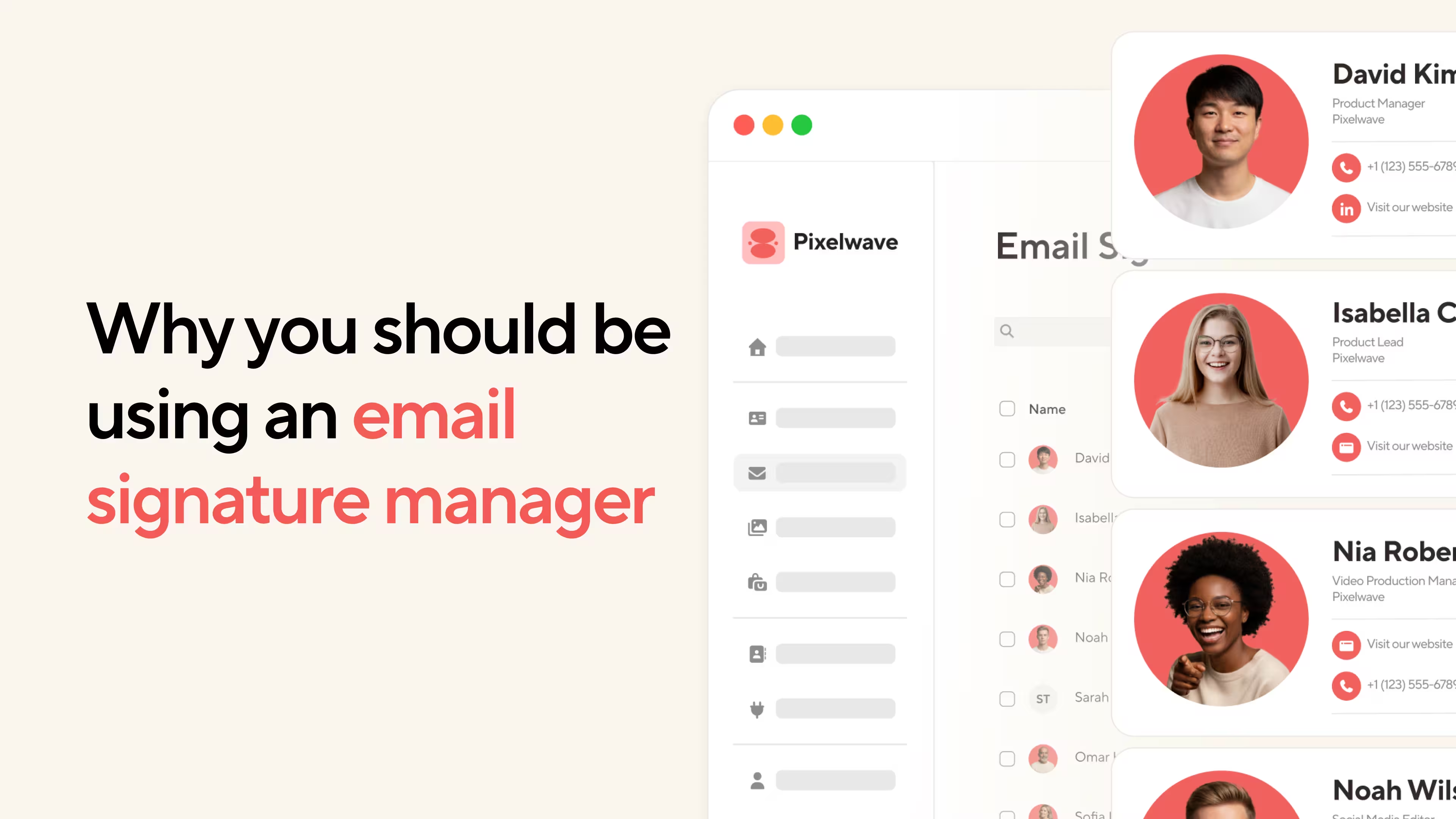


Email signatures leave a lasting impression. This may seem like hyperbole for anyone who doesn’t work in a corporate environment or run their own business. But those of us reliant on regular emailing for our everyday jobs recognize the importance of this little, personalized stamp at the bottom of each email. Having consistent, branded, and up-to-date signatures across your entire team exudes professionality and competency. Whereas the opposite can negatively alter a potential client’s perspective of your services. Simply, it’s about putting your very best foot forward.
Key Takeaways (TL;DR)
- Blinq is the best email signature manager for individuals and companies
- Individuals can set up a dynamic email signature for free
- Blinq is the top-rated email signature software on G2
- The best signature software ensures dynamic updates and easy scalability
- Media-rich signatures help grow brand awareness and consideration
- Enterprise-level security protects your company’s data and digital assets
If you’re here right now, you’re probably already using a customized email signature. This is easily done on any email platform, such as Gmail or Outlook. However, they’re not particularly adaptive or scalable in a time-efficient manner. It’s not uncommon to spend hours trying to replicate these individual customizations across entire teams or companies, only to still end up with inconsistencies. Similarly, when details or branding change, a lot of manual admin is required for updates. This time would be better spent doing, well, anything else.
That’s where email signature management software comes in. It’s the newest form of email signatures, offering automated updates, centralized branding, and greater scalability. These are just some of the benefits, which we’ll cover in more detail throughout this article. We’ll also compare this new email signature manager to static signatures and look at some of the solutions it provides in work environments.
What is Email Signature Management Software?
In a nutshell, email signature software allows individuals or companies to update and centralize their email signatures across multiple accounts, devices, and platforms. Instead of doing this manually, the software manages your signatures for you, providing dynamic content that helps you and your brand stand out. This could be rich media, such as permanent imagery or temporary promotional banners. It could also save a lot of time when you change your brand logo, colors, or specific contact details, such as the company address.
Dynamic VS Static Email Signatures
You may be wondering what’s wrong with your current email signature situation. You no doubt already have customizable options, but without the latest software, you’re probably dealing with a rigid, inconsistent, and time-heavy static signatures. The differences between the two may not be glaringly obvious, so here’s a quick breakdown of how they compare.
“I find the custom email signature feature very useful, as it accommodates my personal, work, and side business needs perfectly. The initial setup was exceptionally user-friendly, a perfect 10 out of 10 for ease, which makes getting started a breeze.”
Benefits of an Email Signature Manager for Your Workflow
As you can see from the above, an email signature manager comes with a lot of useful features that can save you time and headaches. In an age where efficiency is key for a lot of entrepreneurs and small or large companies, having your email signatures managed with little manual effort can improve workflow and allow you to devote those resources to revenue-producing tasks. While small manual changes may not seem significant individually, they compound over time, costing you valuable time.
There are numerous other ways an integrated email signature manager can improve your workflow and overall company performance. Let’s look at some of the main benefits.
1. Up-to-date company details ensure you don’t miss any leads
This one is pretty standard when it comes to email signatures. Having incorrect company details, such as address or phone number, can result in missed leads. It’s a common problem when using static email signatures, because they don’t always update across past emails. Also, you wouldn’t be the first person to make a mistake when updating your signature manually.
These little gaps are avoidable with an integrated email signature manager. You can link the software with directory data, so when your contact details change, your email signatures get updated automatically with the correct information. These updates can be rolled out across the entire company uniformly without overriding individual information, such as names, job titles, and personalized signoffs.
2. Adding permanent and temporary rich media better presents your brand to prospective clients
We can all agree that the digital age has been ongoing for quite some time now. Most clients expect to work with companies they can trust to navigate the everchanging digital landscape and requirements, even if their businesses are bricks and mortar. Static email signatures present a company that isn’t embracing digital innovations for time efficiency and revenue gains. What does this say to prospective clients about how you’ll approach their business?
Rich media across your email signatures can not only help your brand stand out, but also shows clients that you’re capitalizing on innovative technology to further your business. This dynamic content, such as CTA buttons and promotional banners, can also boost your marketing strategy, providing more chances to convert everyday conversations into sales. With Blinq email signature management software, you can add and remove this media at scale, allowing for product or event campaign awareness, saving you time.
3. Integrated management automatically updates company-wide email signatures, giving you more time for integral tasks
Whether you’re a small or large business, being able to implement dynamic email signatures at scale with little to no manual admin can save you valuable time. This doesn’t always have to be big changes either. Something as simple as a phone number change or new office address can be automatically rolled out across all team members’ emails from centralized management software. This allows you to focus on revenue-driving tasks instead of tedious admin.
This also applies to sole traders who use their email signatures across multiple platforms or want to personalize signatures for different clients or industries. Instead of having to manually update your signature multiple times, you can ensure the changes are reflected for all iterations and get back to important tasks for your brand.
4. Enterprise-level security helps protect your company and its people
Phishing scams, such as the one in 2025 impersonating the CEO of South African airline, FlySafair, not only put people at risk but can also cast a negative light on your company. Suddenly your brand is being associated with poor security and digital protections – not a good look.
Enterprise-level security, such as what Blinq offers with its email signature software, protects your organization’s digital assets and data from these ever-evolving online threats. Not only do you protect the confidentiality of your team members, but you also prevent people from misusing your assets or data as part of scams.
5. Detailed performance monitoring helps keep your marketing strategies fluid and effective
The best email signature software, like Blinq, provides detailed performance monitoring of marketing elements, such as banner ads and CTA links in your signatures. Without this data, you won’t be able to scale and adapt your marketing strategies with the same level of efficiency, potentially using more resources to achieve the same outcomes.
By using UTM tagging on links used in your email signature, key metrics like click-through and conversion rates help you better understand how your email recipients are interacting with your marketing. This essentially turns your emailing into another effective marketing channel that can help you earn more leads or conversions. The data can also provide insights that might be applicable to other marketing strategies being run simultaneously, optimizing additional channels.
Comparison of Top 5 Email Signature Software on G2
Here are the five best email signature software providers as ranked by industry professionals and brand leaders on G2. This is how they compare as far as service and usability.
*For 10 users | Data from G2, last updated 4th February 2026
“I love the email signature feature - it captures all my business information succinctly and professionally, with my business photo at the bottom of every email.”
How to Set Up Your Free Email Signature with Blinq
As an individual, you can easily set up a free Blinq email signature. While other email signature managers don’t service individuals, we provide this for both individuals and companies. If you’re looking for new email signature software for your business, trying it for free as an individual can also help you decide whether Blinq is the right option for you.
Here’s how to do it:
- Create your email signature here
- Add your personal details
- Add up to two images
- Add links to your social and/or payment channels
- Customize the design and color
- Add footers and banners
Should you choose an integrated email signature manager?
We all have different business needs. It’s important to take time to assess what you have right now and whether upgrading to new email signature software can actually benefit your specific situation. If you’re happy with your current static signature, you may not need to do anything right now. If you’re looking for an email signature that’s scalable and dynamic, this could be an important change. Especially if you want to provide a richer brand experience through this core communication channel.
Learn more about Blinq and our various business solutions, including digital business cards and CRM integrations.
Frequently Asked Questions
What are the fundamental design elements covered by an email signature manager?
There are a number of key elements every professional should expect from the best email signature managers like Blinq. Your contact details, such as phone number, email, and business address, are some of the most important. These allow prospective clients or important contacts to reach you easily.
Social media icons strengthen your online presence and promote additional ways to interact with your brand. Your company logo helps you raise brand awareness and recognition, while showcasing your professionalism. Legal notices and promotional banners may also be required for certain businesses. The latter are particularly useful if you want to use email communication as an additional marketing channel.
A quality email signature manager will enable you to automatically update these elements from a centralized database. It will also offer adaptive design options to help you present these elements in a clear and engaging way across multiple devices and accounts.
How does email signature software integrate marketing content seamlessly?
Blinq email signature software seamlessly integrates rich content to give every email you send a marketing element. This content could be dynamic banners promoting certain products or services for a set period. You should also be able to add CTA links, to promote specific actions. Seasonal marketing content, such as holiday promotions, should also be easily adaptable throughout the year. The best email signature software also ensures this marketing content is compatible with various screen sizes, such as mobile devices.
How much does it cost to have dynamic integrated email signatures for an entire company?
While Blinq email signatures are free for individuals, and are included with for free with any paid digital business card subscription, whether that is as premium business customer. Our Premium Plan ranges from $7.33 to $9.99 each month. The Business Plan ranges from $4.99 to $6.99 per month.
If you are only after an email signature manager for your team, our email signature plan starts at $1.00 per email signature.
How much does it cost to have an integrated email signature for an individual?
A Blinq email signature is free for an individual, giving you access to a dynamic signature that can be integrated across multiple email accounts and devices.
How can you customize your email signature using the latest software?
Blinq email signature software allows you to customize your signature in a variety of ways. The free email signature builder online offers customization for your personal details (i.e. name, job title, company, contact details, and headline), profile picture and company logo, and links to social and shop accounts. You can also customize your color theme, font, and text size. Banners and footers (e.g. environmental statements or legal disclaimers) can also be added and updated when necessary.
What are the main marketing benefits of using dynamic email signatures?
Having a dynamic email signature with uniform visuals, automatic personalization, targeted marketing campaigns, and performance monitoring helps strengthen your brand image, awareness, and consideration. Personalization for each recipient can help you better connect with your clients, while uniformity across your team strengthens your overall professionality. Marketing performance data, such as click-through rates, also helps you adapt your marketing strategy to increase efficiency and conversion rates.
Should I invest in integrated dynamic email signature software for my company?
To be honest, whether you should invest in email signature software really comes down to your specific business needs. It also depends on how much you value and utilize email as a communication and marketing channel. For many professionals, an email signature is as important as a business card or Instagram page. It’s a statement to prospective clients of your professionality, competence, and creativity. If you consider yourself in this camp, investing in dynamic email signatures could be the right decision.
Another reason people choose this email signature management software is to simply save time and headaches. If you’re having to routinely devote time and resources to small, tedious changes to your signatures, using software like Blinq could save you a lot of time. It could also help you roll out future changes, like new logos or taglines, without so much time, effort, and resource.


