




.avif)



Do you remember that iconic scene in American Psycho, when the villainous protagonist, Patrick Bateman, compares business cards with a room full of his colleagues? Now picture that scene today, only this time the business cards are digital and the comparison also involves email signatures. This is where we currently reside in the professional world.
Email signatures or digital business cards can both be used to present your brand to your network. But many people are trying to decide whether one is better than the other, or if it’s best to use both. In an age when digital communication is at an all-time high, knowing the best ways to showcase your professional identity is very important.
But the answer to the question of which one is better really comes down to you and your business approach. Let’s take a closer look at both options, email signature and digital business card, to help you determine where your efforts will provide the biggest payoff.
Key Takeaways (TL;DR)
- Blinq offers software to create and manage your digital business card and email signature together
- Blinq is the top-rated email signature software on G2
- Blinq maintains a 4.9/5 star rating across 150,000+ reviews for its digital business card and email signature services
- Email signatures are better for everyday professional communication and relationship building
- Digital business cards are better for networking events, conferences, virtual meetings, and any other situations when you have direct contact
- You can utilize both email signatures and digital business cards to cover all bases in your professional world
- Blinq helps you align your signature and card with your brand’s identity and style
Email Signature Pros and Cons for Connecting
Want to rely on your email signature to engage and connect with your network, including potential clients? Here are the advantages and disadvantages you should consider before committing.
These are based on Blinq’s dynamic integrated email signature software, which gives you more customizability, automation, security protection, and richer content than traditional email signatures. Learn more about why you should be using an email signature manager like Blinq.
Digital Business Card Pros and Cons for Connecting
If you’re considering forgoing a dynamic email signature and instead focusing on a digital business card, you should first look at the below advantages and disadvantages.
These are based on Blinq’s digital business card solution, so may not be applicable to all digital business cards out there. They will also differ from the pros and cons of using a traditional paper digital card. Learn more about why you should switch from paper to digital business cards.
Common Use Cases for Email Signatures
Here are some examples where having a professional email signature with all the right elements can help you connect and make an impact.
Use Case #1: Marketing campaign
You can use your email signature to promote specific marketing campaigns or brand materials to your recipients. Not only can this turn every email you or your team sends into a new marketing opportunity, but it can also help you reach prospective clients not necessarily targeted by other outreach channels.
A well-placed banner on your email signature can promote:
- Your latest case study or product feature
- An upcoming webinar
- Seasonal products or sales
- Brand initiatives
- Team hiring campaigns

Use Case #2: Call to action
With a clickable CTA in your email signature, you can help prospective clients take the next step in your sales funnel without needing extra follow-ups or links. This CTA link could help you guide them to:
- Trial your product
- Browse your services or products
- Access case studies
- Set up a video call meeting to discuss next steps
Use Case #3: Cold emailing
Without a dynamic email signature, cold emailing prospective clients can lead nowhere. If you have professionally presented contact details, links they can access, or a promotional banner, your initial email can have a better chance of resulting in them performing a follow-up action. Social media links, for instance, can help them more easily research your brand and learn about your USPs without having to search beyond your email.
Use Case #4: Shortening the purchasing funnel
If you have products or services you wish to sell, including links to one or more of these in your email can shorten the purchase journey. Without this well-placed link, your email recipient may have to contact you or find your website to review your products or services. You can also tailor your link to suit certain recipients or sale periods, giving you more targeted propositions through this regular communication channel.
Common Use Cases for Digital Business Cards
Use Case #1: The classic networking event
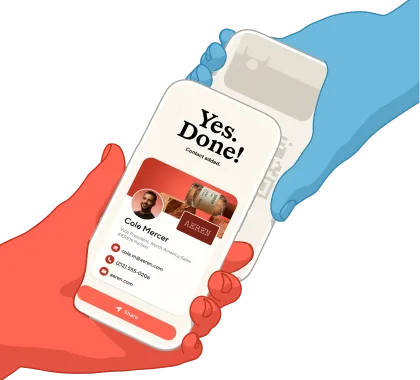
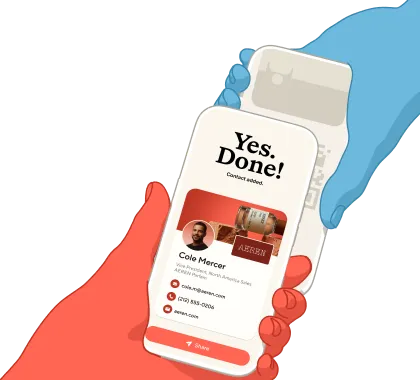
Digital business cards allow you to quickly and easily share your details with people you meet at in-person networking events. This is a lot more organic and faster than asking for someone’s email and sending a follow-up email later with your details in your signature.
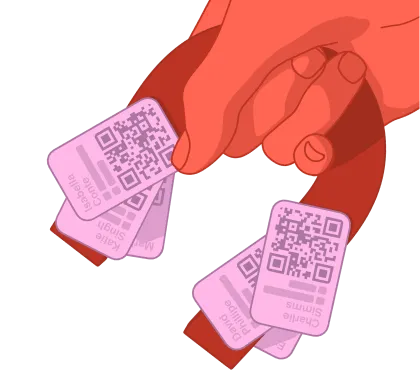
Unlike a paper business card, you can send your digital one straight to someone’s phone via a QR code, text, widget or NFC card. It will be harder for them to lose or forget about. It also showcases your own technical capabilities and environmental focus, which reflects well in today’s professional landscape.
Use Case #2: Online meetings
These days, first-time meetings with prospective clients often take place virtually on your laptop. It’s impossible to hand over a paper business card. It may also be awkward or less organic to rely on your email signature.
A digital business card allows you to share your details with prospective clients during or at the end of your call. You can share it with them via a QR code, NFC card or in the call’s chat. This opens you up to further communication and also lets you gently guide them to relevant links (e.g. social channels and payment platforms).
Use Case #3: Setting up appointments
With a Blinq digital business card, you can include a link to your appointment scheduler. This makes it more seamless for you to set up the next meeting or appointment with anyone you’ve just met in person or on a call. It’s particularly helpful for professionals in the health industry who might want to give patients a quick and easy way to book their next appointment.
Use Case #4: Showcasing your work
Blinq business cards are also ideal for sharing recent work or projects with your network. You can add unlimited links to your digital card. This way, anyone you share it with can easily access your case studies, articles, portfolio, concept art, customer testimonials or whatever else you’d like to better position your brand.
How to Make a Professional Email Signature
Professional email signatures help you stand out among the crowd of professionals out there vying for the same work or clients. Here are some important elements your signature should have if you want to put your best foot forward.
Full name, job title and company name
- Up-to-date contact information (e.g. phone, email, address, WhatsApp)
- Company logo and profile photo
- Link to your website or portfolio
- Links to your relevant social channels
- Promotional banner (if relevant)
- Environmental or legal footers (if relevant)
- Color and font designs that align with your brand
Blinq’s dynamic email signature software allows you to include all the above elements. Learn how to create an email signature online.
How to Make a Professional Digital Business Card
Your digital business card is a statement of who you and your company are in the professional world. It’s important you have the right elements to help you best present yourself and your proposition. Here’s what we recommend you include:
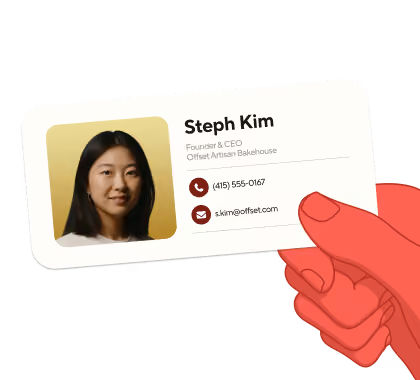
Full name, job title and company name
- Up-to-date contact information (e.g. phone, email, address, WhatsApp)
- Company logo and profile photo
- Links to your website, social channels, payment platforms, and any other relevant pages you’d like to promote
- Color and font designs that align with your brand
Setting up a digital business card with Blinq allows you to include all the above elements. Learn more about what you should include on your digital business card to stand out.
When to Use an Email Signature vs a Digital Business Card
Here are some real-world examples where you might be better off using an email signature and where you might find it easier to use a digital business card. This isn’t to say you can’t use them for all the scenarios below. You’re just going to find it a lot easier, seamless and less awkward to use one over the other.
Should You Choose a Digital Business Card, Email Signature or Both?
The answer to this question really depends on how you like to connect with your network. If you spend a lot of time emailing and don’t do a lot of in-person or virtual meetings, you’ll probably find having a professional and dynamic email signature more useful than a digital business card. However, if you attend a lot of in-person events and regularly interact with your clients or colleagues online, having a digital business card will be more beneficial than an email signature.
There is also a world where you have both. This means you and your teams are covered for all the scenarios we’ve outlined in this article and more. Networking events, cold emails, virtual meetings, client emails – they all become opportunities to showcase your professionality and work. While it’s not always necessary to have both, you can do so easily these days on a platform like Blinq, which offers both integrated email signatures and digital business cards.
How to Align Your Email Signature and Digital Business Card
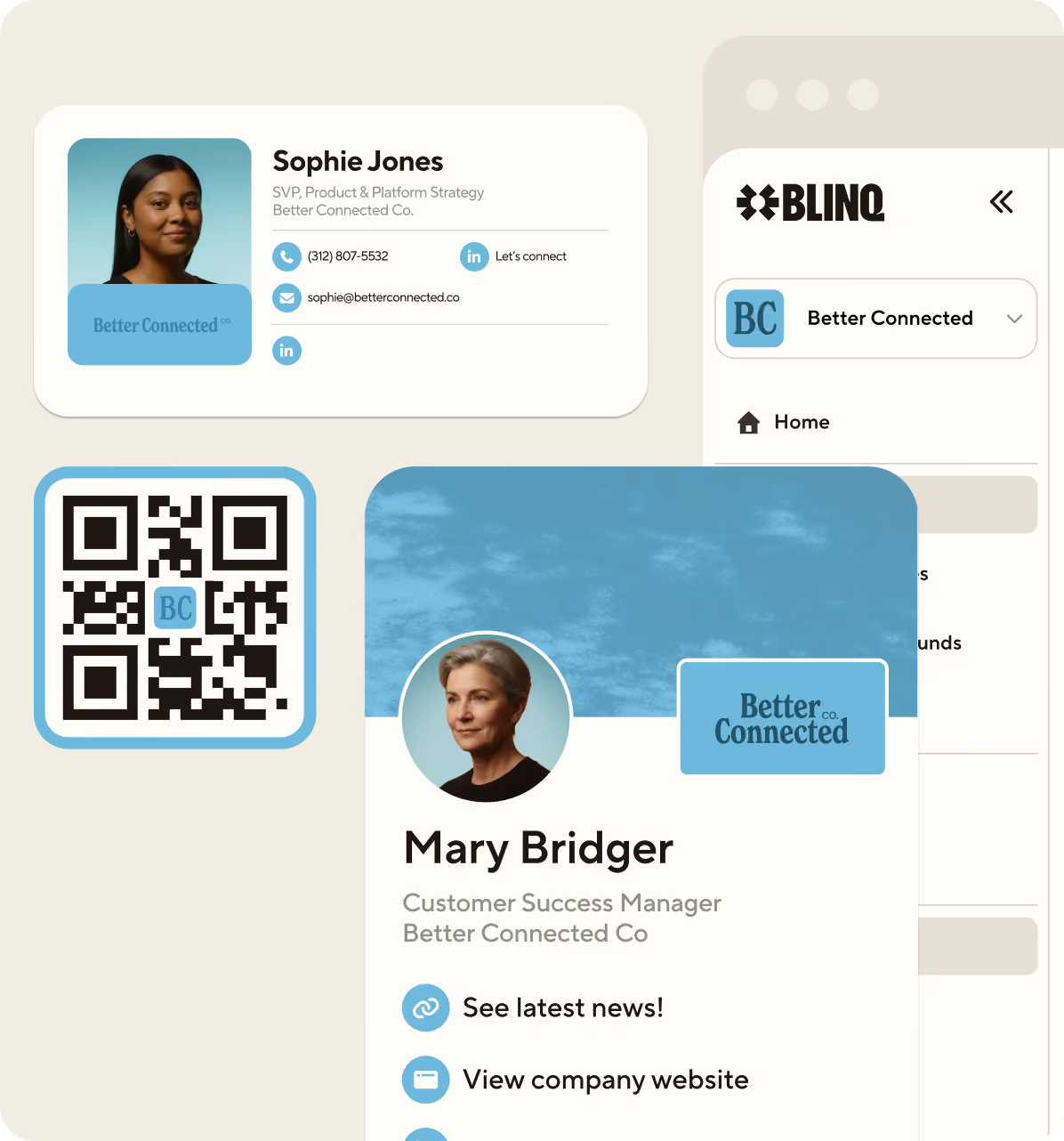
Using a platform like Blinq lets you align your email signature with your digital business card. Once you create a free account and set up your dashboard, you can create and manage both signature and business card online. By having both managed by the same platform, you can better align them. Blinq lets you customize the color scheme, images (company logo and profile picture), and font to help you make sure your signature and business card go together and align with your company’s style.
While digital business cards and email signatures are free for individuals, you can also choose from affordable pricing plans for your entire organization. Certain plans, such as Business and Enterprise, provide a centralized admin for managing your cards and signatures, ensuring all team members have the correct style and information.
Frequently Asked Questions
Are business cards still relevant today?
Despite the professional world becoming increasingly digitalized, business cards are still relevant. Whether you have a paper business card or a digital one, there’s something innately human about exchanging it with someone either in person or during a virtual call. You can establish a stronger connection with someone before sharing your details, which isn’t always the case for email signatures.
Digital business cards are even more versatile than paper ones. They also align with the reliance on technology for networking and establishing connections. While you may not share your card with people as often these days as an email, they’re still very much relevant for specific events and interactions.
What role does an email signature play in digital communication?
Email signatures are an integral part of digital comms. They’re a visible reflection of you and your company, seen with practically every email you send. They showcase your brand identity, promote key events or products, share important information, drive traffic to social channels or websites, and provide additional marketing opportunities.
Does an email signature or digital business card have a bigger impact?
In today’s professional landscape, email signatures tend to have a bigger impact overall than digital business cards. This is because your signature is constantly being seen by your company’s internal and external network, more so than your business card. Platforms like Blinq also offer solutions for tracking the performance of your signatures when it comes to CTAs and other links.
However, one of the drawbacks to a signature is it’s more of a passive presentation of your brand than a business card, which is often given with purpose. Your email recipient may not bother looking at your signature. But if you share your business card with someone, they’re often more inclined to look at it. Still, in the case of impact, the quantity of eyes on your signature can’t be overlooked.
Does an email signature or digital business card help you build relationships better?
Both are great for building relationships and should be used in tandem rather than one or the other. You can utilize your business card during initial in-person conversations to leave a lasting impression. An email signature, meanwhile, is great for better connecting you and your organization with contacts you might have already met or not yet met.
Should I use my business card as my email signature?
It can help to align your business card and your email signature. This creates uniformity which can also promote professionality. Using the same color scheme, branding, font, and links on both can help you leverage all the benefits.
If you’re using a tool like Blinq for your signature and card, you can also include different elements on both. For instance, a promotional banner on your signature is great for sharing specific events and products. Unlimited links on your digital card, meanwhile, gives you even more opportunities to share your work and company highlights.


