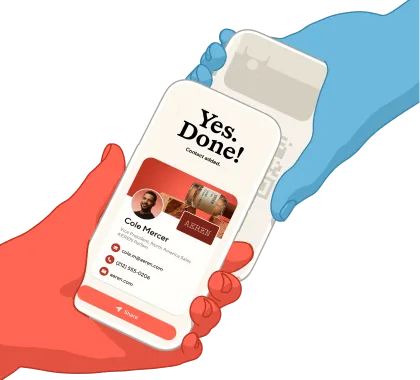
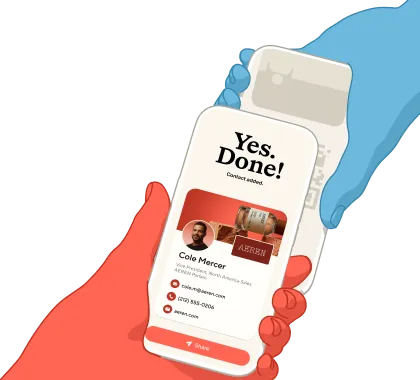
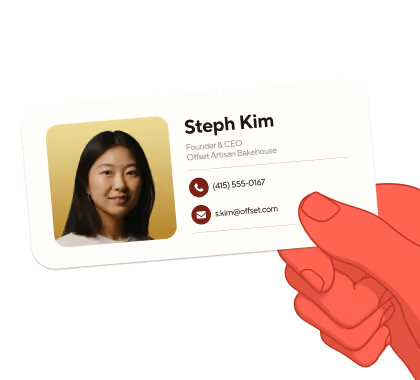




A visitor stops at your booth, talks for five minutes about what they're looking for, and walks off with a pen. Lead retrieval at trade shows is the process of capturing their details and what they told you. You capture them with a scanner the show rents you or a lead capture app on your team's phones, and then make sure someone follows up while they still remember you.
Most of the work happens before the show opens, when you choose between the show's scanner and your own app and agree on what your team asks each visitor. The rest comes in the two days after, when someone has to follow up.
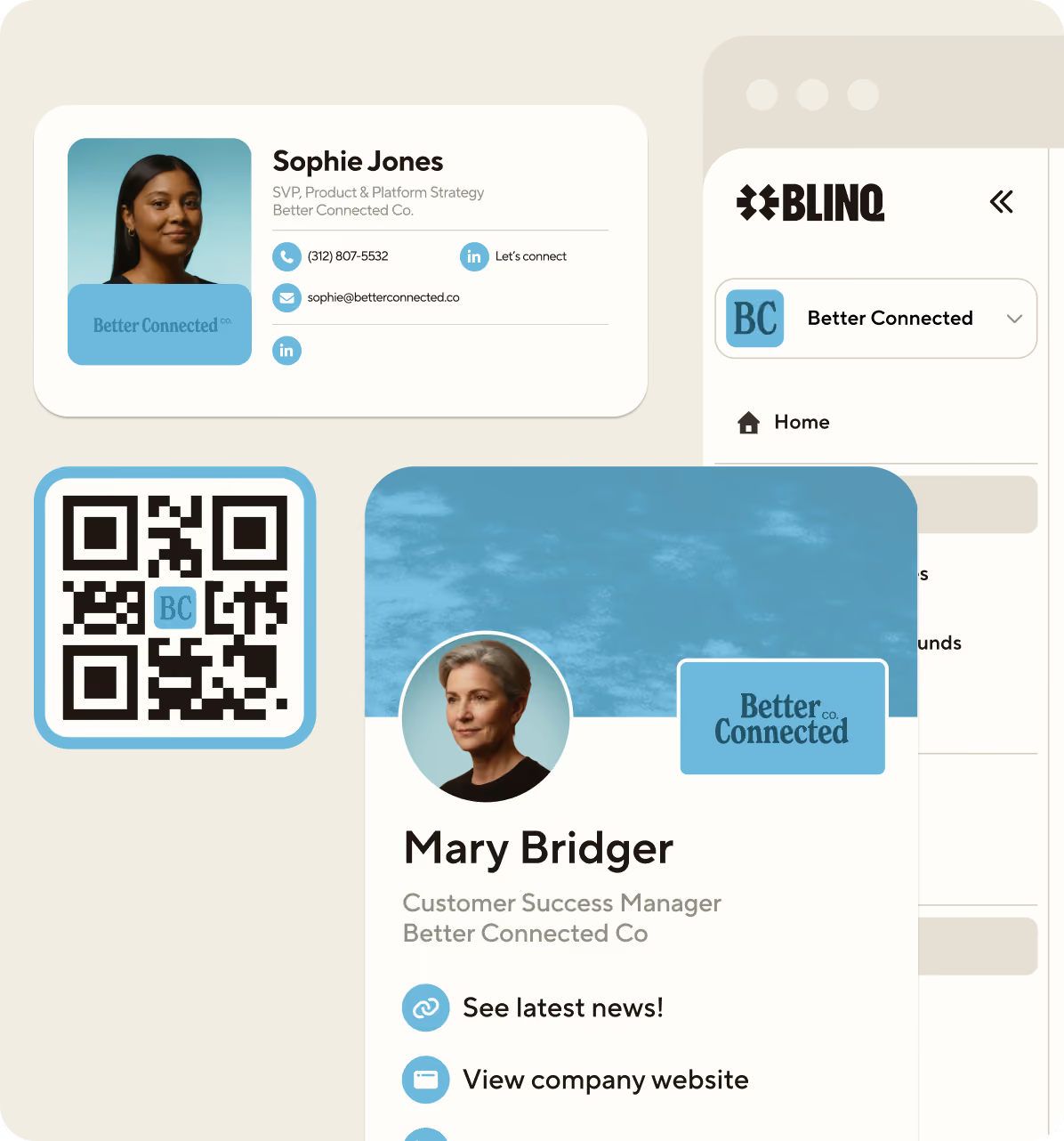
Blinq makes an event lead capture app and uses it as an example here, but the process works with any tool.
Key Takeaways (TL;DR)
- Lead retrieval is how exhibitors collect the details of the people they meet at their booth, using either the show's official scanner or app, or their own lead capture app.
- Qualify leads by asking discovery questions at the booth so you know who to call first. A badge scan on its own gives you names without context.
- For most exhibiting teams, having a universal lead capture app is a better fit than the show's scanner. Reps capture details and context which gets sent to your CRM in real time, and the same setup works at your next show. The show's scanner is usually expensive and creates delays in getting leads into your CRM.
- Aim to follow up within 48 hours of meeting someone. Sort your leads by their qualifying answers before you leave the venue. Visitors with a real need get the first calls.
- An event lead capture app like Blinq's sends each lead to your CRM as you capture it. Your sales team can start following up while the show is still on.
What does lead retrieval mean at a trade show?
In practice, lead retrieval at a trade show means one of two setups. Either ordering the show's official lead retrieval service, which rents you handheld scanners or sells you licenses for its app, or bringing your own lead capture app, used on your team's phones. Both leave you with a record of the people who visited your booth.
Some organizers use "lead retrieval" for their own service only, and app vendors often call the same job "event lead capture." Lead capture is the broader term, which also covers web forms and landing pages. Our guide to what lead retrieval is goes deeper on the terms.
How does lead retrieval work at a trade show?
Trade show lead retrieval has four steps between a visitor walking up to your booth and a lead your sales team can act on: scan their badge, qualify them with a few questions, fill in the details the badge didn't carry, and get the lead into your CRM (customer relationship management system). Teams that only scan end up with a list of names and no sense of who to call first.
Scan the badge. What you get depends on the setup. The show's own service returns the attendee's registration record. At ATD 2026, that meant name, organization, mailing address, phone, fax, email and an attendee ID.
A third-party app reads what's printed on the badge, or its QR code. It gets the full registration record only where the organizer shares it, usually through a paid data feed: $736 to $1,370 per show at the four shows covered below.
Qualify the visitor. A registration record tells you how to reach someone and nothing about whether they're shopping for something or just browsing. Your team finds that out by asking a few questions at the booth and saving the answers with the lead.
Fill in the gaps. Contact enrichment looks up what the badge left out, such as a verified work email, a phone number, a current job title and a LinkedIn profile.
Get it into your CRM. With the show's service, you download a spreadsheet of your leads from the provider's website, during or after the show, and import it yourself. A lead capture app can send each lead to your CRM as it's captured.

What to look for when choosing a lead retrieval tool
The best lead retrieval tool is the one your reps can use in a busy aisle and that gets everything they capture into your CRM. Feature lists tend to look alike, and the real differences come out on the show floor. Check these before you rent or buy anything:
- It works at your shows. Check which badge types it reads at the events you go to, and what data comes back from a scan.
- Reps can qualify on the spot. Look for quick ways to tag a lead and add notes during the conversation, plus a short form for the questions you ask everyone. Dropdown answers, like timeline, are easy to sort afterwards.
- Everything reaches your CRM. Check which CRMs it supports, and that qualifying answers and notes sync along with the contact.
- It works offline. Exhibit hall Wi-Fi drops out, so the app should save leads on the phone and sync when the connection returns.
- Reps will actually use it. Have a rep scan and qualify a test lead before you commit. If it's awkward at a desk, it'll be worse in a busy aisle.
- You can see what each show returned. With every lead tagged in your CRM by the event it came from, you can report pipeline by show and decide which ones to book again.
Should you rent the show's scanner or use a lead capture app?
For most exhibiting teams today, your own lead capture app is a better choice than the show's rented scanner. Leads and their qualifying answers reach your CRM while the show is still on, and the same setup works at every show you do. The show's service does have one advantage: it returns each attendee's full registration record.
| Show's official service | Your own lead capture app | |
|---|---|---|
| Data from each scan | The attendee's full registration record | What the badge shows, plus enrichment |
| Qualifying questions | Preset checkboxes included; your own questions are a paid add-on | Your own form, reusable at every show |
| Getting leads into your CRM | Download a spreadsheet and import it; a live feed costs extra | Syncs as each lead is captured |
| At your next show | A new order | The same setup |
On the order forms for ATD 2026, NAB Show 2026, the National Restaurant Association Show 2026 and AAOS 2027, a rented handheld cost $495 to $705 per show, and your own qualifying questions added $99 to $175. Each show charges more the closer to the show you order. You also pay per device, which means one for each rep scanning at the same time. All four also sell licenses for their own app on your phones, priced per device.
Our roundup of trade show lead capture apps compares the app options and lists each show's rental prices in full.
What qualification questions should you ask at the booth?
Qualification questions at a booth need to be quick to answer standing in an aisle, and the answers should tell you whether the visitor has a real need and when they want to act. Set three to five of them up in your capture form before the show, with dropdowns wherever the answers are predictable. Every rep then asks the same questions.
Visitors want that kind of conversation more than exhibitors tend to expect. Speaking with a subject matter expert made the top three ways to interact at a booth for 58% of attendees in Freeman's 2025 survey, against 26% of exhibitors. Being scanned and emailed afterwards made the top three for 49% of exhibitors but only 23% of attendees. Your questions land best inside a real conversation, asked by someone who can answer theirs.
Five questions that work at a booth:
- What made you stop by? Tells you whether they came looking for you or wandered over.
- What are you trying to solve? Gets them talking about their problem, not your product.
- What are you using today? Tells you whether it's a new purchase or a switch.
- Who else is involved in the decision? Shows you who else needs a follow-up.
- When are you hoping to have this in place? Tells you whether to call this week or check back next quarter.
In Blinq's event lead capture, an admin sets up each event's questions for the whole team as a short form, with dropdowns or checkboxes where the answers are predictable. The fields are saved, so you can reuse them at the next show. Reps see the form as soon as they scan a badge, even without a signal, and the answers go into your CRM with the contact. For anything a form can't hold, a rep can dictate a voice note to Blinq's AI note taker, which transcribes and summarizes it on the contact.
How fast should you follow up on trade show leads?
Aim to follow up within 48 hours of meeting someone at a trade show, while the conversation is still fresh. Most exhibiting companies are slower than that. Only 38% said their first follow-up went out within 48 hours of collecting a lead, in EXHIBITOR Magazine's 2020 Sales Lead Survey of nearly 150 companies. Another 44% took three to five days, and 18% took longer.

To hit 48 hours, sort your leads by their qualifying answers before you leave the venue. The first calls go to visitors with a real need and a near timeline. Agree on who owns which leads before the show closes, because unassigned leads tend to be the last ones anyone calls. In the first message, mention something from the conversation, and the visitor will know exactly who's writing.
Our guide to following up on trade show leads covers what to write.
Capture qualified leads at your next trade show
Blinq's trade show lead retrieval app works at any show without an organizer integration. Reps scan badges, business cards or QR codes, ask your qualifying questions and add a voice note. Each lead lands in your CRM enriched and tagged to the event it came from, so you can see what every show returned.
Scanning and AI contact enrichment are free on every Blinq plan. For your team's events, you can pay $500 per event plus $4.99 per user per month, or $4,999 a year for unlimited events and 25 seats. Blinq Business comes with a 30-day free trial.