



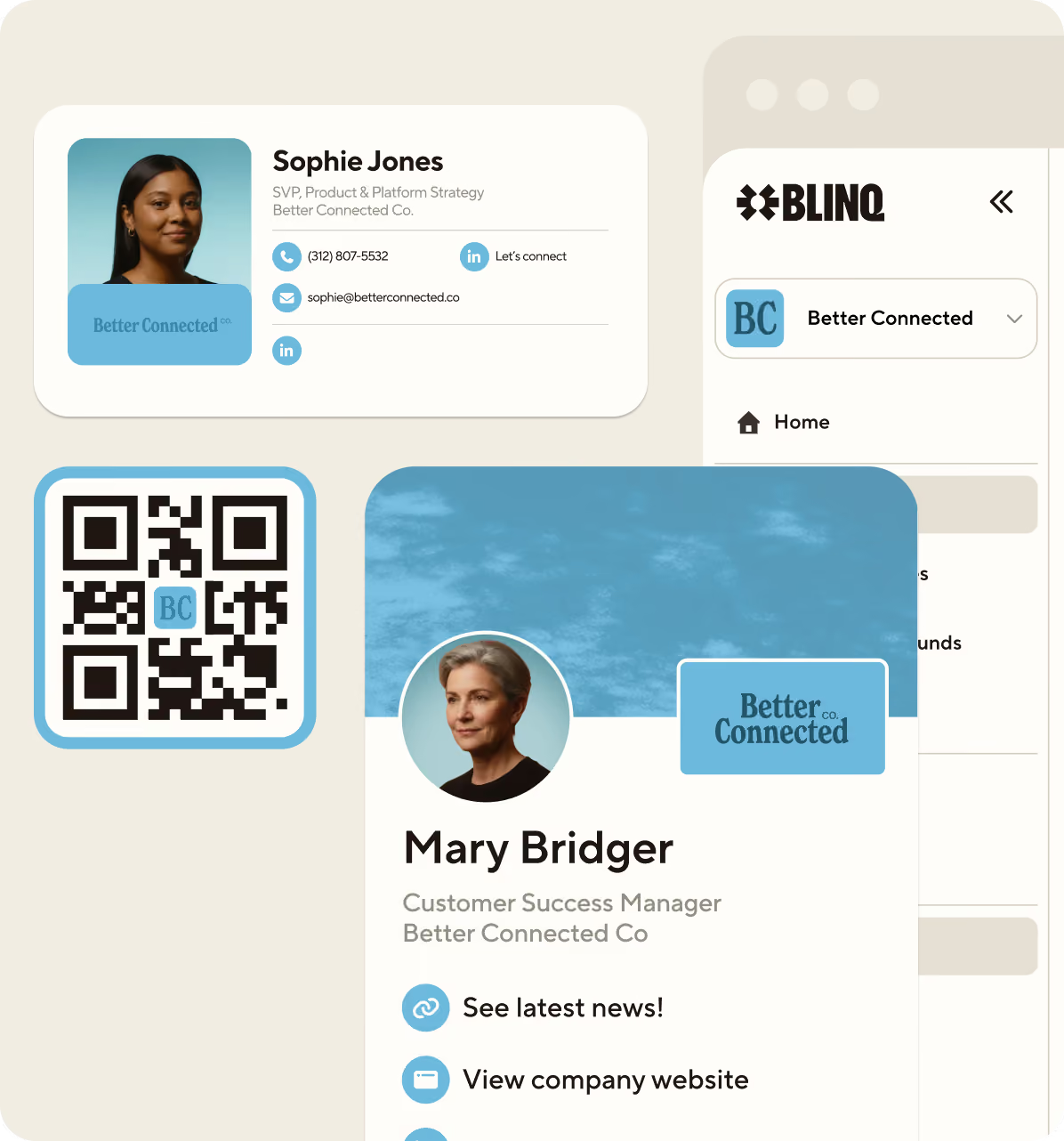
.avif)



Looking for the best digital business card? This guide ranks and reviews the top 10 digital business cards by features, pricing, and real user reviews, so you can find the right fit for yourself or your whole team, whether you share one card a week or roll out hundreds.
What’s your digital business card situation? This may be one of the more important questions you can ask yourself and your teams today. Your card is how you show up when it matters, at a conference, a first meeting, a trade show where everyone’s competing for the same attention. The right digital business card shapes how memorable you are in that moment.
A lot of providers are competing for your attention, and the marketing all sounds the same. So this ranking of the best digital business cards rests on what can be verified: 18,000+ G2 reviews and 350,000+ app ratings across the App Store and Google Play, plus every provider’s own published pricing, all re-checked in September 2026.
I’m here to help you cut through the noise with an in-depth look at the 10 best digital business card providers out there right now, and how they compare.
Key Takeaways (TL;DR)
- The category has a clear leader: Blinq is the best digital business card provider in 2026, offering the most complete suite of features and capabilities for professionals, and it holds the #1 spot in its G2 category
- Digital-first is the norm: the leading options on this list mostly run a freemium and subscription approach that’s purely digital with no physical card
- Security and free tiers coexist: most of the leading digital-first options on this list offer enterprise-level security as well as free tiers, with paid Premium, Business or Enterprise plans on top
- Team features are paid features: across this list, team management sits behind paid team plans
- Individuals shop differently: individuals should prioritize card customizability, sharing options and usability when choosing a digital business card
- Teams shop for control: teams should prioritize team management features, card provisioning, branding customizability and security features when choosing their card provider
Ranking the 10 Best Digital Business Card Providers in 2026
Let’s start with what you came here for: our official ranking of the 10 best digital business card providers. You can see our complete list below, which details each platform’s G2 rating, usability, unique features, data protections and typical pricing.
- Blinq - Best overall
- Linq - Best for analytics and data (its parent company pivoted to AI messaging in 2026)
- HiHello - Best for card designs
- Uniqode - Best for compliance-heavy teams
- Popl - Best for sales-focused networking
- Haystack - Best for sustainability-focused teams
- V1ce - Best for premium NFC cards
- Wave - Best for simple team rollout
- Mobilo - Best for hardware and enterprise networking
- Dot - Best for creators
| Provider | Best for... | G2 Ranking | G2 Reviews | UX | Unique features | Security | Team Pricing |
|---|---|---|---|---|---|---|---|
| Blinq | Overall | #1 | 4.8/5 from 9,345 reviews | #1 easiest to use on G2 | Most ways to share; AI contact enrichment; AI notetaker | SOC 2 Type II and GDPR compliant; SSO and SCIM on Enterprise | $4.99 per user per month, billed annually (5-card minimum) |
| Linq | Analytics and data | #7 | 4.8/5 from 554 reviews | Easy but feature-rich | Built-in analytics and landing-page style cards | GDPR compliant | No longer published (see review) |
| HiHello | Card designs | #3 | 4.6/5 from 936 reviews | High - ranked second easiest to use on G2 | Video support and full branding control | SSO, SOC 2 Type II and GDPR compliant | $5 per user per month |
| Uniqode | Compliance-heavy teams | #5 | 4.8/5 from 37 reviews | Clean, scalable | QR-first cards | SSO, SOC 2, HIPAA, ISO and GDPR compliant | $6 per user per month |
| Popl | Sales-focused networking | #2 | 4.6/5 from 6,511 reviews | Busy app with excess features for most users | AI enrichment and badge scanning | SSO, SOC 2 Type 2 and GDPR compliant | Custom quote (all-inclusive) |
| Haystack | Sustainability-focused teams | #6 | 4.6/5 from 67 reviews | Simple | Eco-friendly and team management | GDPR compliant | $2.50 per user per month (10+ users, billed annually) |
| V1ce | Premium NFC cards | Unranked | 4.9/5 from 6 reviews | Premium but simple | Luxury NFC cards with design-first approach | SSO and GDPR compliant | Single subscription, card included |
| Wave | Simple team rollout | #4 | 4.6/5 from 982 reviews | Simple but intuitive | Team card management and quick deployment | SOC 2 Type II and GDPR compliant; SSO and SCIM on Enterprise | $5 per user per month (3-seat minimum) |
| Mobilo | Hardware and enterprise networking | Unranked | 5/5 from 1 review | Strong but hardware-dependent | NFC smart cards and lead capture | SSO and HR directory sync on Enterprise (100+ seats) | $4 per month, unlimited users, billed annually, + NFC cards |
| Dot | Creators | Unranked | 4.8/5 from 2 reviews | Extremely simple | No-subscription NFC sharing | No enterprise security certifications advertised | dot.Teams from $45 (one-time purchase) |
Data sourced from platform sites, G2 and app store listings (G2 data as of September 2, 2026, rank order re-confirmed and app-store figures re-checked September 29, 2026). All prices in USD.
Comparing the Top 10 Digital Business Card Providers by Price
Your budget should also be a big consideration when deciding which digital business card provider to go with. Figuring out which one gives you the best features for the best price can go a long way.
Let’s take a look at how the 10 best providers compare when it comes to price.
| Provider | Pricing Model | Individual Pricing | Team Pricing | Free Tier |
|---|---|---|---|---|
| Blinq | Freemium + per-user subscription | $7.33 per month, billed annually | $4.99 per user per month, billed annually (5-card minimum) | Up to 2 cards with unlimited sharing |
| Linq | Freemium + subscription | No longer published | No longer published | Basic digital card features |
| HiHello | Freemium + subscription | $6 per month | $5 per user per month | Basic cards, limited features/scans |
| Uniqode | SaaS (team/enterprise focused) | $6 per month | $6 per user per month | 1 card with unlimited sharing |
| Popl | Freemium + custom quote | Priced in-app | Custom quote, all-inclusive | 1 card with limited features |
| Haystack | Freemium + subscription | $4.50 per month, billed annually | $2.50 per user per month (10+ users), billed annually | Unlimited cards, app-based features |
| V1ce | All-in-one subscription (card included) | Single subscription with a 30-day free trial | Same subscription model | 30-day free trial rather than a free tier |
| Wave | Freemium + subscription | $7 per month | $5 per user per month (3-seat minimum) | Digital business card and unlimited sharing |
| Mobilo | Subscription + hardware | $3 per month + NFC card | $4 per month for unlimited users, billed annually, + NFC cards | No free tier (90-day Pro trial with card purchase) |
| Dot | Hardware + digital in one payment | $30 to $50 for physical card with digital features | dot.Teams from $45 | One-time purchase covers the basic profile |
Data sourced from each provider’s own pricing pages (last updated September 2, 2026). Where multiple plans exist, annual billing is shown; monthly billing costs more. All prices in USD.
Comparing the Top 10 Digital Business Card Providers by Features
Features are an important aspect of all digital business card providers. Specific capabilities help some stand out, while others pride themselves on being more specialized. You should know which provider offers the right features for your needs before committing.
Here’s how the 10 best digital business card platforms compare when it comes to their features.
| Provider | Sharing | Design | Offline Mode | Lead Capture | CRM Integrations | Team Tools |
|---|---|---|---|---|---|---|
| Blinq | App, QR code, NFC, Apple Wallet, Google Wallet, SMS, email, and Apple Watch | Over 20 custom fields; custom branding; custom fonts; social links | Card sharing, NFC and contact scanning | AI Notetaker; universal scanner; AI data enrichment; ROI analytics | Native integrations with major CRMs including Salesforce, HubSpot and Microsoft Dynamics | Unlimited templates; centralized control; role-based access; SCIM provisioning (Enterprise) |
| Linq | NFC, QR codes, Apple Wallet, emails and app | Custom profiles; multimedia; branding; dynamic templates | Card sharing | Business card scanner; forms; meeting notes and enrichment | Integrates with major CRMs | Team dashboards; admin controls; analytics; bulk cards |
| HiHello | QR code, NFC, emails, Apple Wallet, texts, links and Apple Watch | Unlimited content fields; video business cards; branded templates | Card sharing | Universal scanning; customizable forms; AI enrichment and tagging | Integrates with major CRM tools | Role-based access; SCIM provisioning; centralized branding; analytics |
| Uniqode | QR codes, Apple Wallet and links | Branded landing pages; customizable profiles; media links | Card sharing | Two-way contact sharing; centralized lead manager; collection forms | Integrates with major CRM tools | Bulk card creation; Active Directory integration; centralized organization lead management |
| Popl | NFC, QR codes, Apple Wallet, emails, video calls and app | Customizable profiles; branding kits; multimedia | Sharing and scanning contacts | Universal scanner; AI data enrichment; customized forms | Salesforce, HubSpot, Zapier and other CRM integrations | Team admin dashboard; analytics, templates; role permissions; bulk onboarding; SCIM provisioning (set up via Popl support) |
| Haystack | QR codes, Apple Wallet, email signatures, texts and links | Brand controls; templates; custom fields; profile personalization | Card sharing | Contact exchange; business card scanning | CRM integrations via Zapier | Centralized admin; directory management; card deployment |
| V1ce | NFC, QR codes, Apple Wallet, emails and links | Videos; custom branding; dynamic themes | Card sharing | Lead capture forms; analytics tracking | HubSpot, Salesforce and Zapier integrations | Team management portal; centralized branding; analytics |
| Wave | QR codes, NFC, Apple Wallet, Google Wallet, emails and video calls | Custom branding; logos; colors; social links; multimedia embeds | Card sharing | Contact exchange forms; business card scanning; analytics | Integrates with major CRM tools | Team management dashboard; centralized templates; analytics; admin controls |
| Mobilo | NFC, QR codes, Apple Wallet, video calls | Branded cards; custom fields; CTAs; campaign modes | Card sharing | Badge scanning; contact exchange; analytics | Salesforce, HubSpot, Zapier and enterprise CRM integrations | Team provisioning; centralized controls; analytics; campaign management |
| Dot | NFC, QR codes, Apple Wallet and links | Custom branding; social links; media embeds | NFC and QR sharing available offline | Contact exchange; analytics | HubSpot, Salesforce and Zapier integrations | Team management dashboard; templates; centralized controls |
Data sourced from provider websites and app listings (last updated September 2, 2026)
Comparing the Top 10 Digital Business Card Providers by User Reviews
One of the best ways to research digital business card providers before purchasing a subscription is by reading the appraisals of current users. The platforms’ overall rating on review sites, like G2 and the App Store, should be considered. You may also want to take into account the number of reviews and look at individual appraisals.
One caution before you read them: review platforms can disagree about the same product, and sample size is usually the reason. Dot scores 4.8 on G2 from just 2 reviews while its App Store rating sits at 2.8 from 17 ratings, and Haystack’s 4.6 on G2 comes from 67 reviews against a 3.8 on Google Play from 1,545. A rating built on a handful of reviews tells you very little, so where a provider’s G2 coverage is thin, the app stores are the better sample.
Let’s look at how the 10 best digital business card platforms compare when it comes to user reviews on G2 and the App Store.
| Provider | G2 Rating | # of G2 Reviews | G2 Badges | App Store Rating | # of App Store Ratings |
|---|---|---|---|---|---|
| Blinq | 4.8/5 | 9,345 | Grid Leader; #1 Easiest to Use; #1 in 17 categories | 4.9/5 | 131,702 |
| Linq | 4.8/5 | 554 | No badges displayed | 4.9/5 | 12,296 |
| HiHello | 4.6/5 | 936 | #2 Easiest to Use | 4.9/5 | 44,483 |
| Uniqode | 4.8/5 | 37 | No badges displayed | 4.9/5 | 134 |
| Popl | 4.6/5 | 6,511 | No badges displayed | 4.8/5 | 102,478 |
| Haystack | 4.6/5 | 67 | No badges displayed | 4.3/5 | 169 |
| V1ce | 4.9/5 | 6 | No badges displayed | N/A | N/A |
| Wave | 4.6/5 | 982 | No badges displayed | 4.8/5 | 1,513 |
| Mobilo | 5/5 | 1 | No badges displayed | 4.6/5 | 740 |
| Dot | 4.8/5 | 2 | No badges displayed | 2.8/5 | 17 |
Data sourced from G2 and the App Store (G2 data as of September 2, 2026, badges and rank re-confirmed and App Store figures re-checked September 29, 2026). App stores report ratings counts rather than written reviews.
How We Determined Our Rankings
As the creators and providers of Blinq’s digital business card, we can draw upon our expertise and experience with the platform to offer a transparent appraisal. For the other platforms featured on this list, we have used their websites, pricing pages, user reviews, FAQs, feature lists, brochures and various other documentation to evaluate their offerings.
We intend for these rankings to be a useful guide and have tried to be as honest and transparent as possible in our reviews. We’ve ranked platforms with more valuable features, competitive pricing and positive user reviews highest. Where our order differs from G2’s category ranking, it’s because we weigh verified feature depth and pricing alongside review data, rather than review volume alone.
Platform technology evolves quickly. We’ve done our best to ensure accuracy as of the date above, but recommend consulting multiple guides before making a final decision.
What Changed in Digital Business Cards in 2026
The digital business card market moved a lot this year, and some of the movement changes which provider deserves your shortlist. Four developments stand out from our September 2026 re-verification.
- Linq’s parent company changed direction. A $20 million raise in February 2026 moved the company’s stated business to AI messaging infrastructure; the card app still ships and still reviews well. The full story, with the TechCrunch report, is in the Linq review below.
- V1CE scrapped its price list. The fixed card prices are gone; what you buy now is a single all-in-one subscription with the card included, opened by a 30-day free trial.
- Popl withdrew published pricing. Comparing team costs now means a sales conversation: quotes are all-inclusive rather than per user.
- Review footprints shifted. Ratings and counts moved across the board this year, including one sharp single-provider drop, covered in the Dot review below.
Ranking the Best Digital Business Card Companies in 2026
Below, we review each of the ten best digital business card providers in ranked order. Every entry follows the same pattern: what the platform actually does, what it costs, what professionals say about it in reviews, and a one-sentence verdict, so you can compare the options like for like before you shortlist.
1. Blinq - Best overall digital business card
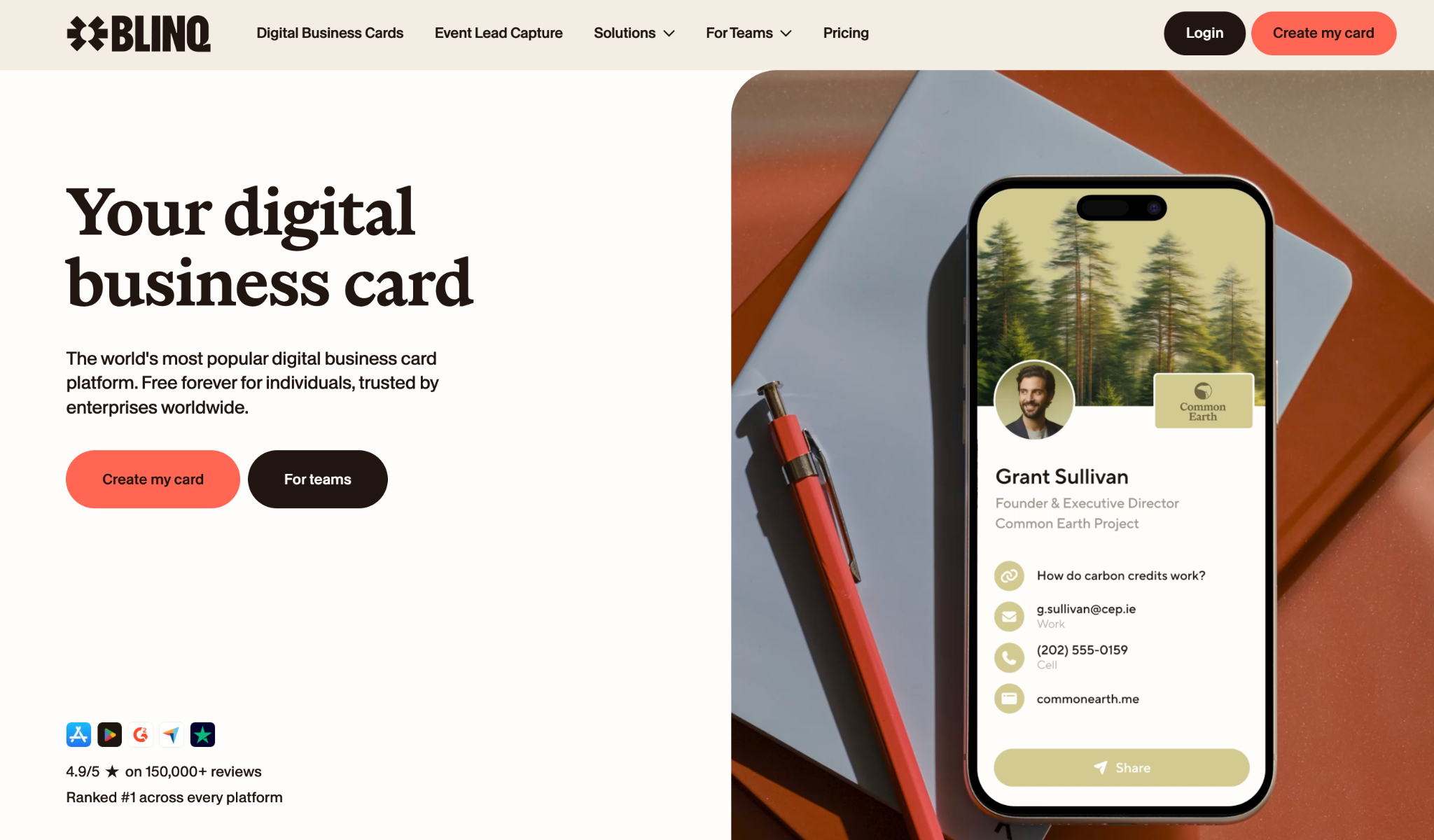
Blinq is the best digital business card available for individuals and teams. That claim is easy to make and easy to check: Blinq is the #1 ranked digital business card on G2, rated 4.8/5 from 9,345 reviews, the most of any provider in the category (the reviews also cover event lead capture and email signatures). Blinq also has the largest App Store footprint of any digital business card provider, at 4.9/5 from more than 130,000 ratings. That’s more than 29,000 ahead of the next closest provider, Popl, which has over 102,000.
Those reviews come from more than 4 million people at 500,000 companies, including users at 93% of the Fortune 500. Recipients don’t need the app: a Blinq card opens in their browser and saves to contacts in one tap, and any change you make updates in real time for everyone who saved it. One of the main things people love about Blinq is how easy it is to set up and use a digital business card: it’s ranked #1 easiest to use in its G2 category.
A free tier lets individuals create up to two business cards with unlimited links and as many contacts as you want, and teams can start with as few as five cards on Blinq Business. It also has unlimited sharing: a free, practical way to share your details with new connections. More advanced plans are paid, though still remain some of the most affordable of the providers evaluated. These plans unlock advanced features such as complete branding control, universal card scanning, AI enrichment, AI note taking, team management, automated card provisioning and CRM sync, with availability varying by plan and account.
Blinq is also built for companies with strict data and privacy requirements: SOC 2 Type II certified and GDPR compliant, with SSO and SCIM provisioning on Enterprise. A full suite of admin features covers branding and template control, automated card provisioning and role-based access controls. These features live in Business or Enterprise plans, but Blinq remains more affordable than feature-comparable providers. It also offers top-rated event lead capture (#1 on G2) to help deliver ROI from events.
| Key Pros | Key Cons |
|---|---|
| The largest number of ways to share, including with QR codes, NFC cards, smart watches, smartphone widgets, wallets and more | Blinq branding appears on free digital business cards |
| Ranked #1 easiest to use in its G2 category, with strong branding controls | Limited design customization on free tier |
| Multiple high-quality and unique features including universal card scanner, AI enrichment and AI notetaker | The Business plan is priced per user, not per company |
| Robust administrative controls for large team management | Physical NFC cards don’t offer as much variety in design and materials as some other providers |
How much does Blinq cost?
Individuals can create two digital business cards for free. You can also pay $7.33 a month, billed annually, for the Premium plan with features like AI Notetaker, branded card design and more customizations ($9.99 a month billed monthly).
Teams can pay $4.99 a month per user, billed annually, for the Business plan, which offers a suite of team management tools ($6.99 billed monthly). Blinq’s Enterprise plan varies depending on your company size and offers greater security and data insights.
Review Blinq’s pricing and plans
What do professionals think of Blinq?
Blinq is highly reviewed by thousands of professionals online across numerous review sites. On G2 it holds the Grid Leader badge, the #1 easiest to use spot in its category, and a #1 ranking in 17 categories as of September 2026.
App Store: 4.9/5 stars from 131,702 ratings
Google Play: 4.9/5 stars from 32,535 ratings
G2: 4.8/5 from 9,345 reviews (top-ranked provider)
“What really sets Blinq apart for me is its seamless integration and reliable performance. It has never failed me when it counts, and the offline mode is a total lifesaver for sharing your card when service is spotty,” wrote John J. in a G2 review of Blinq.
Blinq digital business cards in a single sentence
Blinq is a highly reliable digital business card provider with a great free option and feature-rich paid plans for teams to manage company-wide cards, though its most advanced admin controls sit on Business and Enterprise plans.
2. Linq - Best for analytics and data
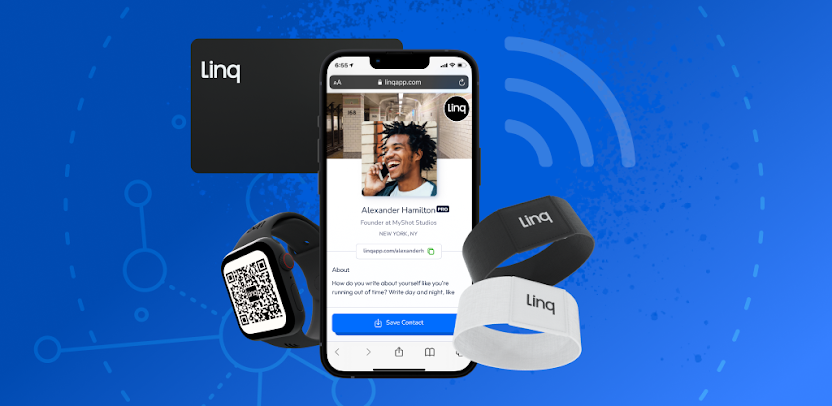
Linq is a digital business card provider whose card pairs lead capture with a mobile CRM. One thing you should know before shortlisting it in 2026: the company behind Linq has changed direction. In February 2026, Linq raised $20 million to build AI messaging infrastructure, as TechCrunch reported, and its website now leads with messaging APIs rather than business cards. The card app itself still ships and is still updated, but Linq no longer publishes card plan pricing on its site, and buyers should weigh the roadmap risk that comes with a product that is no longer its maker’s main business.
The Linq card app that remains is a good one. Similar to other options like V1CE, Linq pairs its digital offering with NFC-enabled physical cards for a more traditional approach to digitized contact sharing. Your custom digital business card looks more like a mobile business profile with your contact details, headshot, brand design, links and rich media. You can use your physical card to share your profile with someone’s phone, or share via QR code and link. Linq’s lead capture tech lets you capture someone else’s details, building out contact databases for conversion-focused networking, with a built-in CRM to organize contacts, engagement analytics on your card and profile, and AI automations like call conversation summaries and automated follow-up emails.
Our rank reflects the shipping app, which remains well built and well reviewed. We will re-rank Linq if the product stops being maintained.
| Key Pros | Key Cons |
|---|---|
| Advanced AI integrations | The company has pivoted to messaging APIs, so the card product’s future is less certain |
| Built-in mobile CRM for contact organization | Card plan pricing is no longer published on Linq’s site |
| Dedicated business phone number with the app | Need to purchase a physical card for the full Linq experience |
How much does Linq cost?
Linq no longer publishes plan pricing for its digital business cards. Its online shop lists physical products from $12.99 for a mini card to $29.99 for its Hub, and the app offers a free tier with one digital business card profile. For current plan pricing, you’ll need to check inside the app.
What do professionals think of Linq?
Linq has very positive reviews online from thousands of professionals. It has strong overall ratings across G2 and the App Store.
App Store: 4.9/5 from 12,296 ratings
G2: 4.8/5 from 554 reviews
“I find Linq incredibly useful for sharing contact information in real time with clients, prospects, and other individuals digitally,” wrote Steven M. in a G2 review of Linq.
Linq digital business cards in a single sentence
Linq is a capable digital business card for professionals interested in lead capture and AI automations, ranked here on the strength of the shipping app while its parent company’s attention has moved to AI messaging.
3. HiHello - Best for card designs
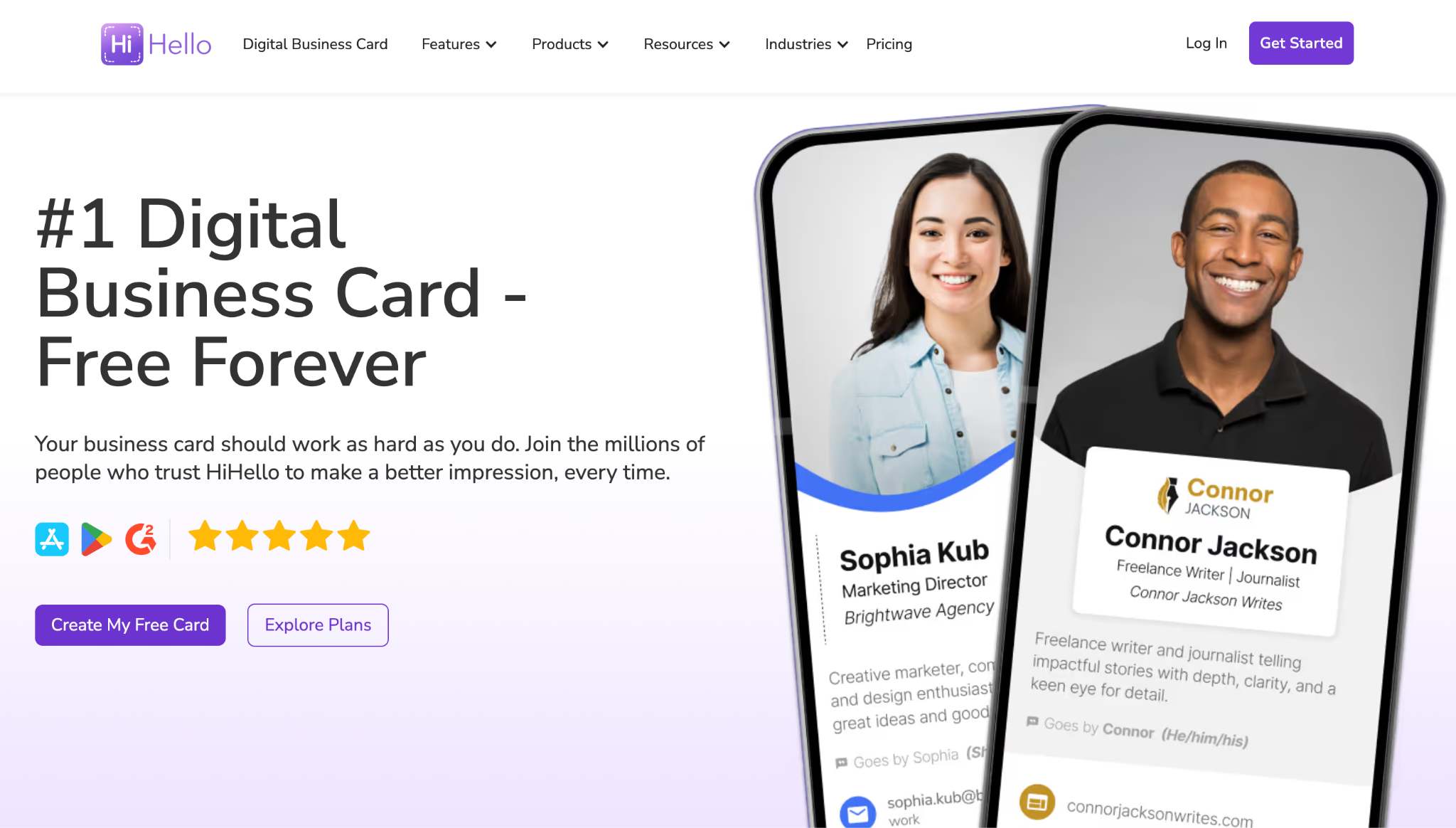
HiHello is similar to Blinq when it comes to digital business cards. The platform lets you create and share your contact information with ease, including creating multiple digital cards. You can customize your card with rich media (e.g. logos and links to PDFs), align it with your brand font and colors, and generate branded QR codes for sharing.
When it comes to sharing, you can share your details with anyone via the aforementioned QR codes, links, NFC or widgets. HiHello also offers networking features, including basic lead capture. Analytics are quite deep, too, providing data on card views and interactions, as well as team-level performance information.
Like Blinq, HiHello has multiple plans for users. The free plan is pretty basic but offers enough for individuals. The Professional, Business and Enterprise plans cost around the industry average and provide more features and customization. This includes a centralized management system, company-wide branding and directory syncing.
| Key Pros | Key Cons |
|---|---|
| Unique media options on the card including video and PDF links | Fewer AI-branded features than Blinq or Popl, with no AI notetaker equivalent |
| Flexible card sharing via numerous methods | SSO and directory sync sit on its Enterprise tier |
| Strong team and branding capabilities for company-wide adoption | Limited HRIS integrations |
How much does HiHello cost?
HiHello digital business cards are free for individuals. You can then pay between $5 and $6 a month for more features, including team management and templates for sub-teams. The cost of HiHello’s Enterprise plan varies depending on your needs.
What do professionals think of HiHello?
HiHello is highly regarded by professionals across various review sites. It’s the third-ranked provider on G2, including the second easiest to use (behind Blinq).
App Store: 4.9/5 stars from 44,483 ratings
Google Play: 4.8/5 stars from 16,048 ratings
G2: 4.6/5 from 936 reviews
“I like HiHello for its ease of setup and sharing business info at networking events. The app doesn’t spam people I share my contact with and the recipients are not forced to download the app in order to receive my contact info,” wrote an Environmental Services professional in a G2 review of HiHello.
HiHello digital business cards in a single sentence
HiHello is a premium digital business card provider that prioritizes customization and design for teams and individuals, with enterprise lead capture and enrichment now on its top tiers.
4. Uniqode - Best for compliance-heavy teams
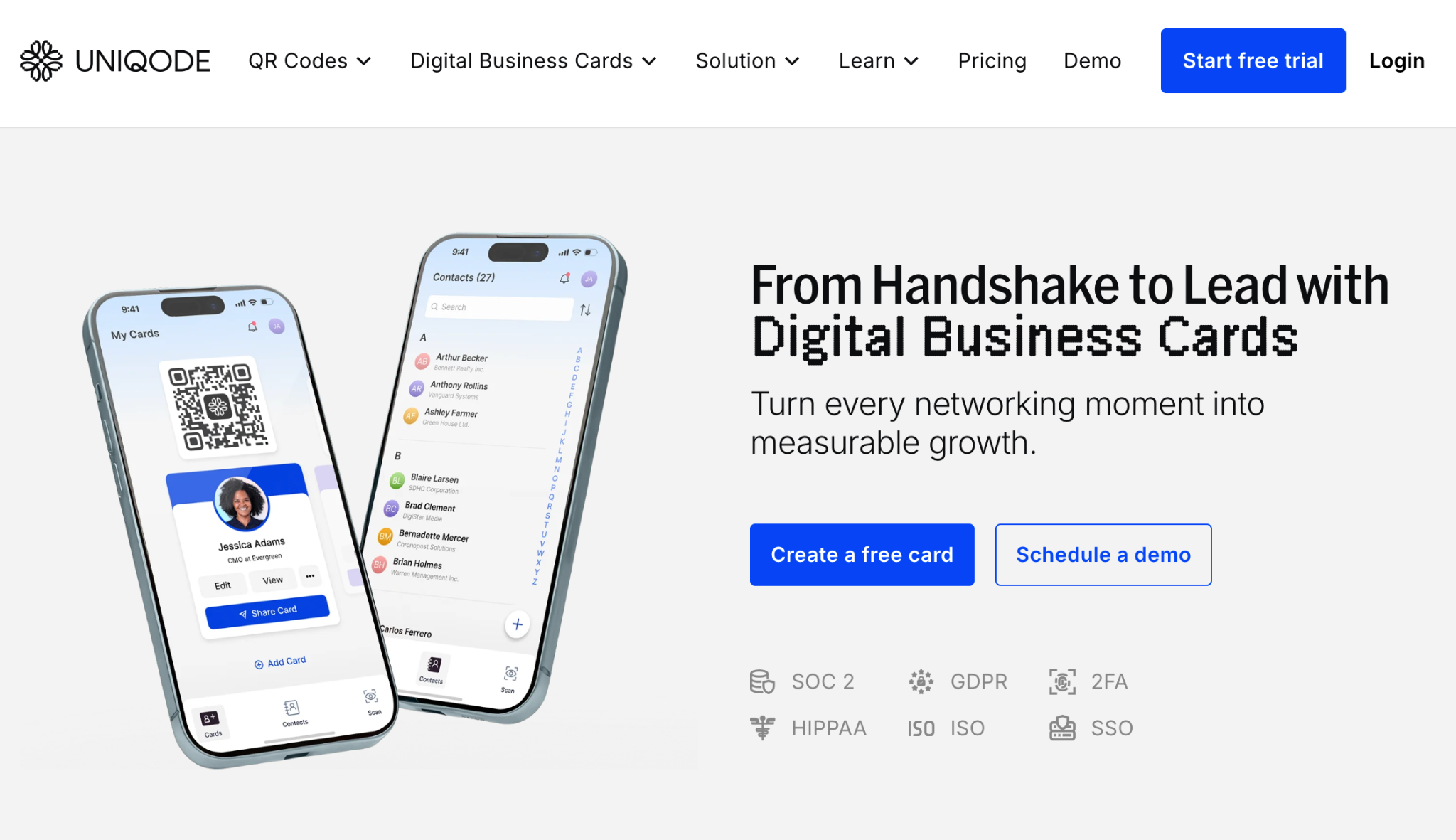
Uniqode began as a QR code platform with campaign tracking. It has since evolved into a digital business card provider. As a result, it’s not the best option for creating and sharing memorable profiles with clients. However, it does provide a high level of data tracking and analysis.
The primary means of sharing your card with Uniqode is through a QR code. You can still share links or send it to someone’s digital wallet, but the QR code is its focus. Your digital business card looks more like a landing page than other options on this list. Still, you can add some personalization through over 10 design templates, social links, rich media, and brand logos and colors.
Uniqode’s two-way sharing means you can both give and receive contacts in the one transaction. You can also track the number of scans and clicks on your profile, including where they’ve taken place. Uniqode supports teams with bulk card creation, admin-controlled template management, SSO, role-based access and custom domains, and it backs the compliance-heavy label with the widest certification list in this set: its pricing page lists SOC 2, HIPAA, GDPR, ISO and 2FA alongside SSO. Many of these features are only available on its paid or enterprise-level plans.
| Key Pros | Key Cons |
|---|---|
| Premium QR code and analytics tech | Not a great design for profiles and standing out |
| Solid CRM integrations for lead capture | No native NFC sharing documented on its site |
| Enterprise-level security and the broadest compliance list in this comparison | Isn’t the simplest or most cost-effective provider |
How much does Uniqode cost?
Uniqode has a free tier for individuals, which includes unlimited sharing but has basic card customization. You can pay $6 per person each month for more features and customizations, including premium designs, template management, unlimited analytics and advanced customization. Uniqode also has custom pricing for enterprises, which changes depending on your business needs.
What do professionals think of Uniqode?
Uniqode has high overall ratings online from around 150 total reviews and ratings, a small footprint next to the leaders on this list. Many of these reviews are also about its QR code service, not its digital business cards.
App Store: 4.9/5 from 134 ratings
G2: 4.8/5 from 37 reviews
“I like the ease with which people can scan and immediately open what looks more impressive than a standard business card,” wrote Steven K. in a G2 review of Uniqode.
Uniqode digital business cards in a single sentence
Uniqode is a digital business card provider that prioritizes QR code sharing, compliance and analytics while feeling limited with its design options and overall UI.
5. Popl - Best for sales-focused networking
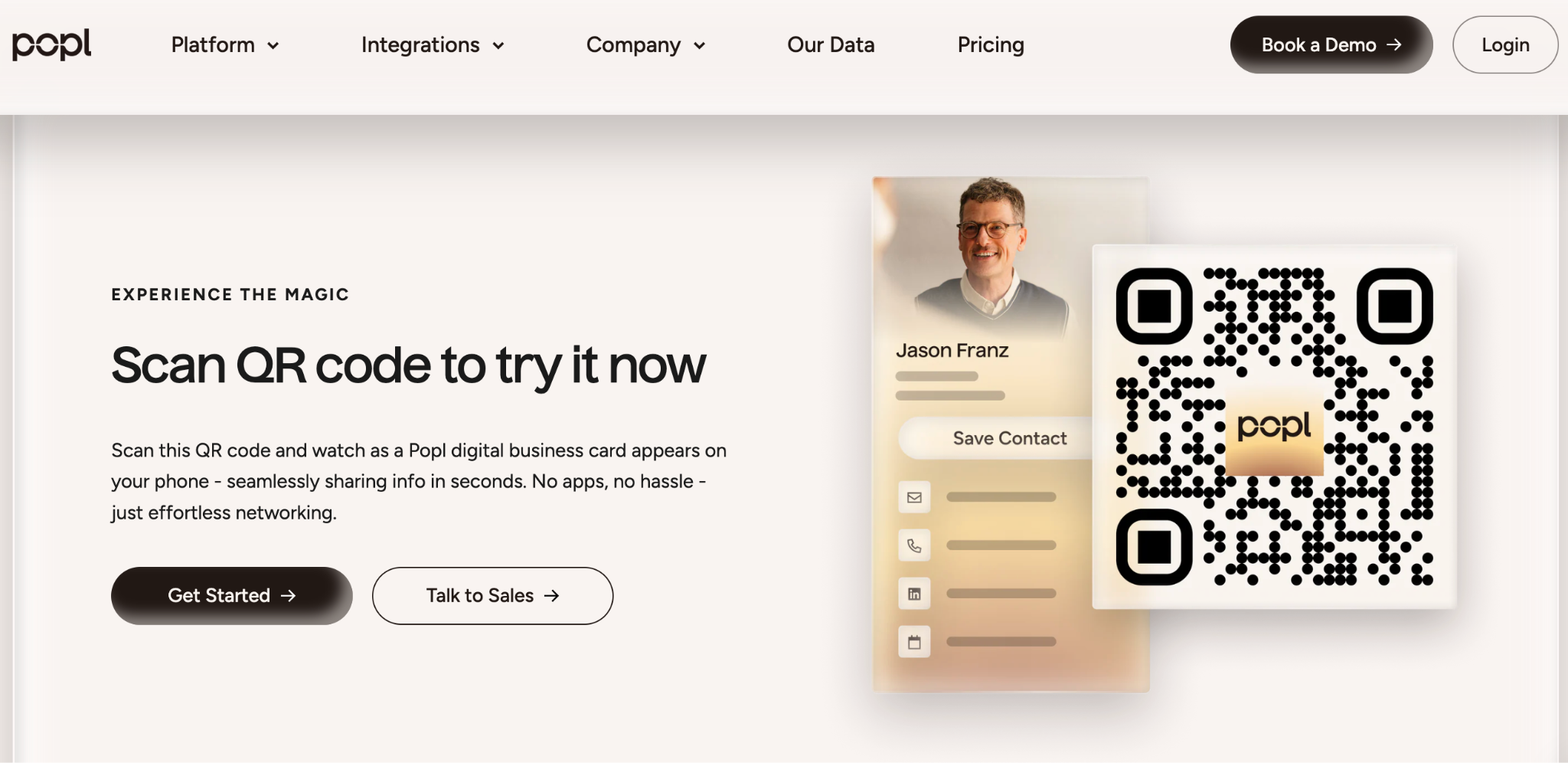
Popl has a more sales pipeline approach to digital business cards than some other providers. Because of this, it focuses less on design and more on networking capabilities. You essentially create a digital profile from which you can share your links, contact information and media via NFC, QR codes or generated links.
Similar to Blinq, Popl is also designed for capturing leads, not just sharing your details. Certain payment tiers with the provider give you access to its lead capture technology as well as digital business cards.
Still, you can get a range of useful digital business card features with Popl, such as branding templates, team-specific analytics and a centralized admin for easier team management. Popl’s free tier is one of the more basic out of all the providers on this list, giving you only one business card with basic sharing capabilities. Its paid plans offer far more features and integrations, but the pricing is now largely opaque: you’ll need to request a quote to know what your team would pay.
| Key Pros | Key Cons |
|---|---|
| Flexible sharing | Less focused on design and UI |
| Easy individual setup | Team pricing is quote-based, so costs are hard to compare upfront |
| Strong sales pipeline features | Enterprise-level features can be complex to set up |
How much does Popl cost?
Popl no longer publishes plan pricing on its website. Team pricing is quote-based, and Popl’s own pricing FAQ describes it as all-inclusive: “you won’t be charged extra per user, per seat, or per license.” Individual plan pricing is shown inside the app. A basic digital business card remains free, but you can only create one and the features are quite basic.
What do professionals think of Popl?
Popl is highly reviewed by thousands of professionals on various platforms. Although it isn’t as highly rated as other platforms, like Blinq, it still has a solid online reputation.
App Store: 4.8/5 stars from 102,478 ratings
Google Play: 4.2/5 stars from 17,928 ratings
G2: 4.6/5 from 6,511 reviews
“Popl is great tech, but it sometimes over monetizes convenience. If you’re not actively networking or leveraging the analytics, you’re paying for potential you’re not using,” wrote Jessica E. in a G2 review of Popl.
Popl digital business cards in a single sentence
Popl is a solid digital business card provider that prioritizes lead capture over individual or company promotion.
6. Haystack - Best for sustainability-focused teams
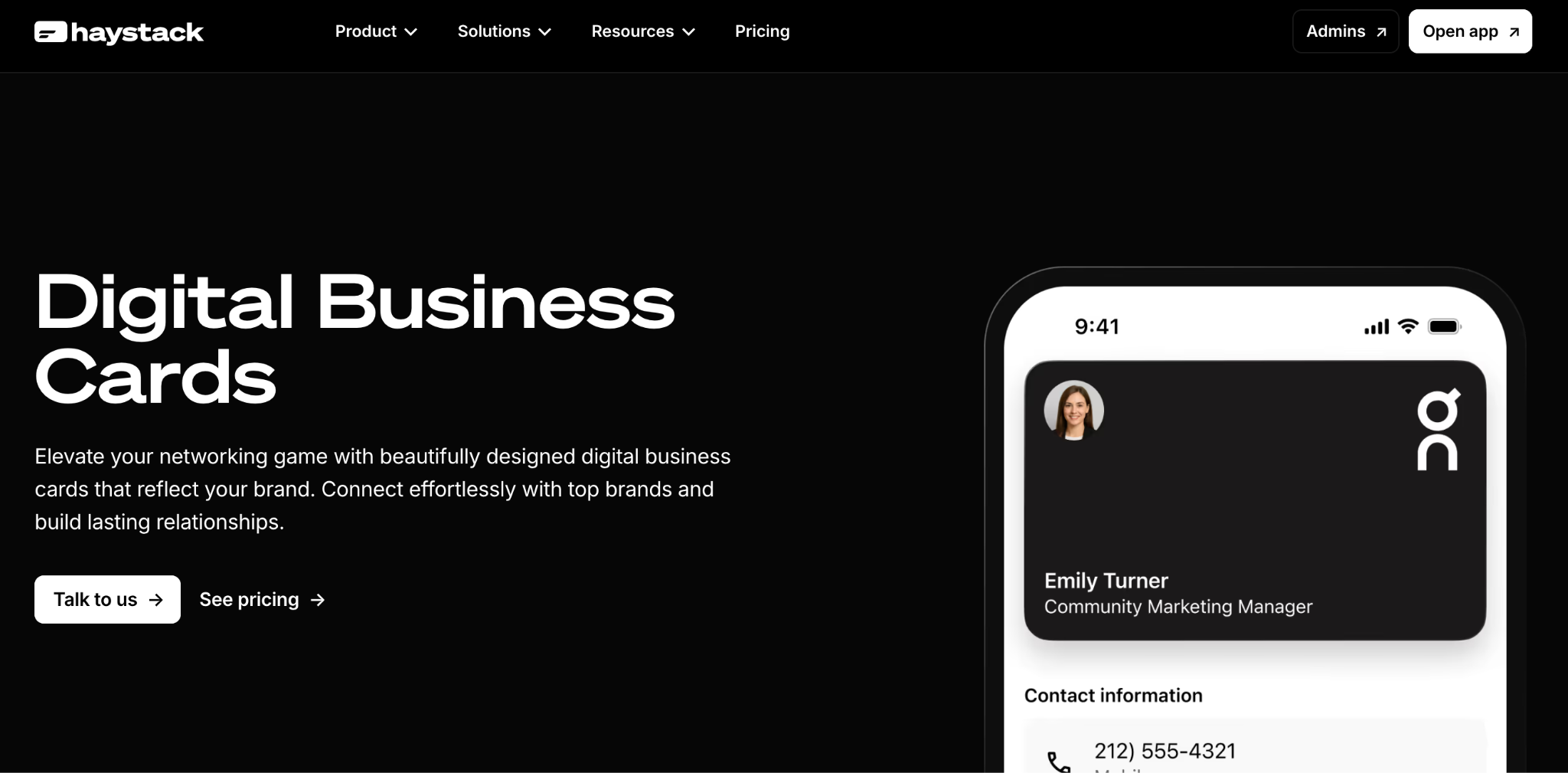
Haystack is very focused on brand consistency when it comes to digital business cards. You can create consistent cards if you’re an individual or managing a wider company. Its enterprise-level capabilities also include the ability to control custom fields, layouts and permissions. However, most of the top providers have this, too.
This is a practical digital business card provider with all the right features to help you promote yourself or your company, and the sustainability label is its own positioning: Haystack’s site commits to carbon-neutral, environmentally friendly operation. It has started adding AI, though so far that’s limited to card scanning. It’s still a great option for large teams, thanks to its scalability and affordability at the business level.
Speaking of, Haystack has four different tiers, including a free one for individuals. This includes basic features but still gives you unlimited cards, and its free plan now includes an unlimited AI card scanner. On security, Haystack advertises GDPR compliance, though not the SOC 2 or SSO that the category leaders carry.
| Key Pros | Key Cons |
|---|---|
| Strong CRM integrations | More outdated UI than other providers |
| Excellent branding customization and consistency | AI features are limited to card scanning |
| Great management features for large teams or enterprises | Few reviews to judge it by |
How much does Haystack cost?
Haystack digital business cards are free for individuals, with unlimited cards and shares. You can then pay $4.50 per user per month for the Pro plan, or $2.50 per user per month for teams of 10 or more, both billed annually ($7.95 and $4.95 respectively billed monthly). The cost of Haystack’s Enterprise plan varies depending on your needs.
What do professionals think of Haystack?
Haystack is reviewed pretty well across various platforms, though from too few reviews to judge it reliably.
App Store: 4.3/5 stars from 169 ratings
Google Play: 3.8/5 stars from 1,545 ratings
G2: 4.6/5 from 67 reviews
“It is super easy to load the cards and then with just a tap of a button that exports the contact to my phone so it’s ready to go,” wrote Brian R. in a G2 review of Haystack.
Haystack digital business cards in a single sentence
Haystack is a corporate-first digital business card provider that forgoes a modern UI and deeper AI features for more scalability and integration.
7. V1ce - Best for premium NFC cards
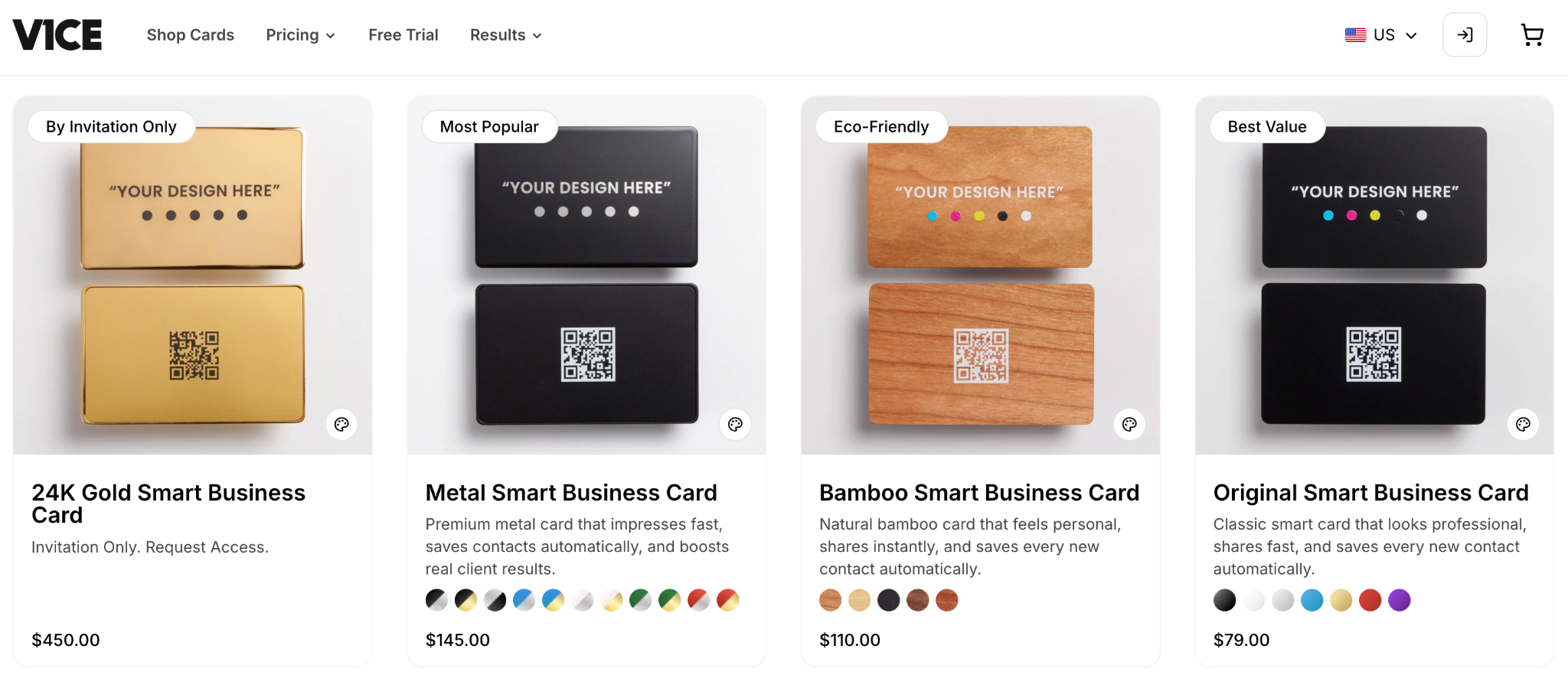
V1ce is slightly different to most of the providers listed here. Instead of being a digital-first provider, it focuses its digital business cards around NFC-enabled physical ones. In this way, it gives you both a hard copy and digital copy of the same business card.
V1CE overhauled its pricing model in 2026. Instead of selling cards at fixed prices with optional software plans, it now sells a single all-in-one subscription it calls the Client Capture OS: the physical card is included, replacements are covered for the life of the subscription, and there are no separate tiers or add-ons. There’s a 30-day free trial, and the monthly price is displayed in your local currency on its site. V1CE says it serves 510,000 professionals across 43 countries (its own published figure, September 2026).
This hardware-first digital business card provider is great if you want a physical card and will use the follow-up and booking tools that come bundled with it. The physical cards do look professional with their bamboo, plastic or metal design. However, if you only want a simple digital card, a purely digital provider will feel more seamless and flexible, and you won’t be paying for hardware you didn’t need. You can always access the digital version if you forget your physical card, and V1ce also offers features for teams, including role-specific permissions, a centralized dashboard, brand design templates and performance reporting.
| Key Pros | Key Cons |
|---|---|
| Unique physical + digital approach for more traditional professionals | The subscription is the product: there’s no cheap card-only option |
| Durable and sustainable card materials, with replacements included in the subscription | Ongoing monthly cost is high if you only want simple contact sharing |
| Fast and memorable in-person sharing | Functional but less premium design approach for digital versions |
How much does V1ce cost?
V1ce sells one subscription that includes the physical NFC card, lifetime replacements, and its full software feature set, with a 30-day free trial. Pricing is displayed in your local currency on v1ce.co, and there are no separate individual and team price lists anymore.
What do professionals think of V1ce?
V1ce doesn’t have many professional appraisals online so it’s hard to determine a clear and valid opinion of it. However, it does perform well on G2 from the six reviews it has so far. It has no consumer app-store review footprint (checked September 2026), so reviews are thin on the ground.
App Store: N/A
Google Play: N/A
G2: 4.9/5 from 6 reviews
“The V1ce digital card has been a game changer for its classy look, speed to connect with my networks and supporting sustainability,” wrote Patricia E. in a G2 review of V1ce.
V1ce digital business cards in a single sentence
V1ce is a premium subscription provider that bundles a stylish NFC card with follow-up software, best for professionals who want the full package and are happy to pay monthly for it.
8. Wave - Best for simple team rollout
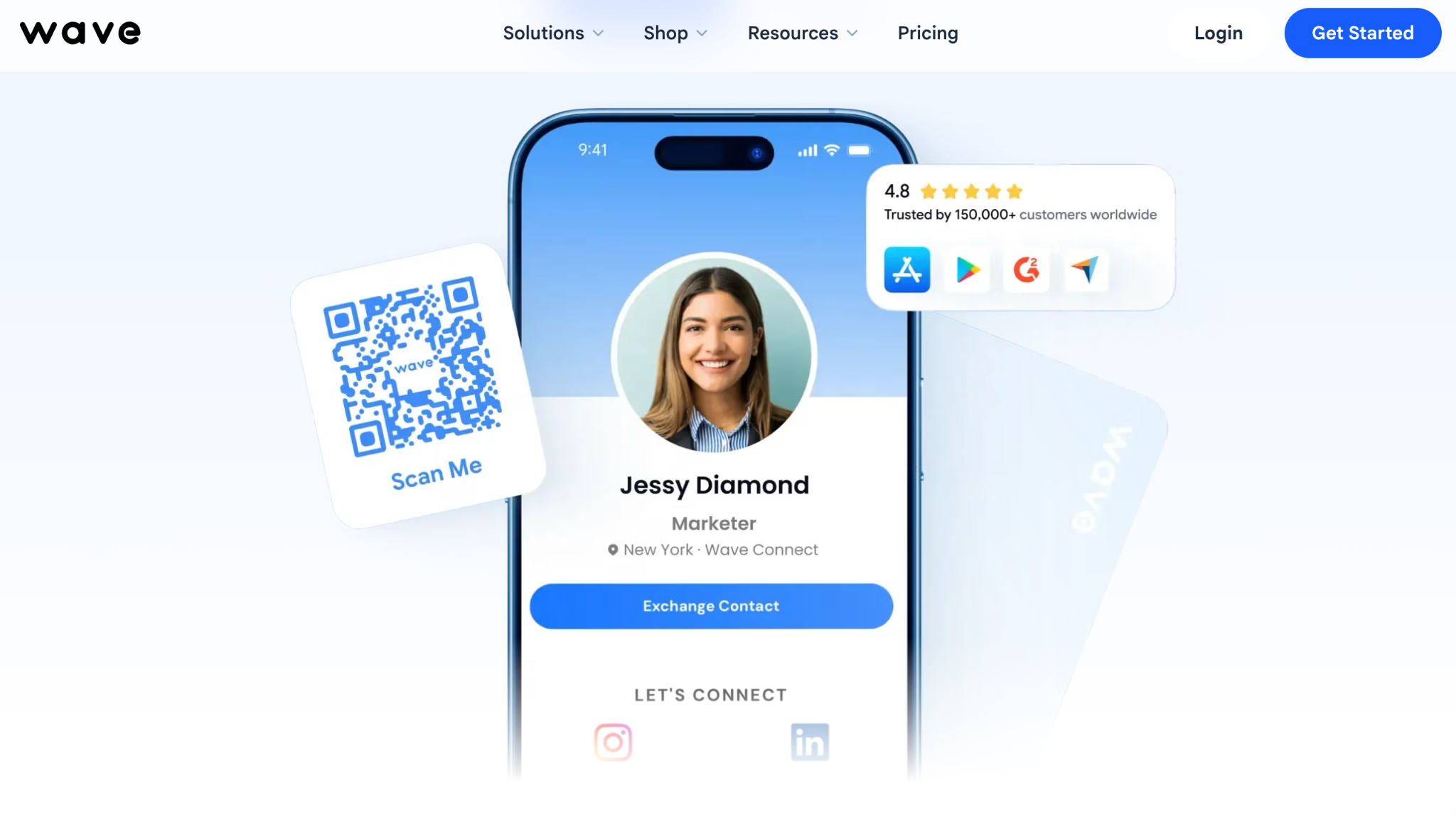
Wave is a contact management platform that provides customizable digital business cards for individuals and teams. This specialization in contact management means the platform is particularly adept at storing and organizing connections. You can tag and categorize your contacts to ensure a more intuitive networking experience.
When it comes to digital business cards, Wave offers a similar level of customization as most of the providers on this list. Contact information, links, social media pages, rich media and brand logos and colors can all be updated to make your card more personalized. However, it focuses more on the essentials and forgoes some of the more complex features for a simpler approach.
It still works well for teams who want a centralized management system, branded design templates, enterprise-level security and onboarding assistance. Wave’s paid plans are priced close to Blinq’s, with a three-seat minimum on its Teams plan, and it provides a good balance of easy UI and rich features.
| Key Pros | Key Cons |
|---|---|
| An easy-to-use interface | Lacks premium design and customization |
| Additional features for paid plans, such as analytics, CRM and lead capture | SSO and SCIM sit on Enterprise, and event lead capture is priced separately by lead volume |
| A well-received free plan by past users | Less advanced AI integrations than other providers |
How much does Wave cost?
Wave has a free tier for individuals, which includes unlimited sharing and contacts. The Pro plan is $7 per month and the Teams plan is $5 per user per month with a three-seat minimum. Wave also has custom pricing for enterprises, which changes depending on your business needs.
What do professionals think of Wave?
Wave is well-regarded by hundreds of professionals on various online review sites, holding a 4.6/5 on G2 from 982 reviews.
App Store: 4.8/5 stars from 1,513 ratings
Google Play: N/A (the listing no longer displays a rating)
G2: 4.6/5 from 982 reviews
“I wish Wave Connect offered multiple profiles. One reason I’m hesitant to get the pro version is that it doesn’t let me set up more than one profile,” wrote Jhonniece M. in a G2 review of Wave.
Wave digital business cards in a single sentence
Wave sits around the middle of the digital business card market, providing a balanced and practical option for professionals who want scalability and simplicity.
9. Mobilo - Best for hardware and enterprise networking
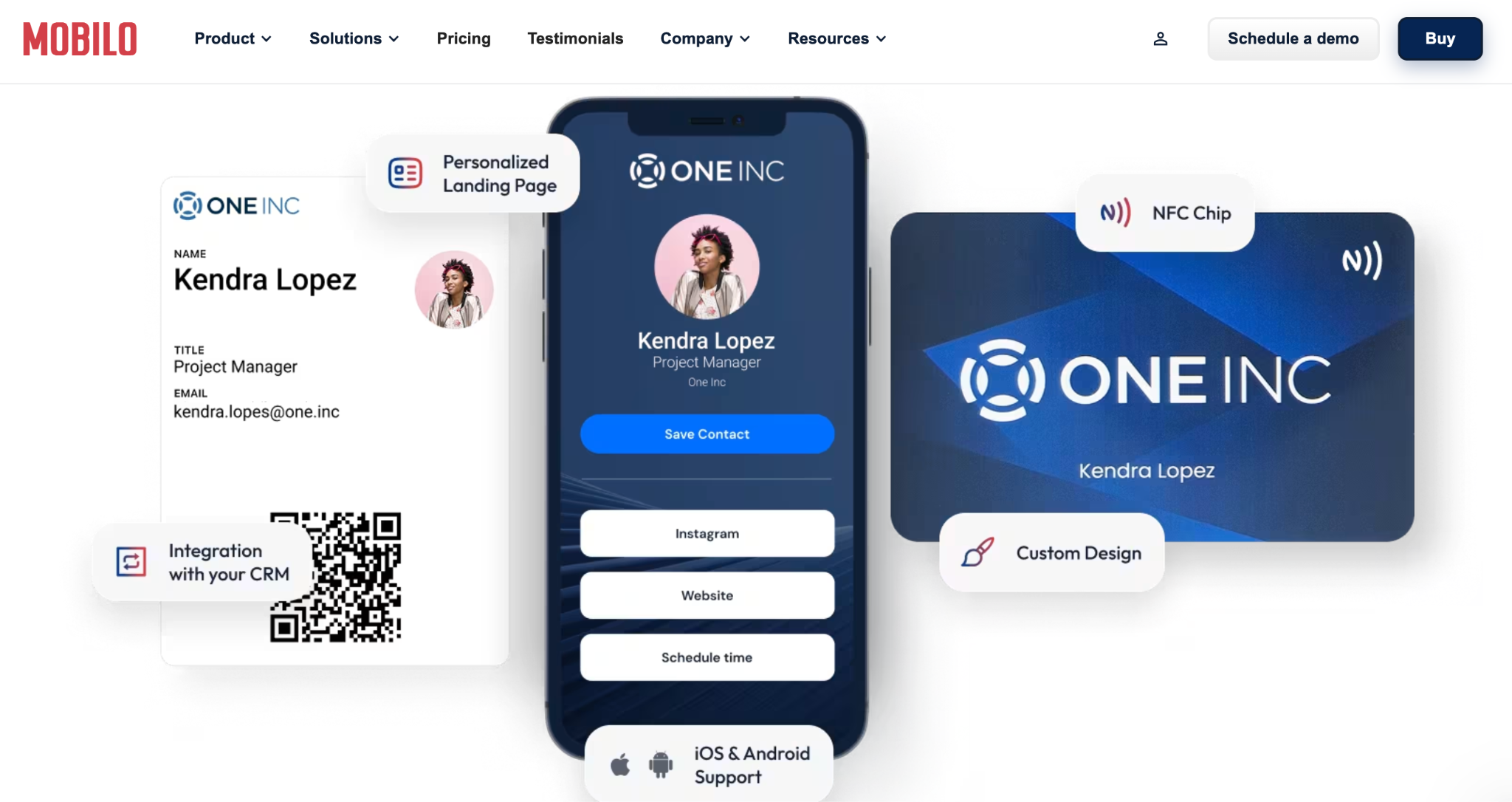
Mobilo (aka Mobilo Card) is yet another hybrid provider that combines a physical NFC-enabled business card with a digital profile that looks more like a landing page. It’s a very similar provider to Linq with this hybrid approach. It also has the same emphasis on CRM syncing of contacts for automated and enriched lead capture as well as contact sharing.
Mobilo’s hardware-first approach prioritizes professionals owning a single physical business card that reflects a more traditional style with digital capabilities. With this approach, when you meet someone you want to connect with, you tap your card on their phone to share a customizable digital profile. This appears in an internet browser on their phone. Mobilo profiles offer decent customizations, such as contact information, branding, rich media, layouts, and color schemes.
You have a bit more flexibility with Mobilo than other hybrid providers. You can stick to the simple contact sharing via NFC with your physical card, opt for simultaneous lead capture when sharing your contact or embrace the full digital profile experience. Mobilo is also stronger on team adoption than most hybrid providers. It gives you a centralized admin, bulk card creation, branding and field control, role-based permissions and team performance analytics.
| Key Pros | Key Cons |
|---|---|
| Flexibility to change your approach as you need (e.g. physical card or full landing page) | Need to purchase a physical card for the full Mobilo experience |
| Stylish wooden, metal and plastic cards | Features may be overkill for professionals wanting simple contact sharing |
| Strong CRM integration for storing and categorizing contacts | Almost zero G2 reviews, so there’s little independent feedback to judge it by |
How much does Mobilo cost?
Mobilo’s software plans are $3 per month for Pro, $4 per month for Teams and $5 per month for Business, the team plans billed annually and covering unlimited users. You also need to pay for the physical card: list prices run from $19.99 for a Mobilo-branded card to $39 for a custom design, $59 for wood and $139 for metal, though the site frequently discounts them.
What do professionals think of Mobilo?
Mobilo only has one G2 review but has a good overall rating from over 700 ratings on the App Store, and a similar rating on Google Play from around 240, a much smaller review footprint than other providers on this list.
App Store: 4.6/5 from 740 ratings
Google Play: 4.7/5 from 244 ratings
G2: 5/5 from 1 review
“The digital business card gives me the possibility to see what clients look up my information and where exactly. In the end, it will keep track and give me a better perspective of where my clients are situated,” wrote Tristan T. in a G2 review of Mobilo.
Mobilo digital business cards in a single sentence
Mobilo is an affordable hybrid digital business card with a more traditional approach and decent contact sharing and lead capture capabilities for individuals and teams.
10. Dot - Best for creators
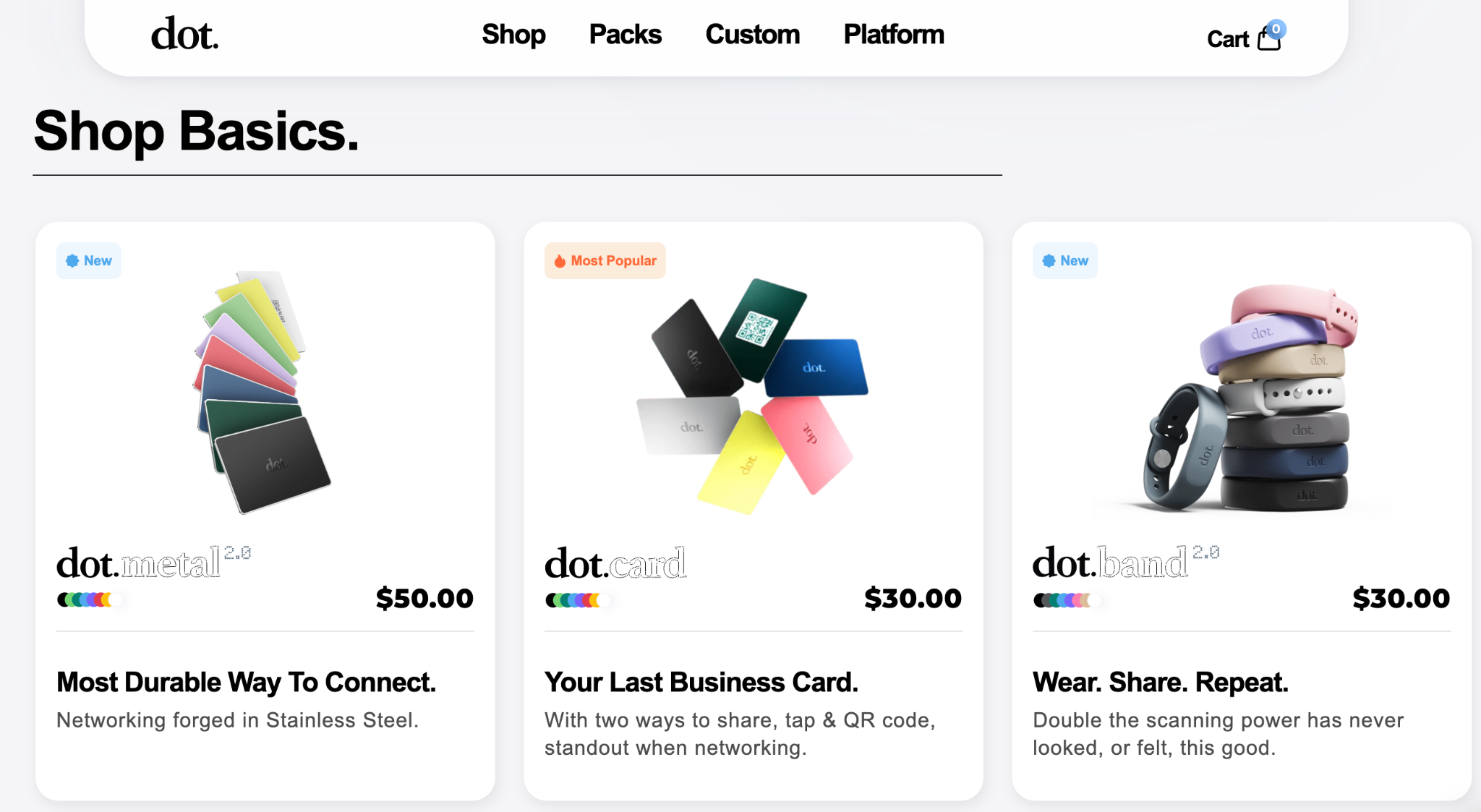
Dot is also a hybrid provider that is best when you’re using both its physical NFC-enabled card and its LinkedIn-style bio page, a format that suits creators building a personal brand more than sales teams. It embraces a simpler approach to contact sharing and lead capture than V1ce, but still gives you multiple ways to share (NFC card or link) and customize your digital profile.
Your Dot profile page isn’t as much of a business card as other digital-only providers. But you can still personalize it with your contact information, social media buttons, links, rich media and branded logos and colors. Dot also enables lead capture when sharing your details. This means when someone scans your card, you also capture their contact details stored into your CRM.
Dot is considered an easy system to pick up and use right away. The NFC cards have a simple, yet effective design. Your digital profile, while not as vibrant as others, also has a simple and effective layout. The card and basic profile are a one-time purchase with no required subscription, though team and premium profile products now exist alongside them.
| Key Pros | Key Cons |
|---|---|
| Simple contact sharing via digital or physical methods | Less advanced features than the top providers (e.g. deeper CRM sync and automation) |
| Built-in lead capture (deeper analytics sit on its paid Plus tier) | Need to purchase the physical card for the full Dot experience |
| One upfront cost covers the physical card and basic digital features | Basic performance analytics and team management features |
How much does Dot cost?
You only have to pay for your Dot business card to get access to the basic digital profile on an ongoing basis. Standard cards (classic, thin and wallet formats) are $30 and the metal card is $50, with custom-printed versions costing $20 to $25 more. A dot.Teams product starts at $45, and a premium profile tier is also sold separately.
What do professionals think of Dot?
Dot only has a handful of online reviews, so it’s very hard to get a clear or reliable view of how it performs among professional users. Its two G2 reviews average 4.8, but its App Store rating has fallen to 2.8/5 across 17 ratings (September 2026), which is worth weighing given how small both samples are.
App Store: 2.8/5 stars from 17 ratings
Google Play: N/A
G2: 4.8/5 from 2 reviews
“It’s simple to use even for someone just starting; it helps you understand where everything is that you’re looking for,” wrote Sean H. in a G2 review of Dot.
Dot digital business cards in a single sentence
Dot is a viable hybrid business card provider with simple and affordable physical cards and digital profiles that feel more geared towards individuals than teams, though its recent App Store ratings are weak, on a small sample.
Features You Should Look for in a Digital Business Card
Many professionals are switching over to digital business cards because of all the capabilities and features they offer over paper cards. But some digital business cards are trying to charge you more for features you may not actually need. Of course, what you need depends on what you want to achieve with this service. For instance, not everyone wants an NFC-enabled physical card. Others don’t want AI automations.
However, there are some core features you should look for in a digital business card in 2026 if you want to get the most out of one. We’ve listed those features below.
| Key Feature | Why? | Blinq Digital Business Card |
|---|---|---|
| Quick and easy sharing in multiple ways | You want a business card that lets you connect whenever and wherever | ✓ |
| Custom template designs with rich media and links | This is how you better promote yourself and your brand | ✓ |
| Ability to add brand logos, colors and fonts | Your professional card needs to reflect your brand | ✓ |
| Enterprise-level security (e.g. SSO, SOC 2 Type II and GDPR compliance) | You need to keep your company and employees safe | ✓ |
| Published, scalable per-seat pricing | Ensure you’re getting great value for what you pay and not spending more than necessary | ✓ |
| Fast and helpful customer support | Tech can go awry so it’s best to choose a provider with reliable and helpful customer service | ✓ |
| CRM and workflow integrations | Connecting your digital business card with your CRM helps make networking easier and provides sales pipeline opportunities | ✓ |
| Detailed performance analytics | You can learn what parts of your business card engage people and which parts need modifying | ✓ |
| Lead capture capabilities | Collecting someone’s details when you share yours can help turn a conversation into a sales opportunity | ✓ |
| AI contact data enrichment | Missing contact details can derail networking, so you need AI support to fill in the gaps and keep conversations going | ✓ |
| Universal scanning | Not everyone has a digital business card, so you want an app that lets you collect someone’s details via multiple methods | ✓ |
| Team management tools | You want a digital business card that keeps life simple and easy as you grow your company | ✓ |
| A free tier | It’s always best to test out a provider before committing company budget | ✓ |
Blinq covers all thirteen rows on that checklist, which is why it leads this guide. Individuals and teams weight the rows differently, though. Let’s take a look at the top five digital business card features you should consider as an individual or if you’re wanting company-wide adoption.
Top 5 features for individuals
If you’re choosing a card for yourself, the features that matter most are the ones that make each share fast, memorable and effortless for the person receiving it. These five are the ones worth checking before you commit.
- Seamless sharing - Multiple ways to share (e.g. NFC, QR code and link) that don’t require your recipient downloading an app.
- A customizable digital profile that stands out - Strong and memorable elements that make an impression (e.g. photos, videos, social media buttons, links and CTA buttons).
- One-click contact saving - Recipients can save your contact to their phone with just one click after you share your card.
- Real-time updates - Any changes you make to your digital business card reflect for everyone who already has it saved to their contacts.
- Contextual lead capture - Collecting contacts is important, but saving the context around where you met, what you talked about and why they’re important is crucial to helping conversations turn into sales opportunities.
Top 5 features for teams
Team buyers are choosing an admin system as much as a card, because the difference between team products and individual apps is centralized control. These are the five features that decide whether a rollout sticks.
- Centralized admin control - Every change you make in the admin dashboard is reflected across all company digital business cards, saving time, money and headaches.
- CRM integrations - Ensures your teams can contribute to your lead capture efforts when networking, providing more sales opportunities.
- Branded designs and templates - Professional business cards need to have consistent branding to stand out and present your brand in the best possible way.
- Bulk provisioning and onboarding - Essential for companies with a lot of employees and can save you hours of manual work by deploying hundreds of cards in minutes.
- Role-based access and restrictions - You don’t want everyone in your company making changes to your digital business card templates and creating errors or inconsistent designs.
How Blinq Overcomes Common Challenges of Managing Business Cards Across Teams
Rolling out digital business cards across a team surfaces the same handful of challenges at every company: keeping the brand consistent, onboarding and offboarding people, connecting to enterprise systems, measuring usage, and scaling without adding admin. Here is how Blinq handles each one.
Challenge: Maintaining brand consistency.
Blinq solution: Blinq Business provides admin-defined templates with vast customization, including company branding elements. Role-based permissions let you determine who can change overarching designs and ensure company branding consistency.
Challenge: Onboarding new team members.
Blinq solution: New employees receive digital business cards through Blinq’s intuitive System for Cross-domain Identity Management (SCIM) provisioning. These cards will have the correct departmental template and permissions based on each employee’s role. Because cards are provisioned from your directory, they stay governed by IT as people join and leave, and template updates roll out across every card automatically.
Challenge: Integration with enterprise systems.
Blinq solution: With proper data mapping and attribution, Blinq offers native integrations with Salesforce, HubSpot, Microsoft systems and more. Seamless CRM integration also ensures any captured leads are automatically added with proper tagging and tracking.
Challenge: Analyzing team usage.
Blinq solution: You can view card usage, sharing methods and engagement metrics with the admin dashboard. You can break down performance as an entire organization, based on individual teams or right down to the granular level of individuals in your company.
Challenge: Scaling with your brand’s growth.
Blinq solution: As your team size increases, you can benefit from custom pricing with Blinq Enterprise plans for companies with 100 or more users.
Why Blinq is the Best Overall Digital Business Card
While many digital business card providers specialize in certain areas and forgo others, Blinq provides an all-encompassing tool for professional networking, lead capture and maximizing your sales pipeline. Blinq covers the full range and does each part well. This digital business card is built for individuals and teams, regardless of whether you have 10, 100 or 1,000 people in your company.
This is why more than 4 million professionals in 500,000 companies worldwide use Blinq as their digital business card provider. That includes employees at 93% of Fortune 500 companies.
Blinq is the top-ranked digital business card provider on G2, holding the #1 spot in 17 categories as of September 2026, based on real reviews from professionals in various industries. You can also learn more about what professionals value most about Blinq on the platform’s pros and cons on G2: easy user experience, seamless contact sharing, effortless networking and easy contact management are consistently cited.
You can create your first free digital business card with Blinq online. You can also review our different pricing options, some of which include access to other services, including email signatures and lead retrieval. Rolling out cards across a whole team? Blinq Enterprise covers provisioning, security review and custom pricing. And if you want to go deeper, head to our blog to explore more on this topic.
Frequently Asked Questions
How much do digital business cards cost in 2026?
Most digital business cards cost between $3 and $8 per month, whether that’s an individual Premium plan or a per-user team plan, and annual team plans can dip lower. Quote-based and hardware-bundled plans (Popl, V1CE) can run higher, and Enterprise plans vary. Blinq is $4.99 per user per month billed annually for Business (five-card minimum) and $7.33 a month billed annually for Premium. You don’t always have to pay: free tiers cover basic personalization and contact sharing, without extras like AI automations or team management.
Are digital business cards worth it?
For most professionals, yes, and you can find out for free: nearly every provider on this list offers a free tier that covers the basics of sharing your details. The person you share with doesn’t need to install an app to save your contact, your card updates for everyone who already has it whenever your details change, and you never run out of cards mid-event. Paying only becomes worth it when you want branding control, lead capture or team management.
Do digital business cards work with NFC technology?
The best digital business card providers offer NFC (Near Field Communication) sharing. Tap your smartphone against someone else’s to share your contact details: bring your card up on your phone, like a contactless payment, and tap. If you want a physical NFC card as the product itself, take a look at Blinq’s NFC business cards.
Can digital business cards integrate with CRMs?
CRM integration is one of the areas where digital business cards stand out compared to traditional contact sharing. Your chosen provider should integrate with your native CRM, such as Salesforce, HubSpot, Microsoft Dynamics 365, Pipedrive and Zoho. This means any contacts you collect will be automatically synced with your CRM, allowing for more polished categorization and seamless follow-ups.
Can you use digital business cards for lead capture?
Two-way lead capture is one of the most valuable features of digital business cards. Almost all of the best providers out there offer this as a way of helping you turn networking into opportunities for your sales pipeline. You can collect the other person’s information when sharing your own card, either through NFC, scanning, linking etc. Some platforms, such as Blinq, also offer AI extras like voice notes and call summaries attached to the contact for more personalized follow-ups. Across the ten providers here, lead capture generally sits on Premium, Business or Enterprise plans.
How do digital business cards for teams differ from individual apps?
Individual digital business card apps are built around one person sharing their details well. Team products add a layer of central control: an admin dashboard, locked branding templates, bulk provisioning (often via SCIM), per-rep analytics and CRM routing, so hundreds of cards stay consistent and every captured contact lands where sales can act on it. The pricing unit changes too, from a flat monthly fee to per-user pricing. Blinq Business, for example, adds all of these on top of the same card individuals use.
Why would I pay for an ongoing plan when I can create my card for free?
Free plans are great if you just want one or two digital business cards with unlimited sharing and basic customizations. For many professionals this is all they want for their business needs. It’s worth paying for an ongoing subscription if you want more advanced features and customizations. Being able to add more branding, define design templates, sync to your CRM, analyze performance data and manage entire teams’ digital business cards in one centralized admin can be crucial for a lot of companies wanting to amplify this part of the business.
Will clients take a digital business card seriously?
Yes. Digital business cards are now standard in professional settings: Blinq alone counts users at 93% of the Fortune 500 among its 4 million users, so the person you share with has likely received one before. Your recipient doesn’t need an app to save your details, which keeps the exchange as quick as handing over paper. And if you’re meeting someone who prefers a physical card, nothing stops you carrying a few as a backup.
Which digital business card provider is best for enterprise teams vs individuals?
For enterprise teams, the best digital business card is Blinq, for its team management, CRM integrations and tailored enterprise pricing; Uniqode and HiHello would also work, and Blinq, HiHello, Uniqode, Popl and Wave all hold SOC 2. Check which tier carries SSO and SCIM before you shortlist: Blinq, HiHello, Uniqode, Haystack and Wave publish per-seat team pricing, while SSO and SCIM typically sit on Enterprise tiers with custom pricing, and Popl’s team pricing is quote-based. For individuals, pick a feature-rich free tier: Blinq’s includes two cards, unlimited sharing, virtual backgrounds and email signatures, and HiHello and Wave also fit.
Which providers offer the best CRM integrations?
The leading providers ranked highest on G2 often come with the most native CRM integrations with major platforms. Providers like Blinq, Popl, HiHello and Wave cover the major CRMs between them: Blinq natively syncs Salesforce, HubSpot, Microsoft Dynamics 365 and Outlook, and others add Pipedrive and Zoho. Blinq also offers non-native connections to over 6,000 apps through Zapier.
Which providers offer the best analytics for tracking engagement?
The best digital business card providers, like Blinq and HiHello, offer real-time analytics for individuals and teams on their Business and Enterprise plans. With this data, you can review link attributions, track conversions and ROI, and set up custom campaigns for monitoring. You can get started with Blinq’s Business plan here.
What happens to your contacts if you cancel your subscription?
We can’t speak for every digital business card provider, but if you cancel your subscription with Blinq, all your contacts will be retained on the free version of your account. Your contacts should have also been synced to your CRM and will remain on there even after you’ve canceled. What you’ll lose is access to advanced reporting, CRM, lead capture and AI features.
Is it easy to switch between digital business card providers?
It’s easy in one way. It can also be difficult in another. You can create a new profile with a different provider very easily. You’ll just need to recreate your design, links, contact information etc. in the new platform. What’s much harder to migrate are the data you’ve collected with your first provider. Any captured contacts and analytics may need to be exported from one provider and imported into the next one manually. If they’re in your CRM, you might be able to avoid doing this.
Who is a digital business card wrong for?
A few situations genuinely don’t need one. If you network once or twice a year, a free tier already covers you and you won’t get your money’s worth from a paid plan. If what you actually want is a premium physical object, you’re shopping for NFC business cards, which is a different purchase. And in settings where phones stay in pockets, paper still does the job.