Watch a name turn into a complete contact

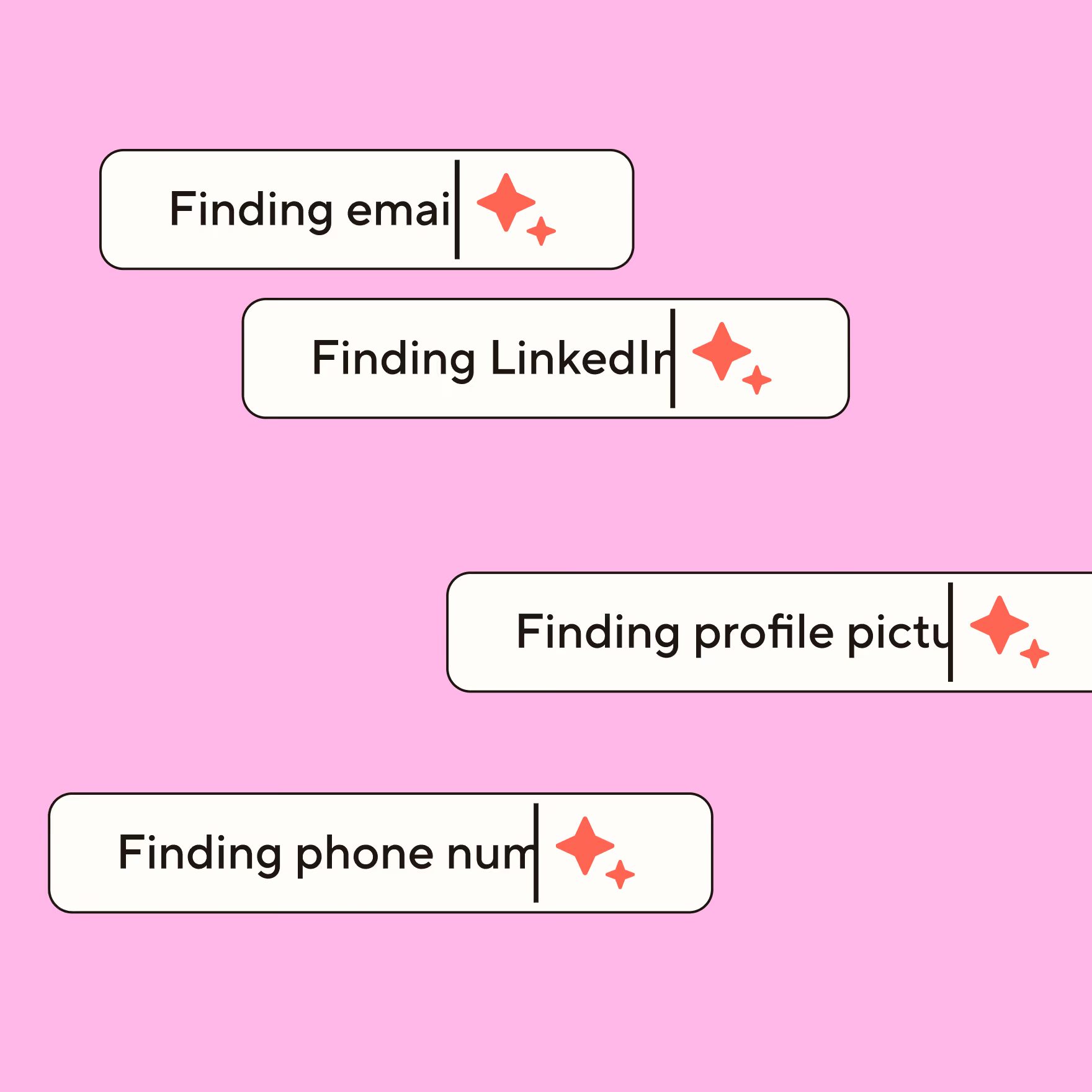
Blinq's AI enrichment finds their verified email, phone, title, company, and LinkedIn, plus a photo, so every new contact is complete the moment you meet them.

Loved by 4M professionals and users at 93% of the Fortune 500

MLB logoHubspot logoGoogle logoNike logoCanva logoDeloitte logoGong logoCartier logoAnthropic logoGoldman Sachs logoSalesforce logoTesla logoStripe logoPhilips logoStanford University logoPepsiCo logo
MLB logoHubspot logoGoogle logoNike logoCanva logoDeloitte logoGong logoCartier logoOpenAI logoGoldman Sachs logoSalesforce logoTesla logoStripe logoPhilips logoStanford University logoPepsiCo logo

The contact that
completes itself

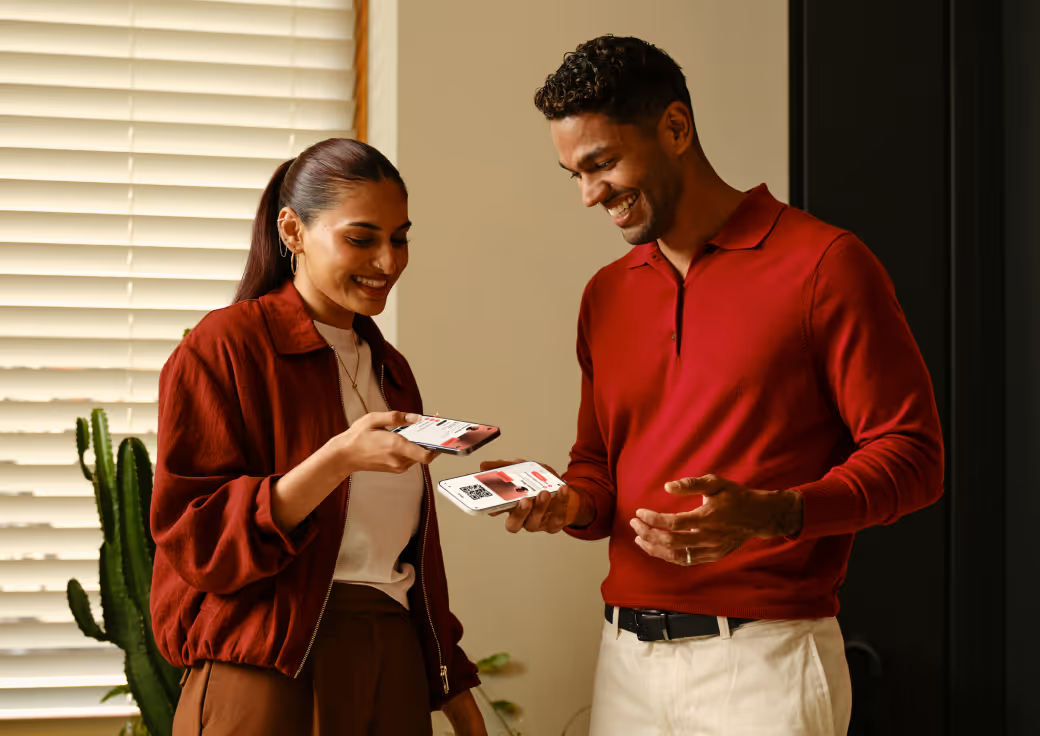
Scan a badge, share your card, or type a name. Blinq fills in the rest while you're still talking, so the contact's done before you've said bye.

Capture it however you meet

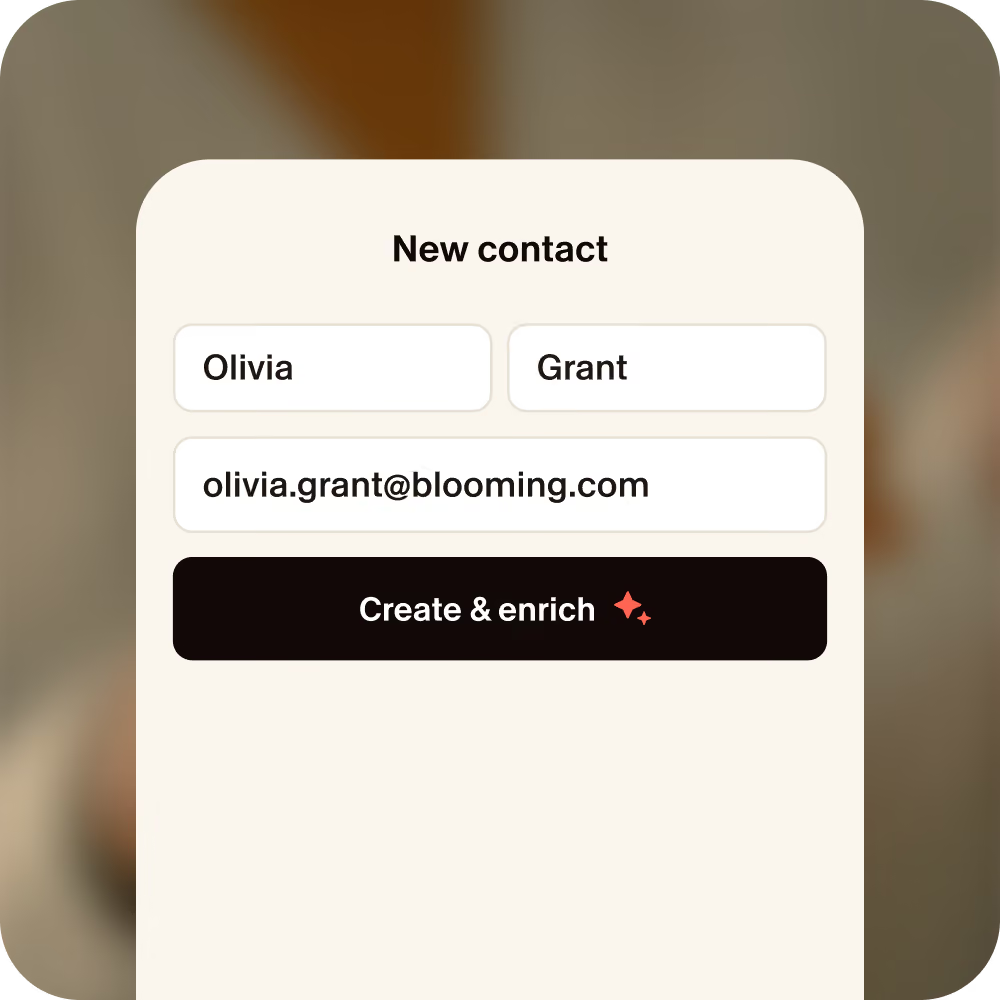
All Blinq needs is a name and company, or an email.
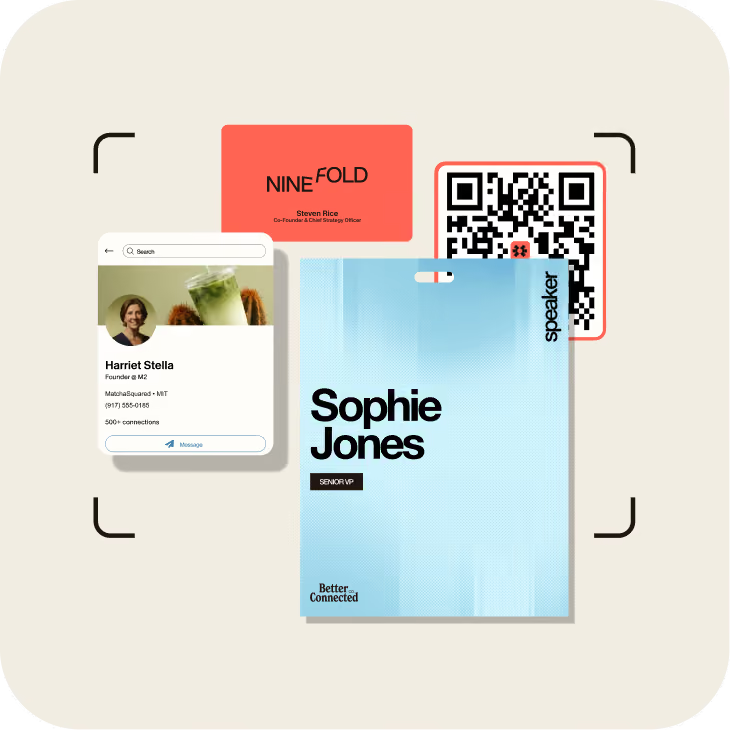
Hand holding a smartphone scanning an event badge using Blinq's Smart Capture feature for instant lead capture.

Scan anything

A badge, a paper card, a LinkedIn profile, or any QR code.

Blinq event lead capture app New Contact screen with AI-enriched fields automatically filling in email and LinkedIn URL.

Add someone manually

Just a name and company is enough to get started.
Blinq lead retrieval screen showing AI-generated meeting notes and lead qualification tags: Sales, Founder, and Warm lead.

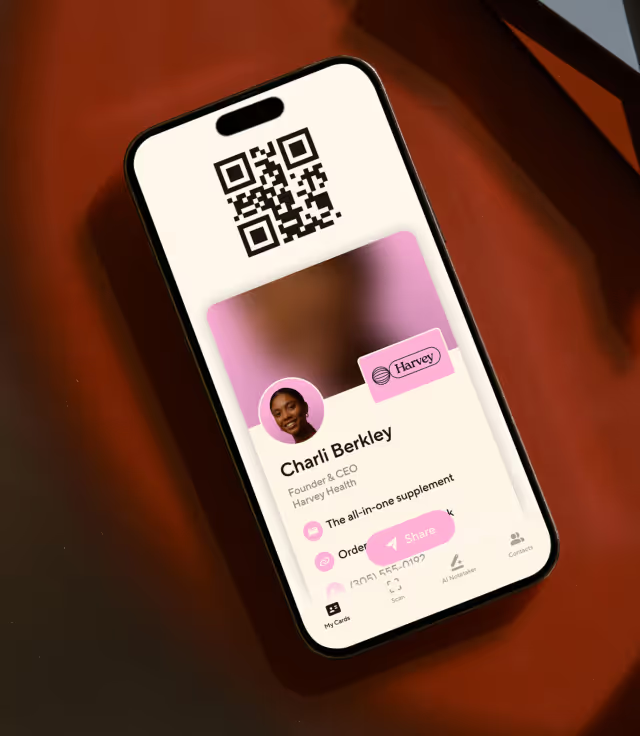
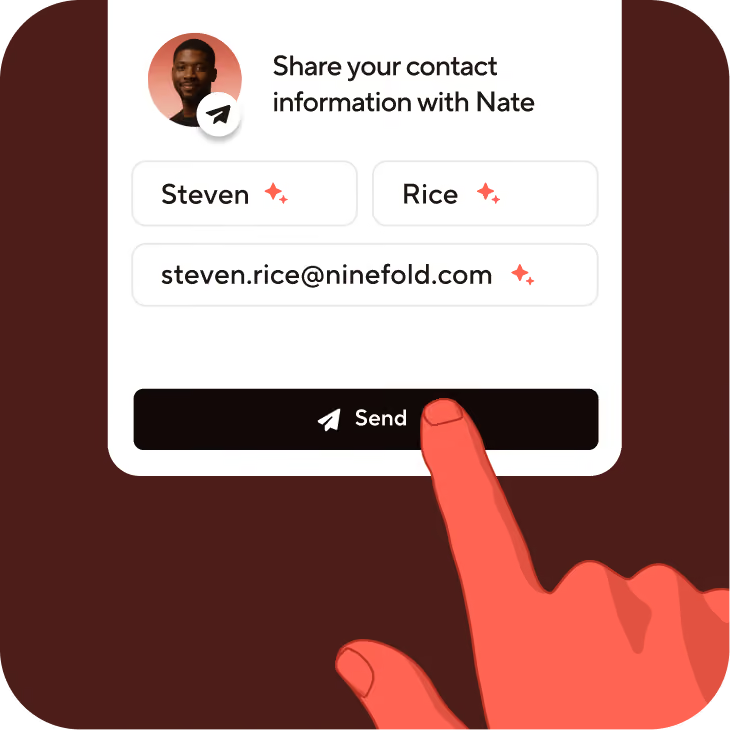
Share your Blinq card

When they send their details back, it enriches on its own.

From a name to the whole picture
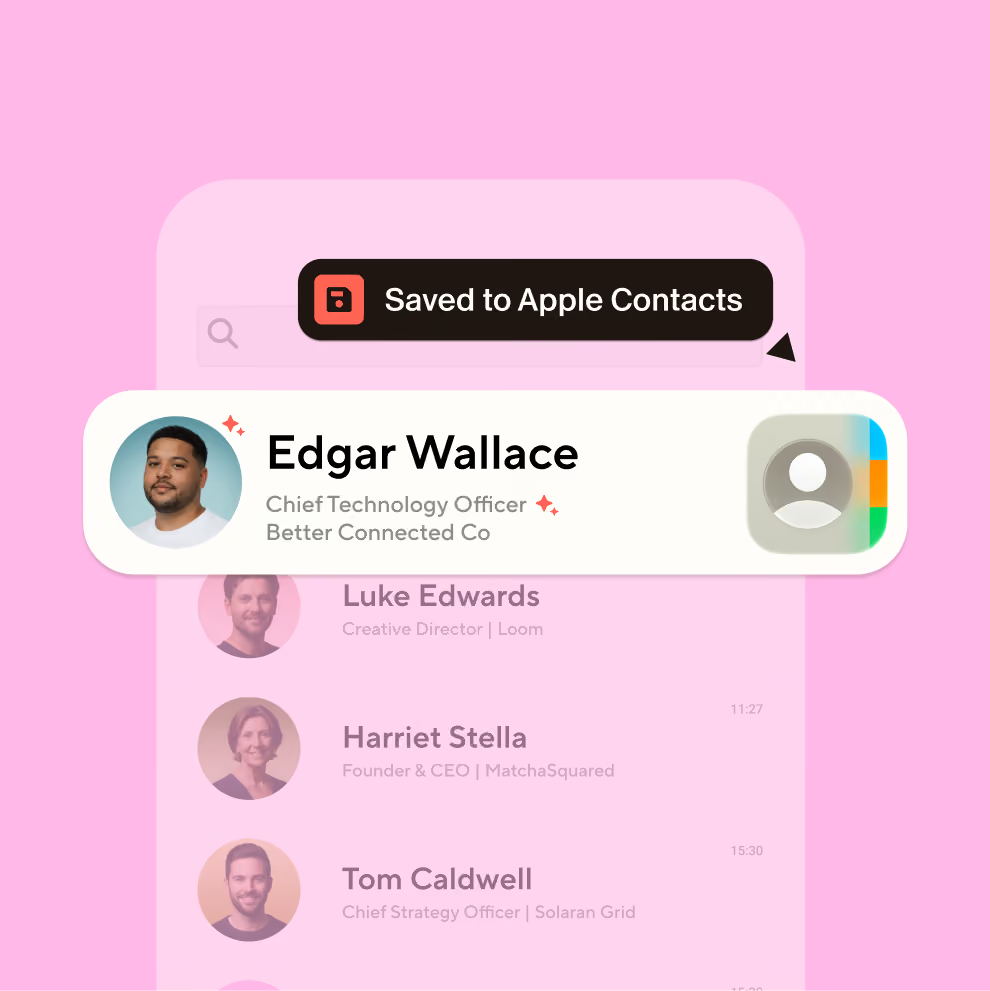
Hand Blinq a name and company, and it fills in:
Photo
Verified email
Phone number
Role title
LinkedIn
and more
Auto-provisioned Blinq digital business cards rolling out to a team via Microsoft Entra ID directory sync

Saved straight to your phone, photo and all

Enriched contacts save straight to your phone. Open your Apple or Google contacts and everyone's there, with the right name, company, and a face to match.
Start for free
Team-wide Blinq email signatures generated automatically from directory data, each linked to a digital business card

Synced in seconds to your CRM
and tools

Enriched contacts save straight to your tools. Every lead lands in your CRM ready to act on, or your AI tools can read them through MCP.
Learn more about integrations

How the enrichment
actually works

Behind the magic is a waterfall. Blinq checks one source after another until the contact's complete, then makes sure it's right.

Book a demo

Clean before anything else

A name and company is enough to begin. Blinq corrects, formats, and enhances the input first, so every source that follows gets a better question.
Check 25+ data partners

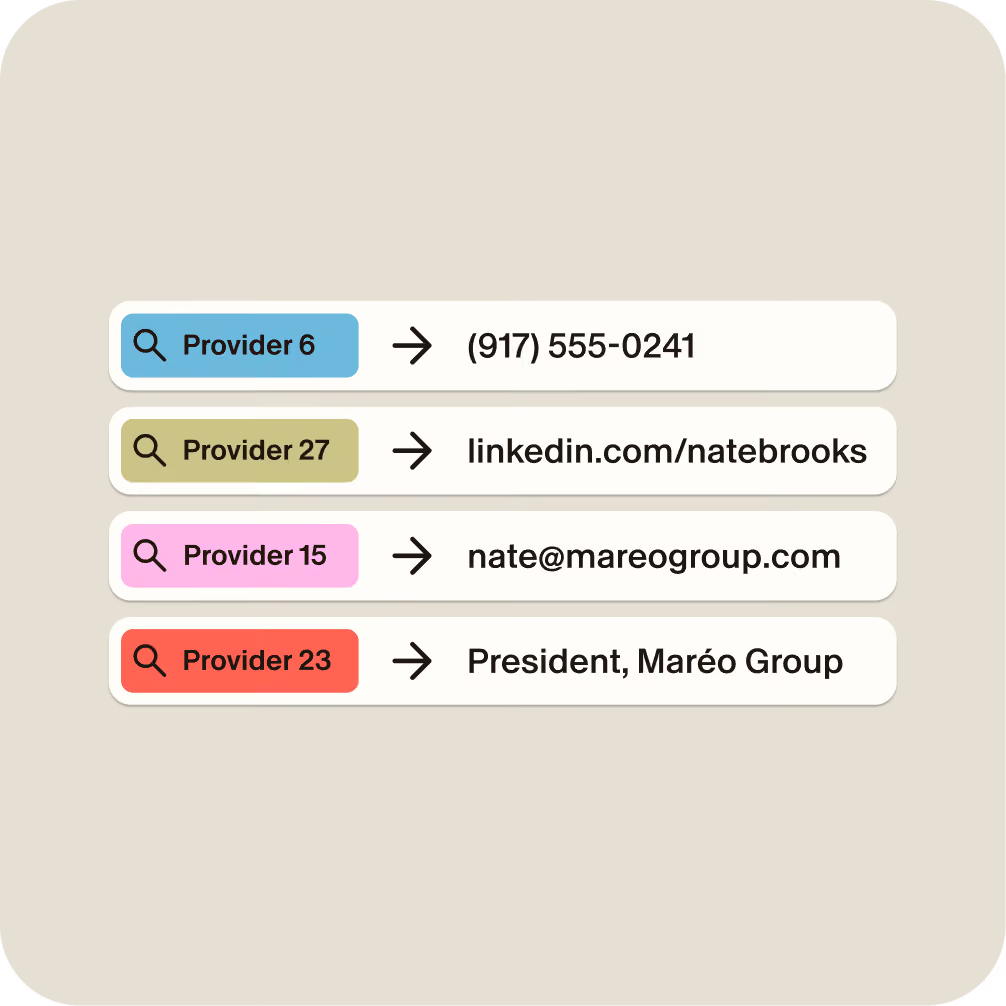
Blinq runs your contact through 25+ specialist providers in order of reliability, each strong on a different field, until the gaps fill in.

Let AI find the rest

This is where a standard waterfall stops. When partners come up short, Blinq's AI keeps working the signals to infer what's missing.

Verify before you see it

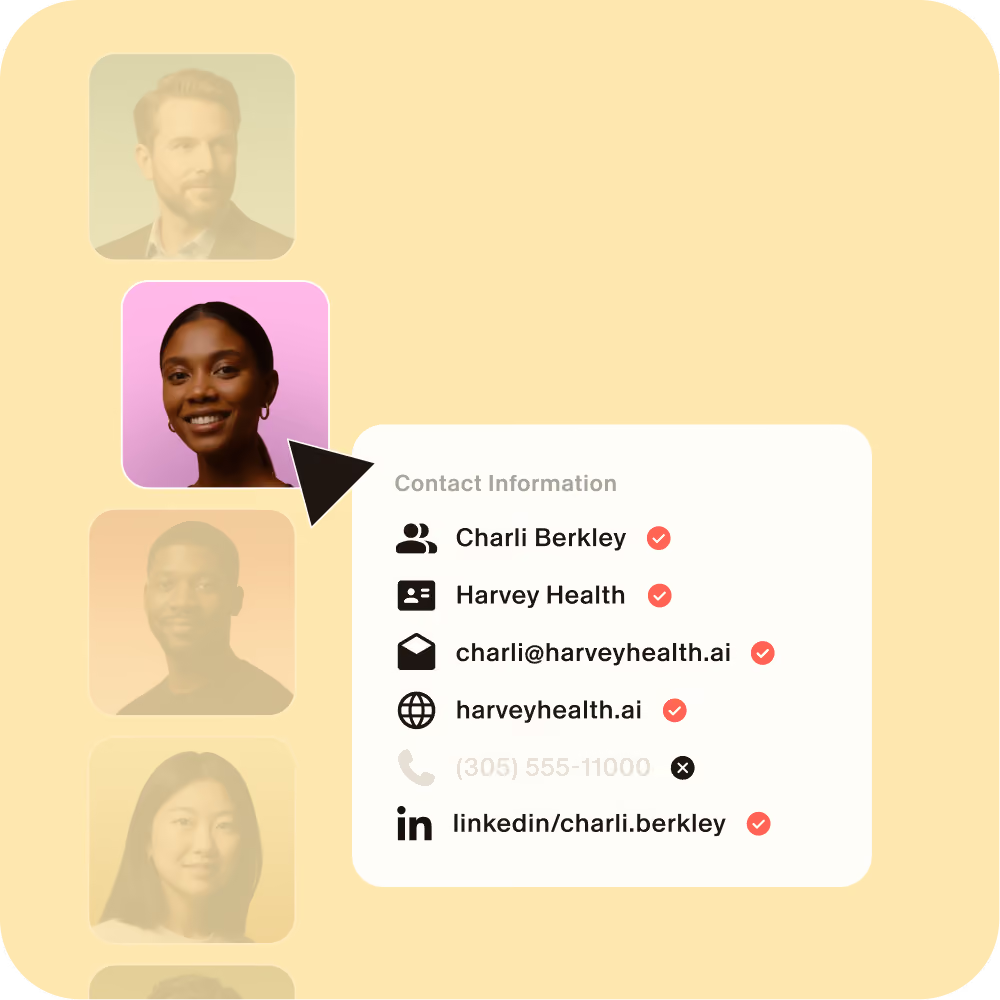
Every email and number is checked, and when sources disagree, the strongest evidence wins. Whatever doesn't check out, we leave out.

Where a standard waterfall stops, Blinq keeps going

The biggest database is still a snapshot. Blinq doesn't keep one: it searches 25+ live sources, plus the open web, the moment you meet someone.

Book a demo
One database
A standard waterfall
Blinq's live waterfall
Emails found
~40-60%
80-85%
95%+
When sources come up dry
the field stays blank
AI searches live
Before it reaches you
often unverified
first match wins
every email and number verified

95%+

match rate on emails

85%+

find rate on phone numbers

3-15s

to complete contact

25+

waterfall data partners

The details you share stay yours

For individuals

When you hand someone your Blinq card, that's between you and them. We never use your contacts to enrich anyone else's.

For teams

For a team, the contacts your reps capture are pipeline. They never train our engine, and they never fill in a field for anyone else.

Secure connections

SOC 2 Type II. GDPR. SSO. Blinq Business is built on enterprise-grade security standards to keep everyone’s details safe.

End-to-end encryption
SOC 2 Type II Certified
GDPR Compliant
Learn more about security
Event Lead Capture

For teams capturing
leads at events

The same enrichment runs on every badge your team scans and syncs a complete, verified contact to your CRM the moment it's captured. Tags, qualifiers, AI conversation notes, and event-to-pipeline ROI come built in, in one workflow across every show.

Why match rate is money

An event's cost per lead is the budget divided by the people you can actually reach. At a thousand scans, the match rate gap between a standard waterfall and Blinq is a hundred or more, before a rep has lifted a finger.

More leads

Contact people you couldn't reach before. Better data means more pipeline.

Speed to lead

Follow up the moment you scan. Every contact arrives ready to reach.

Better segmentation

Contact and company data together, so the right people hear from you first.
Book a demo

Ranked #1 in Event Lead Capture

and Digital Business Cards on G2

4.9/5
on 200,000+ reviews
Apple App Store logoGoogle Play store logoG2 logoCapterra logoTrustpilot logo

Frequently asked questions

What does Blinq need to enrich a contact?

A name and company, or an email, is enough to start. The more you capture, the more it has to work with, but it doesn't need a complete record to begin.

What happens if Blinq can't find someone's details?

It leaves the field blank rather than fill it with a guess. Blinq only writes a field when it finds high-confidence, verified data, so a missing email stays empty instead of becoming a wrong one. Every field is editable, so you can always add what you know.

Is the enriched data compliant, and how is it sourced?

Blinq is SOC 2 Type II certified and GDPR compliant. Enrichment draws on established external data providers, never on your contacts or anyone else's, so what reaches your CRM comes from sources meant for business use.

Does enrichment work when the venue wifi is terrible?

Event halls are famous for dead spots, and Blinq expects them. Every scan queues on your phone, so you can keep meeting people, and the enrichment catches up the moment you're back in signal. Nothing needs rescanning, and nothing gets lost.

Is Blinq's enrichment available on the free plan?

Yes. Every Blinq user gets enrichment on new contacts, including title, company, LinkedIn, a photo, and where you met. Verified email and phone are premium for personal use, and standard for teams.

Which CRMs does Blinq work with?

Native, real-time integrations with HubSpot, Salesforce, Microsoft Dynamics, and Marketo, plus Zoho and Pipedrive, and thousands more tools through Zapier. New contacts land in the right fields, and existing ones are updated, not overwritten.

What is waterfall enrichment?

Waterfall enrichment checks one data source after another in order of reliability and stops the moment it finds a verified match. Rather than trust a single provider, Blinq runs each field through 25+ specialist sources until it finds high-confidence data. If none has it, the field stays blank rather than guessed.

What makes Blinq's waterfall different from a standard one?

A standard waterfall queries data providers in sequence and returns the first match it finds. Blinq's live waterfall adds three things: AI that searches in real time when every provider comes up short, verification on every email and phone number before it's saved, and a rule that a field stays blank rather than guessed. It also runs at the moment you capture someone, so the data reflects today, not the last database refresh.

Couldn't we build this ourselves with an enrichment stack?

For lists you already have, you could stitch providers together with a tool like Clay, and plenty of ops teams do. The hard part is running it at the handshake: on a phone, from a badge or a card share, verified in seconds, tied to where and when you met, and synced before your rep leaves the booth. That part comes built.

Can teams enrich a whole list, not just one contact at a time?

Bulk list enrichment is on Blinq Business: point the same live waterfall at past event leads or an aging CRM export, and every record comes back cleaned, completed, and verified.

Where does Blinq's contact data come from?

From outside data providers, never from other Blinq users. Blinq draws on 25+ specialist sources, each strong on a different field, plus AI that searches public information in real time when a provider falls short. What you capture in person is never part of it.

How current is the enriched data?

It's pulled live the moment you meet someone, so it reflects where they are right now, not a snapshot from a database last refreshed months ago. You get their current role and company as of the day you actually met.

Does Blinq enrich company or intent data too?

Blinq focuses on the contact: verified email, phone, title, company, and LinkedIn. It isn't a firmographic or buying-intent database, so if you need deep company signals or intent scoring, that's a different kind of tool. What Blinq does is make the person you met a complete, reachable contact.

How is Blinq different from a database like Clay or ZoomInfo?

Different job. Clay and ZoomInfo enrich lists of people you may never have met. Blinq enriches the people you meet in person, the moment you meet them, and lets you verify the details before they land. You start from a real conversation, not a cold list.

How is Blinq different from Popl?

Both enrich contacts in real time, and the stat sheets look similar. Two differences matter. Blinq's enrichment works for individuals as well as teams, so anyone can use it. And Popl says its engine learns from its users' badge scans, while Blinq's never learns from yours. What your team captures stays yours.

Make every name count

Every new contact, complete the moment you save it. Get started in minutes, or see what it does for your team.

Network graph showing how Blinq digital business cards connect a team's expanding professional contacts