

.avif)
Your digital
business card
The world's most popular digital business card platform. Free forever for individuals, trusted by enterprises worldwide.


Ranked #1 across every platform
Blinq is the virtual business card trusted by more than 4 million people across 500,000 companies












What is a digital business card
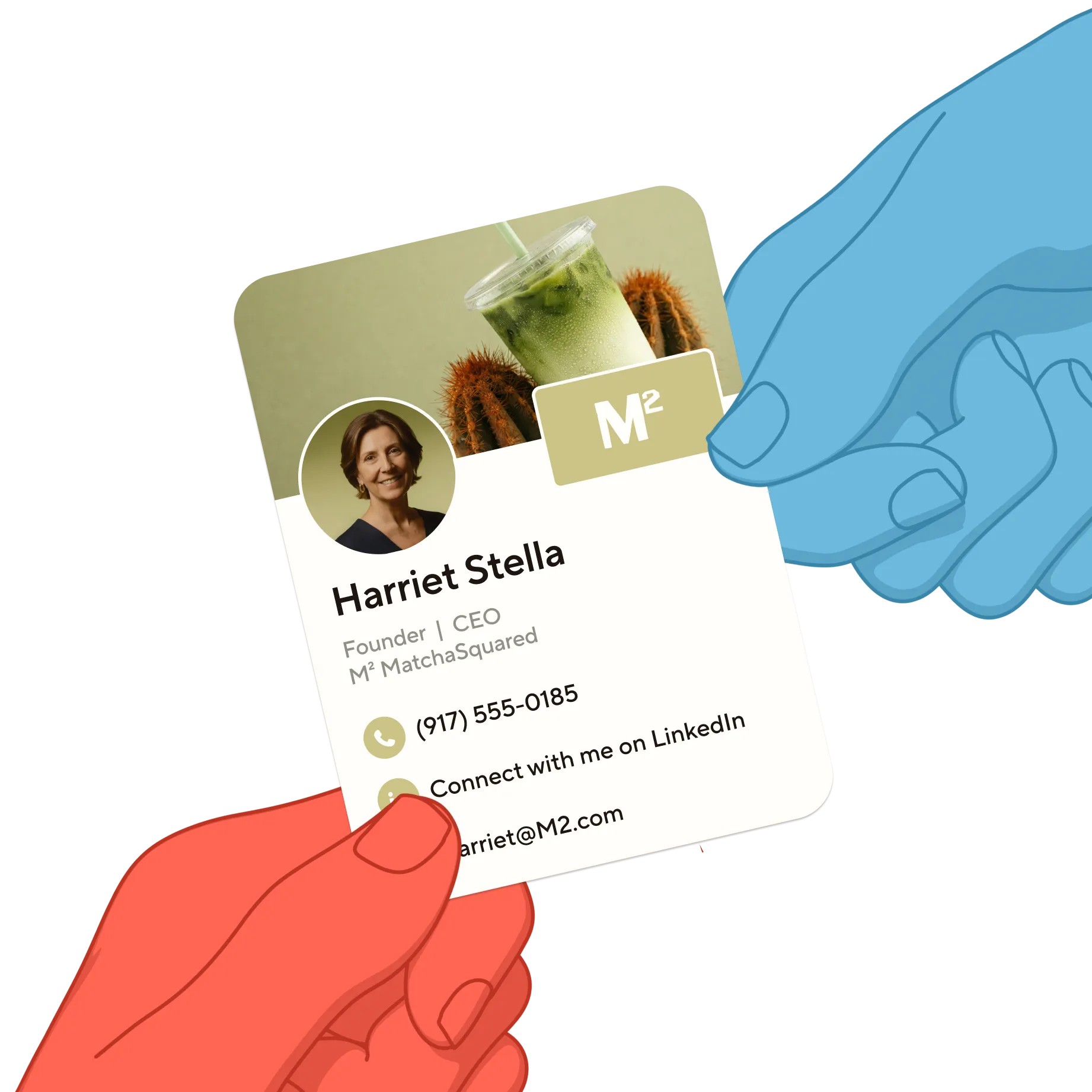
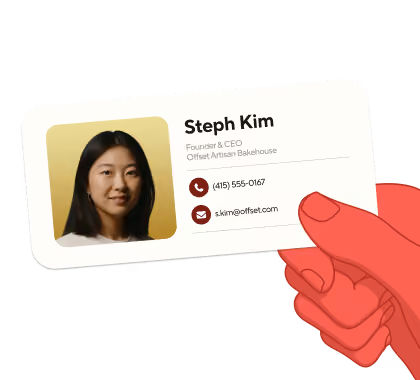
Digital business cards allow you to share your details in the way that works for you, whether that is using your QR code, NFC tap, from Apple Wallet, smart watch or a home screen widget. If you're networking at conferences, joining video meetings, or connecting through social platforms, Blinq makes sharing your professional information seamless.
Digital business cards go by several names: virtual business card, electronic business card, or a business card app, but they all serve the same purpose: streamlining professional connections in our digital-first world.
Blinq powers digital networking for professionals across 189+ countries, helping teams and individuals build meaningful connections with up-to-date contact sharing that works everywhere.
The smarter way to connect
and grow your network
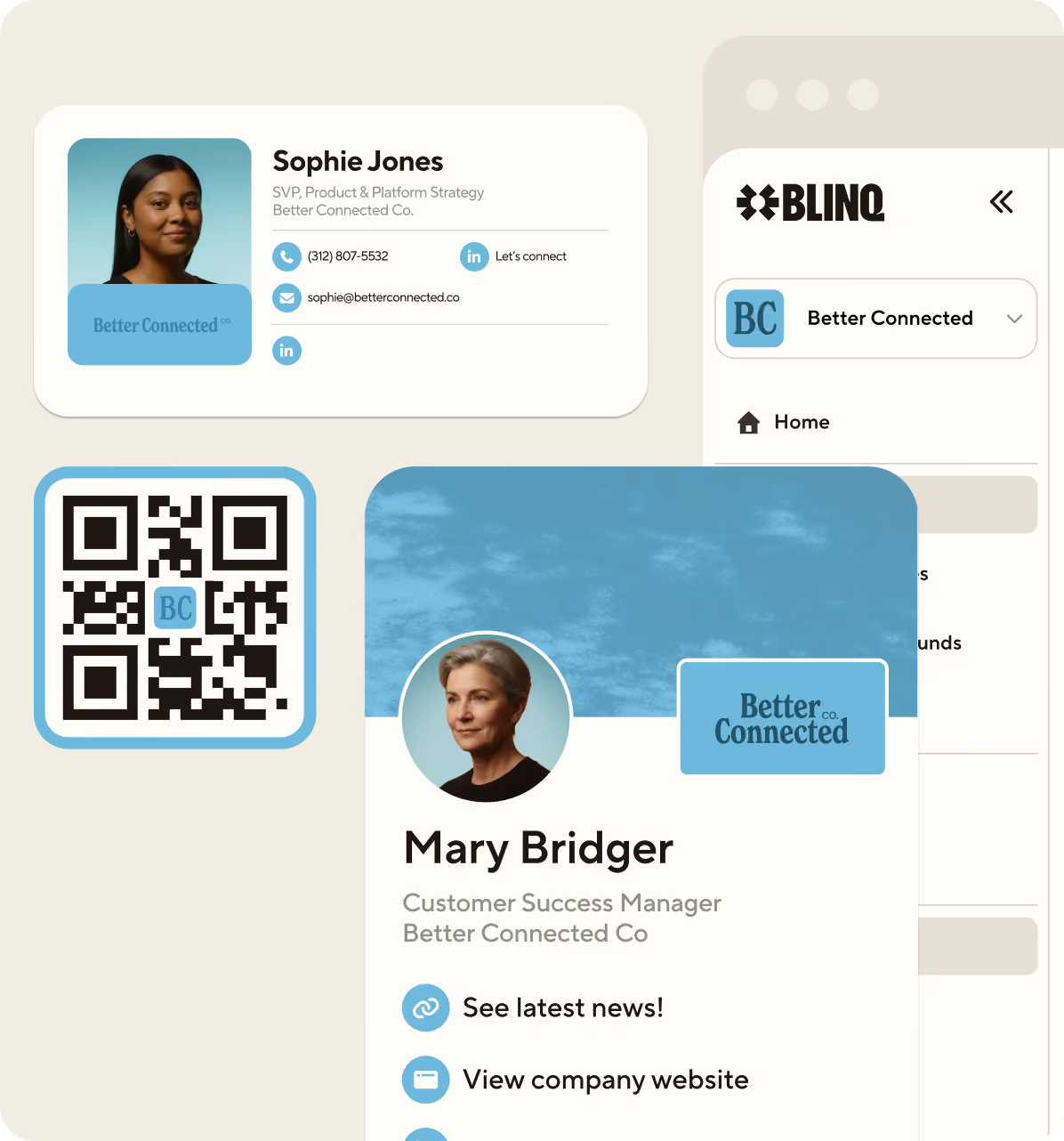
Blinq makes sure your digital business card is always on-brand
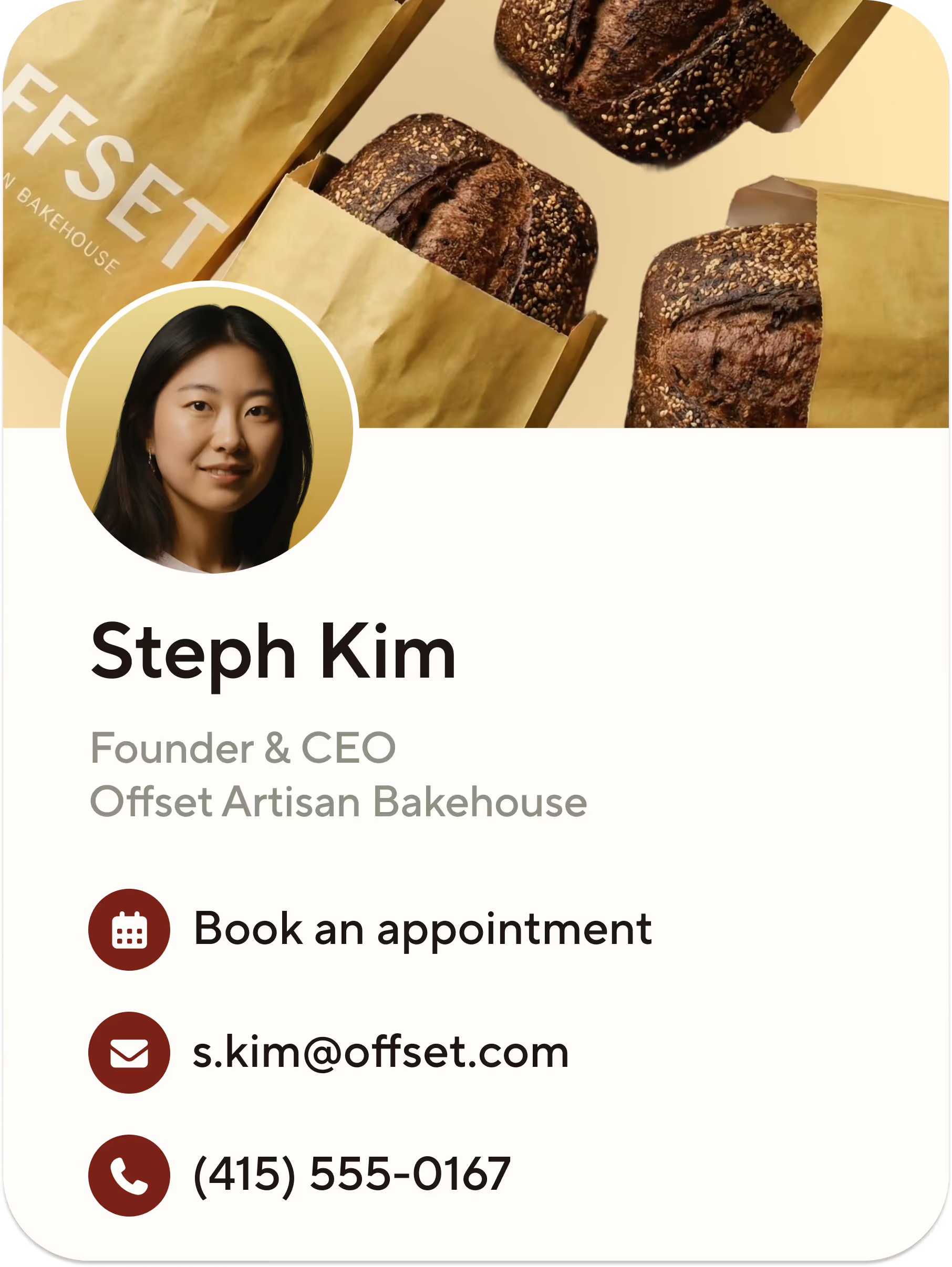
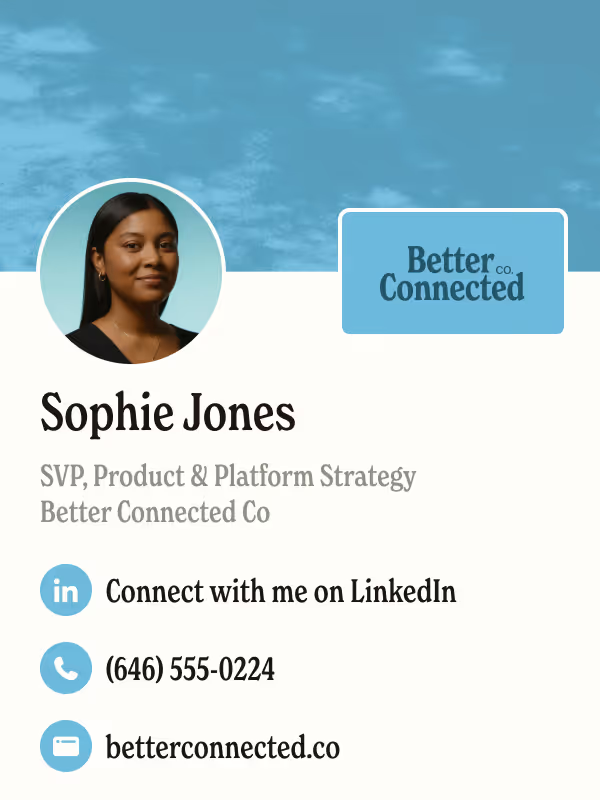
Blinq gives you the power to build a customizable virtual business card that turns first meetings into lasting connections.
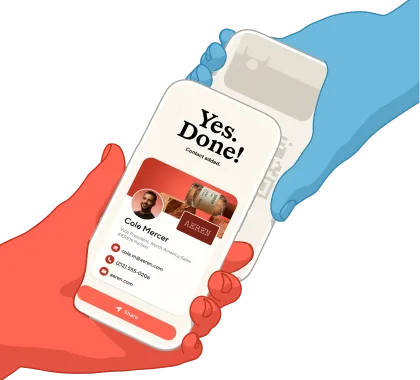
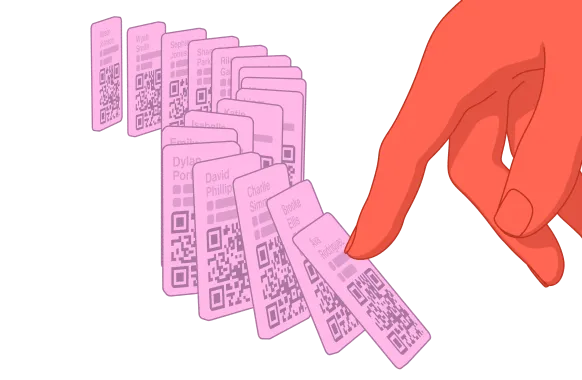
Share your card with anyone, any way
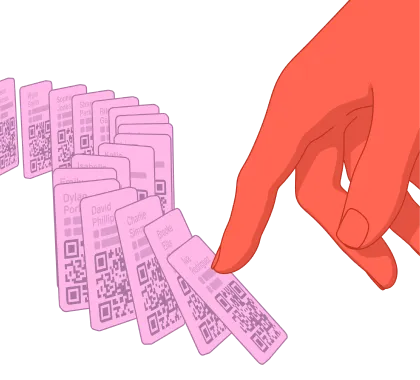
Blinq ensures you're able to exchange details quickly and efficiently, opening the door to new opportunities.
email or personal link
Sync your digital business card with your existing tech
Blinq integrates seamlessly with your existing tools and workflows, enabling smart business and automated solutions.
The most secure digital business card
Blinq is built with enterprise-grade privacy and security, keeping your data protected
Blinq makes it easy to share who you are
How you share your digital business card is up to you.

QR Code
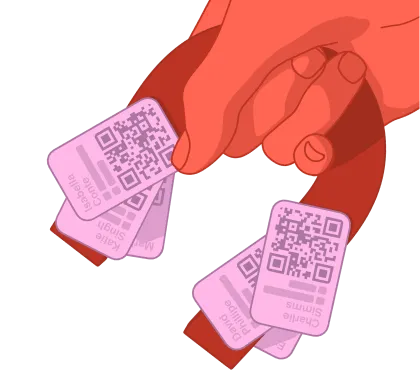
Share cards with a quick QR scan across any digital surface.
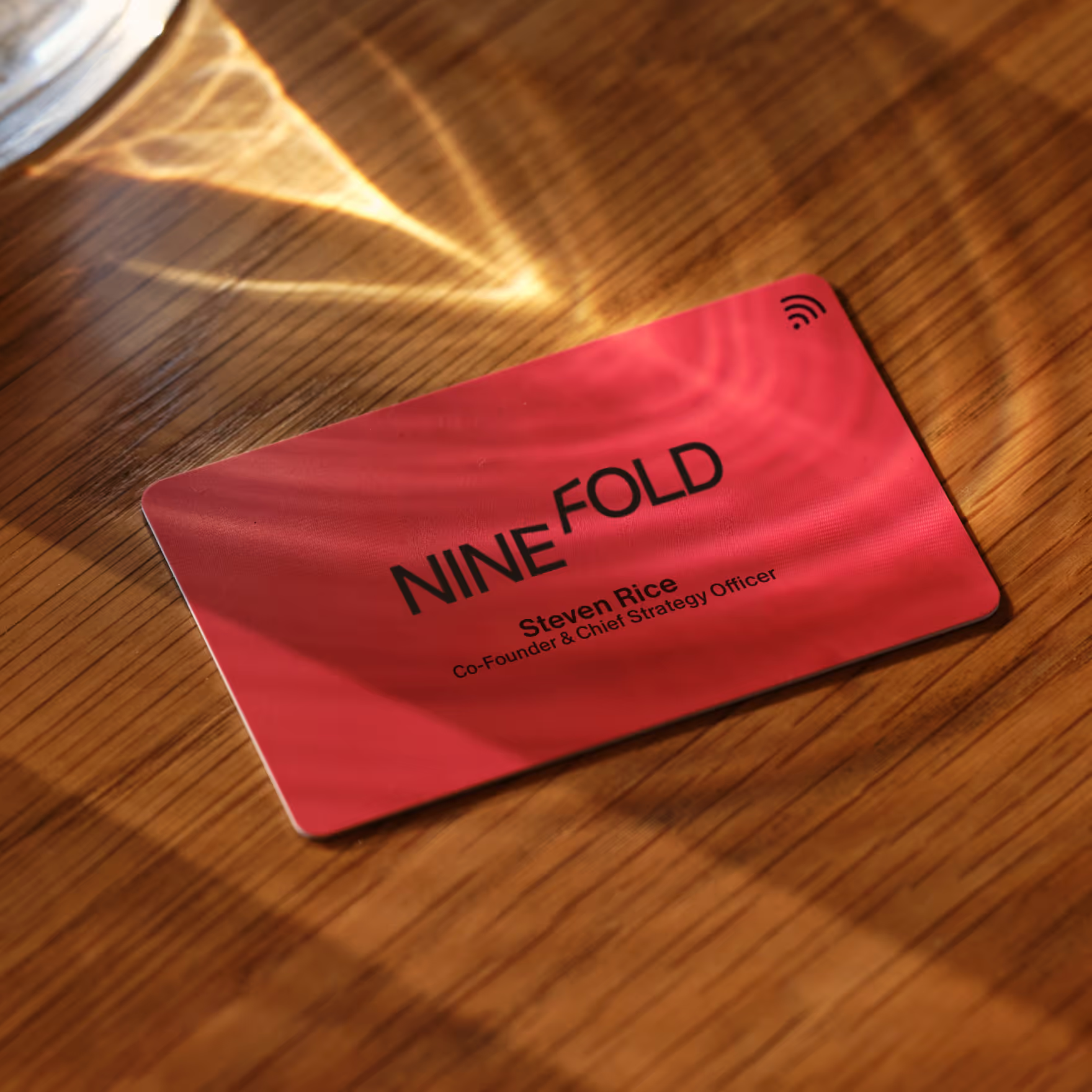
NFC Cards
Match your Blinq digital business card with physical NFC business cards. Our custom NFC card gives you complete design control.
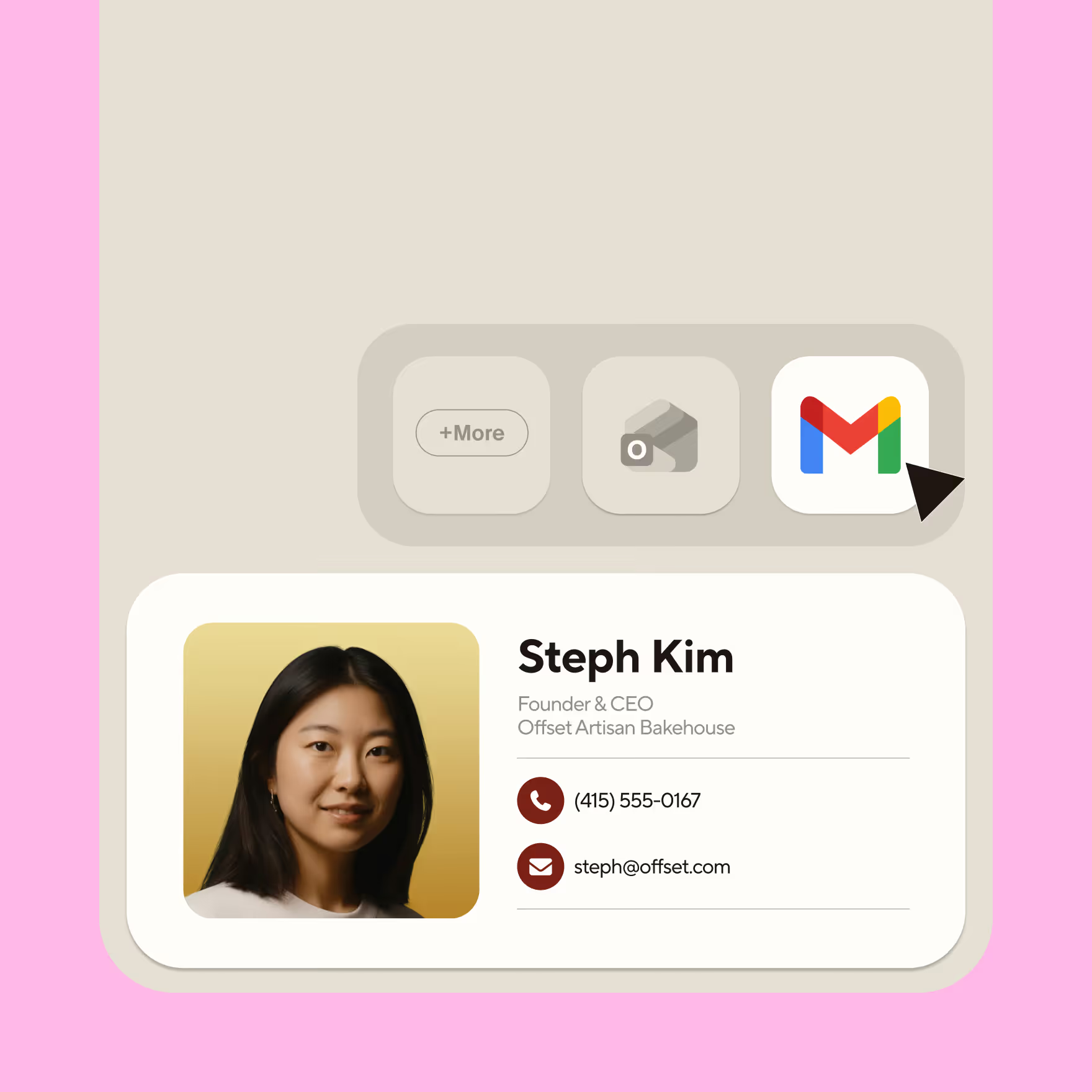
Email Signatures
Extend your brand into every email with logos, links and more.
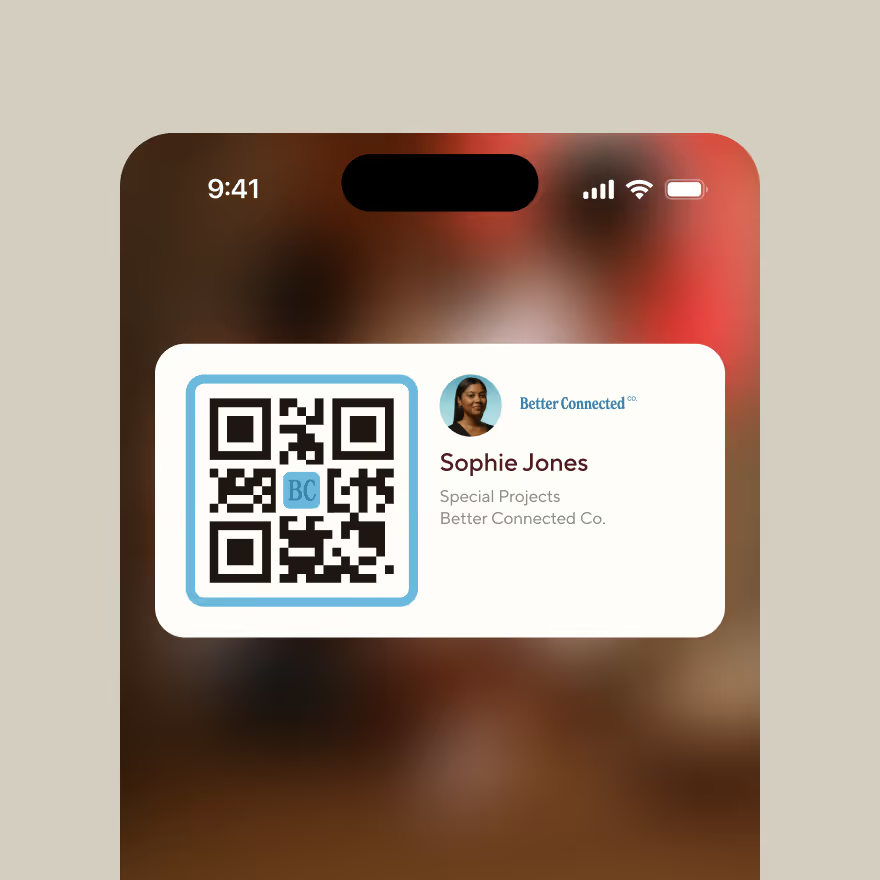
Widgets
Add a Blinq widget to your smartphone lock screen and always be within one swipe of sharing.

Virtual Backgrounds
Place your brand as a video call backdrop for people to easily capture your details.
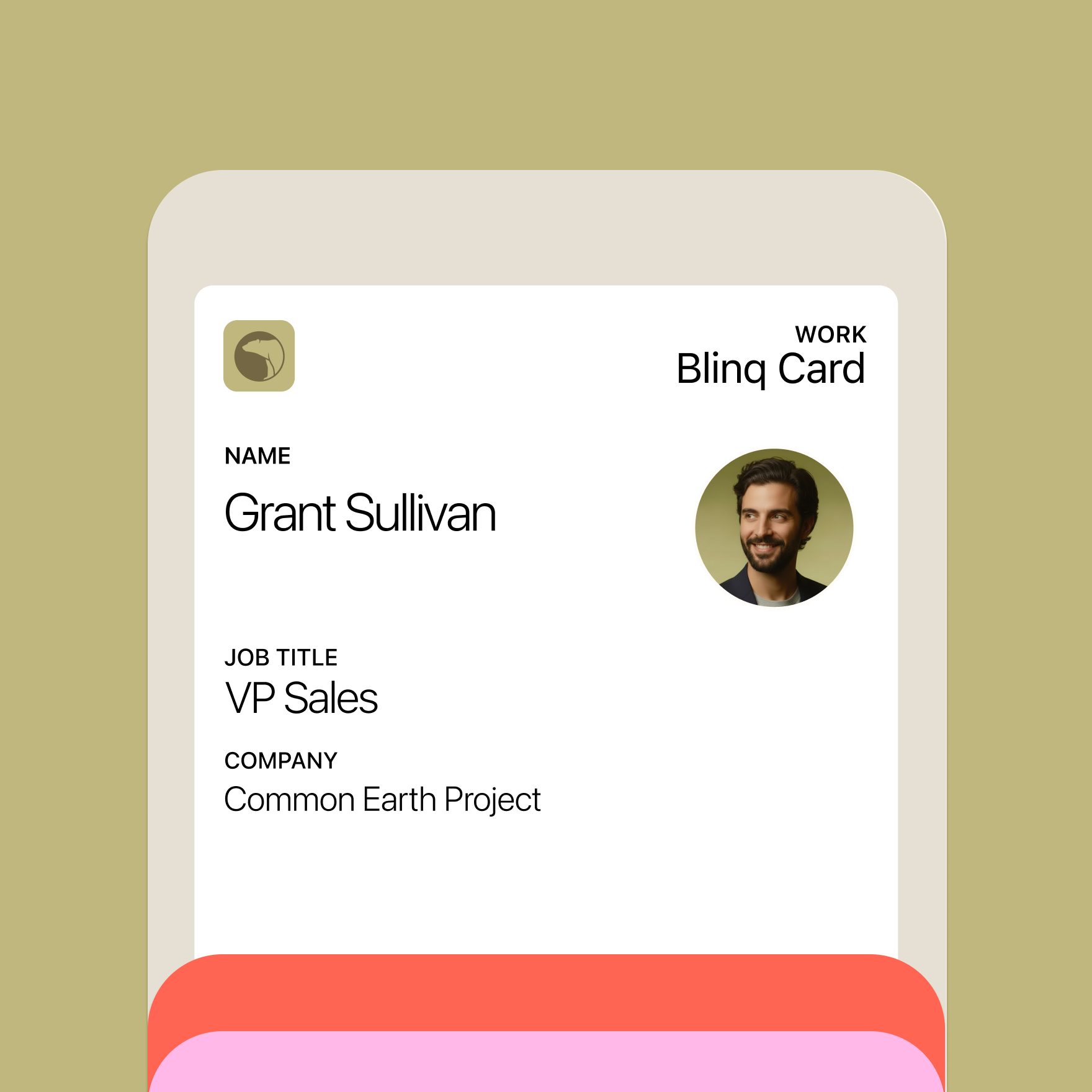
Wallet
Blinq can now be added to your Apple Wallet or Google Wallet, keeping all your most important cards in one place.

Apple Watch
The world’s top rated digital business card app also has a free Apple Watch integration!
Create my card




Blinq is used by employees at more than 93% of Fortune 500 companies


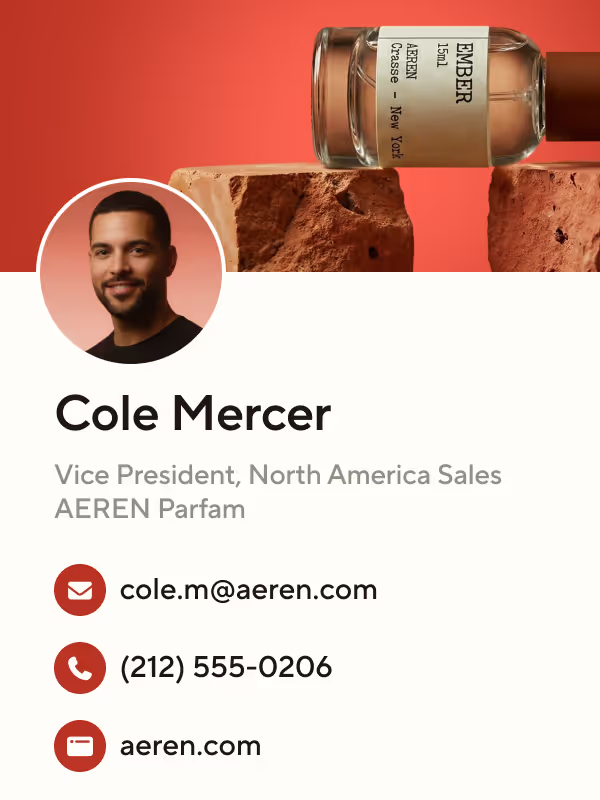
How to make a digital business card
1.
Download
Get the Blinq mobile app in the Apple App Store or Google Play Store.

2.
Create
Add your contact details, socials, website, and more to your free Blinq card.
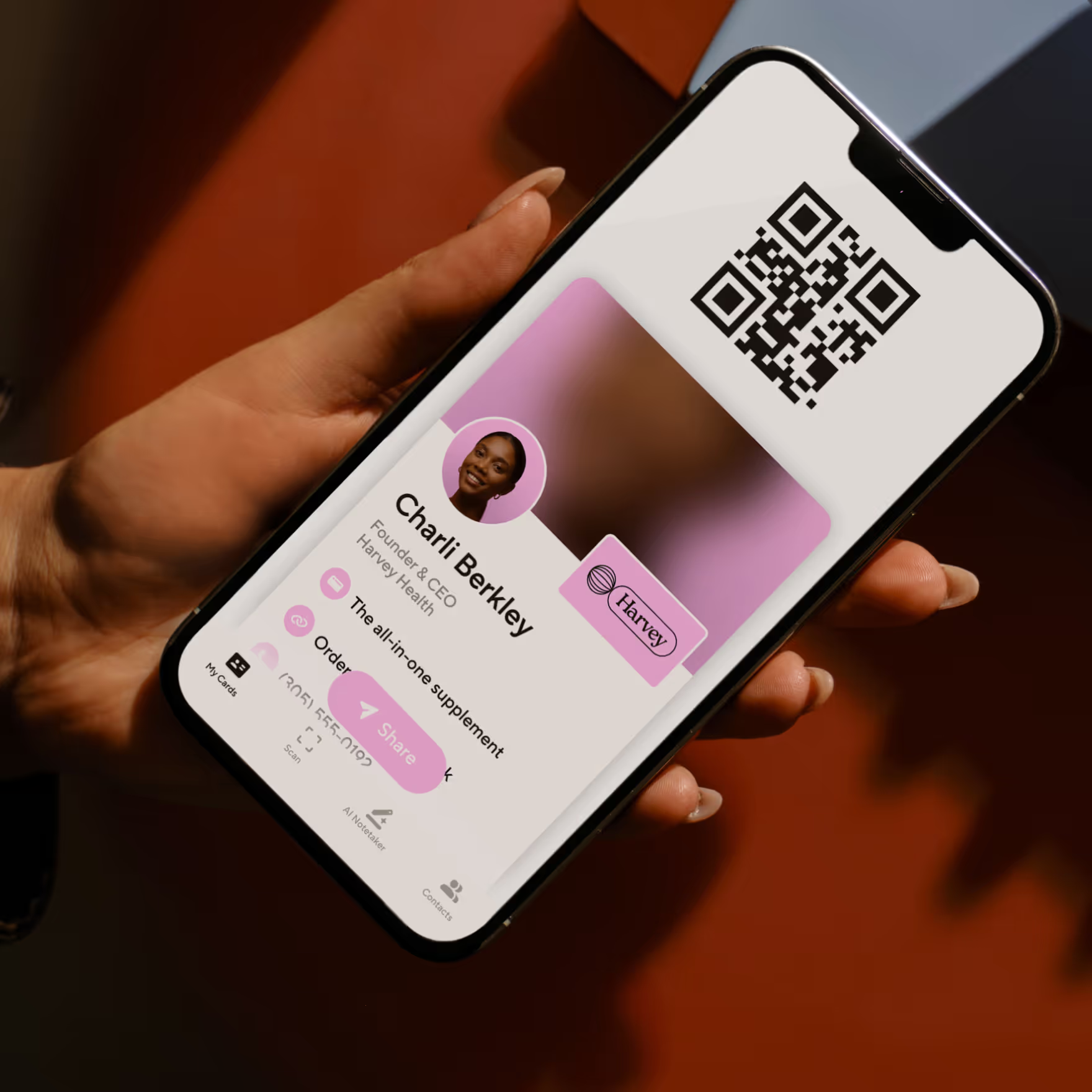
3.
Share
Open your Blinq app and get your prospects to scan the QR code. This will share your details instantly, without the need for your recipient to have the Blinq app.
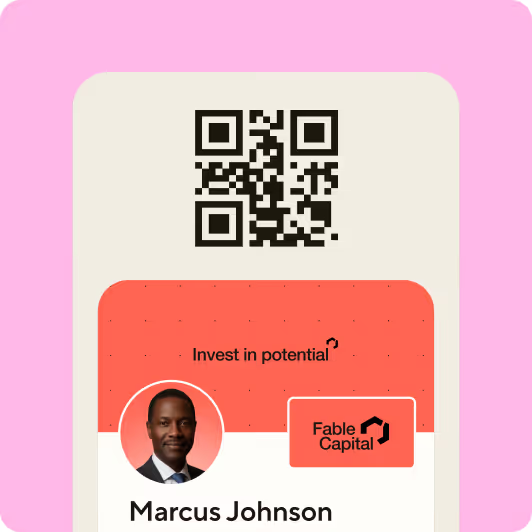
4.
Save
When your prospect opens your card, they'll be given the option to save your contact details quickly and directly to their phone. No need for a messy stack of business cards and no manual data entry!
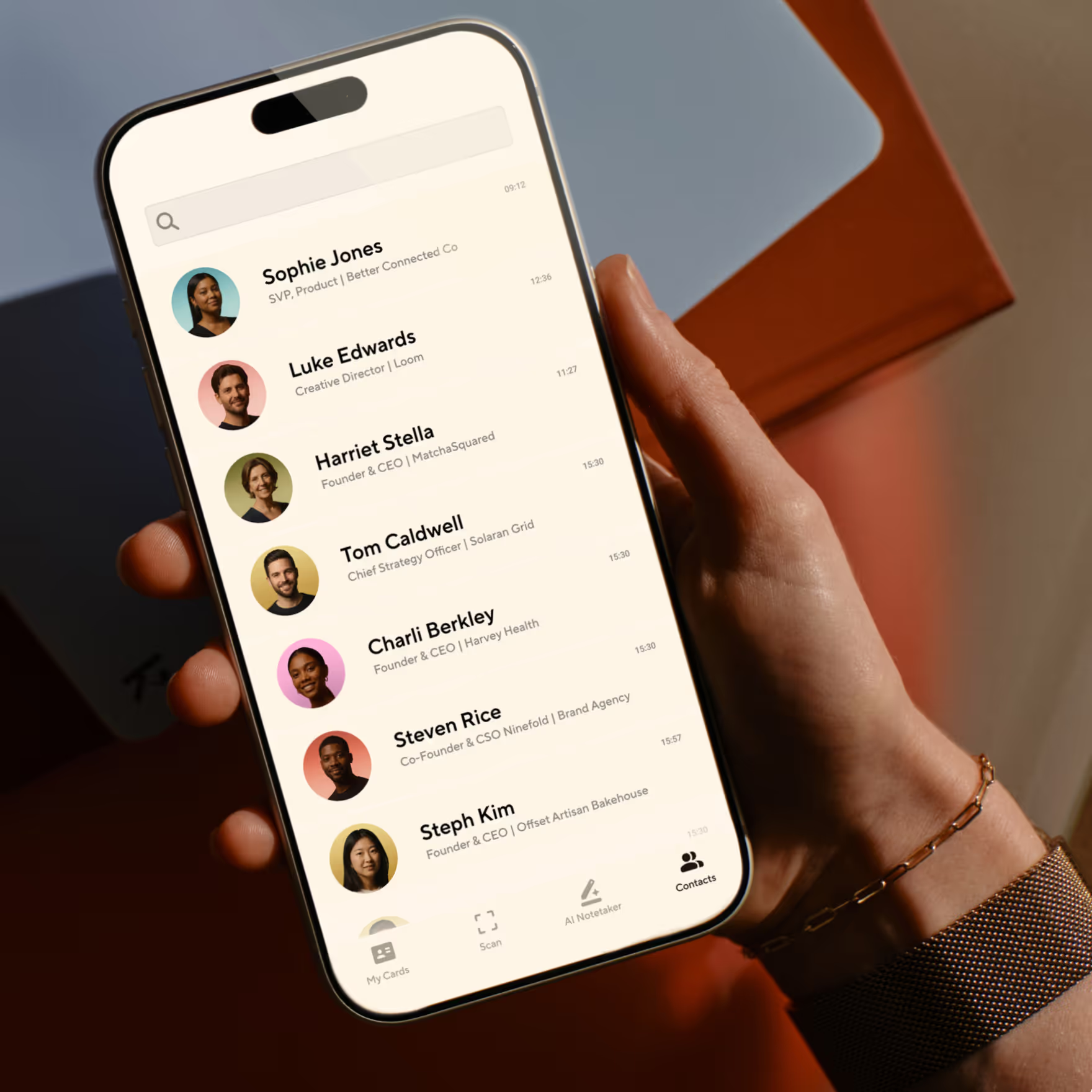
The choice for teams:
Rated #1 on G2
Trusted by millions of users around the world


I've used it for two years! Everyone who I introduce Blinq to - at any live event - is thoroughly impressed and immediately downloads the app.
Martha C.
I love this app so much. Every time I meet someone at an event, and I give them my Blinq card, they end up downloading it immediately too.
Bat-Sheva
So convenient! Not only for my business; recently I was in an accident and I was able to share my contact when I needed the most! Great tool! 10 stars
Liz Realtor Florida
I just share one QR code or link and everything is there... my phone number, email and other details in one place. It makes things easier and saves time, especially when meeting new patients.
Ishan S.
Seamless integration and reliable performance. It has never failed me when it counts, and the offline mode is a total lifesaver for sharing your card when service is spotty.
John J.
I absolutely LOVE that I can make myself accessible via all of the channels that are connected to me with just a share! It's an amazing tool!
Leigha
The CRM/contact sync is seamless, which makes networking efficient and eliminates manual follow-ups.
Nabin P.
I've used it for two years! Everyone who I introduce Blinq to - at any live event - is thoroughly impressed and immediately downloads the app.
Martha C.
I love this app so much. Every time I meet someone at an event, and I give them my Blinq card, they end up downloading it immediately too.
Bat-Sheva
So convenient! Not only for my business; recently I was in an accident and I was able to share my contact when I needed the most! Great tool! 10 stars
Liz Realtor Florida
I just share one QR code or link and everything is there... my phone number, email and other details in one place. It makes things easier and saves time, especially when meeting new patients.
Ishan S.
Seamless integration and reliable performance. It has never failed me when it counts, and the offline mode is a total lifesaver for sharing your card when service is spotty.
John J.
I absolutely LOVE that I can make myself accessible via all of the channels that are connected to me with just a share! It's an amazing tool!
Leigha
The CRM/contact sync is seamless, which makes networking efficient and eliminates manual follow-ups.
Nabin P.
Set up 2 business cards for 2 businesses in less than 10 minutes. Definitely recommend to anyone starting a business.
CoCo_withLove

Every client I’ve gotten has given me compliments on using this app… they’ve also started using the app.
KD432
Was skeptical at first but the ease to create and share sold me. Have shared this hundreds of times in personal settings, not just business!
SusanVette
Such a game-changer! Wow! I've been told by several top realtors to get Blinq a while ago. Now I wish I would have gotten it much sooner!
Kaeci Carter
Had it for a week. Waaay more responses than I’ve had with paper business cards. Highly recommend.
The Att Boy
Blinq connects seamlessly with my CRM and updates contacts automatically. That’s been a huge time-saver.
Keshia W.
You just wouldn’t believe how much this app helps in marketing your brand. It’s right in your hand… so convenient in getting my business out there amongst passersby.
Sicsean
Set up 2 business cards for 2 businesses in less than 10 minutes. Definitely recommend to anyone starting a business.
CoCo_withLove
Every client I’ve gotten has given me compliments on using this app… they’ve also started using the app.
KD432
Was skeptical at first but the ease to create and share sold me. Have shared this hundreds of times in personal settings, not just business!
SusanVette
Such a game-changer! Wow! I've been told by several top realtors to get Blinq a while ago. Now I wish I would have gotten it much sooner!
Kaeci Carter
Had it for a week. Waaay more responses than I’ve had with paper business cards. Highly recommend.
The Att Boy
Blinq connects seamlessly with my CRM and updates contacts automatically. That’s been a huge time-saver.
Keshia W.
You just wouldn’t believe how much this app helps in marketing your brand. It’s right in your hand… so convenient in getting my business out there amongst passersby.
Sicsean
Frequently asked questions
What is a digital business card?
A digital business card transforms how professionals exchange contact information by replacing static paper with dynamic, always-current profiles that live on your phone.
Digital business cards allow you to share your details in the way that works for you, whether that is using your QR code, NFC tap, from Apple Wallet, smart watch or a home screen widget. If you're networking at conferences, joining video meetings, or connecting through social platforms, Blinq makes sharing your professional information seamless.
Digital business cards go by several names: virtual business card, electronic business card, or a business card app, but they all serve the same purpose: streamlining professional connections in our digital-first world.
What is a virtual business card?
A virtual business card is just another name for digital business card or business card app.
A virtual business card is a digital version of traditional paper business cards that can be shared electronically. Unlike paper cards that get lost or forgotten, digital cards are instantly saved to your recipient's phone and can include interactive elements like clickable email addresses, website links, and social profiles. Read the full guide on virtual business cards.
How do I create a digital business card?
To create a digital business card:
- Sign up on web or mobile
- Add your name, title, and contact details
- Upload a photo or logo
- Choose your design; enable Wallet/NFC
- Share via QR, Wallet, link, or NFC - no app needed
What is the best digital business card?
We believe that the best digital business card is one that helps you make a connection that lasts well beyond the first meeting.
We reviewed 6 popular digital business card apps focusing on customer sentiment, usability, branding, scalability, security and more that you can read here.
How do I share a digital business card?
To share your Blinq card
1. Open your card on web or mobile
2. Pick QR, Wallet, link, NFC, or Apple Watch
3. Recipients scan or tap to save your details instantly
No app is needed for recipients.
Are digital business cards secure?
Yes. Most providers use encryption and secure hosting. Blinq adds SOC 2 Type II compliance, SSO, field locking, and access logs so businesses can protect data at scale.
Can I use a digital business card without the app?
Yes. Recipients don’t need an app to view or save your card. Links, QR codes, Wallet, or NFC open in a mobile-friendly page for one-tap saving.
Are digital business cards free?
Many platforms offer free plans for individuals. Blinq’s free plan covers personal use, while Premium and Business plans add branding, CRM integrations, analytics, and team management tools.
Do digital business cards work with Apple and Google Wallet?
Yes. Digital business cards can be saved to Apple Wallet or Google Wallet. Blinq users can double-tap their phone to bring up their card instantly, even offline.
What are the benefits of a digital business card?
Digital business cards save printing costs, update in real time, integrate with CRMs, offer analytics, and reduce environmental impact compared to paper cards.
Can teams and enterprises use digital business cards?
Yes. Many companies use digital cards for branding and integrations. Blinq Business lets organizations create cards for employees, manage access with SSO, integrate with HR/CRM systems, and track engagement.
Do digital business cards work with NFC cards?
Yes. Digital business cards can link to physical NFC cards so people tap once to open your profile. Blinq offers customizable NFC cards for instant sharing.
Create your digital business card today
Get started for free with Blinq and grow your network.