



.avif)

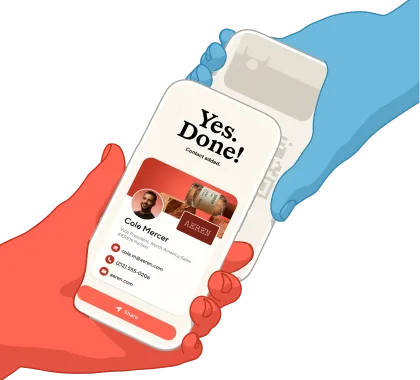
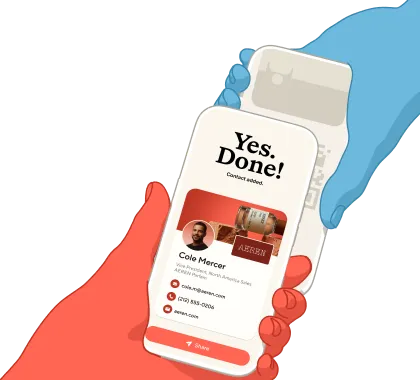
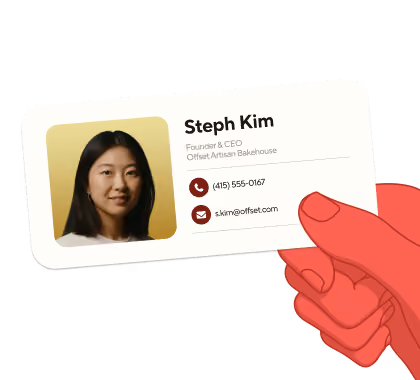
An NFC business card is a physical card with a chip inside and QR code on the back. Tap it on someone's phone and your digital business card opens instantly on their phone. That one tap is why people like them: sharing takes less than a second, and the card doubles as a branded object you can hand over in person. If you're weighing whether to get an NFC card or stick with a paper or digital one, there are trade-offs to consider, like the cost of each card and the occasional phone that needs NFC switched on. The right call depends on how often you meet people in person, and how much you value the tap.
Key Takeaways (TL;DR)
- An NFC business card opens your digital business card with a tap or scan. The card is the physical trigger; the digital profile behind it does the work.
- Nearly all phones can read NFC. ElectroIQ estimates around 94% of smartphones ship with NFC, so a tap works for the large majority of people you meet.
- The advantages are speed and presence. One tap shares your details in about a second, the card is a branded object you hand over, and the hardware lasts for years.
- The trade-offs are cost and upkeep. Each card is a one-time purchase, the recipient needs NFC switched on, and if you print details on the card, they can date if your role changes.
- Against a digital-only or paper card, an NFC card adds the tap and a physical touchpoint; a digital card still covers remote sharing and free updates, and paper does neither.
- Whichever you pick, keep your profile current. The card is optional; the live digital card is the system of record. Blinq gives you both.
What is an NFC business card and how does it work?
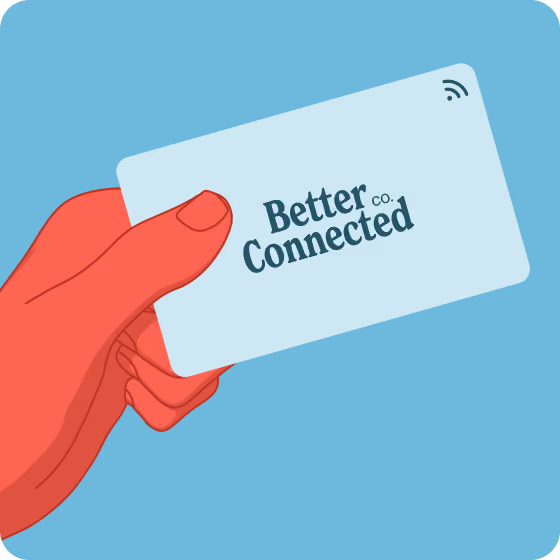
An NFC business card is a physical card with a passive chip inside that stores a link. Tap the card on someones phone and a notification opens the owner’s digital business card, where the other person can instantly save your details and connect. The chip has no battery. It draws power from the phone's NFC field and answers at a range of a few centimeters.
The underlying standard, ISO/IEC 14443, allows reads up to about 10 cm (GoToTags), and a card-sized tag usually reads at a shorter range. That short range is deliberate: sharing happens only when two people choose to touch card to phone.
The card is the trigger. Everything the other person saves and follows up on lives in the digital profile, so a good NFC card is a fast way to hand over a profile you keep current. The same chip works beyond cards: Blinq also offers NFC keychains, wristbands, and phone stickers, which all share your profile with a tap, the same way a card does.
NFC business cards: pros and cons at a glance
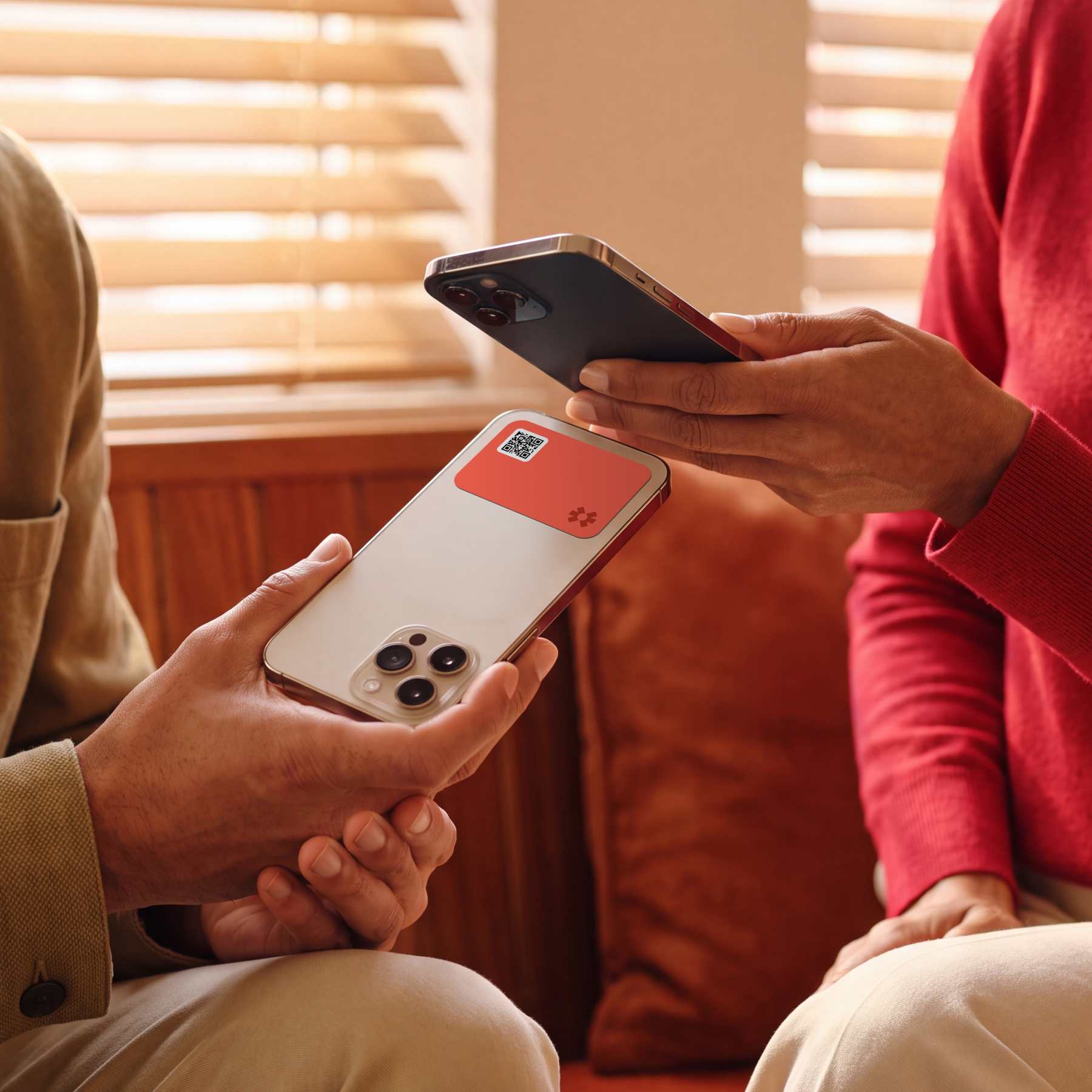
Compared with a paper card or sharing digitally from your phone, an NFC card adds two things: a one-tap share that needs no app, and a branded object you hand over. Both an NFC card and a plain digital card point to the same online profile, so unlike paper they stay updatable and are always accessible on your phone.
The trade-offs are that you pay per card, the recipient needs NFC switched on, and you have one more item to carry. The table shows where an NFC card is strong and where a digital card can serve you just as well.
What are the advantages of NFC business cards?
The biggest advantage of an NFC business card is a fast, memorable share: one tap sends your full digital profile in about a second, with no app to open on either side. Beyond speed, people value the physical hand-over, the branded object, the choice of form factors, and hardware that lasts.
- The tap gets a reaction a paper card doesn't. Making your details appear on someone's phone starts a conversation, and that first impression is part of why teams choose them.
- Sharing takes about a second. No pulling out a phone, opening an app, or typing, on either side.
- Your phone stays in your pocket. The other person taps your card, so your hands and attention stay on them.
- The hardware comes in the shape you want. A card, a keychain, a phone sticker, or a wristband, so it fits how you actually network.
- It doubles as branded merch. Teams hand NFC cards to new starters on day one, a branded welcome gift wired to a live profile.
- The hardware is durable and reusable. NXP's NTAG chips, used in most NFC cards, are rated for about 10 years of data retention (NXP datasheet), the passive chip doesn't wear out from tapping, and most cards shrug off water where paper wouldn't.
- One card can serve for years, and across people. Because the profile updates rather than the card, a branded card can move to a new person when someone leaves.
That last point is where teams get real value. One Blinq customer, a furniture brand rolling cards out across its sales team, keeps every NFC card branded but not personalized so it can move between reps: "we can use that NFC card and put it towards somebody else's, so we can constantly be switching those cards around" (sales operations lead, Gong call, 2026). An individual gets the same benefit on a smaller scale: update your profile and the card you already own stays current, no reprint.
What are the disadvantages of NFC business cards?
The main things to weigh with an NFC business card are cost and compatibility, and both are manageable. You buy a card per person, a small outlay a digital-only card doesn't have, and while the large majority of phones read NFC, a few won't tap by default. None of these are dealbreakers. They're the trade-offs against going fully digital.
- A per-card cost. Each card is a one-time purchase, priced by material and finish, so cost scales with how many people want one. A digital card carries no hardware cost at all.
- The odd phone needs a nudge. Most modern phones read NFC, with ElectroIQ estimating around 94% of smartphones worldwide ship with it (ElectroIQ). On iPhone, background tag reading (a tap with no app open) needs an iPhone XS or later (Apple Developer); older models scan manually. On Android, NFC is usually on but can be switched off in settings. A QR code printed on the card covers the rest.
- Printed details date on a role change. A name or title printed on the card goes stale when someone changes jobs, so that card needs reprinting. A logo-only card avoids this, because the profile behind the tap updates on its own.
NFC vs digital vs QR code vs paper business cards
Each option fits a different moment. A digital business card is the base layer: it lives on your phone, shares by link or wallet, updates for free, and needs no hardware. An NFC card adds a physical tap on top of that profile. A QR code is the universal fallback any camera reads, and it can travel on a screen or in an email. Paper still suits some cultures and settings.
You can show a QR code without any hardware. Blinq displays yours from the app, your lock screen, or a wallet pass, and you can also print one on a paper card (here's when that works).
Do you need an NFC business card? A decision framework
A digital business card is the foundation, and an NFC card is an optional layer on top, so whether to add one comes down to how you meet people. If you network in person a lot and want the tap and phone-free sharing, the hardware earns its place, whether you're solo or kitting out a team. If you work remotely, watch every dollar, or change roles often, you can share by QR and app and skip it. The profile is the system of record either way.
Get the hardware if you network heavily in person, you want the tap and the hand-over, you'd rather keep your phone in your pocket, you hand payment links to customers face to face, or you give team merch that new starters use on day one.
Skip it if you work remotely or your team is spread out, budget per head matters, roles change often and your cards would carry printed names, or your audience skews toward older phones where taps may misfire.
There's a pattern in who buys. As one Blinq account executive put it on a demo call with a prospect in the health and nutrition industry: "We see NFC a lot with blue-collar industries, and with sales reps that maybe aren't as tech savvy. It's a really good way for them to easily share as they go." The tap removes every step between meeting someone and sharing details, which is worth paying for in some teams and unnecessary in others.
Getting started with Blinq, with or without NFC
Blinq keeps the hardware optional. Create a free digital business card and share it by QR code, link, or a card in Apple and Google Wallet. The person receiving your details never needs to download anything to save them.
For the tap, add an NFC card or sticker linked to the same profile, and your details stay current on both. Blinq is number 1 in digital business cards and lead capture on G2, with 4.9 stars across 150,000+ reviews and 4 million users. See Blinq’s NFC business cards, or start free with a digital card and add the tap when it earns its place.

FAQs
Are NFC business cards a gimmick?
No. An NFC business card does one job well: it opens your digital business card on someone else's phone with a tap. The gimmick label only fits when the tap leads to a dead or outdated page, so point it at a profile you keep current and it's a useful way to share in person.
Are NFC business cards reliable?
Yes. The chip is passive, has no battery, and doesn't wear out from tapping, so the card itself rarely fails. The usual snags are on the receiving side: the other phone needs NFC on, and the tap has to land near its antenna, which sits in a different spot on different models, so a first tap sometimes needs a second go. Cheaper metal cards can block the signal, though quality ones are built with shielding that solves it. The QR code printed on Blinq's NFC cards is the fallback if a tap ever misses.
How long do NFC business cards last?
Years. NXP's NTAG chips, used in most NFC cards, are rated for about 10 years of data retention and roughly 100,000 write cycles (NXP datasheet), and because the chip is passive, tapping never counts against those cycles. Most card bodies resist water and everyday wear. What dates first is anything printed on the card itself, like a name or title, because print can't be updated. Keep fixed details or just your logo on the card, and put anything that might change in your digital profile, where you can update it any time.
Do NFC business cards work with iPhones?
Yes, with one model caveat. An iPhone XS or later reads NFC tags in the background, so a tap pops up a notification with no app open. Older iPhones that have NFC need you to open the camera or control-center scanner first. Printing a QR code on the card covers every case, since any iPhone camera reads a QR code.
Do NFC business cards work with Android phones?
Most modern Android phones have NFC and read tags by default, so a tap works out of the box. The catch is that NFC can be turned off in settings, and some budget models leave it out. If a tap does nothing, ask the other person to switch NFC on in quick settings, or fall back to the QR code on the card, which any camera reads.
How much do NFC business cards cost, and do they need a subscription?
The card is a one-time purchase, priced by vendor, material, and finish, and cost scales per person across a team. The digital profile behind it is the ongoing part, and it doesn't have to cost anything: Blinq has a free plan, so you can run an NFC card with no subscription and upgrade only when you want team features.
Are NFC business cards secure?
Yes, for what they hold. The chip stores a link to your profile, not your personal data, so a lost card doesn't leak your contacts. Reads only work at a few centimeters, so no one can scan your card from across a room, and the other person chooses whether to open the link. Keep sensitive details out of the public profile and you're fine.
Can I use a digital business card without NFC hardware?
Yes. Blinq works with no hardware at all: share by QR code from the app or lock screen, by link, or from a card in Apple and Google Wallet. The person receiving your details never needs an app to save them. NFC hardware is an optional layer for people who want the tap.