

.avif)


Most digital business cards look alike on the surface but behave very differently in a crowded conference hall. The gaps typically show up later: whether the other person can save your details at all, whether the card still works when the Wi-Fi drops, whether it actually looks like your brand, and whether you'll still be using it a month from now.
This guide shows you how to choose a digital business card and what to look for. It turns the things that separate a card you keep from one you abandon into 12 concrete criteria, grouped loosely around the recipient's experience, reliability, brand, adoption, CRM (customer relationship management), security and cost, so you can run them against any vendor in an afternoon.
Key Takeaways (TL;DR)
- The recipient's experience matters as much as yours. A card that's hard to receive or save loses the contact at the moment you earned it.
- A card is only as good as it looks on your worst day. Design guardrails that keep every card on-brand beat unlimited customization, especially across a team.
- Offline reliability protects the first impression. Conference Wi-Fi fails at the worst moments, so the card has to work without it.
- Adoption is the real test. If people can't pick the app up in a few minutes, they drift back to old habits and the switch never sticks.
- Security and CRM fit decide team purchases. SOC 2 Type II, SSO (single sign-on) and native CRM integrations separate IT approval from a stalled deal.
- Try before you buy. The leading cards (Blinq, Popl and HiHello) all offer free access, so there's no reason to commit unseen.
What actually matters when choosing a digital business card? (the 12 criteria at a glance)
What matters most is whether the exchange works every time, for both people, and then whether the card fits how you'll actually use it, from a single person up to a whole team.
- No-app sharing. If the recipient has to install anything, you lose the contact.
- The receiving-and-save experience. A card that isn't saved is a contact that doesn't exist.
- Offline reliability. Conference Wi-Fi fails, and a failed share burns the impression.
- Brand presentation. The card is often your brand's first touchpoint, so it has to look good.
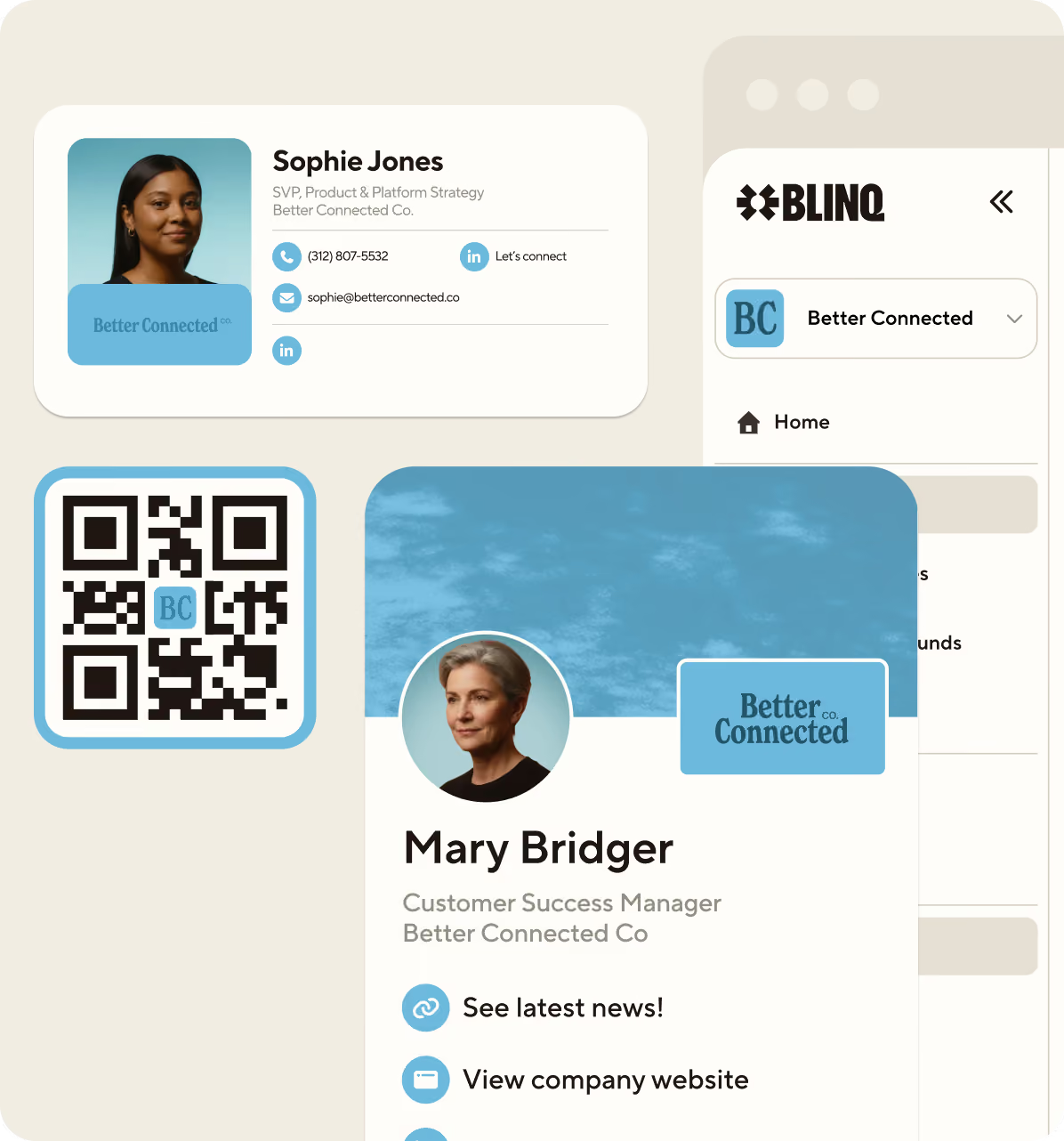
- Sharing surface area. QR, NFC (near-field communication), link, wallet, email signature, video-call background. More ways to share means you're always ready.
- Ease of adoption. People stick with tools they can pick up in a few minutes.
- Lead capture and scanning. Capturing the other person's details matters as much as sharing yours.
- Pricing and free trial availability. Watch out for per-seat creep and hardware bundles.
- Vendor viability. Pick a product that will still exist in three years.
- CRM sync. If you use a CRM, manual exports kill follow-up before it starts.
- Security and compliance. For teams, no SOC 2 or SSO means no IT approval.
- Admin management at scale. One template change should update thousands of cards.
1. Does the recipient need the app? (no-app sharing)
The person receiving your card should never need to install anything. The best cards share via QR code, link, email signature or wallet pass, and the recipient views and saves your details without downloading an app. Blinq works this way. If a product makes the other person download an app before they can save your details, you'll lose the ones who don't bother.
Test it yourself: create a free card, share it with someone who's never used the product, and see how easily they save your details.
2. What happens on the recipient's phone? (the receiving-and-save experience)
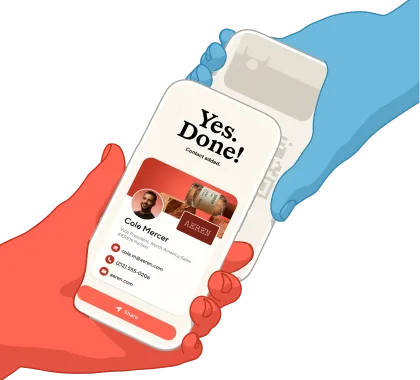
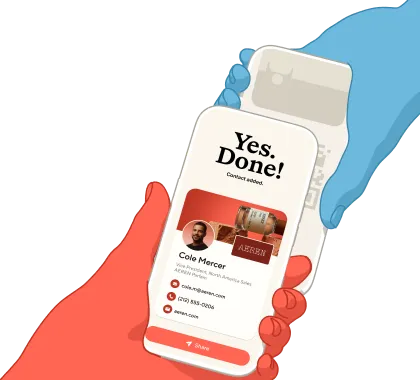
The save is the whole point of the exchange. On the strongest flows, scanning a card on an iPhone opens it through an App Clip and the recipient saves your details straight to their contacts in a couple of taps, with no separate download and no retyping. Many products open a web profile in the browser instead, which adds friction at the moment you want none. An App Clip is Apple's lightweight, install-free version of an app that launches from a QR code or NFC tag (Apple), so it feels native without anyone visiting the App Store. This is still rare in practice, and Blinq is the standout, though the native App Clip save works on iPhone only; Android recipients get the standard web-profile flow, the same as most tools. It's the main reason a card shared this way gets saved far more often on iPhone than one that drops every recipient onto a web page; the vendor comparison later in this guide shows how each one handles it.
Users notice the difference on the receiving end. As one Blinq user puts it: "individuals do not feel pressured to download the app and can easily keep my contact info without any further action" (Joel, Higher Education, verified Trustpilot review, July 2026).

3. Will it work without Wi-Fi? (offline reliability)
A digital business card has to exchange contacts every time, including when the venue's network is overloaded. The better products switch to an offline sharing mode on their own, so the QR code keeps working even on a crowded expo floor. A share that fails in front of a prospect costs more than the contact; it dents the impression you just made. Offline behavior varies by vendor, so we checked each product's own site in July 2026, and the comparison table records what each one publishes.
When you evaluate vendors, ask what happens to card sharing with no signal (lead capture is a separate question), and test it with your phone in airplane mode.
4. How well does it present your brand?
Your card is often the first branded thing a new contact touches, so it needs to put your brand front and center. Look past the editor's feature list and look rather at the output: the card your least design-minded teammate would produce. Wide creative freedom often produces something that looks homemade, which is why design-guardrailed templates that lock in your logo, colors and layout tend to win. Every card looks good no matter what anyone types into it, and that constraint is the feature.
5. How many ways can you share it?
More sharing surfaces mean fewer missed moments, and a card that shows up the same way everywhere. A strong digital business card shares via QR code, link, Apple and Google Wallet passes, email signature, video-call background and, where you want it, an NFC card or accessory. Treat NFC as optional hardware, useful for tap-first sharers, and be wary of any product that requires buying hardware to function at all.
The real test is coverage. In the situations where you meet people (a quick tap, an email footer, a video call, a lanyard), can you share the same on-brand card every time? More surfaces means you always show up consistently, and you have more ways to turn a meeting into a saved contact.
6. How quickly can people pick it up? (ease of adoption)
A card only helps if people use it, and they only use what they can pick up in a few minutes. For an individual that means you're sharing it the same day; for a team it means reps adopt it instead of drifting back to paper, which is what decides an enterprise rollout to thousands of people. The clearest signal is how effortless the share is: a card you tap or scan gets used, and a card that takes extra steps gets abandoned, often because it has no QR code and is awkward to share.
A G2 reviewer puts the bar where it should be: "What I like most is how easy it is to create a digital business card and share it instantly using a QR code or link" (G2).
Run a pilot with your five least technical people before any team commitment. If they're sharing cards within a day without a training session, the tool passes.
7. Can it capture leads, not just share your card?
Sharing your card is half the exchange; capturing the other person's details is the half that pays for the tool. Look for two-way exchange when your card is scanned, paper business-card scanning, and event badge scanning that creates a contact without retyping. Blinq scans paper cards and event badges and enriches every new contact with additional contact details such as their email address.
A VP of marketing at a logistics software company described the workflow on a call with Blinq: "You can scan physical business cards from the people that you meet on a showroom floor at a conference … create a contact in Blinq, which automatically creates a record in Salesforce."
8. What does it cost, and can you try it free?
Expect a free individual tier and per-seat team pricing in this category, and read what's included in each plan before comparing headline prices. Team plans are priced per user per month, hardware bundles inflate the real cost, and features like CRM sync often sit a tier or two up. A free plan with no hardware requirement lets you trial the tool for the price of an afternoon.
Price the tool against what a stalled lead costs you rather than the price of a paper card.
9. Will the vendor still be around? (market signal and reviews)
A digital business card is infrastructure for your contacts, so vendor viability matters. Check review-platform standing, user base and momentum rather than marketing claims, and read a vendor's most recent reviews to see the current trajectory, since the star average hides it. For category standing, Blinq is #1 in digital business cards and lead capture on G2, which you can verify on the G2 digital business cards category page.
10. Will it sync to your CRM (if you use one)?
If you use a CRM, a contact that never reaches it is a lead that goes cold. This one won't apply to everyone, but for anyone running sales or marketing, native integrations put a captured contact into the pipeline as a real record while you're still at the event, instead of a CSV export you get to next week. Blinq offers native HubSpot, Salesforce and Microsoft Dynamics 365 integrations, so the contact lands with its context attached.
Check two details per vendor: whether the integration is native or runs through a middleware tool, and which plan it's gated behind, since CRM sync sits on paid tiers for most products in this category.
11. Is it secure enough for IT to approve?
For a team purchase, the security review is where digital business card projects live or die. Look for SOC 2 Type II certification and SSO, so employees sign in with existing company credentials and IT keeps control of access. Contact data is personal data, which puts GDPR (General Data Protection Regulation) handling in scope for any organization with European contacts. Most established vendors clear this bar: for example, Blinq, Popl and HiHello are all SOC 2 Type II certified and support SSO, and Blinq documents its approach in a security standards overview.
Ask each vendor for their SOC 2 report and their data-processing terms up front.
12. Can admins manage cards at scale?
At team scale, the card is an IT asset and should be managed like one. Look for centralized templates, bulk creation, directory sync for provisioning and deprovisioning, and brand fields that admins lock so employees can't break them. When updating a template updates every card made from it, a rebrand or a title change takes seconds instead of a reprint cycle.
Ask vendors how long it takes to onboard 1,000 employees, and what happens to a card when someone leaves.
How do the top digital business card apps compare?
Blinq, Popl and HiHello all cover the basics of QR sharing and team management. They differ on the recipient's save experience, offline behavior and how integrations are bundled and priced. The table condenses the 12 criteria, and vendor claims were checked against each vendor's own site in July 2026.
How should you test a digital business card before you commit? (individuals vs teams)
The best way to judge a card is to run the 12 criteria as a hands-on test in the places you'll actually use it: a noisy lobby, a dead-signal expo floor, a real prospect handoff. Individuals can finish this in one afternoon. Teams should pilot with a small group first, and our teams guide covers rollout in more depth.
For individuals:
- Share your card with someone with your phone in airplane mode. Did it work?
- Watch a non-user receive it. Did they save the contact without installing anything?
- Build your card in 10 minutes. Would you hand it to your most important prospect?
- Check the free plan covers your real usage, not just a demo.
- Scan a paper business card. Did it create a clean contact?
- Read the vendor's latest reviews for trajectory, not just the star average.
For teams:
- Run the six individual tests above with your five least technical people.
- Time the pickup: are they sharing cards within a day, without a training session?
- Confirm native CRM sync on the plan you'd buy, and watch a contact land in HubSpot, Salesforce, Dynamics or any other major CRM live.
- Request the SOC 2 report and confirm SSO with your identity provider.
- Change a template and confirm every provisioned card updates.
- Offboard a test user and confirm their card deactivates.
- Price the rollout at your real headcount, including any hardware.
- Ask what the vendor measures on adoption in rollouts your size.

Which digital business card should you choose?
Run the 12 criteria against your shortlist and hold every vendor to the same evidence. If we had to pick one, it'd be Blinq. The reason is less about any one feature and more about how the whole exchange holds together. Recipients save your details without installing anything, so you don't lose the contact you just earned. The App Clip flow is unique and makes that save feel native on iPhone, so it happens much more often. Sharing drops to an offline mode when the network dies, so a dead expo floor doesn't cost you the introduction. Guardrailed templates keep every card on-brand without anyone policing design. And for teams, SOC 2 Type II, SSO and native HubSpot, Salesforce and Dynamics sync clear the hurdles that stall a purchase.
FAQs
How do I choose a digital business card app for my team?
Prioritize adoption and infrastructure fit. The app must be learnable in about 5 minutes or reps revert to old habits, and it needs native CRM sync (HubSpot, Salesforce or Dynamics), SOC 2 Type II certification, SSO, and admin tools that manage thousands of cards from templates. Pilot with your least technical people, confirm contacts land in the CRM live, and price the rollout at real headcount including any hardware.
How do I choose a digital business card app as an individual?
Judge it from the recipient's side. Your card should share via QR code or link with no app install for the other person, save to their contacts in a couple of taps, and keep working when the venue Wi-Fi fails. Add brand presentation (would you hand this card to your most important prospect?) and a free plan so you can test all of it before paying.
What should I look for in a digital business card platform?
Look for twelve things, in rough priority: how easily the recipient can save your card, whether it works offline, how well it presents your brand, how quickly people adopt it, its sharing options, lead capture, price with a free trial, and vendor viability, plus (for teams) CRM sync, security, and admin controls. Recipient experience and offline reliability get overlooked most and cause the most abandoned rollouts.
Do digital business cards work without internet?
Some do. The better products switch to an offline sharing mode when the internet is poor, and Blinq, Popl and HiHello all offer one, so your QR code keeps exchanging contacts on a congested expo floor, and wallet passes display offline on most products. Test the specific product you're evaluating: put your phone in airplane mode and share your card. If the exchange fails, so will the busiest hour of your next conference.
Does the person receiving my card need an app?
No, not with a well-built digital business card. The recipient scans your QR code or opens your link and sees your card in their browser, with no download required. On iPhone, Blinq's App Clip can open the card natively and save your details in a couple of taps; others, like Popl and HiHello, open a web profile with a save-contact button. Avoid any product that makes the recipient install something.
Are digital business cards secure enough for enterprise use?
The leading platforms are. Look for SOC 2 Type II certification, SSO support so employees use existing company credentials, GDPR-compliant data handling, and admin controls for provisioning and deprovisioning. Blinq, Popl and HiHello all advertise SOC 2 Type II and SSO. Request the actual SOC 2 report during evaluation; a vendor that won't share it under NDA is telling you something.