


.avif)

Google Forms is fine for a sign-up sheet. On a trade show floor it starts to cost you: no offline capture on congested venue Wi-Fi, no badge or business card scanning, and a CSV export standing between every lead and your CRM. Dedicated event lead capture tools close those gaps. Blinq goes one further and turns the form itself into a two-way exchange: you share your details, and the other person gets your custom branded form back.
Key Takeaways (TL;DR)
- Google Forms works for low-stakes capture like internal events, newsletter sign-ups, and one-off community stalls, where it's free and quick to set up. The trade show floor is where it starts to cost you.
- Four failure points at trade shows: no offline capture, no badge or business card scanning, manual CSV exports, and no rep attribution.
- Dedicated event lead capture tools close those gaps: they capture offline, scan badges and business cards, and sync to your CRM in real time with the rep attached.
- The capture experience is part of the first impression: the best tools run natively on the visitor's own phone rather than as a mobile-browser form.
- Blinq goes one further: it turns capture into a two-way exchange, where you share your details and they get a custom branded form back, and its AI Notetaker saves the conversation context, not just the fields.
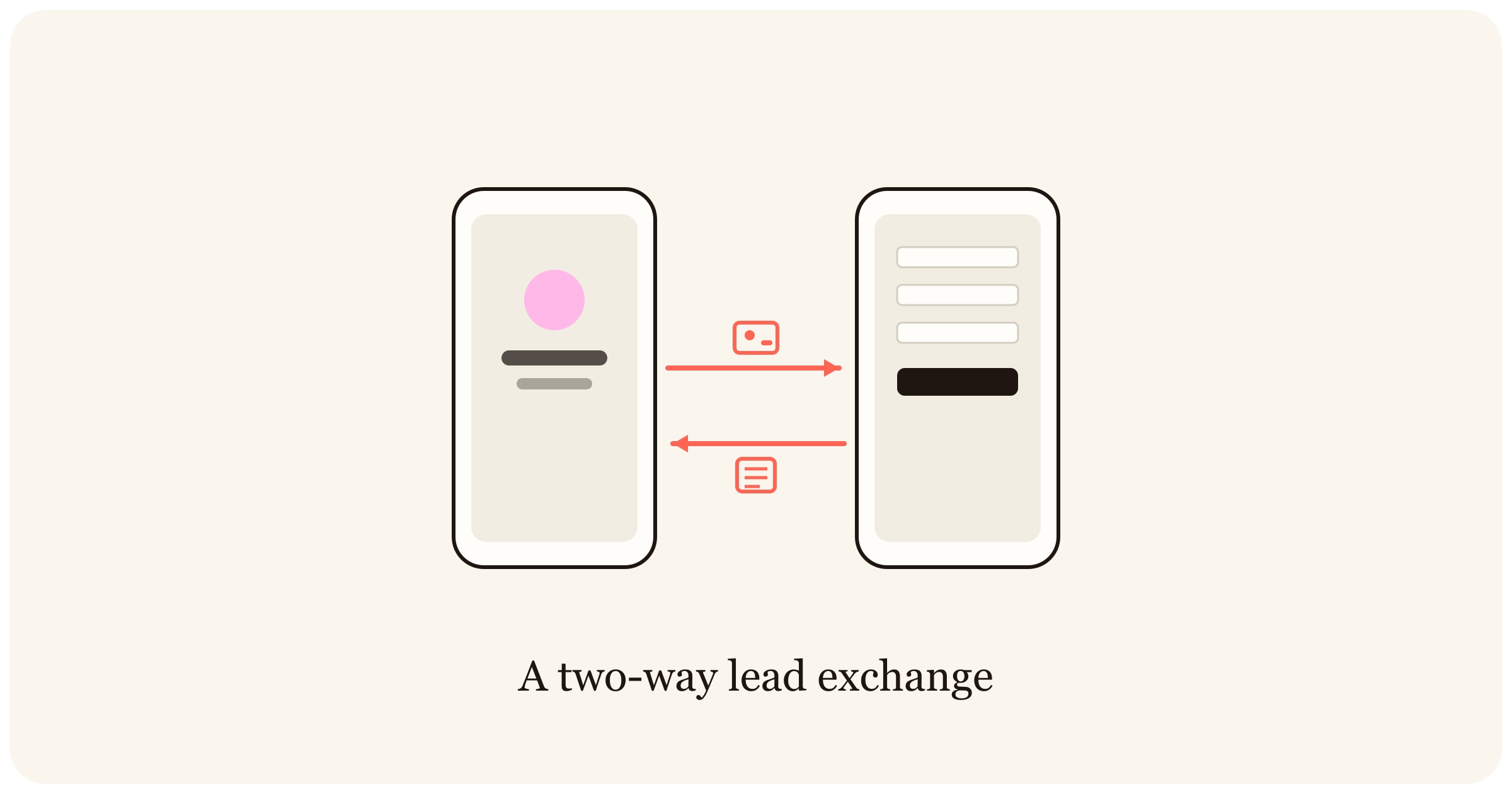
The verdict up front. Keep Google Forms for internal events, connected sign-up counters, and zero-budget capture inside Google Workspace. Switch to a dedicated trade show lead capture app when you exhibit at trade shows: you'll capture offline, scan badges and business cards, and land leads in your CRM while the conversation is still warm. Blinq is the strongest switch because it also hands the visitor a custom branded form through an App Clip, so capture feels like networking rather than admin.
| Keep Google Forms if… | Switch to a lead capture app if… |
|---|---|
| Your events are small, indoors, and on reliable Wi-Fi | You exhibit on trade show floors with congested networks |
| Typing a name and email isn’t a bottleneck | You need badge and business card scanning at volume |
| A weekly Sheets export is fast enough | Leads need to reach your CRM the same day, with the rep attached |
| Budget is zero and Workspace is home | Follow-up speed and event ROI are on your scorecard |
When is Google Forms actually fine for lead capture?
Google Forms handles low-stakes capture well: internal events, newsletter sign-ups at a staffed counter, community stalls with reliable Wi-Fi, and teams with no budget who already live in Google Workspace. It's free, it takes minutes to build, and responses land in a Sheet the whole team can read. If that describes your events, keep it and spend the money elsewhere.
The honest test is what happens when the venue and the volume change. A form that works at a hosted dinner for 40 behaves differently in a convention hall with 4,000 attendees and a queue at your booth. Draw that line yourself before a vendor draws it for you.
Where does Google Forms break down at trade shows and events?
Google Forms fails at trade shows on four fronts: it needs a live connection to load and submit, every field gets typed by hand, leads leave via manual CSV export instead of syncing to your CRM, and nothing ties a lead to the rep who captured it. Each failure compounds the next, and together they slow follow-up to the point where most leads never hear back. Prettier form builders like Typeform, Jotform, and Microsoft Forms hit the same four walls: better-looking fields, still no offline capture and no way to scan a badge or a business card.
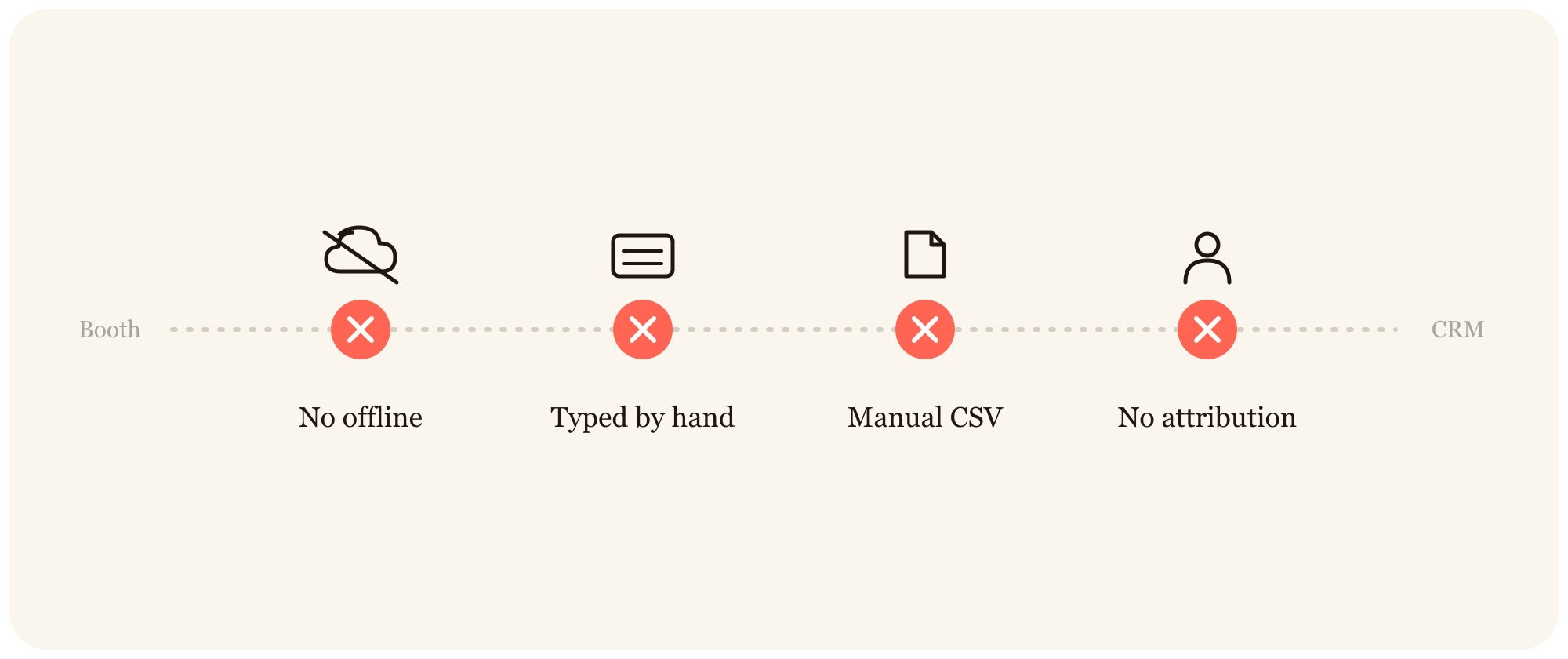
No offline mode on show floors. Google's offline editing covers Docs, Sheets, and Slides, and Google's own support documentation for offline editing leaves Forms off that list. A respondent needs a live connection to load the form and another to submit it. On a convention floor where thousands of devices share the network, that's a real constraint, and exhibitors plan around it. The usual workarounds carry their own risk: a hotspot shares the same congested spectrum, and a paper backup puts you right back in manual data entry. A dedicated scanner (Blinq's, for one) captures offline and syncs when the connection returns.
No badge or business card scanning. Every lead in a Google Form arrives one keystroke at a time. There's no way to scan an event badge, a business card, or a QR code, so either the visitor types their own details into your iPad or a rep transcribes them after the fact. Booth conversations run a few minutes each; a typing queue caps how many of them become leads. One events coordinator at a retail appliance company described the workflow on a recorded demo call: "I got an iPad, so I started doing a Google Form and collecting data that way. It's kind of already online, but still, I have to monitor it. […] I'll just collect business cards and I'll upload it to an Excel sheet." The pattern repeats at every show: an iPad, a form, an Excel sheet, and a person spending their event minding the machinery instead of the people. Blinq scans badges and business cards in seconds and enriches the contact in the background.
Manual CSV exports vs real-time CRM sync. With Google Forms, leads live in a Sheet until someone exports a CSV and imports it into the CRM. Follow-up stalls in that gap, and the industry has been measuring the damage for over a decade. Research compiled by Integrate found that 80% of trade show exhibitors don't follow up with their show leads (SalesForce, 2012), and 38% of exhibitors take longer than six days to follow up (Exhibitor Online, 2015). Dedicated tools sync each lead to HubSpot, Salesforce, or Microsoft Dynamics in real time, with notes and tags attached, so follow-up can start before the booth is packed down.
No qualification or booth-staff accountability. A form response tells you someone stopped by. It doesn't tell you which rep spoke to them, how qualified they were, or which event deserves next year's budget. The same Integrate roundup reports that just 6% of marketers believe their company converts trade show leads into business extremely well (CMO Council & E2MA, 2013). Rep attribution, qualifying fields, and event-level reporting attached to every capture are what make the post-event review run on data.
Why is a form a one-way transaction, and what's the alternative?
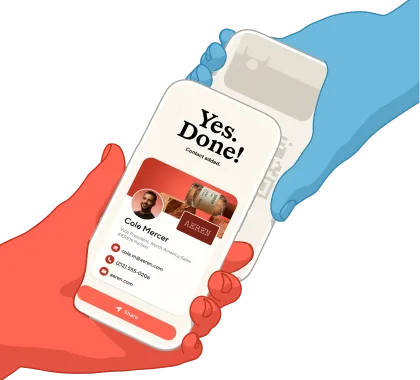
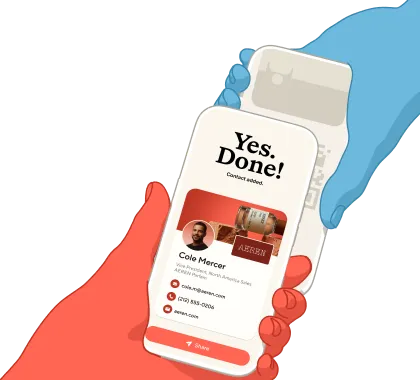
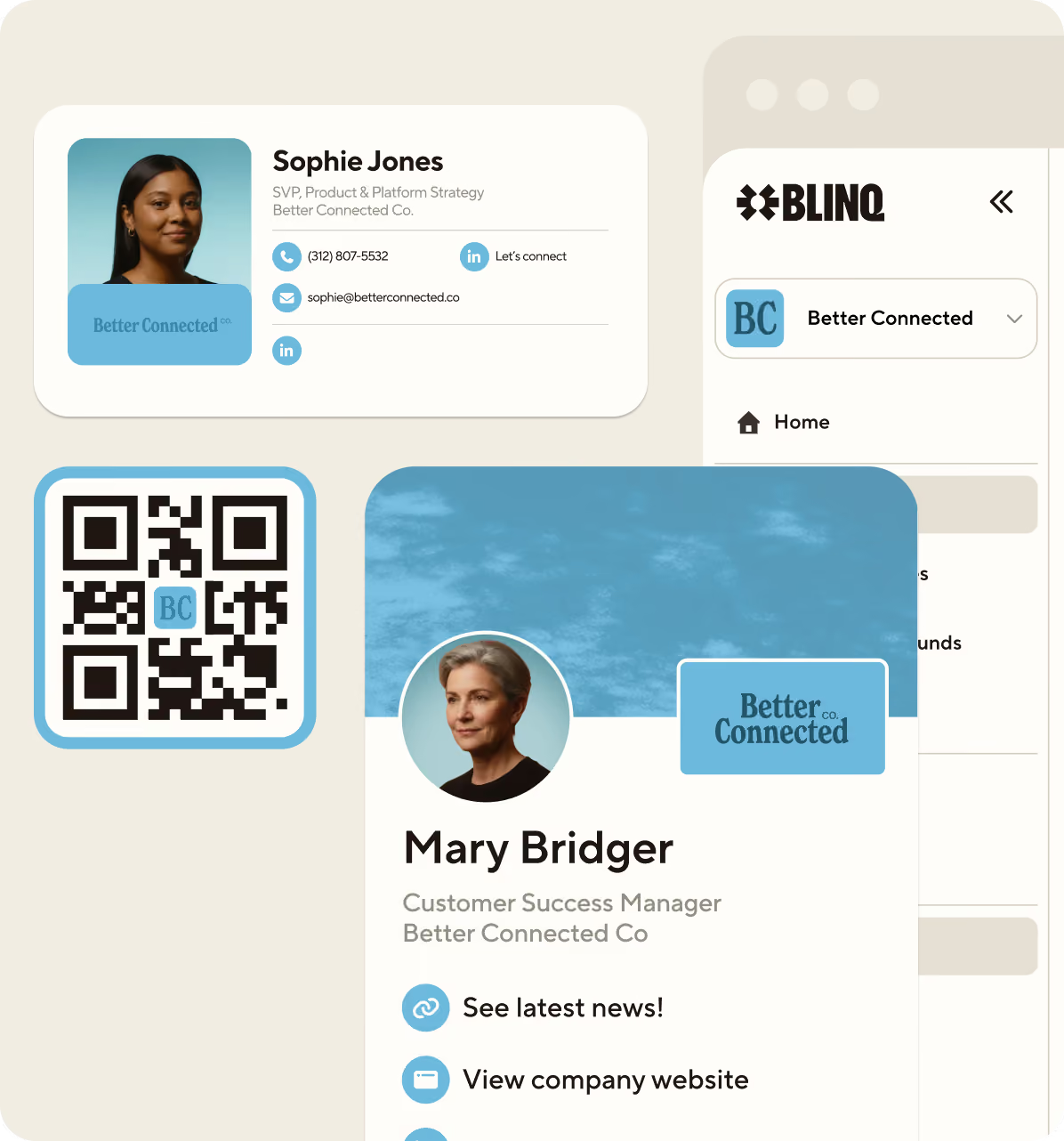
A form only takes. The visitor hands over their details and gets nothing back, so completing it depends on their patience and goodwill at a moment when both run short. Blinq turns lead capture into a two-way exchange: the rep shares their digital business card, and the visitor receives a custom branded form in return. Both sides walk away with something, which is what a good booth conversation feels like anyway.
The give-to-get psychology. Reciprocity is one of the most studied levers in persuasion: people are more inclined to give when they've just received, as Robert Cialdini's work on influence describes. Blinq builds this into the exchange. On a custom lead form, an admin can switch on lead capture mode (the Enable Lead Capture toggle), which shows the visitor your form before they view your card. They've just been handed your details, so filling in theirs is the natural next move rather than a favor.
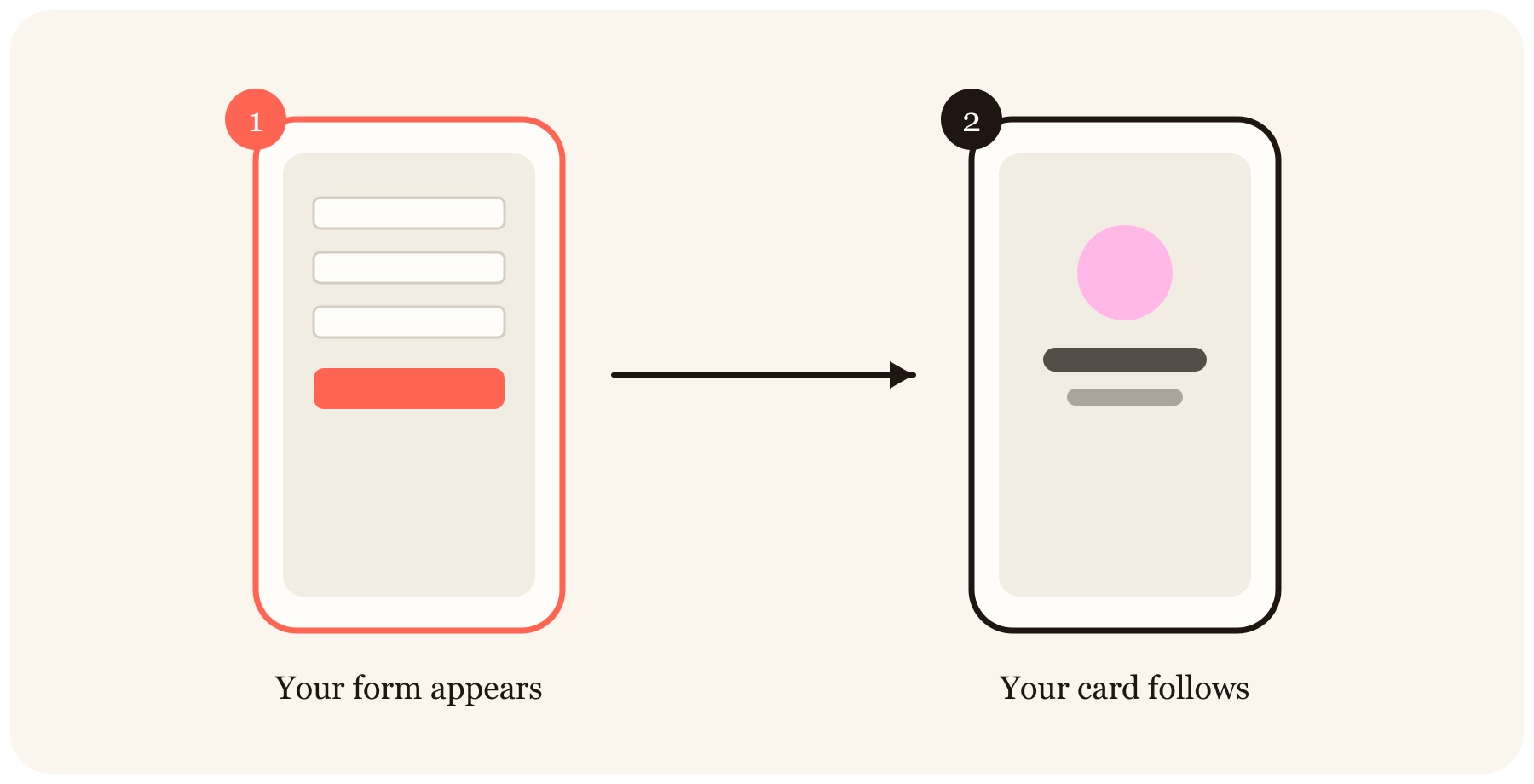
A native experience, not a mobile-browser form. When a visitor scans a Blinq QR code on an iPhone, the exchange opens as an App Clip: a lightweight native surface with your branding, your fields, and no download. Android visitors get an equivalent web flow with the same branding and fields. The recipient doesn't need the Blinq app to receive your card or return their details. Compare that with a Google Form in a mobile browser tab: generic styling, pinch-zoom fields, and a spinner whenever the venue network stutters. First impressions at a booth are made in seconds, and the capture experience is part of that impression.
Can a form capture the conversation?
No. A form captures fields, and the value of a booth conversation lives outside them: what the prospect is evaluating, what they objected to, what you promised to send. Blinq captures the contact and the context together, contacts with context, and it flexes to however the moment unfolds: scan a badge, scan a business card, share your card so they get your custom lead form back, or create the lead manually between conversations.
Blinq's AI Notetaker attaches conversation context to the contact: key takeaways, intent, and next steps, captured while they're fresh instead of reconstructed on the flight home. Blinq also applies custom lead forms to scanned and manually added leads, so the same qualifying fields apply however a lead comes in.
What about branded capture in retail and clienteling?
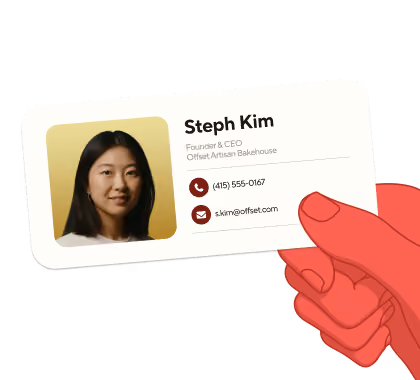
In retail and clienteling, the brand has to be part of the exchange. A luxury retailer or a premium appliance showroom spends real money on how the store feels, and then a generic form on an iPad undoes it at the exact moment a client offers their details. With Blinq, the associate shares a digital business card carrying the brand's design, and the client receives a custom branded form in the same visual world. The capture moment reinforces the brand instead of borrowing someone else's. This is the same pattern the appliance retailer above was reaching for with an iPad and a form: capture that feels like part of the service. The difference is whether the tool was built for that moment.
Google Forms vs HubSpot Forms vs Blinq vs Captello: how do they compare?
For connected, hands-on capture, the free form builders work, and that goes for Typeform, Jotform, and Microsoft Forms as much as Google Forms. For trade show floors, only the dedicated tools capture offline, scan badges and cards, and sync to a CRM in real time. The table below compares the four options event teams shortlist most often in 2026. For the wider field, here's our roundup of the best trade show lead capture apps.
| Tool | Offline mode | Badge scan | Business card scan | CRM sync | Pricing |
|---|---|---|---|---|---|
| Google Forms | No | No | No | Manual export to Sheets/CSV | Free |
| HubSpot Forms | No | No | No | Native to HubSpot CRM only | Free tier |
| Blinq Event Lead Capture | Yes, captures offline and syncs on reconnection | Yes, universal badge scanning | Yes | Real-time to HubSpot, Salesforce, Microsoft Dynamics, Zoho, Pipedrive, Zapier | $9.99 per lead captured with Blinq Business, or a custom package; free Blinq plan for digital business cards |
| Captello | Yes | Yes | Yes, card transcription | Real-time CRM sync | From ~$500 per event license; enterprise pricing sales-quoted |
Who each tool is for. Google Forms suits teams whose events are small, connected, and low-stakes. HubSpot Forms suits HubSpot-native teams capturing web leads who occasionally point a form at an event. Blinq suits teams that want one app for badge scanning, card scanning, the reciprocal card-plus-form exchange, and real-time CRM sync across every event on the calendar, from a single booth up to an enterprise event program. Captello suits teams that specifically want deep booth engagement features like gamification and activations, and have the budget and admin time to run a heavier platform.
Blinq is rated #1 in digital business cards and lead capture on G2. Across platforms, Blinq holds 4.9 stars across 150,000+ reviews and counts 4 million users.
How do you switch from Google Forms without losing what works?
Your form logic survives the move. The qualifying questions you built in Google Forms become fields on a Blinq custom lead form (standard contact fields plus up to three custom fields), so the switch changes the capture surface, not the thinking behind it. A practical path:
- Map your questions. Take the fields from your Google Form and rebuild the ones that earn their place as custom lead form fields.
- Connect your CRM. Link HubSpot, Salesforce, or Microsoft Dynamics so leads, notes, and tags sync in real time with rep attribution.
- Run both in parallel at one event. Keep the iPad form as a fallback while the team gets comfortable, then compare lead volume and follow-up speed.
- Bring IT in early. Blinq is SOC 2 Type II certified and GDPR compliant, with SSO support, which shortens the security review.
Most teams find the parallel event settles the question. See Blinq's lead capture software or pricing to scope it for your event calendar, or book a demo to see the exchange live.
FAQs
Is Google Forms free for lead capture?
Yes, Google Forms is free with a Google account, and for internal events, newsletter sign-ups, and small community events on reliable Wi-Fi it's a reasonable choice. You pay instead in manual work: typed entries, CSV exports, and no record of which rep captured which lead. Those costs stay invisible until your event calendar grows.
How much does a dedicated event lead capture app cost?
Pricing varies by vendor and lead volume. Blinq's Event Lead Capture is usage-based: $9.99 per lead captured on a Blinq Business subscription, with discounted and unlimited lead packages available through the sales team. Captello starts around $500 per event license and is otherwise sales-quoted. Blinq's free plan covers digital business cards, so individuals can start before a team rollout.
How long does setup take?
A Google Form takes minutes to build, and so does the Blinq equivalent. Teams typically get running the same day: they create cards from a template, add a custom lead form with their qualifying fields, and connect their CRM. The slowest step is usually IT sign-off, which Blinq's SOC 2 Type II certification and SSO support help shorten.
Does lead capture work offline at trade shows?
Google Forms doesn't work offline; it needs a live connection to load and submit, and Google's offline editing covers Docs, Sheets, and Slides only. Blinq captures leads offline with the scanner and syncs them once the connection returns, which matters on convention floors where Wi-Fi congestion is the norm rather than the exception.
Do booth visitors need to download an app?
No, the recipient doesn't need the Blinq app to receive your card or return their details. Scanning your QR code on an iPhone opens an App Clip, a lightweight native experience with your branding and your custom lead form, and Android visitors get an equivalent web flow. The exchange finishes in seconds.
Can Google Forms sync to a CRM automatically?
Not natively. Responses land in Google Sheets, and reaching a CRM means a manual CSV export or a third-party connector like Zapier that someone has to build and maintain. Blinq syncs each lead to HubSpot, Salesforce, or Microsoft Dynamics in real time, carrying the contact, enriched fields, notes, and rep attribution together.