

.avif)


Field sales lead capture is how a team records a prospect's details and the conversation right where they meet them, then gets it into the CRM before it goes cold. If your reps or booth staff come back from every event with a stack of business cards that takes days to enter, the fix is a lead capture app: scan the badge, card, or QR code on the spot, let AI enrich the contact, and sync it to the CRM the same day. This guide covers how top teams run that, what to look for, and how to measure it.
Key Takeaways (TL;DR)
- Field leads are lost in the gap, not the pitch. Most captured leads go cold in the handoff between the conversation and the CRM, long before the pitch is ever the problem.
- Speed to lead is the metric that matters. A first follow-up sent while the lead is still warm, within a day or two, converts better than one that waits a week. Track capture-to-first-touch time, not badge counts.
- Context is what turns a conversation into pipeline. A contact that carries notes on what was discussed and what happens next is worth far more than a bare name. Capture the conversation while it's fresh, not just the details.
- Manual data entry is the bottleneck worth removing. Typing cards into a spreadsheet and waiting on a CRM upload burns days. Scanning, AI enrichment, and real-time sync bring that down to seconds, so reps spend the time selling.
- Adoption decides the result. The lead capture app that works is the one every rep will open, which usually means the one they already carry. A tool a few people share captures almost nothing.
- Field capture goes well beyond events. Site visits, territory rounds, walk-ins, even the airport lounge all count. Treat every meeting as a capture moment and get the details down before you part ways.
What is field sales lead capture?
Field sales lead capture is how a rep records a prospect's details and the context of the conversation anywhere work happens on their feet: a trade show booth, a customer site visit, a territory round, a walk-in, or a conference hallway. The details are the who; the context is what you talked about and what happens next. Both have to reach the CRM, accurate and fast, for a conversation to become a lead anyone can act on.
Most teams still handle most of the lead capture process by hand. A rep gathers business cards or scribbles names into their phone, types them into a spreadsheet a few days later, then passes that to marketing or ops to upload to the CRM. An events lead at a water technology company described the routine on a recent sales call: "They take a picture of it and send it to me so that I can put it into a spreadsheet. Then I submit that to our HubSpot team, request a list upload... it's so much, and it takes so much time." Every hop adds delay and a chance for a detail to go missing, and by the time the lead lands in front of a rep, the conversation has already cooled.
How can field sales teams capture leads at trade shows without manual data entry?
New technology has taken most of the manual work out of it. Field reps can now capture a lead in seconds and skip the spreadsheet-and-upload chain that used to cost days and lose leads along the way. The tool doing most of that work is a lead capture app: the rep scans the badge, business card, or QR code, AI enrichment fills in verified email, phone, company, and LinkedIn, and real-time CRM sync creates the contact while they're still at the booth. That's the approach this guide walks through.
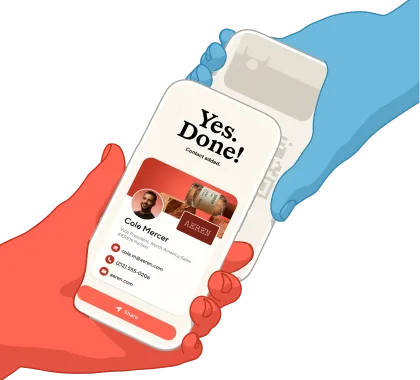
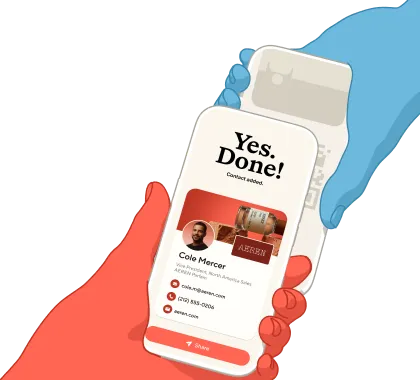
What to look for in a good field lead capture app comes down to four things: it works anywhere without renting organizer hardware, it enriches contacts automatically so they arrive complete, it syncs to your CRM in real time, and it's easy enough that every rep actually uses it. A capture that stays part of the conversation matters too: the best tools let the rep share their own card and capture the prospect's details in the same natural exchange, rather than processing someone through a rented badge scanner.
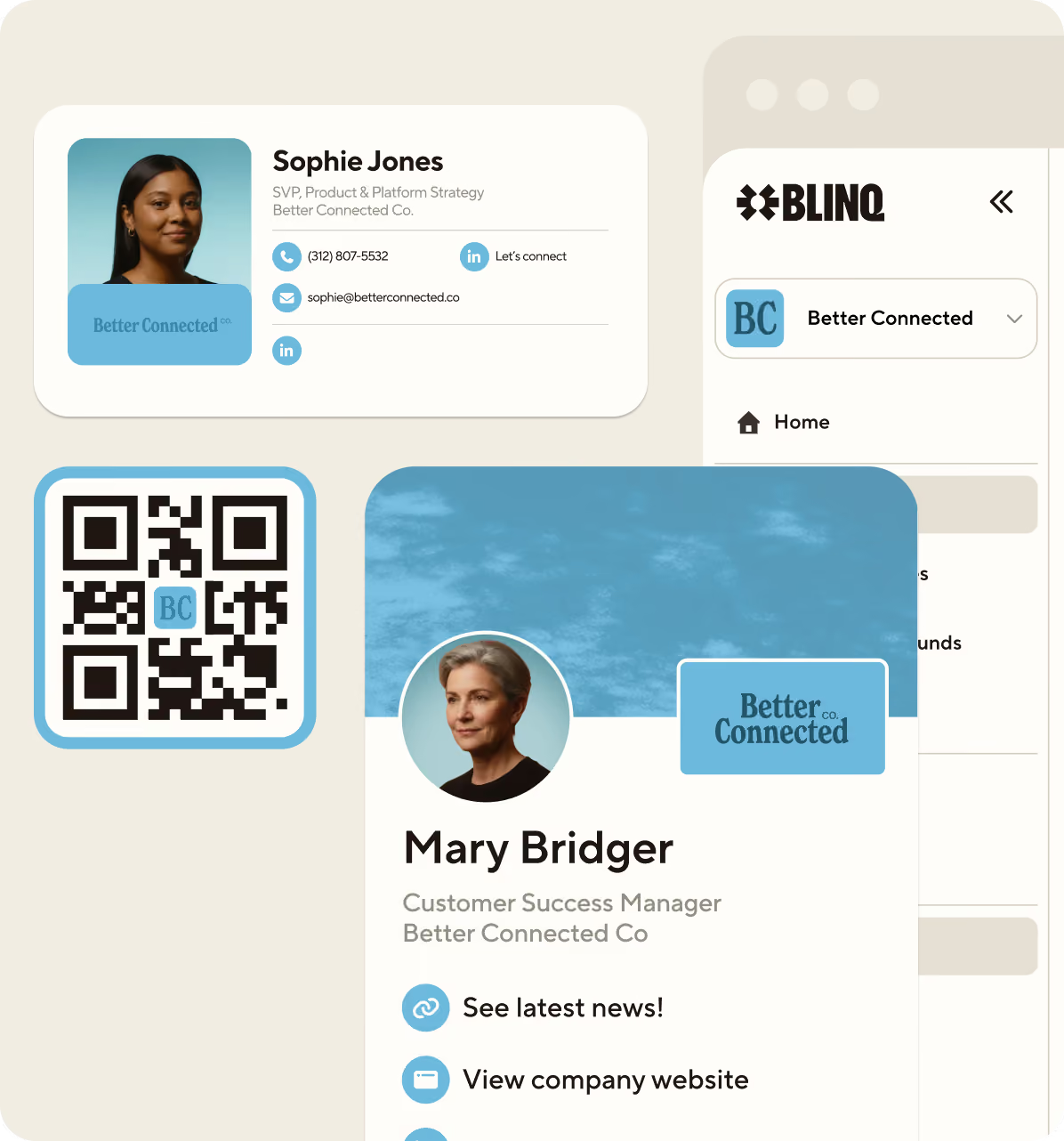
Blinq is one app that covers those criteria: it captures event badges, business cards, and QR codes, prospects share their details via QR without installing anything, it works at any event with no organizer hardware, and it's the same app reps already carry as their digital business card, so adoption isn't a separate battle. With Blinq's lead capture app, the whole loop runs from the phone in the rep's pocket.
The 6-step field lead capture workflow
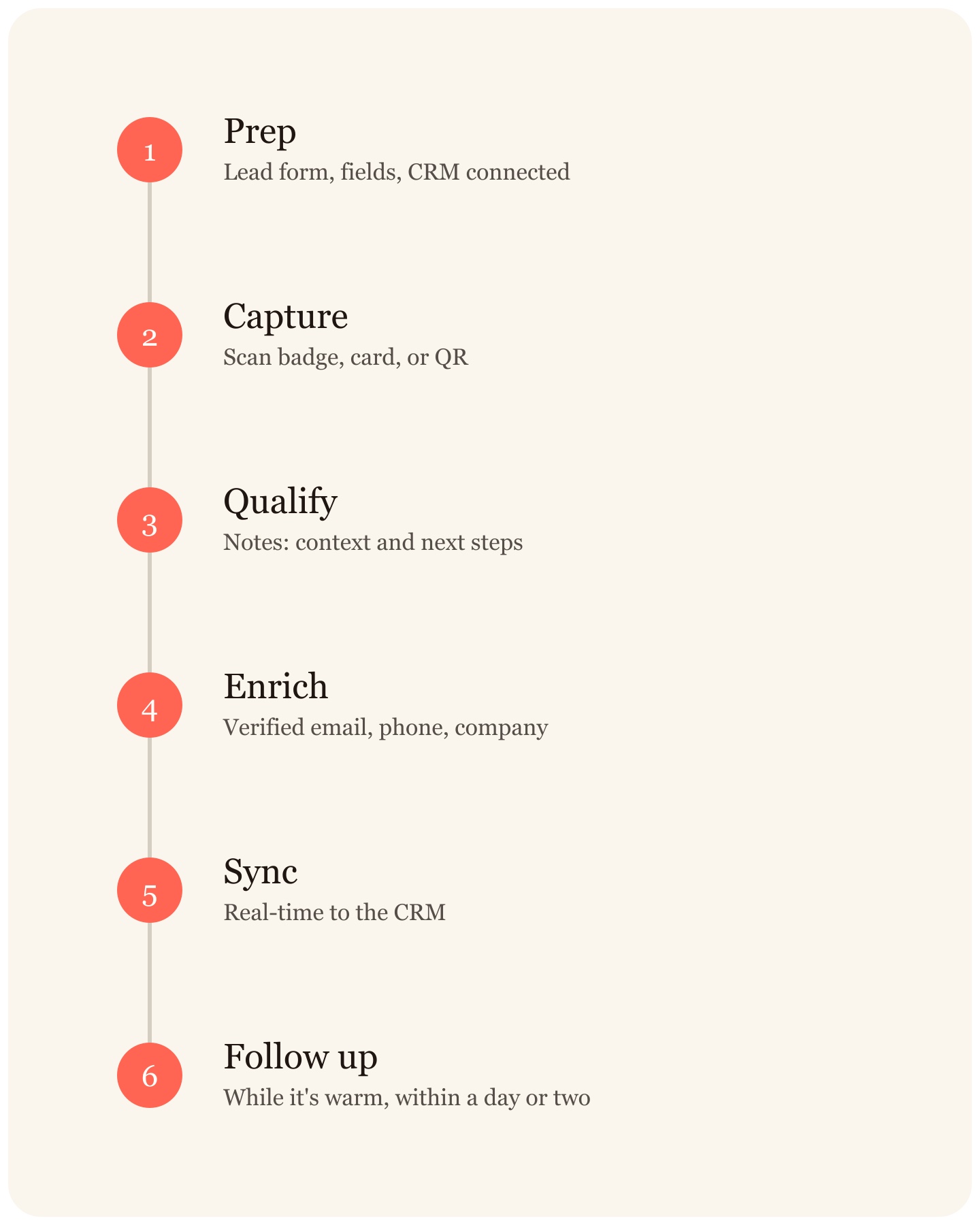
This workflow applies anywhere you capture leads: a booth, a site visit, a walk-in, a conference floor. The steps below are an example of how it might run for a team using Blinq; the exact flow varies by app.
- Prep before you head out. Set up your lead form and qualifying fields, connect the CRM (HubSpot, Salesforce, or Dynamics), and brief every rep so everyone captures. A tool locked behind three shared licenses captures almost nothing; on one sales call, a team admitted the rest of the reps wrote leads on paper while the licensed few queued for the scanner.
- Capture in the moment. Scan the badge, business card, or QR code wherever you meet the prospect. Blinq works offline and syncs when you reconnect. Have the conversation first; the scan takes seconds at the end.
- Qualify with notes while it's fresh. Add voice or typed notes on the spot. Blinq's AI Notetaker captures the conversation context, intent, and next steps automatically, so the record holds what was said, not just who was met. That context is the difference between a contact and a lead.
- Auto-enrich in about 15 seconds. AI enrichment runs a waterfall across trusted data providers and fills in verified email, phone, company details, and LinkedIn while you're still standing there. Every enriched field stays editable, so the rep can correct anything before it syncs.
- Sync to the CRM in real time. Contact, notes, enrichment, campaign tags, and rep attribution land in HubSpot, Salesforce, or Dynamics instantly, with automatic deduplication (integrations). Compare that with the export-a-CSV-and-clean-it ritual most teams still run after every event.
- Follow up while it's warm. Send the first email within a day or two, while the conversation is still fresh. The notes summary gives you the personalized first line: what you discussed, what they cared about, what happens next.
Why does speed to lead matter for field sales?
In field sales, speed to lead comes down to how many days a captured lead waits before anyone acts on it. The window runs from the conversation to the CRM to the first follow-up, and it closes fast: a business card in a tote bag or a name in a spreadsheet queue goes colder every day, while the prospect meets a dozen other vendors and forgets which booth was yours.
Most teams lose that window at the follow-up step. Research compiled by Integrate found that 80% of trade show exhibitors never follow up with their show leads at all (SalesForce, 2012), and of those that do, 38% take longer than six days (Exhibitor Online, 2015). It shows in the results: just 6% of marketers say their company converts trade show leads into business extremely well (CMO Council & E2MA, 2013). The lead a rep captures on Tuesday often gets its first touch on Thursday of the following week, if at all.
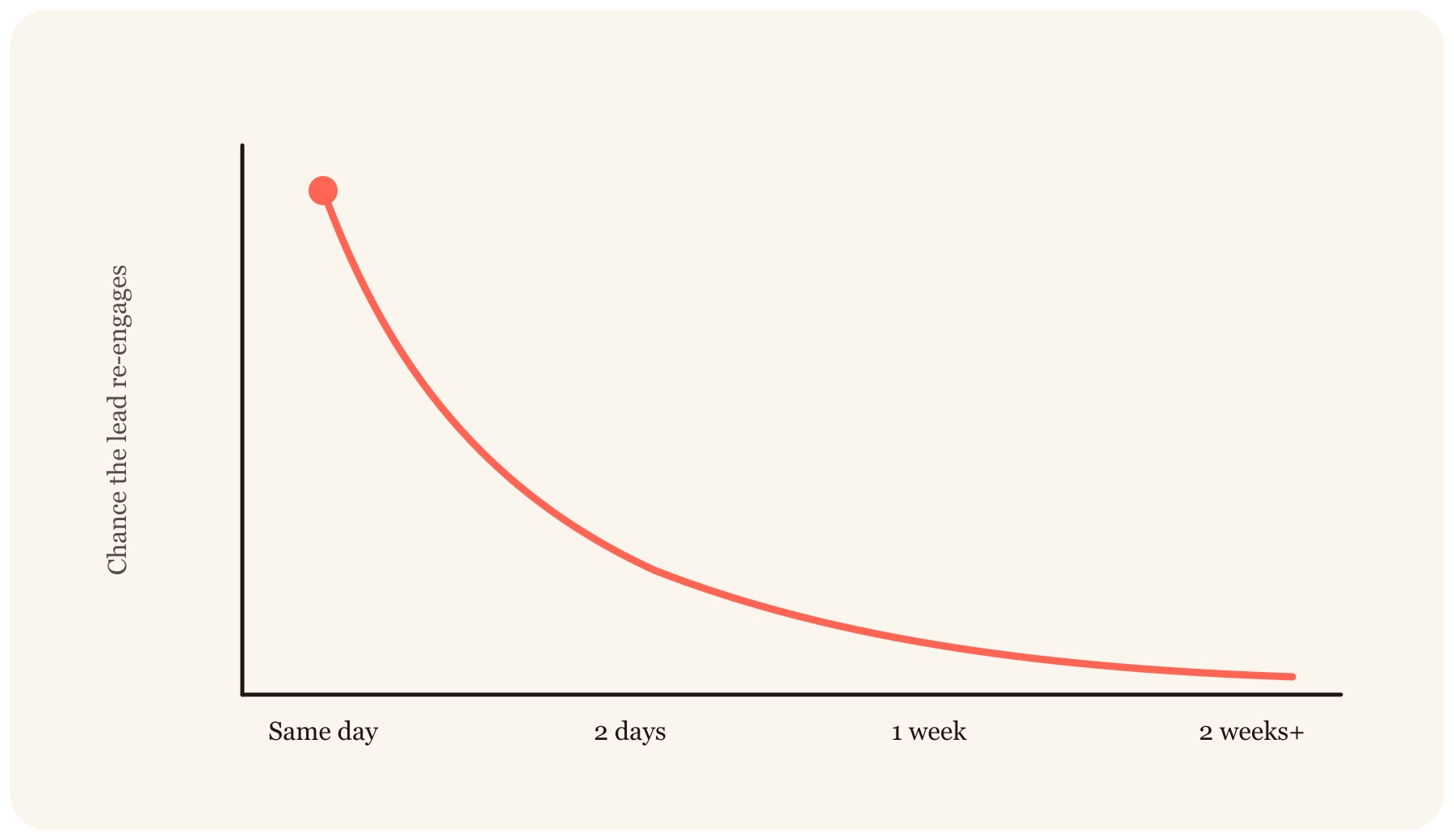
The practical takeaway: whatever your capture method, it should land the lead in the CRM the same day, enriched and ready to action, so the first follow-up can go out in a day or two while the conversation is still fresh, rather than the following week. That's the case for real-time sync.
Can you use a lead capture app outside of events?
Yes. The same lead capture app works anywhere you meet someone worth following up with, not just at events: site visits, ride-alongs, territory rounds, customer and service calls, franchise and partner visits, walk-in meetings, conferences you attend without a booth, even the airport lounge. Treat every meeting as a capture moment and record the details before you part ways.
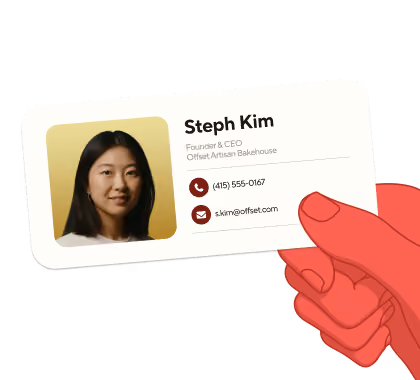
The advantage of a phone-based app is that the rep carries nothing but the phone already in their pocket. There's no scanner to rent from the event organizer and no license to buy per event. With Blinq, the lead capture app is also the rep's digital business card, so sharing that card opens the exchange: you give your details, they give theirs, and the enrichment and sync happen in the background. Contacts with context, wherever the conversation happens.
What should sales managers and event marketers track?
Managers and event marketers should measure the speed and completeness of the capture-to-pipeline chain, not raw scan counts. Six metrics cover it:
| Metric | What it tells you | Healthy signal |
|---|---|---|
| Speed to lead | Time from capture to CRM to first touch | Same day into CRM; follow-up within a day or two |
| Notes coverage | % of captured leads with conversation notes | Above 80% |
| Capture volume per rep | Adoption and effort per event or field day | Every rep capturing, not a licensed few |
| Lead-to-meeting rate | Quality of capture and follow-up | Trending up as notes coverage rises |
| Pipeline per event | Pipeline value attributed to each event or territory | Positive ROI per event |
| Enrichment completeness | % of contacts with verified email, phone, company | Above 90% |
Rep adoption is the leading indicator behind all of these: a tool reps don't open captures nothing. If you want the metrics to move, pick the tool reps already carry. For the manager's view on event ROI, see how to measure and maximize event ROI.
What's the best lead capture app for field sales reps?
There's no single best app for every team; the right pick depends on what you're optimizing for.
| App | Focus | CRM sync | Everyday field use |
|---|---|---|---|
| Blinq | Field sales lead capture | Real-time to HubSpot, Salesforce, Dynamics, Zoho, Pipedrive + Zapier | One app reps already carry (card + capture); no hardware; prospects need no app |
| Captello | Booth engagement (gamification, activations) | Syncs to major CRMs | Event-focused; per-event licensing |
| Mobly | SMB lead capture | Syncs to major CRMs and MAPs | Built around the booth motion |
| Zuant | Questionnaire-led capture with weighted lead scoring | Native to Salesforce and Eloqua; HubSpot, Marketo, Pardot via connectors | Questionnaire and kiosk modes; built around staffed events and showrooms |
For field sales specifically, where reps capture leads everywhere they work and not only at a staffed booth, the deciding factor is whether reps will actually use the tool day to day, which points to a phone-based app with automatic enrichment and real-time CRM sync that reps already carry.
Blinq is built for that: the lead capture app is the same digital business card reps already use every day, so adoption takes care of itself. It's rated #1 in digital business cards and lead capture on G2, with 4 million users and users at 93% of the Fortune 500, and captured data is protected under SOC 2 Type II.
Collect more high-quality pipeline with less manual admin. Book a demo of Blinq's lead retrieval app and see a lead go from handshake to HubSpot in under a minute.
FAQs
Do prospects need an app to share their details?
With most modern lead capture apps, no. The prospect scans a QR code or hands over a badge or business card, and nothing gets installed on their phone. With Blinq specifically, the recipient doesn't need the app to receive your card or save your details either, which keeps the capture moment light: no app-store detour, just a normal end to a good conversation.
Does field lead capture work without wifi?
It depends on the tool, and the good ones handle it. Offline capture queues the badge, card, or QR scan on the device and syncs when you reconnect. Blinq captures offline and syncs automatically, so convention-center dead zones and rural site visits don't cost you leads.
Which CRMs does a field lead capture app sync with?
The major tools cover the main CRMs; what varies is whether sync is real-time or a batch export. Blinq syncs contacts, enriched fields, notes, and tags in real time with HubSpot, Salesforce, Microsoft Dynamics, Zoho, and Pipedrive, plus Zapier, with automatic deduplication and rep attribution, so managers can trace pipeline back to the event and the rep who captured it.
Is field lead capture software free?
Some tools offer a free individual tier and charge for team features. Blinq, for example, has a free plan for individuals covering the digital card and core capture, while team-level event lead capture (AI enrichment, real-time CRM sync, attribution reporting) comes with Blinq Business at $9.99 per lead captured, with custom packages for heavier event calendars. Most reps start free and bring the team plan to their manager after one show.
Is captured lead data secure?
For company-wide use, look for SOC 2 Type II certification, GDPR compliance, and SSO for team deployments. Blinq meets all three, and stores conversation notes and enriched contact data under the same controls, which matters when the leads you capture include regulated industries or European prospects.
How fast should you follow up after meeting a lead in the field?
As fast as the context allows, and for most field and event leads that means within a day or two, not the following week. The exact timing varies by situation, but the direction is clear: studies of trade-show follow-up find most exhibitors never follow up at all, and every day a captured lead sits in a tote bag or a spreadsheet queue, the conversation cools. Real-time capture and sync matter because they let you follow up while the prospect still remembers you.