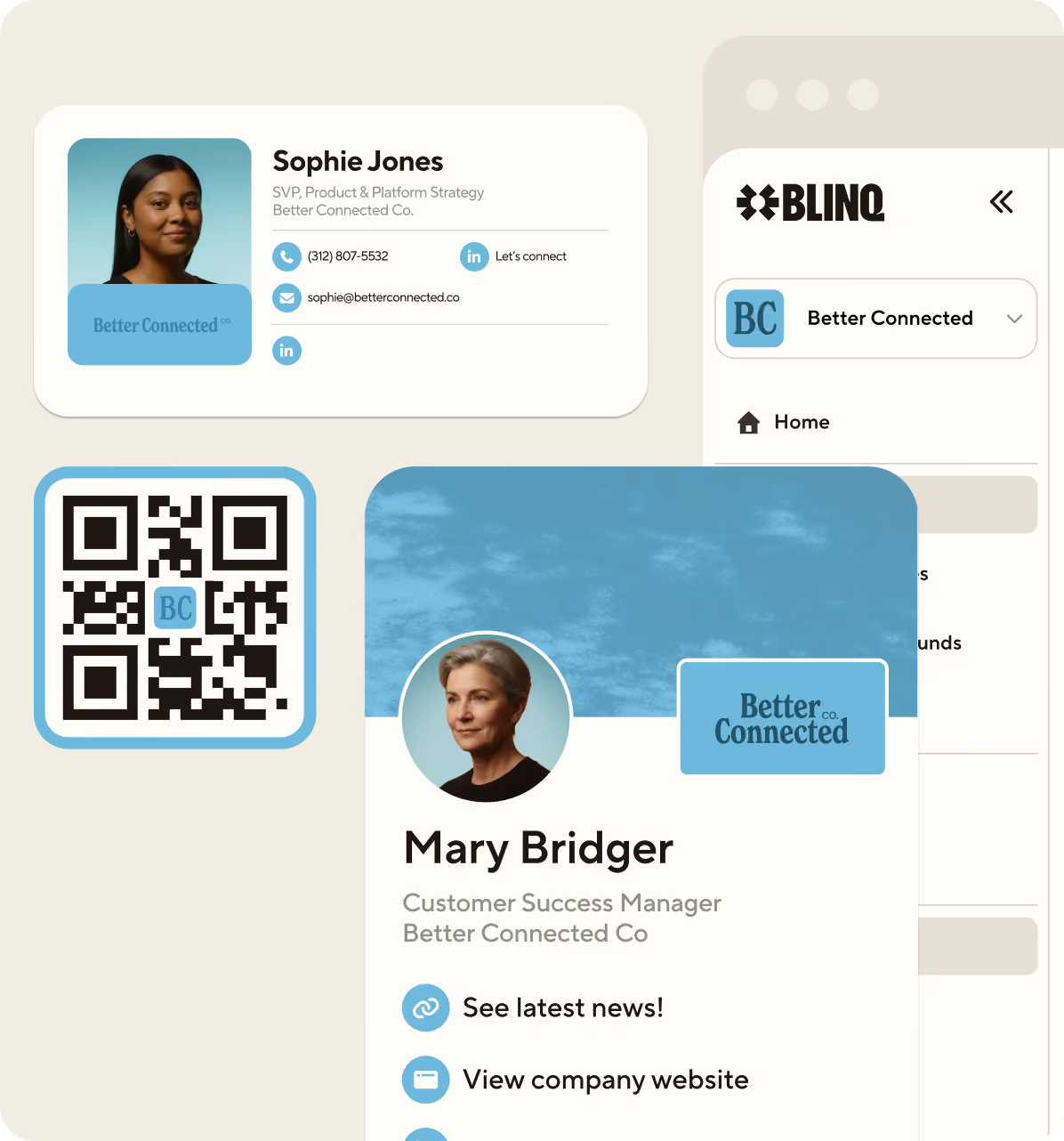
Your business card just got an upgrade

The easiest way to share who you are and never lose a contact again.

Rated 4.9/5 on 150k+ reviews

More than  4 million people across 500,000 companies choose Blinq

Create your card in seconds

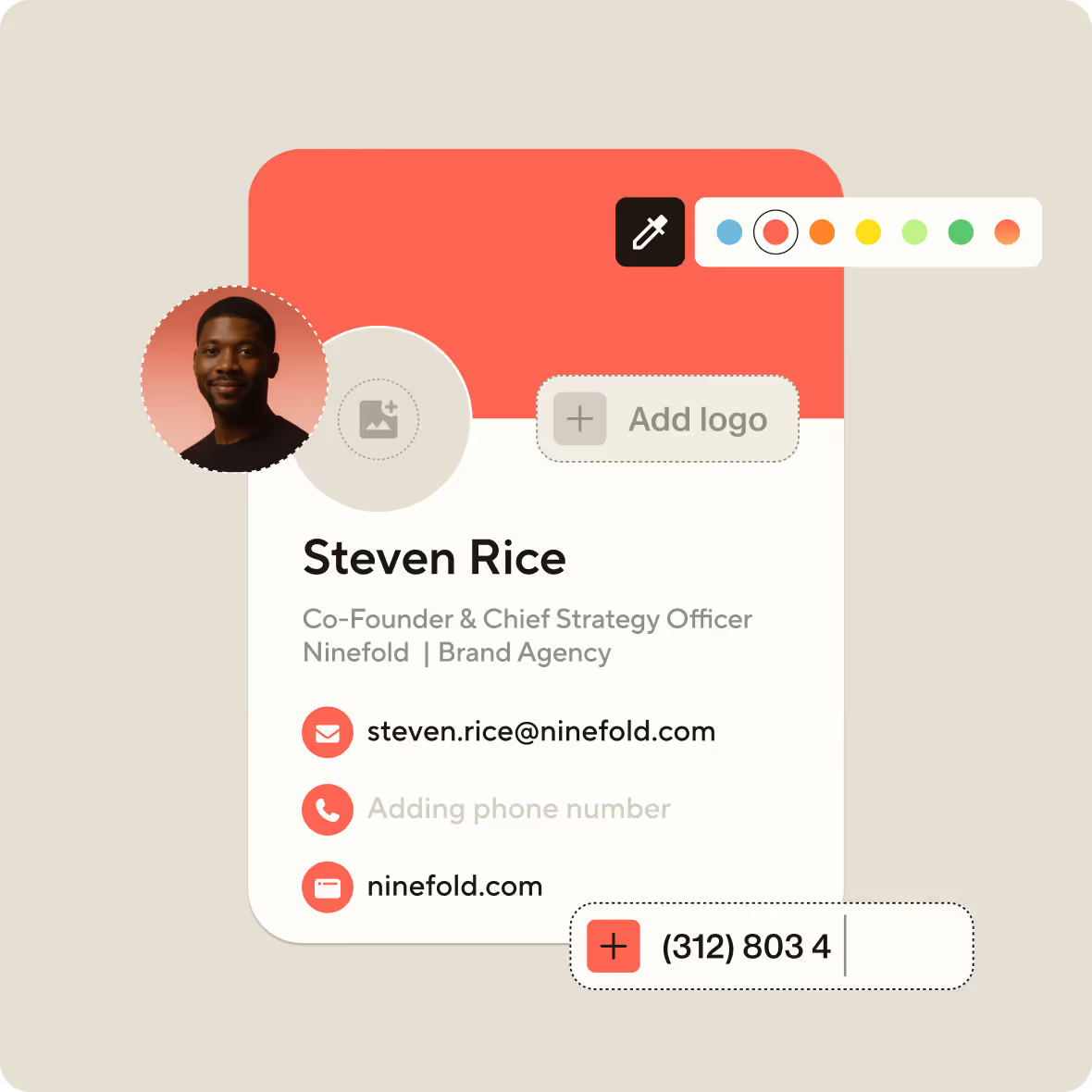
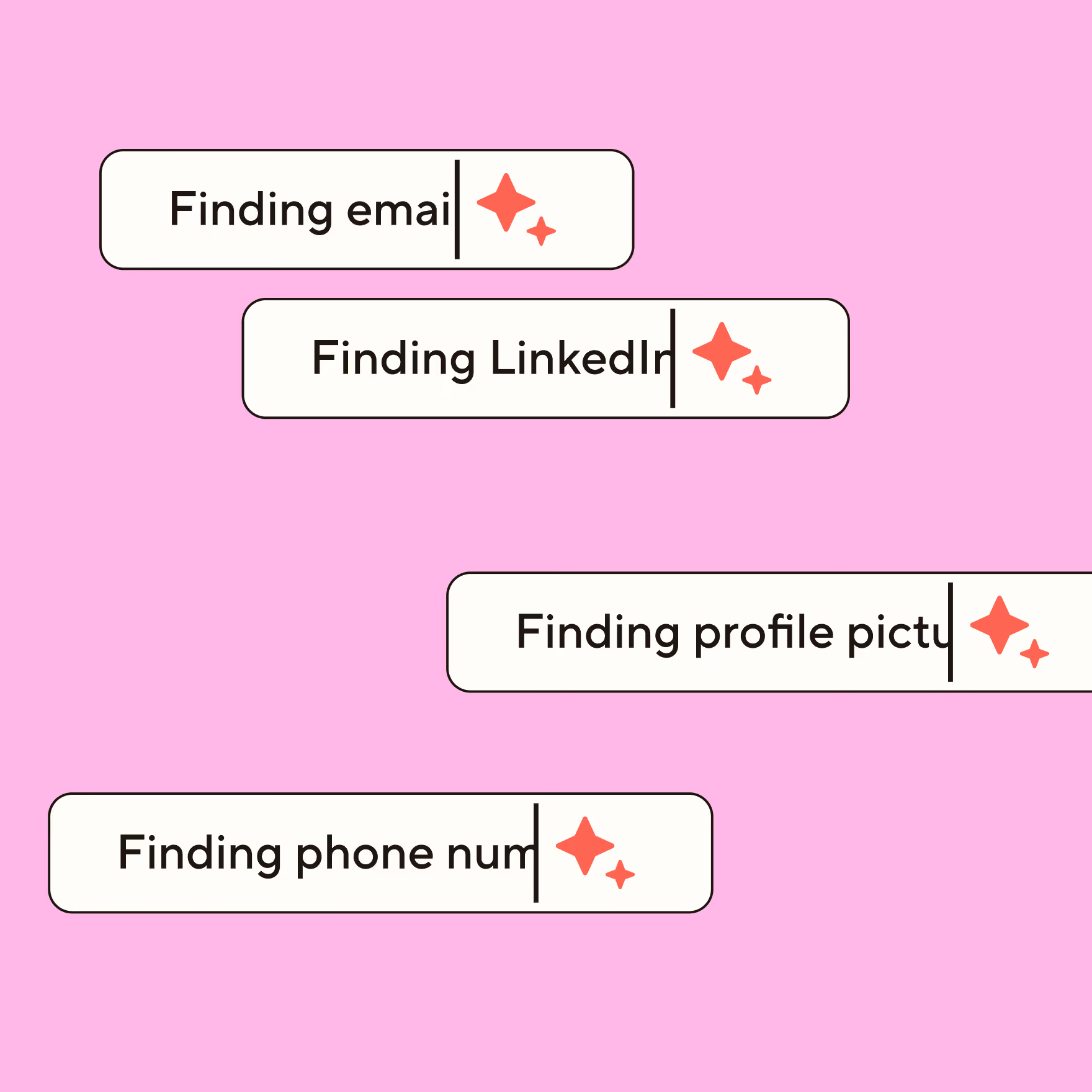
Personalize your own digital business cards with your headshot, logo and slick design templates. New job title? New logo? No problem. Update your card instantly in the Blinq mobile app.

Share your card with anyone, any way

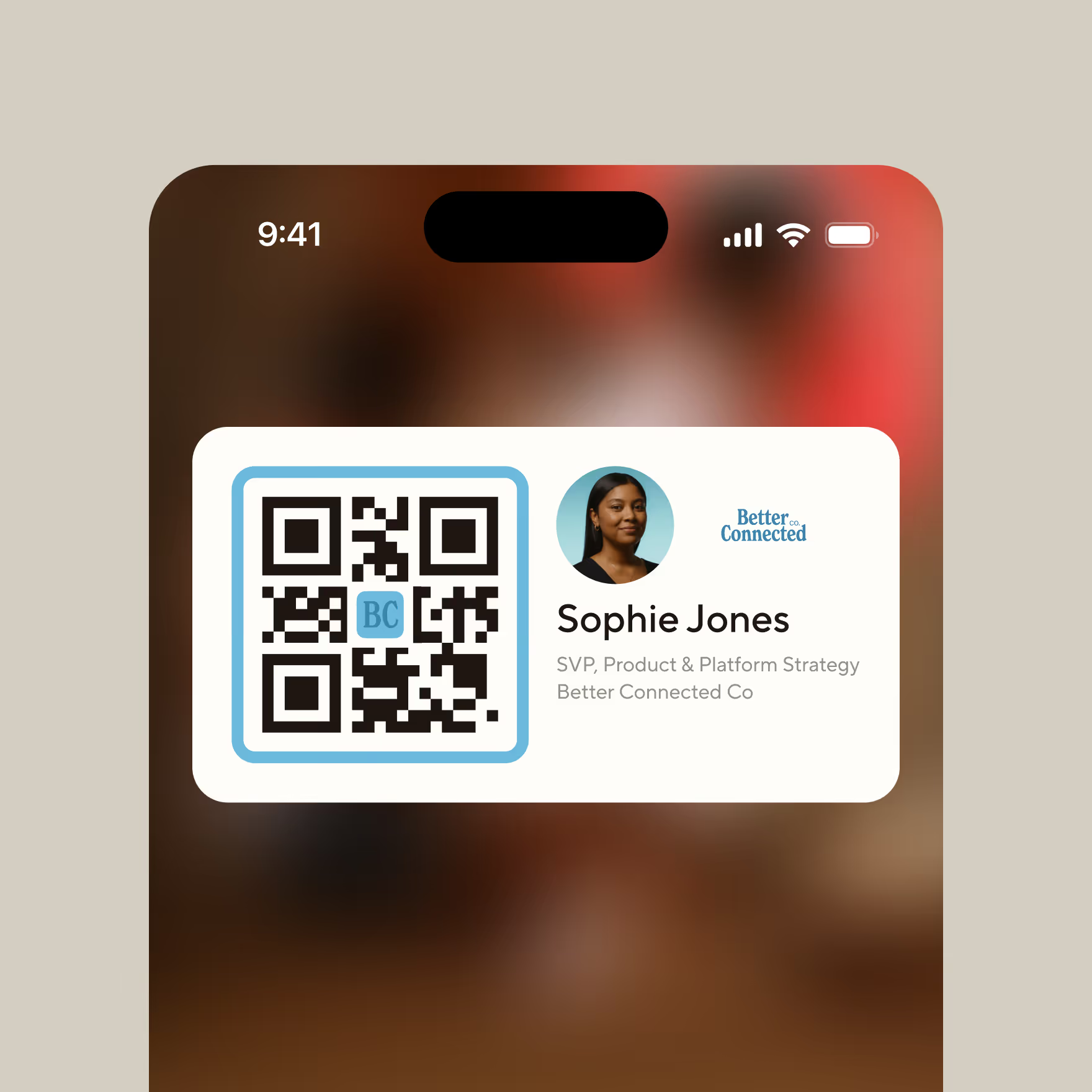
Scan. Tap. Done. QR, NFC, or link - your details land instantly even if they don't have the app.

Never forget a face, or a moment

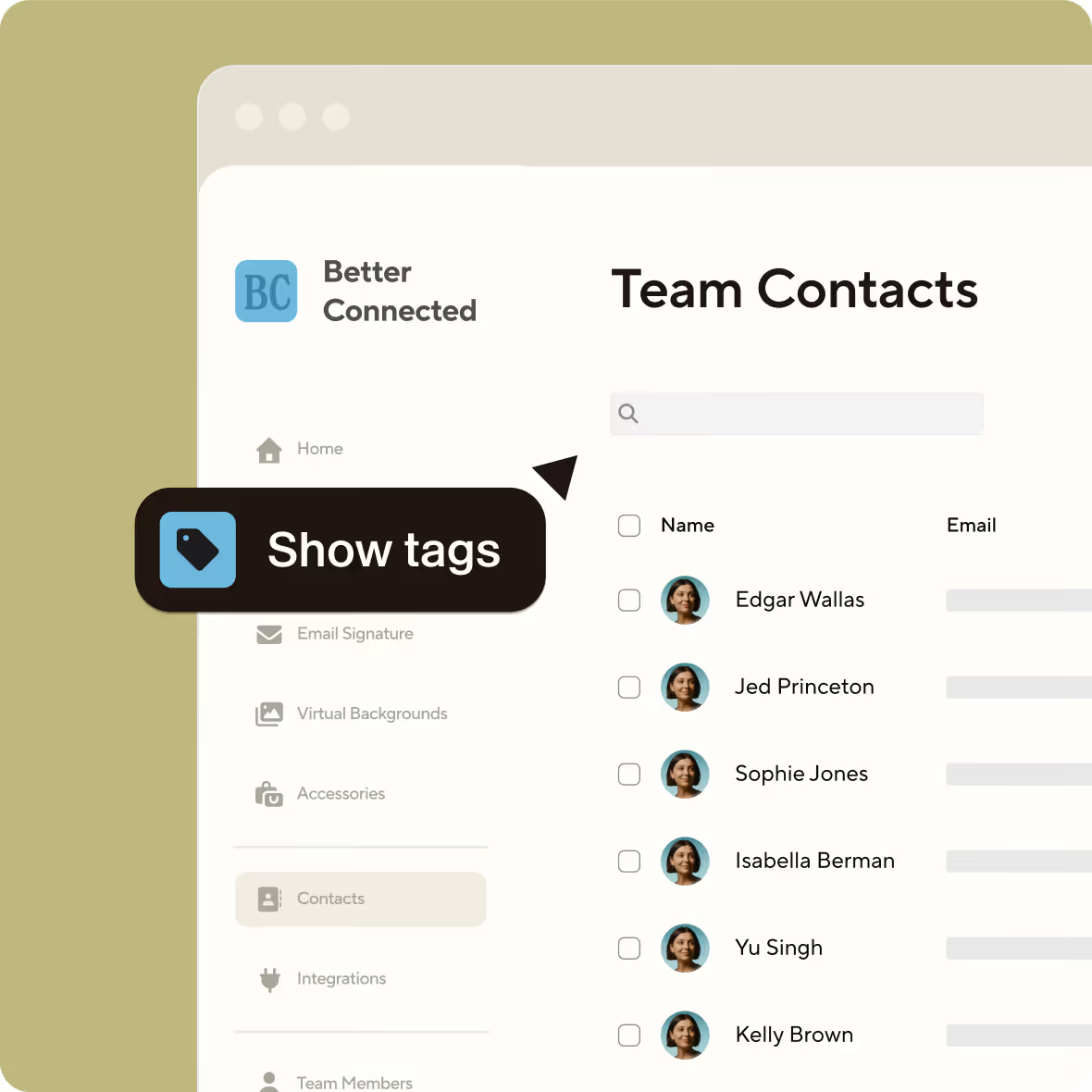
Blinq keeps track of who you met and when. Add context to your contacts so you always have an edge.

Share your card in seconds.
Scan. Tap. Done. QR, NFC, or link - your details land instantly.
Create my card
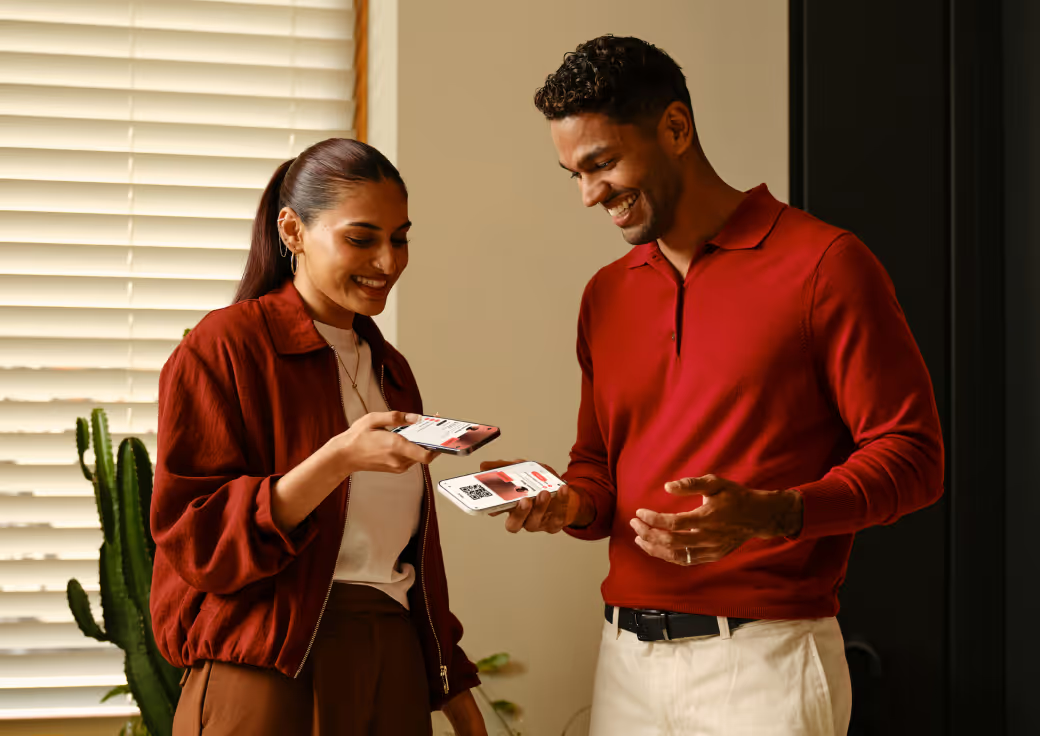
2 phones with Blinq cards
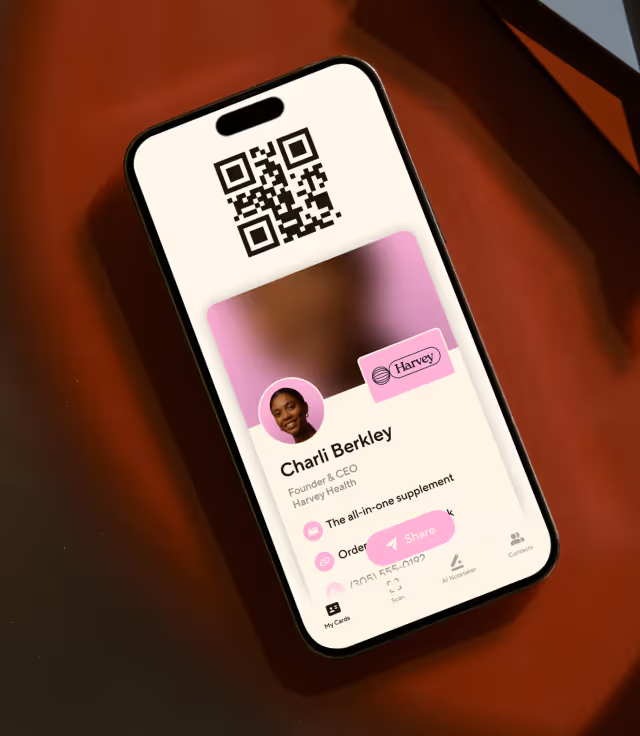
a Blinq card with the email being updated
Works everywhere. Looks sharp doing it.
iOS, Android, desktop, browser - your card shows up polished, every time. No app needed on their end.
Create my card
Never forget a face - or a moment.
Blinq keeps track of who you met and when.
Create my card
a Blinq contact page with one contact highlighted

Blinq is used by employees profiles at more than 93% of Fortune 500 companies

Scan it. Tap it. Link it. Blinq it.

QR in App

No clutter. No friction. Open the Blinq app and share in seconds.

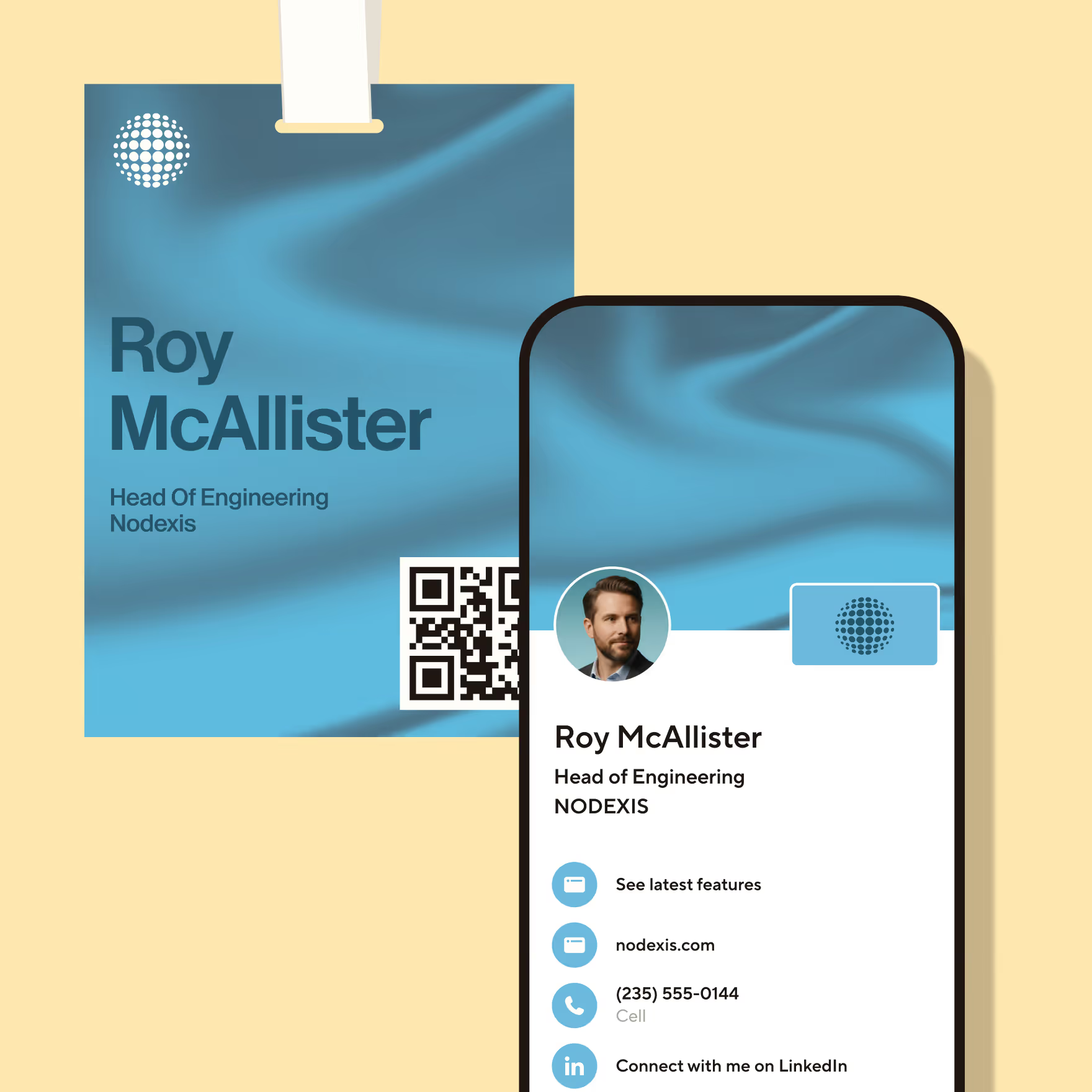
NFC Cards

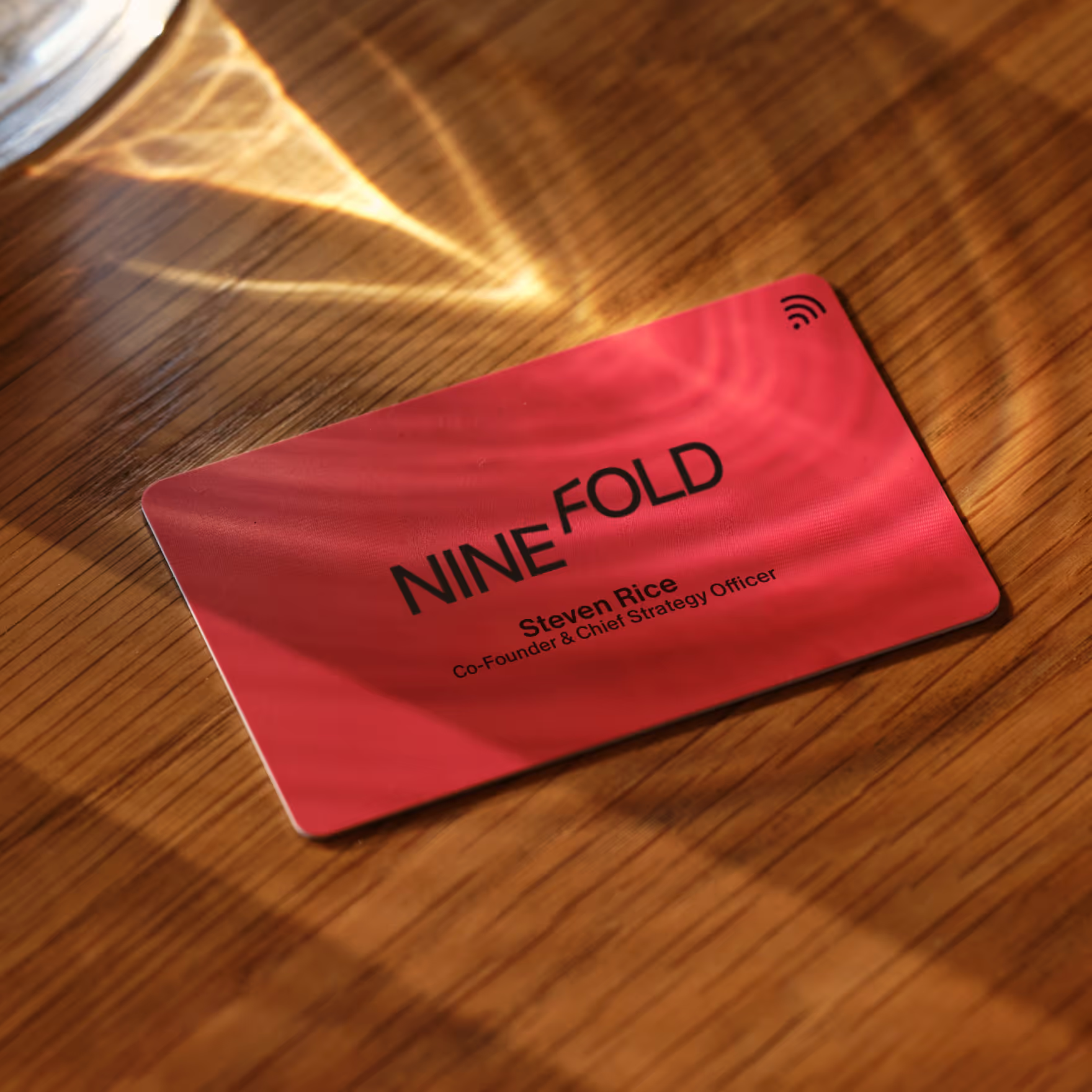
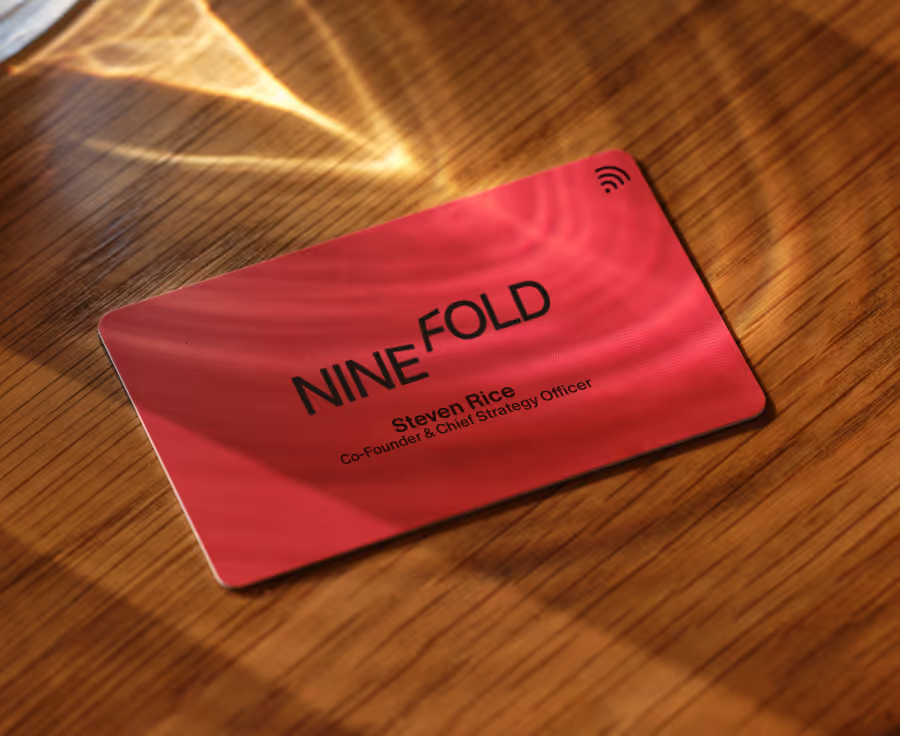
Link your accounts to a Blinq NFC card that looks and feels premium

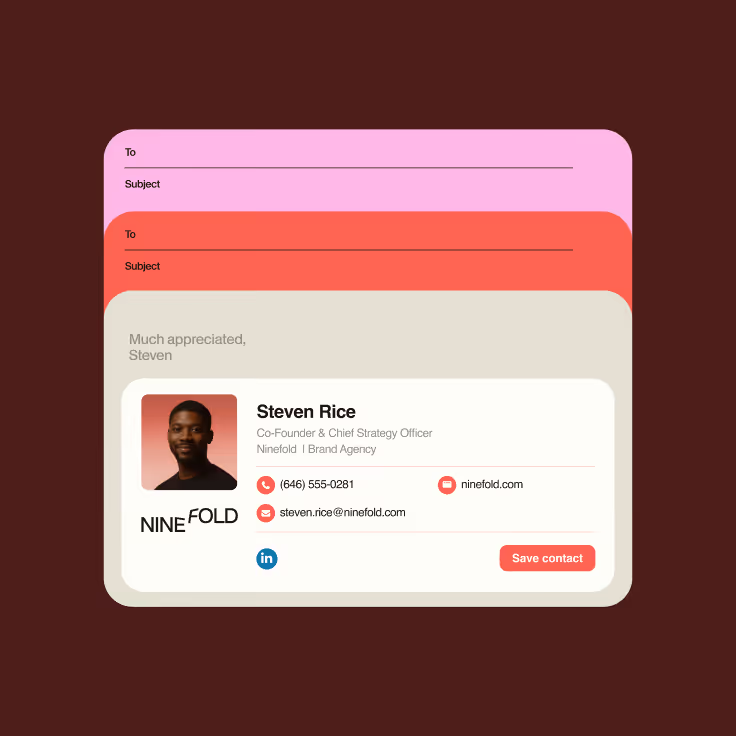
Email Signatures

Extend your brand into every email with logos, links and more.

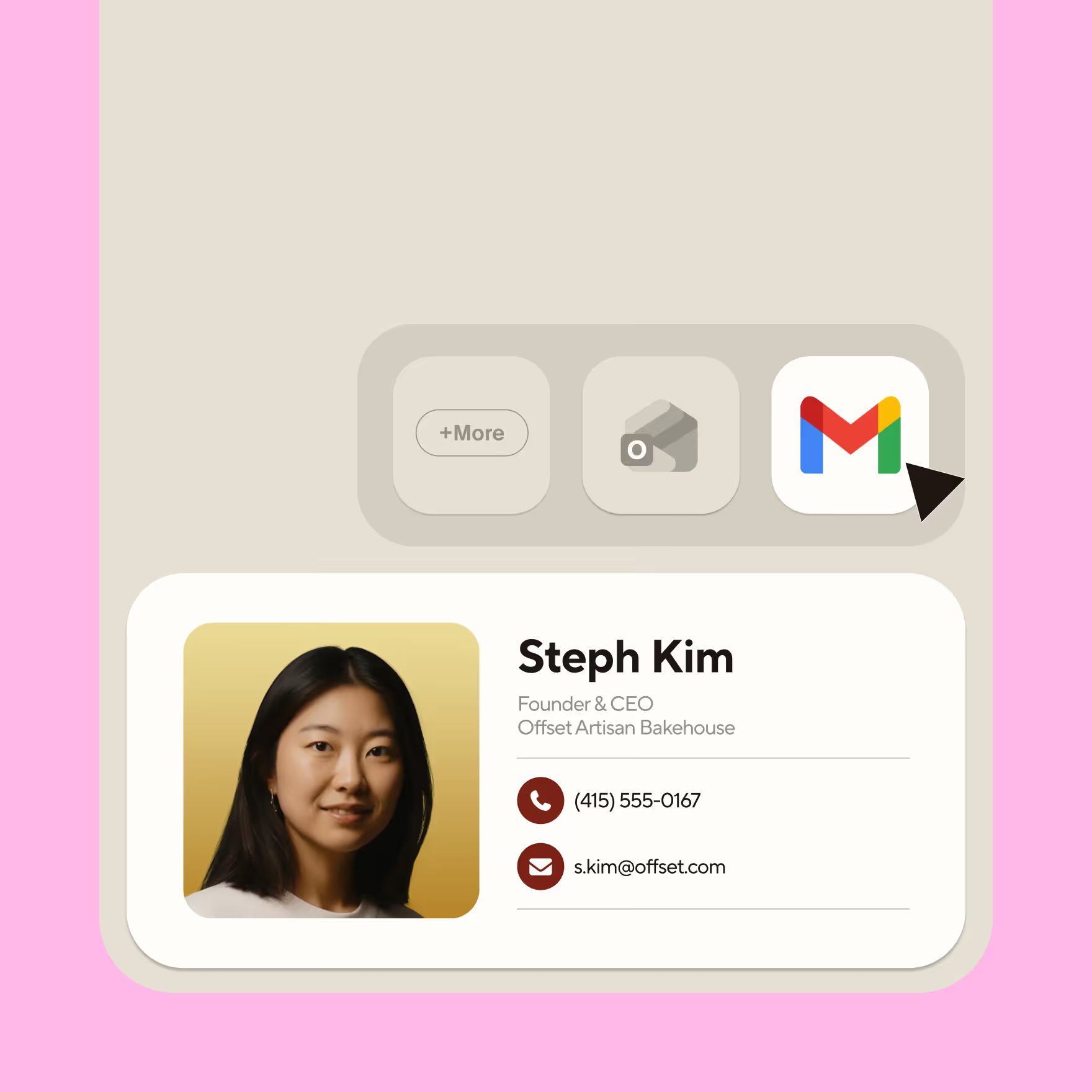
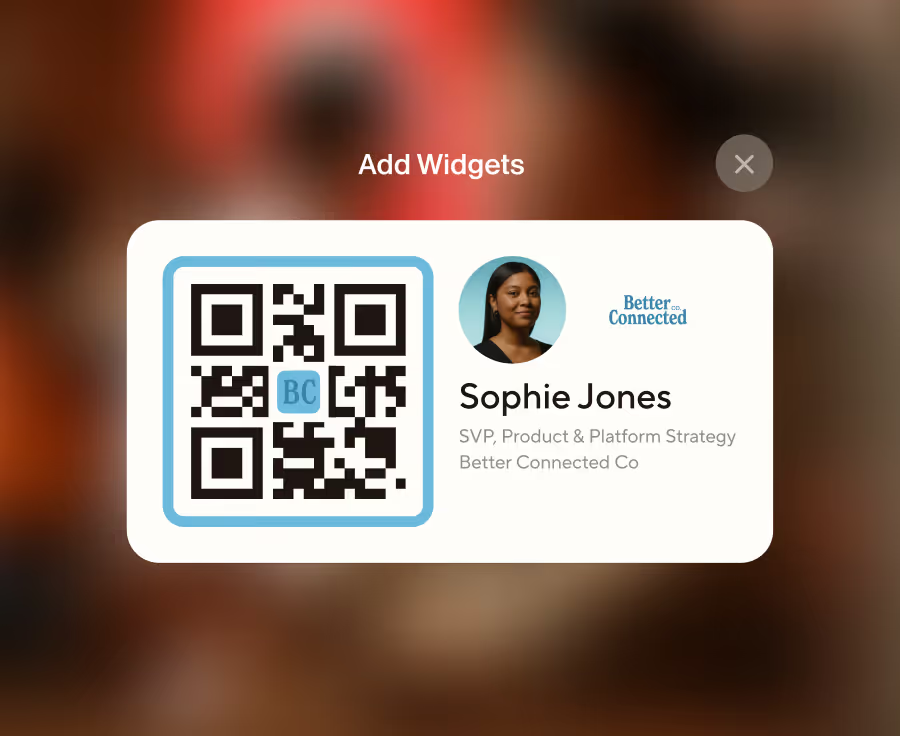
Widgets

Put your best self forward, directly from your home screen.

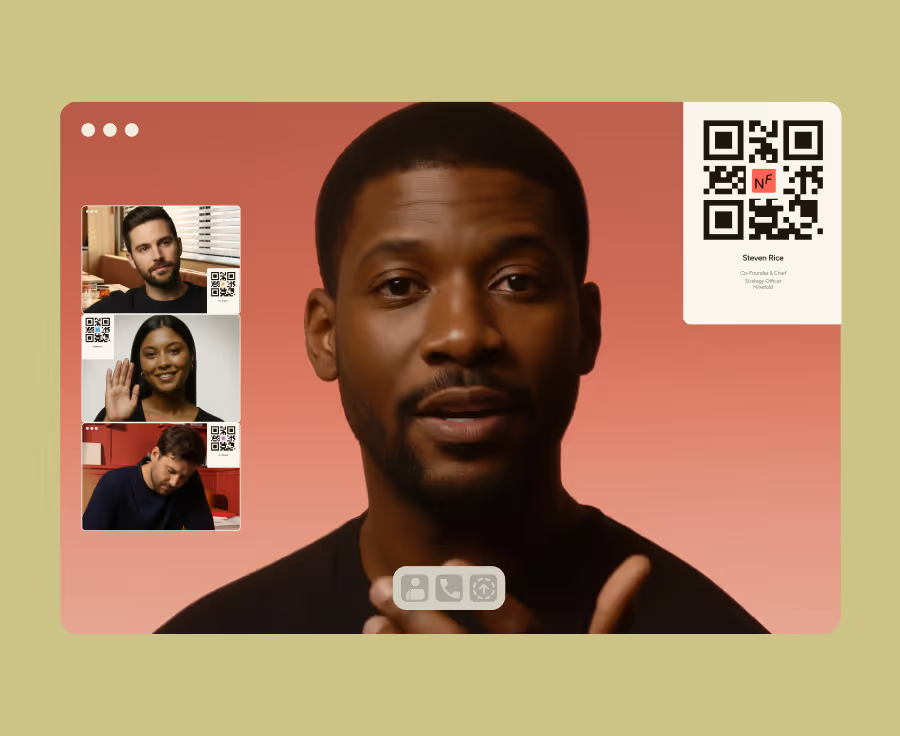
Virtual Meeting Backgrounds

Extend your brand into every virtual meeting and leave a lasting impression

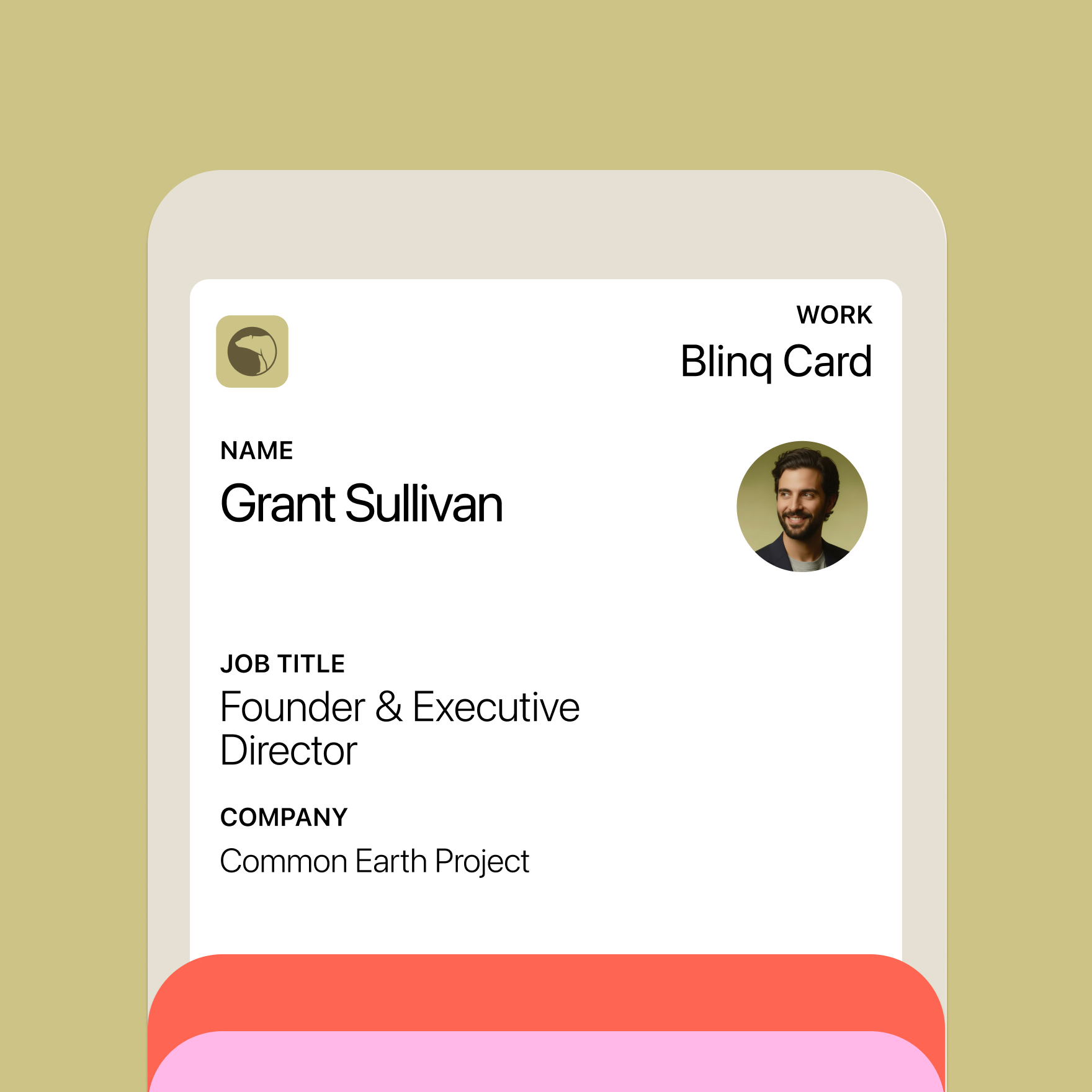
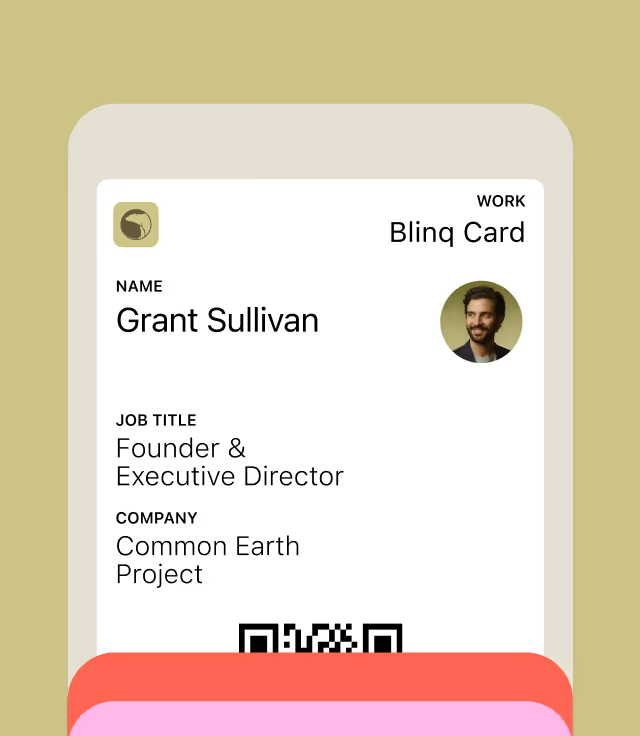
Wallet

You're always one tap away from sharing directly from your Apple or Google Wallet

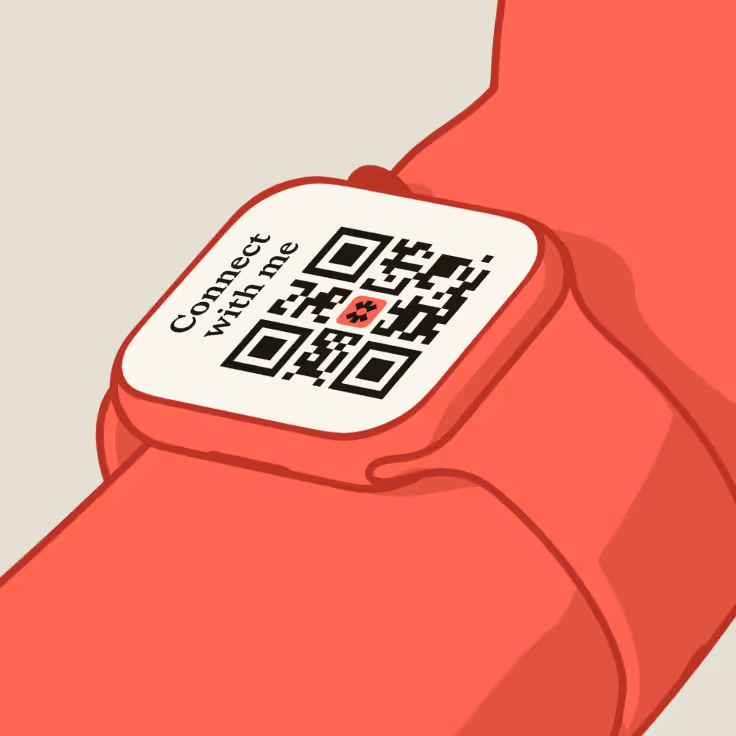
Watch

On the go? Your card is with you always. Share directly from your wrist.

Scan It. Tap It. Link It.

One account. So many ways to share.

QR in App

No clutter. No friction. Open the Blinq app and share in seconds.
Learn more

NFC Cards

Link your account to a Blinq NFC card that looks and feels premium.
Learn more

Email Signatures

Extend your brand into every email with logos, links and more.
Learn more

Widgets

Put your best self forward, directly from your home screen.
Learn more

Virtual Meeting Backgrounds

Extend your brand into every virtual meeting and leave a lasting impression.
Learn more
A Blinq digital business card added to Apple Wallet

Wallet

You’re always one tap away from sharing directly from your Apple or Google Wallet
Learn more
A Blinq digital business card widget on an Apple Watch

Watch

On the go? Your card is with you always. Share directly from your wrist.
Learn more

Why teams love Blinq

Every card, always on brand

Lock in your logo, colors, and messaging - every team member, every time. Brand consistency, built in.

Sync with your CRM in seconds

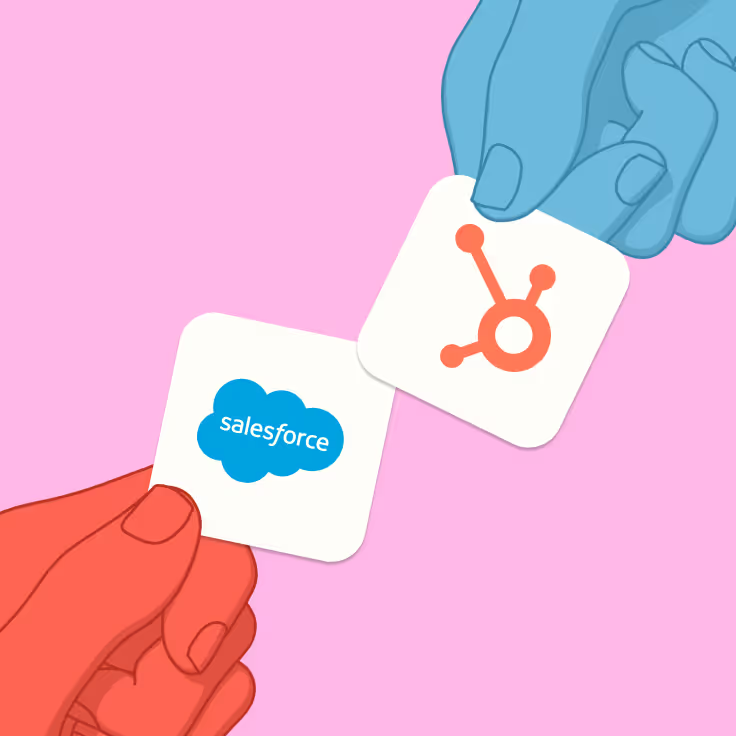
Create new leads and centralize your contacts in one place. Blinq allows you to sync your contact data with your chosen CRM, helping your team close deals faster.

Centralized management with robust admin controls

Blinq's admin dashboard enables user management at scale. Create, edit and assign cards in bulk. Assign roles and permissions based on team function. Complete control over how your team shows up in the world.

Built to scale with your team

Onboard new employees in minutes and only pay for what you need. Blinq grows with your business.
Lead Capture

Lead capture tools that turn IRL into ROI

Blinq scans badges, cards, or contacts on the spot and syncs them to your CRM automatically, enriched with context. Your team stays focused on people, not admin.

Built for enterprise. Secure from day one.

Centrally managed. Role-based. Fully brand-aligned. Blinq is secure, scalable, and designed to meet enterprise standards without slowing you down.

Scan it. Tap it. Link it. Blinq it.

Email signatures

Turn every email into a touchpoint by adding your contact info, branding, and links.

Virtual backgrounds

Showcase your details and company branding on every Zoom, Meet, or Teams call.

Widgets

Put your best self forward, directly from your home screen.

NFC cards

Link your account to a Blinq NFC card that looks and feels premium.
No. 1 on
Apple App Store logo with stylized white 'A' on a blue gradient background.Google Play Store multicolored triangular play button icon.Icon of a stylized orange and red circular arrow with a lightning bolt in the center.Capterra logo with stylized multicolor arrow in blue, orange, and teal.

Rated the #1 digital business card globally

+37 MORE

Trusted by millions of users around the world

“Being able to share my Blinq card digitally has made spreading the word about my small business so easy. My menu, hours and services are all conveniently located in one spot!”
TeamRimons
Apple App Store
Google Play Store
Trustpilot Reviews
Capterra Reviews
Blinq is VERY convenient
“I almost ALWAYS have my phone so I am able to network with others even if I don’t have my physical cards.”
Lori
Apple App Store
Google Play Store
Trustpilot Reviews
Capterra Reviews
“Gone are the days where I used to provide a business card to a client who then lost it and never called me again. Since using Blinq the amount of callbacks I’ve gotten from clients has at least doubled. Customer service has also been fantastic as they helped me set up an enterprise account for my entire business and employees!”
@sayless21
Apple App Store
Google Play Store
Trustpilot Reviews
Capterra Reviews
“I NEVER REMEMBER TO GRAB BUSINESS CARDS. I was constantly scrambling to get people my contact info. With Blinq I just pop open the app and have people scan. It even become a conversation starter.”
L. Robert
Apple App Store
Google Play Store
Trustpilot Reviews
Capterra Reviews
Never having to worry about business cards
“Blinq helps me to stay ready with a flash and my card is available at all times.”
Customer
Apple App Store
Google Play Store
Trustpilot Reviews
Capterra Reviews
Love how easy it is to use!!
“I’ve had Blinq now for 4 months and LOVE how easy it is to use and effective it is!! This is the RIGHT app for sharing my info and with the photo option it’s super easy for anyone to grab my information! I couldn’t be happier!”
@gmphilbeck
Apple App Store
Google Play Store
Trustpilot Reviews
Capterra Reviews
Really easy to use
“So much better than carrying around business cards and with lots of additional features. I use it in everyday business and it’s a must for networking events. Very professional organisational support. Highly recommend.”
@super_nova
Apple App Store
Google Play Store
Trustpilot Reviews
Capterra Reviews
“Being able to share my Blinq card digitally has made spreading the word about my small business so easy. My menu, hours and services are all conveniently located in one spot!”
TeamRimons
Apple App Store
Google Play Store
Trustpilot Reviews
Capterra Reviews
“This is a great app to give and receive contact details easily. I used it today again at a forum and shared details with at least 6 people.”
Connie
Apple App Store
Google Play Store
Trustpilot Reviews
Capterra Reviews
Simple and Effective!
“These guys have created a highly functional and ergonomic app that is simple and effective. Also I’ve just experienced their customer service which was lightning fast and helpful. Instantly fixed my issue with it. I know this sounds like a cheesy ad but I’m genuinely impressed.”
@siddbee
Apple App Store
Google Play Store
Trustpilot Reviews
Capterra Reviews
Blinq is VERY convenient
“I almost ALWAYS have my phone so I am able to network with others even if I don’t have my physical cards.”
Lori
Apple App Store
Google Play Store
Trustpilot Reviews
Capterra Reviews
Love this app
"Everyone loves when I send them my info from the app. And the UI is the best out there.”
D Marie
Apple App Store
Google Play Store
Trustpilot Reviews
Capterra Reviews
“This is a great app to give and receive contact details easily. I used it today again at a forum and shared details with at least 6 people.”
Connie
Apple App Store
Google Play Store
Trustpilot Reviews
Capterra Reviews
It was a lifesaver!
“Super easy to use, smart, and free! It also gives you near limitless ways to share.”
Jeff Lowenstein
Apple App Store
Google Play Store
Trustpilot Reviews
Capterra Reviews
“Gone are the days where I used to provide a business card to a client who then lost it and never called me again. Since using Blinq the amount of callbacks I’ve gotten from clients has at least doubled. Customer service has also been fantastic as they helped me set up an enterprise account for my entire business and employees!”
@sayless21
Apple App Store
Google Play Store
Trustpilot Reviews
Capterra Reviews
“I’m very pleased with this app and frequently recommend it to others. Since my phone is nearly always with me, I always have an infinite supply of business cards with me.”
Ayeshia S.
Apple App Store
Google Play Store
Trustpilot Reviews
Capterra Reviews
Love this app
"Everyone loves when I send them my info from the app. And the UI is the best out there.”
D Marie
Apple App Store
Google Play Store
Trustpilot Reviews
Capterra Reviews
Blinq is VERY convenient
“I almost ALWAYS have my phone so I am able to network with others even if I don’t have my physical cards.”
Lori
Apple App Store
Google Play Store
Trustpilot Reviews
Capterra Reviews
Easy to use
“Folks love having an instant connection! Wonderful product. Good job!”
China A.
Apple App Store
Google Play Store
Trustpilot Reviews
Capterra Reviews
Love this app
"Everyone loves when I send them my info from the app. And the UI is the best out there.”
D Marie
Apple App Store
Google Play Store
Trustpilot Reviews
Capterra Reviews
“Being able to share my Blinq card digitally has made spreading the word about my small business so easy. My menu, hours and services are all conveniently located in one spot!”
TeamRimons
Apple App Store
Google Play Store
Trustpilot Reviews
Capterra Reviews
“This is a great app to give and receive contact details easily. I used it today again at a forum and shared details with at least 6 people.”
Connie
Apple App Store
Google Play Store
Trustpilot Reviews
Capterra Reviews
It was a lifesaver!
“Super easy to use, smart, and free! It also gives you near limitless ways to share.”
Jeff Lowenstein
Apple App Store
Google Play Store
Trustpilot Reviews
Capterra Reviews
Really easy to use
“So much better than carrying around business cards and with lots of additional features. I use it in everyday business and it’s a must for networking events. Very professional organisational support. Highly recommend.”
@super_nova
Apple App Store
Google Play Store
Trustpilot Reviews
Capterra Reviews
Love how easy it is to use!!
“I’ve had Blinq now for 4 months and LOVE how easy it is to use and effective it is!! This is the RIGHT app for sharing my info and with the photo option it’s super easy for anyone to grab my information! I couldn’t be happier!”
@gmphilbeck
Apple App Store
Google Play Store
Trustpilot Reviews
Capterra Reviews

Blinq cards for every occasion

Blinq helps you make the best first impression.

Want Blinq for your team?

Blinq makes it effortless to roll out digital cards across your org. Stay on-brand and sync with your systems - without the paper trail.
Loved by industry leaders

Frequently asked questions

How do I create a digital business card?

Creating your Blinq digital business card takes less than a minute. Start by creating your card, or by downloading the app (iOS/Android). You'll be guided through the card creation process, where you can add your contact details, a profile photo, and customize your card with your company logo. Once done, you'll be ready to start sharing straight away.

Is Blinq free to use?

Yes! Blinq is free for everyone. You’ll get access to digital business cards, virtual backgrounds, and dynamic email signatures. With Blinq Premium, you unlock added customization and export options, which are free to trial for 7 days.

How do I share my Blinq card with someone who doesn't have the app?

If the recipient doesn’t have the Blinq app, your card will open in their web browser. They can easily save your details and share theirs back with you, making it easy and convenient to reconnect.

How do I share a digital business card?

Sharing your digital business card is super simple. You can have recipients scan the QR code from your Blinq app, or share it via text, email, Widgets, Apple Wallet, or even from your Apple Watch. It’s instant and convenient—perfect for sharing in person or online.

What’s the difference between a digital business card and a traditional business card?

A Blinq digital business card is like a traditional business card, but made for modern networking! No more printing costs, cards getting lost, or outdated details. It’s always on your phone, ready to share, and  can capture the details of the person you're meeting making it easy to follow-up—plus, it’s eco-friendly and completely customizable to match your business.

What are the benefits of using a digital business card?

Share your contact details easily: A digital business card is the quickest and easiest way to share your professional identity.

Your card is always with you: Whether you prefer to share using the app, from your Apple Wallet, your smart watch or home screen widgets, it will be with you wherever you and your device goes, no need to carry paper cards anymore.

Works every time: Those who receive your card don’t need the Blinq app to get your contact details.

Always stay up-to-date: If you change your contact information on your QR code business card, those who have your card will see your updated information.

How do I get Blinq for my team or business?

Setting up Blinq for your team is easy. With Blinq Business, you can manage multiple cards, customize them with your branding, and sync your team's contacts directly with your CRM. Check out our Blinq Business subscription for more details.

How much does a digital business card cost?

You can create your own Blinq digital business card for free! Start by downloading our top rated iOS app or Android app, or get started using our web dashboard.

Our onboarding process will guide you through the setup process including how to customize your card with logos, profile images, colours and more. You’ll then be ready to share your digital business card in seconds!

You can also sign up for Blinq Premium to create more cards for yourself or for Blinq Business if you’re looking to create cards for your wider business team. For full pricing information view our Pricing Page.

How do NFC business cards work?

Blinq offers NFC or ‘Near Fields Communication’ business cards for you and your team. NFC cards have a chip embedded in each card that can be synced with your Blinq digital business card.

When you want to share your details, simply tap the card on the user's compatible smartphone which will bring up a link containing your Blinq card, it really is like magic. You can purchase NFC cards via our app or our website today. Alternatively, if you already have an NFC card made by another company, you can encode it with your Blinq card by encoding your Blinq card link onto it.

How does Blinq integrate with my existing tech stack?

Blinq Business has several integrations with tools your team already uses, like HubSpot, Salesforce, Microsoft Dynamics, and more. An example of how this plays out for teams: you can sync your contacts as leads directly into your CRM, automatically provision your team's cards using Microsoft Entra, and remotely manage dynamic email signatures using Google Workspace.

What are dynamic email signatures, and how do I create one with Blinq?

Dynamic email signatures let you extend your brand with every email you send. With Blinq, you can create professional, branded signatures that match your digital business card in just a few clicks.

What are virtual backgrounds, and how can I use them with Blinq?

Blinq’s virtual backgrounds let you add a professional touch to your video calls with a branded QR code embedded directly into your custom background. Simply choose one of our backgrounds or upload your own and showcase your brand during virtual meetings.